
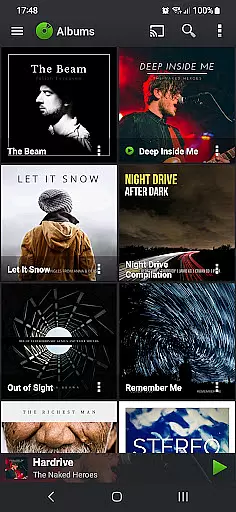
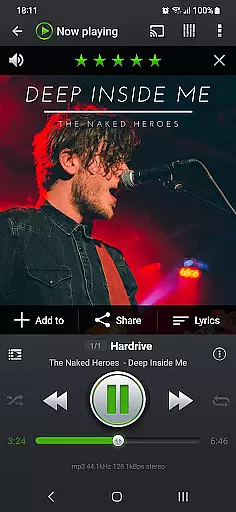
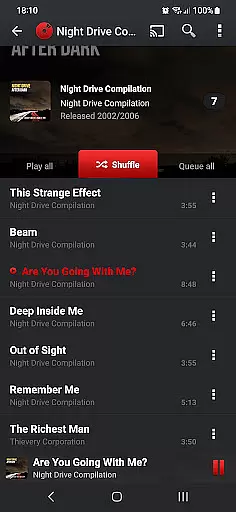
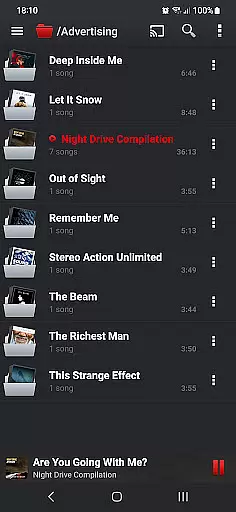
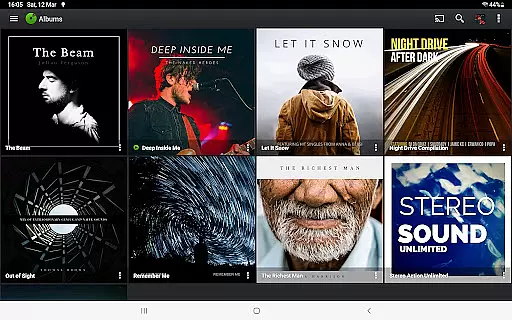
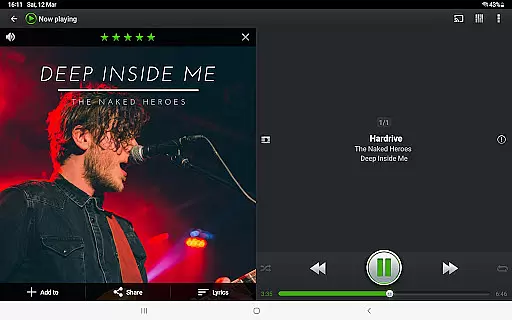
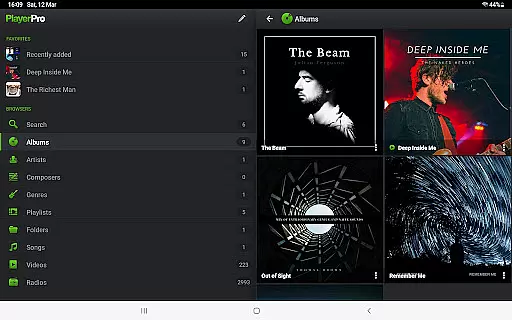
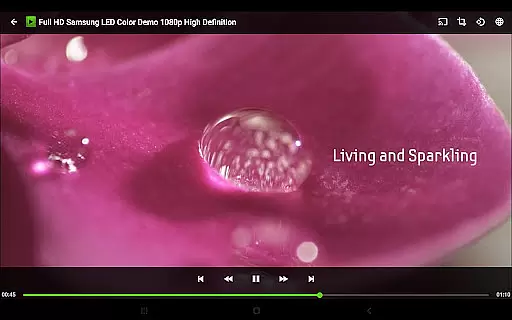
PlayerPro Music Player (Pro) is a premium music and video player designed for Android users who demand both quality and functionality. This app stands out with its sleek, user-friendly interface and powerful audio customization options, making it ideal for audiophiles and casual listeners alike.
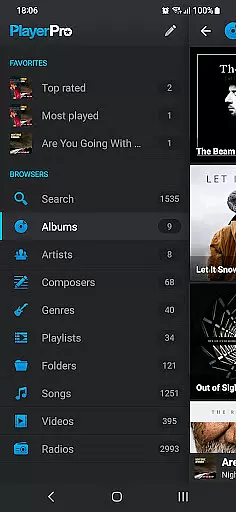
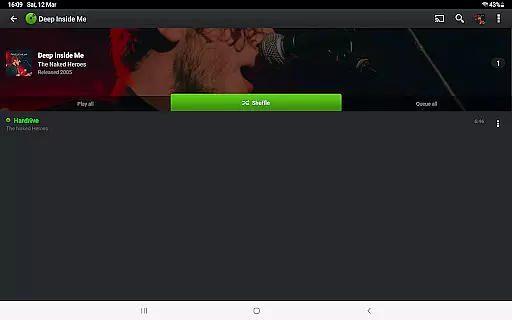
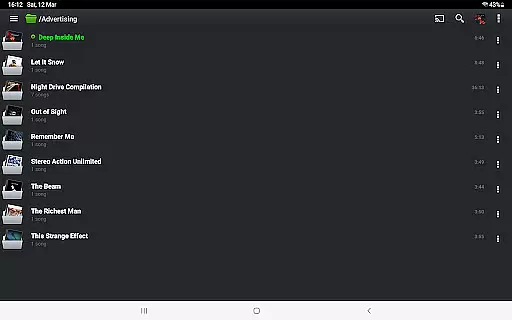
The application supports various browsing methods including albums, artists, genres, and playlists, while offering advanced features like Android Auto compatibility and Chromecast streaming. Users can enhance their libraries with album artwork and enjoy customizable layouts through downloadable skins and plugins.
Whether you're commuting or relaxing at home, PlayerPro ensures an immersive audio experience. Its comprehensive feature set includes ID3 tag editing, professional DSP effects, smart playlists, and even Google Drive backup, providing exceptional value for those seeking a complete multimedia solution.
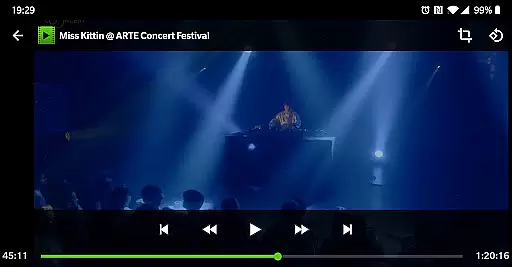
PlayerPro Music Player (Pro) boasts an impressive array of features that cater to diverse user needs. The app allows music navigation through multiple categories such as albums, artists, and genres, while also supporting video playback and worldwide radio streaming.
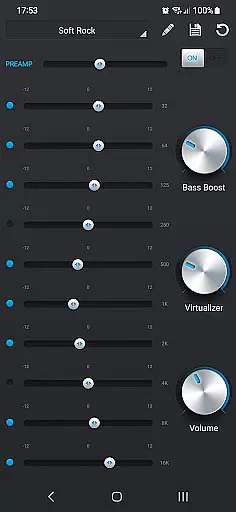
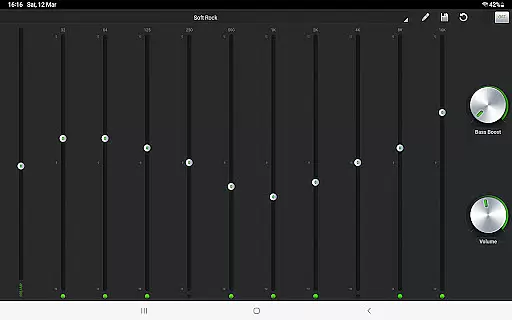
Audio enthusiasts will appreciate the advanced sound customization options. The app includes a 5-band graphic equalizer with presets, stereo widening, and reverb effects. Additionally, users can download a free DSP plugin for high-resolution audio support and more sophisticated equalization controls.
Customization is at the heart of PlayerPro's design. Users can personalize their experience with various skins, grid or list views, and customizable lock screen widgets. The app also offers innovative gesture controls, voice search integration, and automatic library backups to Google Drive, ensuring both convenience and peace of mind.
PlayerPro Music Player (Pro) offers an extensive music library that supports all major audio formats including MP3, FLAC, and WAV. This ensures users can access a vast range of music without compatibility issues.
The app allows browsing and playing music in multiple ways such as by albums, artists, genres, and playlists. This flexibility enhances the user's ability to manage large music collections effectively.
With support for high-resolution audio playback and advanced ID3 tag editing, PlayerPro ensures accurate metadata management. Users can edit single or batch tags, preserving the integrity and authenticity of their music files.
Additionally, the app integrates with Google Drive for backup and restore functionality, safeguarding users' music libraries and settings against data loss.
PlayerPro provides exceptional audio quality options through its default 5-band graphic equalizer with 15 presets. Users can customize their listening experience with stereo widening, reverb effects, and bass boost controls.
For audiophiles, the free DSP plugin offers professional-grade features like 10-band equalization, Pre-Amp control, and gapless playback. These tools ensure the highest fidelity audio reproduction possible on Android devices.
The app supports streaming to Chromecast Audio compatible devices, allowing users to enjoy high-quality audio on external sound systems. This feature maintains audio integrity during transmission.
Furthermore, PlayerPro includes Replay Gain normalization and an audio limiter to prevent distortion at high volumes. These features collectively deliver a premium audio experience across various listening environments.
Advanced audio configuration
Intuitive user interface
Wide format compatibility
Customizable layouts
Comprehensive feature set
Paid application
Complex for beginners
Occasional bugs
High resource usage
Limited free skins

The Skullcandy App Experience
 3.20
3.20
Full-featured, High-Quality Groovebox Workstation, perfect for Live Performance!
4.80
A High-Precision Audio Spectrum Analysis App
4.20
More downloads than any other metronome. Includes drum machine & tempo trainer.
4.80
The only true audiophile music player with Hi-Fi audio rendering and DSP engine
3.90
Advanced 10-Band Audio Graphic Equalizer Sound Booster Pro
4.30
Ultimate Sonos Controller
4.70
Simple mp3 and mp4 player with advanced features.
3.40
Play your music offline without limits
4.80
Responsive piano with great sounds, graphics, and songs
4.80
Simple & Intuitive Metronome
4.70
Record, Mix & Master with all n-Track effects, 64-bit audio and Stem Separation.
4.70
Help you quickly get started with Shokz headphones
4.40
Equalizer, Bass Booster and Volume Booster (Eq & Bass) improve sound quality
4.30
A sleek, no-frills player designed for true music lovers.
4.20
The original SP-1200 experience on your iPad
4.20
USB audio recording and playback finally possible on Android 3.1 or higher!
3.90
Sheet music reader, piano & music note player. Play music score & learn to read.
3.90
Learn to play the piano using falling notes!
3.80


User Reviews