
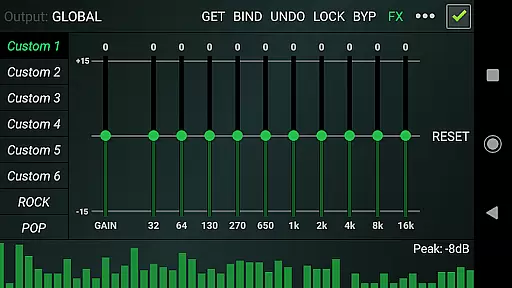

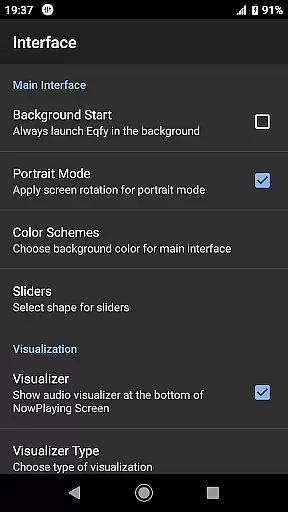
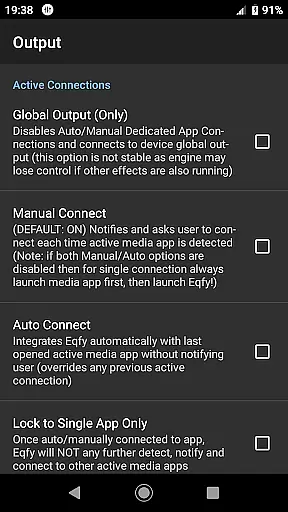
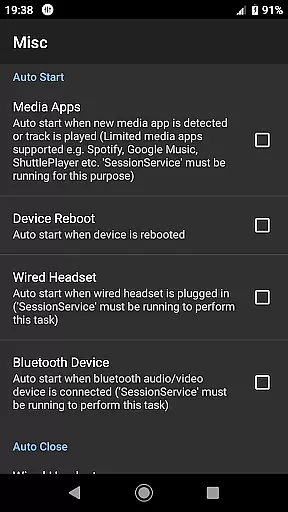
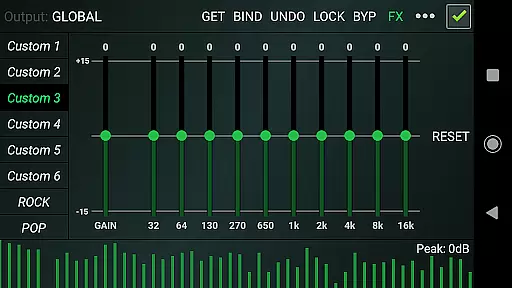
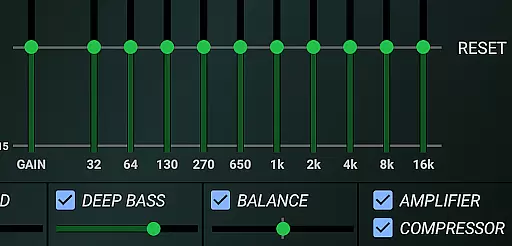
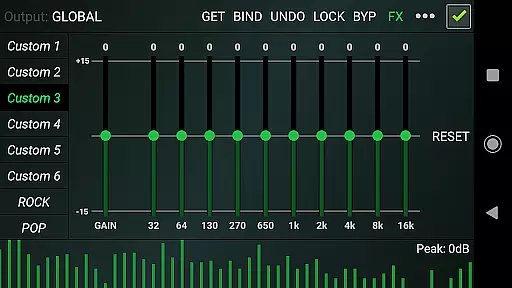
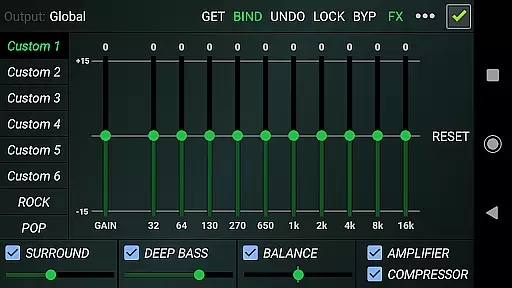
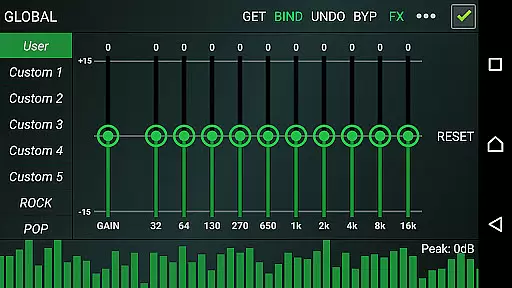
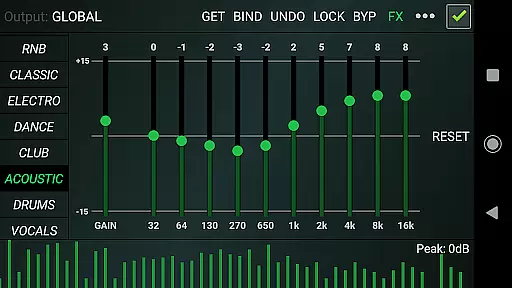
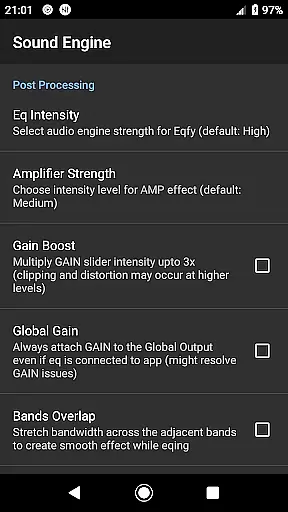
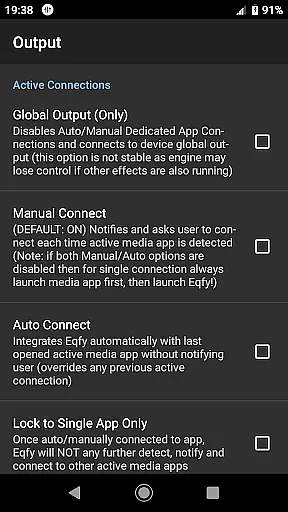
Eqfy Equalizer for Spotify is a powerful audio graphic equalizer designed to enhance your music listening experience. This app works seamlessly with Spotify and other music/audio applications on Android, providing users with clear bass and treble adjustments. The advanced 'RE Equalizer' technology ensures superior sound quality while maintaining an intuitive user interface.
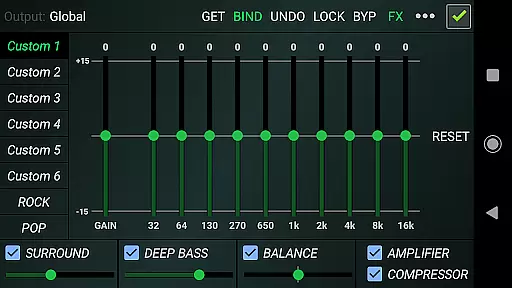
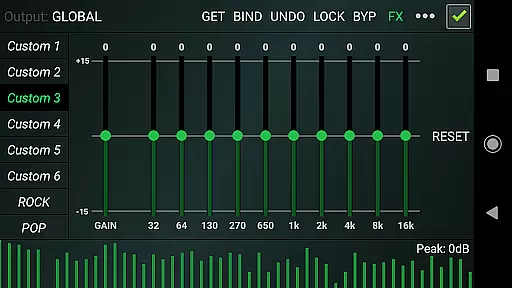
The equalizer features a dedicated audio engine that supports global output, making it compatible with various music apps like YouTube Music. With its 10-band equalizer, users can fine-tune their audio with precision. Additional features include a sound booster, compressor, amplifier effects, and deep bass enhancement. These tools allow for a customizable audio experience tailored to individual preferences.
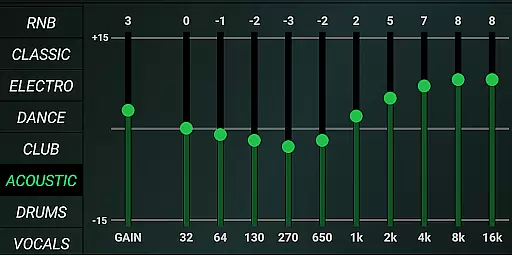
Whether you're a casual listener or an audiophile, Eqfy is an essential tool for achieving the best sound quality from your mobile device. Its 21 configurable presets cater to different music genres, ensuring optimal audio performance across all types of content. The app's user-friendly design makes it easy to adjust settings and enjoy high-quality sound effortlessly.
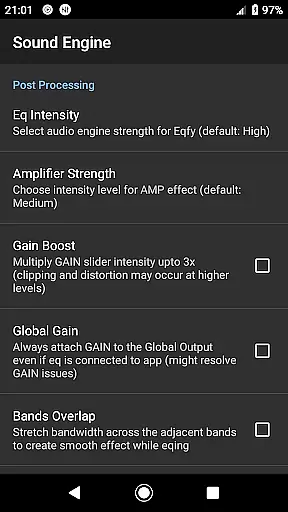
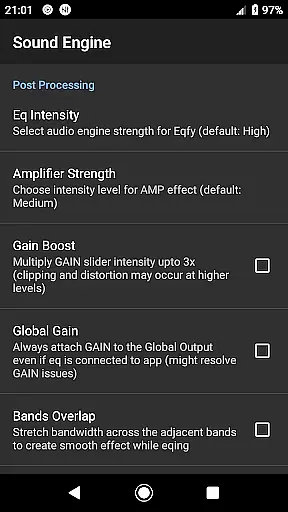
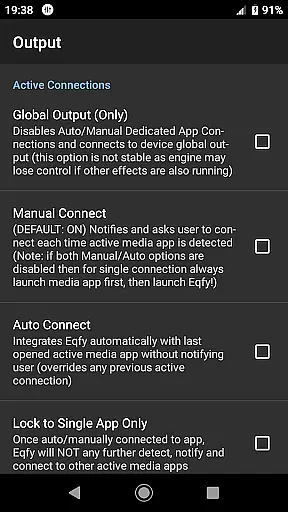
Eqfy Equalizer offers a comprehensive suite of audio enhancement tools. At its core is a dedicated audio engine that supports music players with equalizer and audio effects capabilities. This engine ensures compatibility with popular apps like Spotify and YouTube Music, delivering consistent sound quality across platforms. The global output feature allows users to apply equalization settings system-wide, enhancing the overall listening experience.
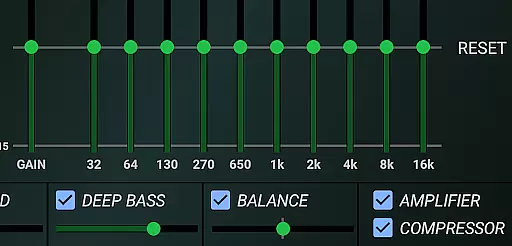
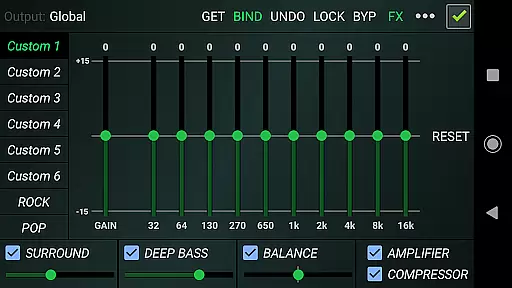
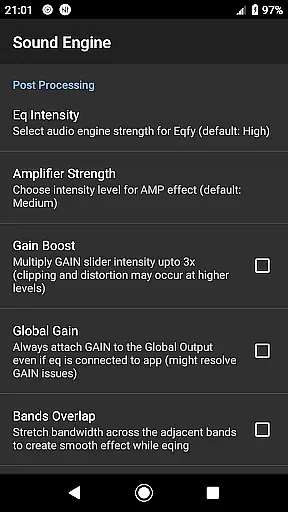
One of the standout features is the updated 10-band equalizer with a powerful pre-amp gain. This combination serves as a loudness enhancer and volume boost, giving users greater control over their audio levels. The app also includes optimized audio effects such as compressor, amplifier, and sound balance adjustments. These tools help refine the audio output by balancing stereo channels and adding depth through bass boost and surround effects.
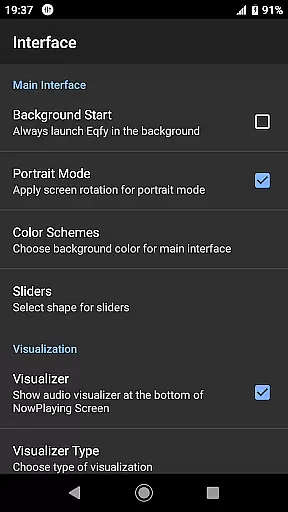
For visual feedback, Eqfy provides a music visualizer with peak values. Users can choose from 21 configurable presets covering various genres like rock, pop, and classical. Each preset is fully customizable, allowing for personalized sound profiles. The quick and responsive user interface ensures smooth operation, making it easy to switch between different settings and save custom configurations as files for future use.
When it comes to music applications, the size and authenticity of the music library are crucial factors. Eqfy Equalizer for Spotify doesn't disappoint in this aspect.
While primarily an equalizer app, it works seamlessly with a vast array of music services including Spotify, YouTube Music, and more. This means you have access to millions of tracks across various genres, ensuring that your music exploration is both extensive and authentic.
The app guarantees that all music content processed through its equalizer maintains its original quality and copyright compliance. This ensures users enjoy a rich audio experience without any legal concerns.
By supporting multiple music platforms, Eqfy not only enhances sound quality but also provides a gateway to a diverse and legally compliant music library, making it an essential tool for audiophiles.
Audio quality options are at the heart of what makes Eqfy Equalizer for Spotify stand out. The app offers a dedicated audio engine designed to support a wide range of music players and audio effects.
With features like a 10-Band equalizer, powerful pre-amp Gain, and volume boost capabilities, users can fine-tune their listening experience to match their preferences. Whether you're a fan of deep bass or prefer crystal-clear treble, Eqfy has got you covered.
In addition to customizable equalizer settings, the app includes optimized audio effects such as Compressor, Amplifier, and Surround sound. These ensure that every note and beat is delivered with precision and depth.
Overall, Eqfy's commitment to superior audio quality empowers users to enjoy an unparalleled music experience, making it the go-to choice for enhancing sound on Android devices.
Advanced equalization options
User-friendly interface
Wide app compatibility
Customizable presets
Powerful audio enhancements
Requires manual adjustments
Limited free features
Occasional audio glitches
High battery consumption
Not integrated with all apps

Permanently backup Now Playing. Maps, filters & listening stats.
 4.00
4.00
Guzheng Master supports many playing techniques as an acoustic Guzheng
4.50
Recording studio w/ 10k beats, pro vocal FX and a network of 20M rappers & fans!
4.60
AI Music Maker: Generate And Compose AI Tunes & AI Songs & AI Music & AI Melody!
4.60
Listen radio AM / FM Stations. Live AM / FM Radio App Station. Radio Com.
4.70
Enjoy singing any song, no matter how high or low it is
4.30
Music, News & Sports Radio Tuner App. Tune in Live FM & AM Radio Stations.
4.80
Learn and play 2M+ music tabs & chords on guitar, ukulele, bass, and more
4.30
A complete sound package for the sound engineer or enthusiast
4.60
JBL PartyBox APP works with 110/310/710/120/320/520/Encore/Encore 2/Encore Ess 2
4.80
Offline Music Player&MP3 Player with themes, equalizer, lyrics, music play mode
4.60
Learn the notes on the guitar fretboard fast with this easy and fun app
4.60
A synth that really lets you shape your sounds!
4.50
Ringtone Maker is free app create ringtone from music files or your recording.
4.40
Time Trainer: accurate metronome w tools to help you develop your internal time!
4.20
PowerAudio is a powerful offline music player.
4.20
Turn your Android phone into a professional audio analyser with up to 120 bands.
4.00
The iconic iOS metronome app is now on Android.
3.70
The Minimalistic Premium Music Player. Handmade with passion for music
2.20


User Reviews