

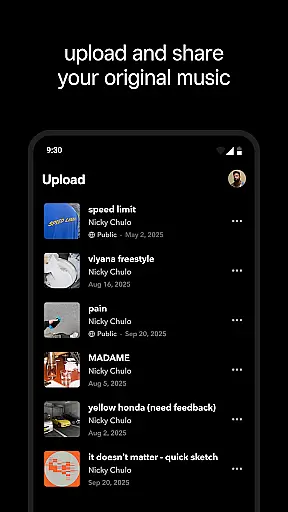

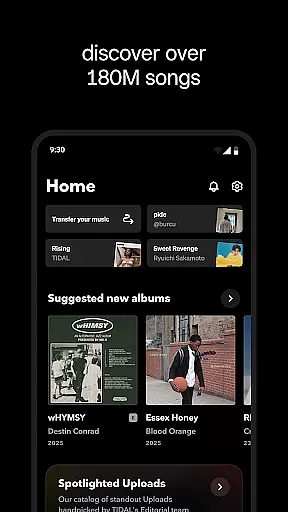
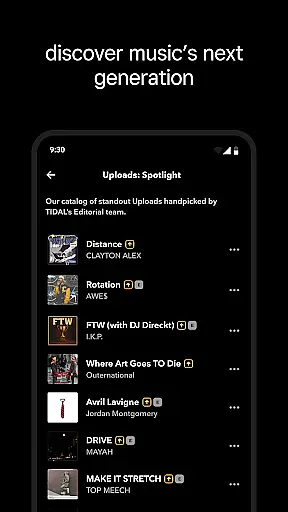
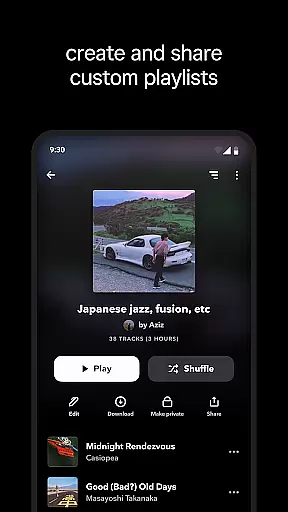

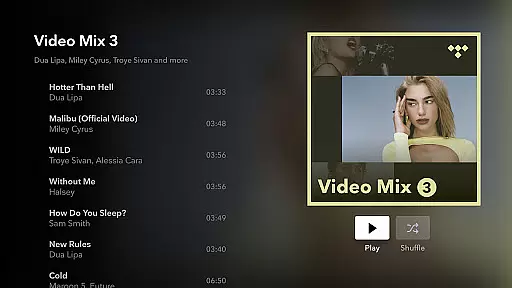
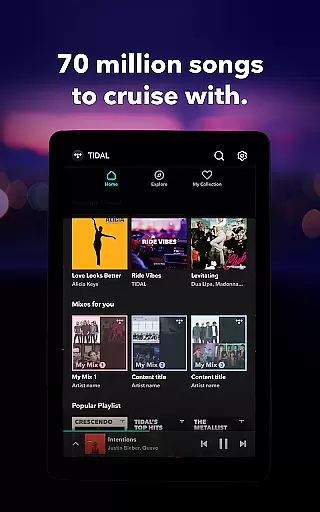

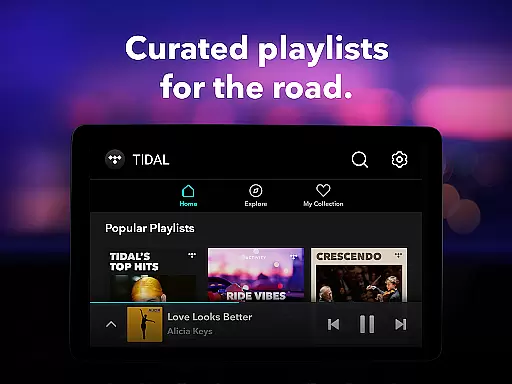
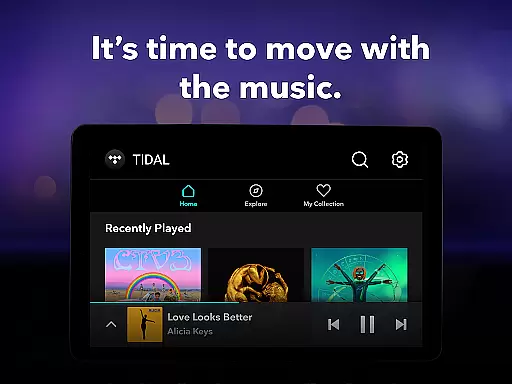
TIDAL Music is a premier music streaming application that offers an extensive library of tracks, albums, and playlists across multiple genres. With its focus on high-fidelity audio, the app provides an immersive listening experience for audiophiles and casual listeners alike. The service includes personalized recommendations based on user preferences, curated playlists, and the ability to download music for offline playback.
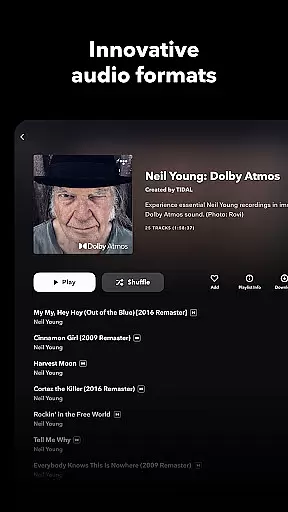
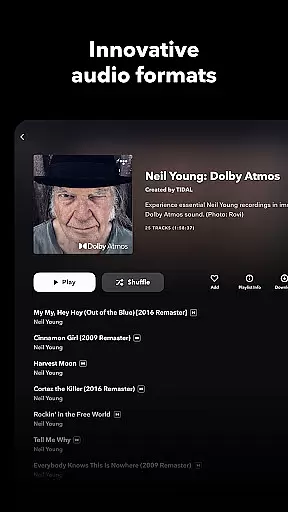
One of TIDAL's standout features is its HiFi sound quality, delivering lossless audio up to 24-bit/192 kHz along with support for Dolby Atmos. This ensures users can enjoy their favorite music in studio-quality sound. Whether you're commuting, working out, or relaxing at home, TIDAL caters to various listening scenarios while maintaining exceptional audio standards.
The app also supports innovative features like TIDAL Connect, allowing users to stream music directly to compatible devices without interruptions. Additionally, flexible subscription plans such as Individual, Family, and Student options make it accessible for different user needs. By combining cutting-edge technology with a vast music catalog, TIDAL enhances how users discover and engage with their favorite artists.
TIDAL Music distinguishes itself through several key features designed to elevate the user experience. First and foremost is its commitment to high-quality audio streaming. Unlike many competitors, TIDAL offers HiRes lossless sound quality, ensuring every note and beat is reproduced faithfully. This feature appeals particularly to those who value pristine audio fidelity during playback.
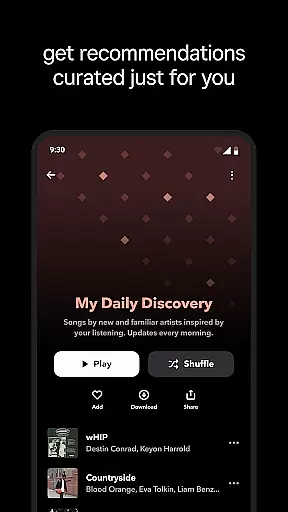
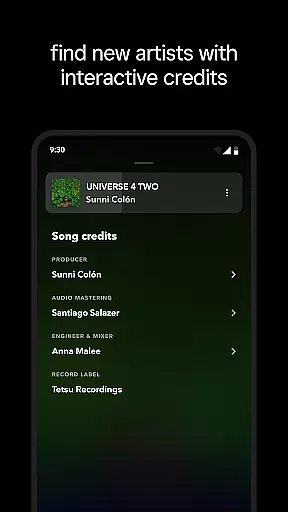
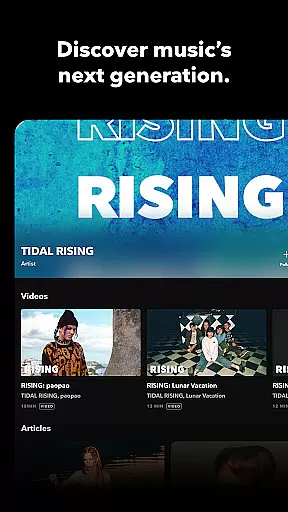
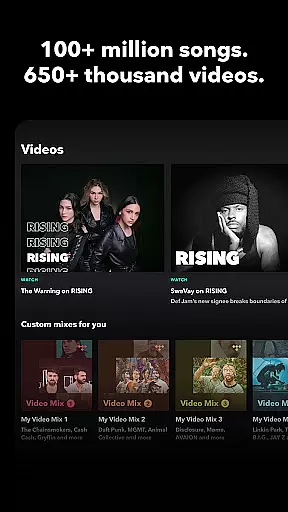
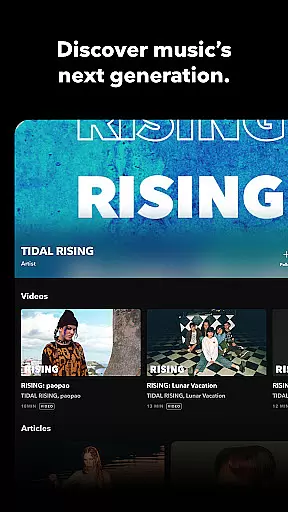
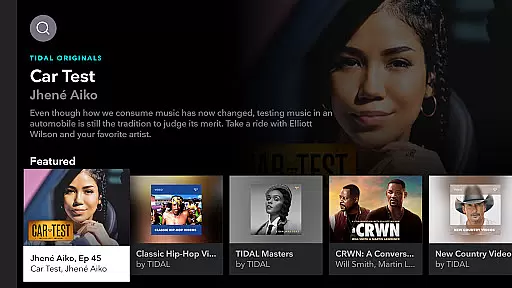
Another notable aspect is the app's robust recommendation engine. Using advanced algorithms, TIDAL analyzes individual listening habits to create personalized mixes and suggest new content tailored to each user’s taste. Alongside this, editorially curated playlists provide professionally crafted selections that introduce users to fresh tracks and emerging artists.
For added convenience, TIDAL allows offline downloads, enabling uninterrupted access even without an internet connection. Furthermore, tools like TIDAL Connect enhance usability by letting users control playback across supported devices seamlessly. These innovations collectively position TIDAL as a versatile platform catering to diverse musical interests and technical requirements.
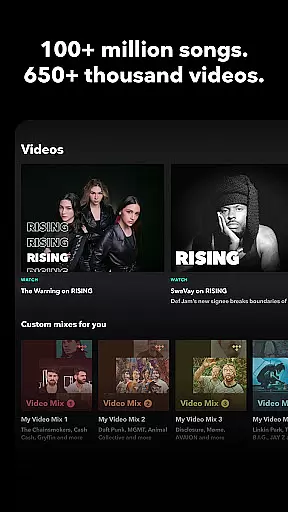
TIDAL Music offers an extensive library of millions of songs and albums across multiple genres, ensuring users have access to a vast array of music choices. This massive selection not only includes popular tracks but also rare finds, catering to diverse musical tastes.
The platform places a strong emphasis on copyright authenticity, guaranteeing that all music is legally licensed and sourced from legitimate channels. This commitment ensures artists are properly credited and compensated, fostering a sustainable music ecosystem.
Users benefit from the peace of mind that comes with knowing they are accessing a legal music service. The assurance of copyright compliance enhances the overall user experience, allowing music enthusiasts to explore and enjoy their favorite tracks without concerns about legality.
With TIDAL's comprehensive music library and dedication to copyright integrity, listeners can immerse themselves in high-quality audio while supporting the artists they love through proper licensing channels.
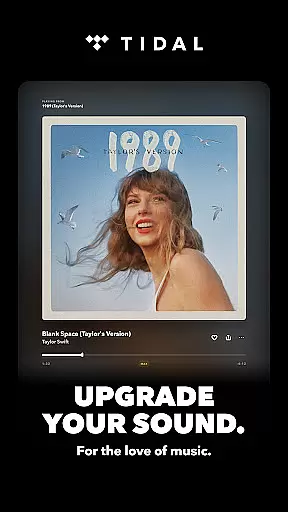
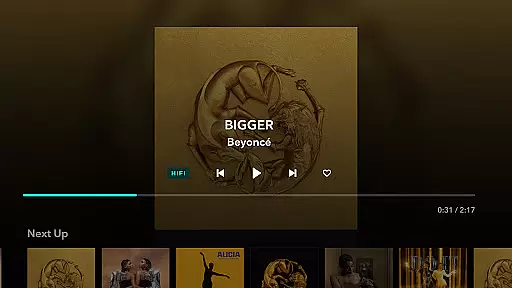
TIDAL stands out for its exceptional audio quality options, offering HiFi sound that elevates the listening experience. The app provides lossless audio streams up to 24-bit, 192 kHz, and supports Dolby Atmos, delivering crystal-clear sound that captures every detail of the original recording.
This focus on superior audio quality caters to audiophiles who demand the best in sound reproduction. Listeners can discern subtle nuances in their favorite tracks, experiencing music as the artists intended it to be heard.
Subscribers benefit from ad-free listening with unlimited skips, ensuring uninterrupted playback of high-fidelity audio. The combination of premium sound quality and seamless listening makes TIDAL an ideal choice for those who appreciate the finer aspects of music production.
By prioritizing audio excellence, TIDAL sets itself apart in the streaming landscape, providing music lovers with an unparalleled auditory experience that celebrates the artistry behind each composition.
High-fidelity audio
Extensive music library
Personalized recommendations
Offline playback support
Flexible subscription plans
Higher cost than competitors
Limited exclusive content
No free tier available
Occasional connectivity issues
Complex interface for beginners

 4.70
4.70
Background pads for your band
3.80
Save hundreds of dollars for a physical strobe tuner and instead use this app.
4.50
Permanently backup Now Playing. Maps, filters & listening stats.
4.00
Music Streaming suite for Ampache, Nextcloud Music and compatible backends.
4.1
24,000 free audio books and no ads!
4.90
The original SP-1200 experience on your iPad
4.20
Let your Android device with the sound effects you want
4.50
Powerful 10-Band equalizer pro with sound booster improves Android audio quality
4.30
Tune in to the greatest hits on UK Radio | The home of Capital, Smooth & Heart.
4.90
Listen to live FM radio stations, sports, music and news on global radios online
4.70
Listen radio AM / FM Stations. Live AM / FM Radio App Station. Radio Com.
4.70
10-Band Audio Equalizer, Sound / Bass Booster for Spotify Users & Music Players
4.40
The Music Journey in Your Hands
4.30
Smart piano keyboard, Classical to Pop, Real-time multiplayer connection!
4.20
VB-AUDIO Software / VBAN-Receptor allows listening to any VBAN Streams
4.10
The official Sonos app
4.10
Versatile MP3 recorder with auto-backup to Dropbox and Google Drive
4.10
Sing, record, and create music together — enhanced by smart voice tools.
4.00


User Reviews