
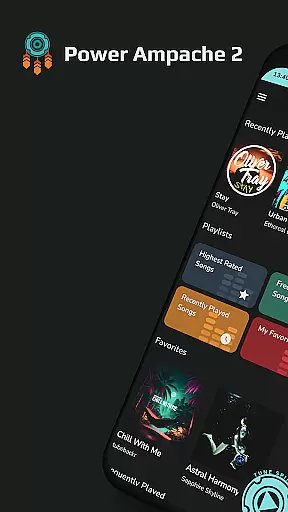
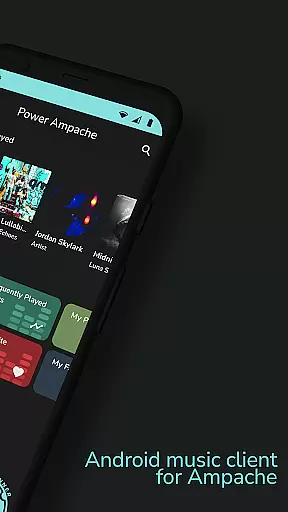
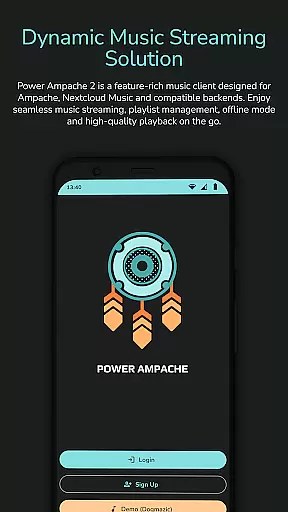
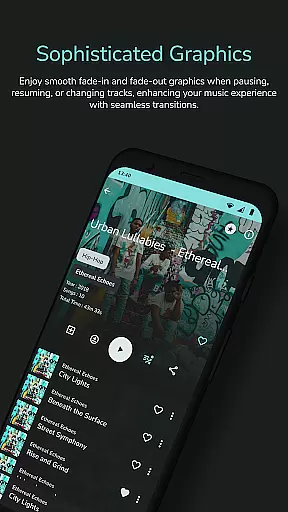
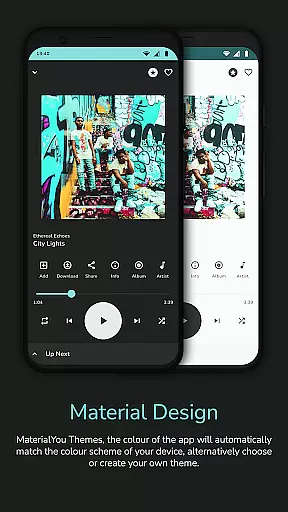
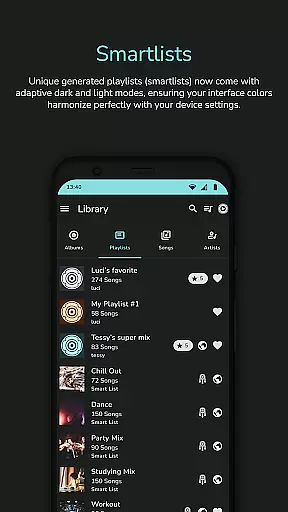
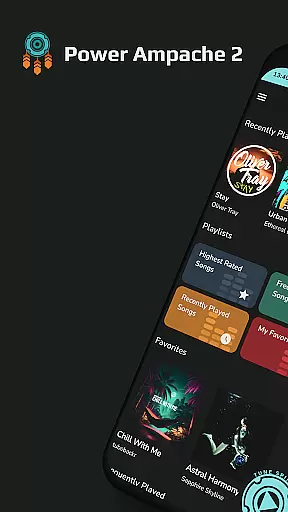
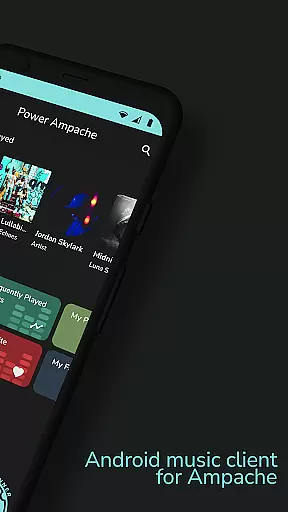
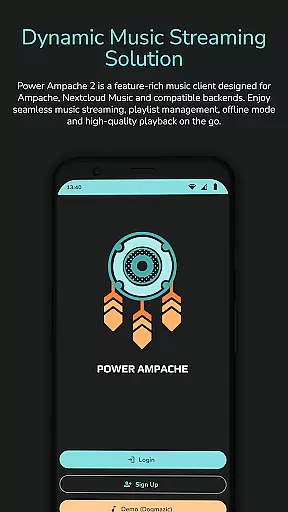
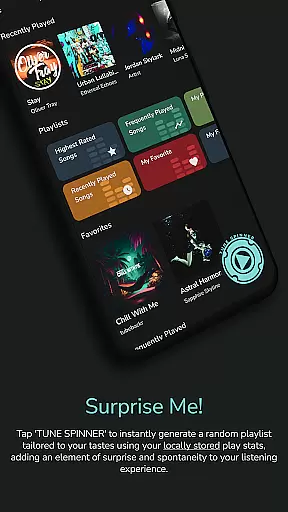
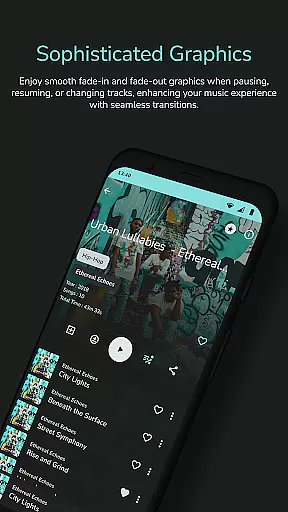
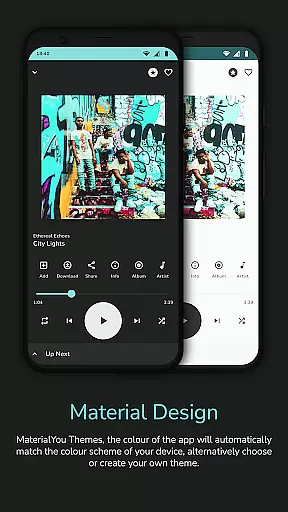
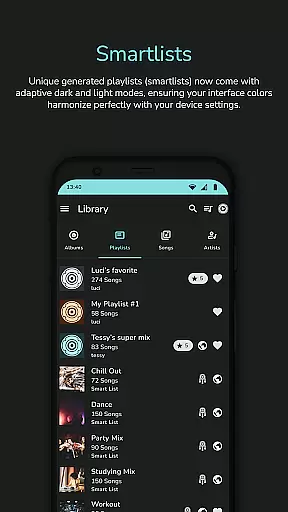
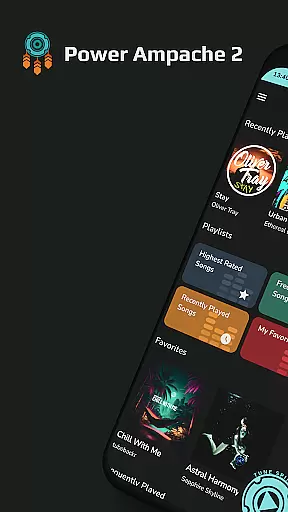
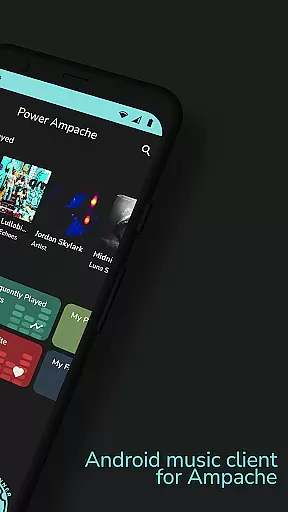
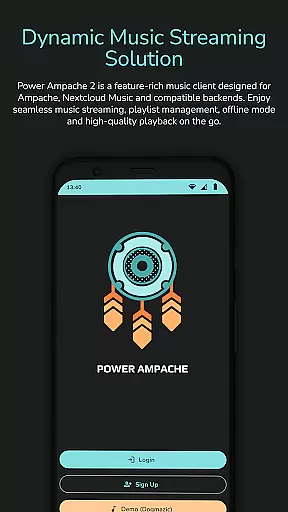
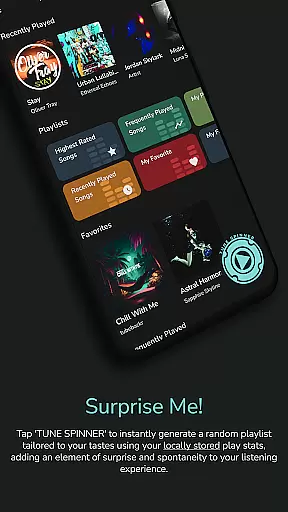
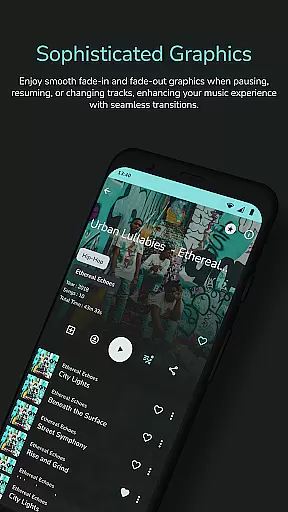
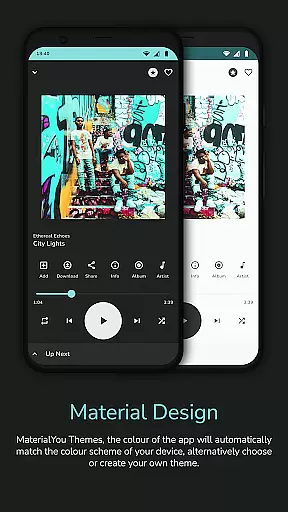
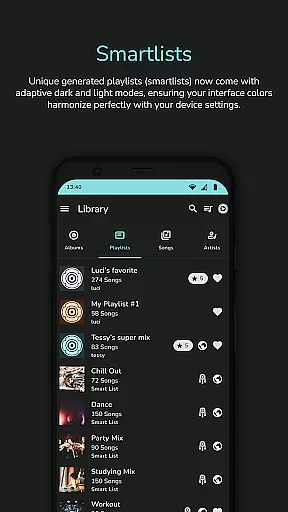
Power Ampache 2 is a versatile music client tailored for Ampache, Nextcloud Music, and compatible backends. It combines all standard music player features with advanced functionalities like smartlists, offline mode, and adaptive interface colors.
The app emphasizes privacy and user experience by ensuring an ad-free, tracking-free environment. Users can download music files, access lyrics, and manage multiple accounts while enjoying high-quality audio streaming.
Perfect for audiophiles who require both functionality and privacy, Power Ampache 2 offers a modern design with themes like Material3 and MaterialYou, making it suitable for various Android devices including tablets and Android TV.
Power Ampache 2 stands out with its comprehensive feature set designed for music enthusiasts. The app supports unique generated playlists called smartlists and allows users to create, edit, and share their playlists effortlessly.
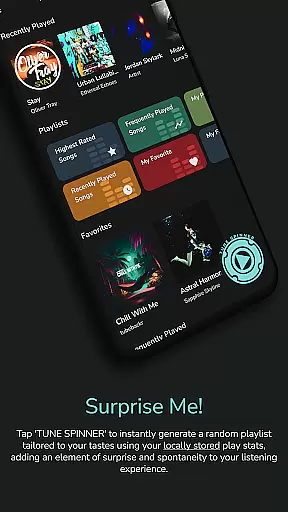
Advanced functionalities include powerful offline mode, efficient search options, and a 'Spin it!' button that generates playlists automatically. Media key support and Bluetooth functionalities enhance the overall user experience.
Upcoming features such as playlist edit drag-and-drop, multi-account support, Android TV optimization, widgets, and Android Auto compatibility ensure that Power Ampache 2 remains at the forefront of music player innovation.
Power Ampache 2 offers a vast music library by connecting to Ampache, Nextcloud Music, and compatible backends. This ensures users have access to a wide range of songs, albums, and playlists while maintaining the authenticity of content through verified sources.
The app supports multi-account features which means users can connect to different servers and enjoy an even broader selection of music. This not only increases the variety but also ensures that all content is legally obtained and shared, respecting copyright laws.
With the ability to download music for offline use, Power Ampache 2 allows users to own a personal collection of tracks without any legal concerns. The assurance of copyright authenticity provides peace of mind, knowing that their music library is both extensive and legitimate.
Power Ampache 2 places a strong emphasis on audio quality, supporting high-quality formats for an enhanced listening experience. Users can enjoy their favorite tracks at full quality, with FLAC support coming soon, ensuring that audiophiles can access the best sound possible.
The app's efficient song search and powerful offline mode contribute to maintaining high audio standards. Whether streaming or playing downloaded files, the app delivers optimal performance without compromising on sound clarity or richness.
In addition to superior audio quality, the app features a modern design with a user-friendly interface. This combination of excellent sound output and appealing aesthetics makes Power Ampache 2 a top choice for discerning listeners who value both substance and style in their music playback application.
User-friendly interface
Ad-free experience
Advanced privacy controls
High-quality audio support
Open-source transparency
Limited mainstream appeal
Some features in development
No FLAC support yet
Complex for beginners
Fewer visual customizations

The Cubase remote control app
 3.60
3.60
Performance-Synthesizer & Multi-Track-Sequencer, polyphonic + multi timbral!
4.70
DJ Music Mixer Pro is a real DJ controllers and DJ Music Studio to remix DJ.
4.40
Most Advanced AI Song Generator and Music Creator. Rap, Pop, Rock, Gospel & more
4.70
Network/Cloud Streaming, Visualization, Graphic Equalizer and Sound Effects.
4.20
Next generation modular control surface
4.10
The alternative folder based music player.
4.20
A sleek, no-frills player designed for true music lovers.
4.20
Be a true music maker: create beats, mix and make music like a real DJ!
4.30
Full-featured, High-Quality Groovebox Workstation, perfect for Live Performance!
4.80
More downloads than any other metronome. Includes drum machine & tempo trainer.
4.80
Reverse your voice & songs instantly! Fun singing challenge with cool effects.
4.60
Guzheng Master supports many playing techniques as an acoustic Guzheng
4.50
The Music Journey in Your Hands
4.30
VB-AUDIO Software / VBAN-Receptor allows listening to any VBAN Streams
4.10
Versatile MP3 recorder with auto-backup to Dropbox and Google Drive
4.10
Turn your Android phone into a professional audio analyser with up to 120 bands.
4.00
MilkDrop for Android TV
3.00
Simply convert wav to mp3. Clear. Reliable. Safe.
4.5


User Reviews