
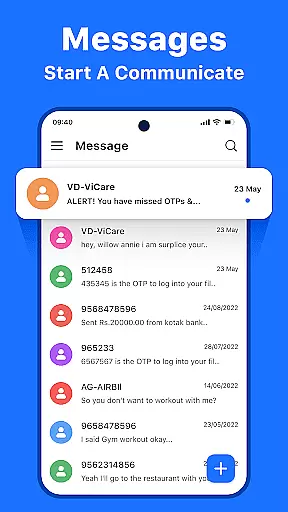

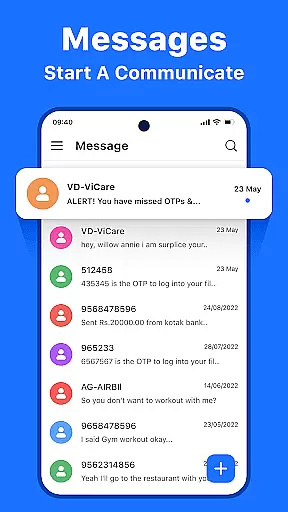

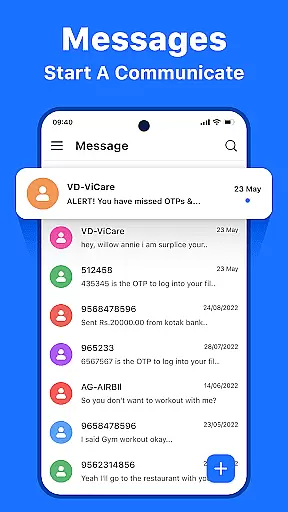

Messenger: Text Messages is a streamlined SMS communication app designed to simplify texting while maintaining reliability. The app offers an intuitive interface with features like offline access, customizable themes, and smart message management tools. Whether you need to block spam, organize your inbox, or communicate across multiple languages, this app ensures seamless connectivity.
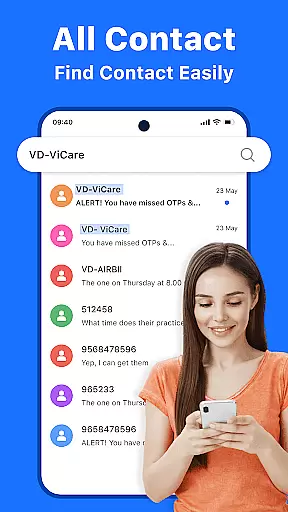
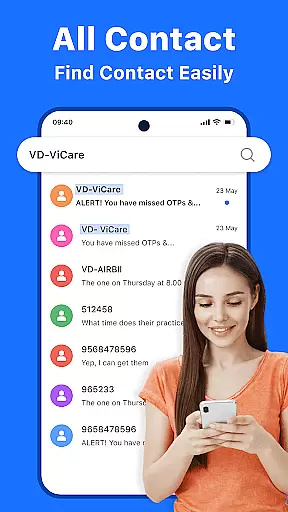
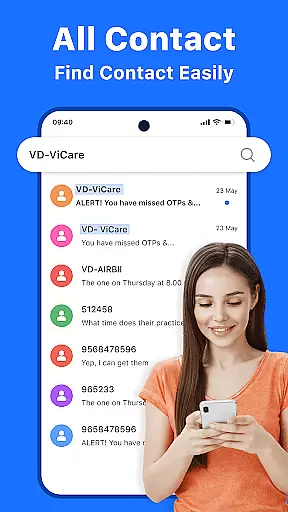
With its focus on user experience, Messenger: Text Messages allows users to send texts instantly, manage contacts efficiently, and personalize their settings for optimal comfort. Its advanced search functionality and enhanced privacy measures make it ideal for both personal and professional use, ensuring that your conversations remain secure and accessible at all times.
Messenger: Text Messages stands out through its combination of speed, reliability, and customization options. One key feature is its real-time notifications system, which ensures no important message goes unnoticed. Additionally, the app provides an organized inbox view where all messages are displayed clearly, making navigation effortless even for those with busy messaging habits.
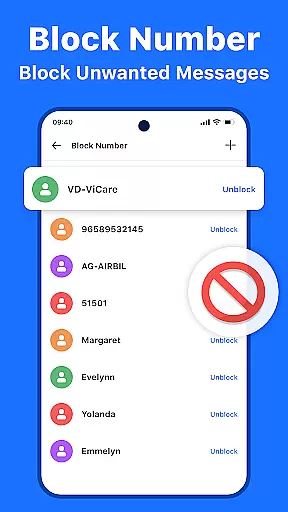
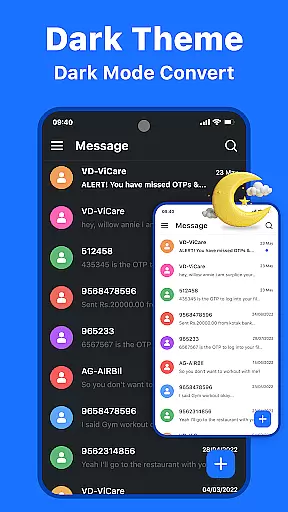
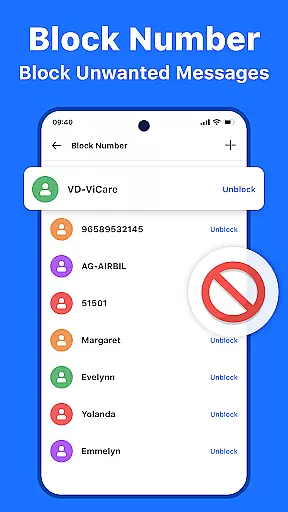
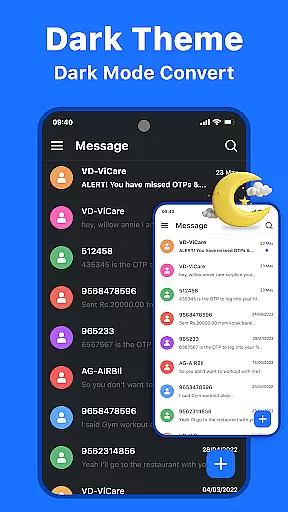
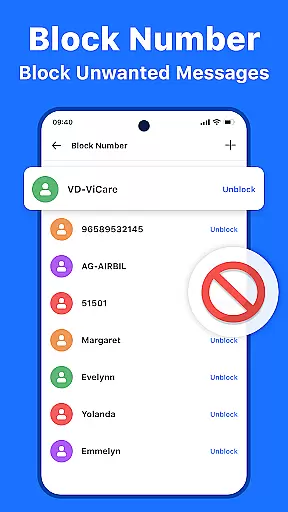
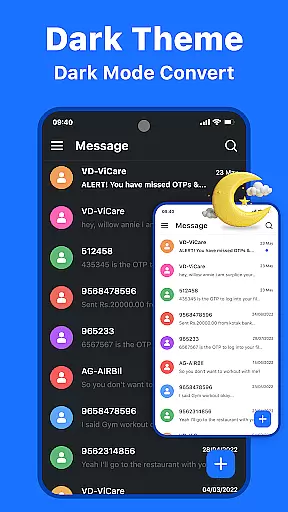
Another notable aspect is the ability to customize the app's appearance by switching between light and dark modes. Users can also take advantage of smart management tools such as blocking unwanted contacts, archiving old threads, and deleting unnecessary content. These capabilities not only enhance usability but also help maintain a clutter-free environment tailored to individual preferences.
Real-time messaging speed and reliability are crucial for maintaining seamless communication in today's fast-paced world. Messenger: Text Messages excels in this area by ensuring that every text you send is delivered instantly, regardless of your location or network conditions.
The app employs advanced delivery protocols and optimized data transmission methods to guarantee message delivery even under challenging circumstances. This means you can rely on the app for time-sensitive communications, such as urgent work updates or coordinating with family members.
Users benefit from real-time notifications that keep them informed about new messages immediately after they are received. This feature ensures that important conversations never get delayed or missed, enhancing both personal and professional interactions.
Moreover, the app's offline access capability allows users to read and compose messages without an active internet connection. Once connectivity is restored, all pending messages are automatically synchronized, providing a reliable messaging experience that adapts to various situations.
Media sharing support has become an essential feature in modern communication apps, enabling users to exchange photos, videos, and documents effortlessly. Messenger: Text Messages offers robust media sharing capabilities that enhance the way people interact and share experiences.
The app supports a wide range of file formats, allowing users to send high-quality images, lengthy videos, and various document types without worrying about compatibility issues. This versatility makes it suitable for both casual conversations and professional collaborations where file sharing is frequent.
With its intuitive interface, attaching and sending media files is straightforward and quick. Users can easily select multiple items from their device's gallery or file manager and share them in one go, streamlining the process of exchanging rich content.
Furthermore, the app optimizes media files during transmission to ensure fast delivery while maintaining acceptable quality levels. This optimization helps reduce data usage and improves overall performance, making media sharing not only convenient but also efficient for regular use.
User-friendly design
Offline functionality
Customizable themes
Advanced search tool
Enhanced privacy controls
Limited multimedia support
No voice call option
Basic theme choices
Occasional bugs
Ads in free version

Save 10% automatically on your first international mobile top up.
 4.60
4.60
The ultimate productivity solution for all your email communication needs.
4.40
Messages: Fast, simple SMS app with scheduling and smart features.
4.00
Messenger, an MMS & SMS messages app with Blockers, Driving mode & Private box
4.60
Faster version of Messages. Messenger for your contacts.
4.50
Fast, Simple And Secure Application That Provides SMBv3 Server On Your Device
3.30
An app dedicated solely to marriage, not dating, and supported by a rigorous verification mechanism to ensure seriousness.
4.0
Use this SMS app standalone or as a TREK: Total Interface companion.
4.30
Build your web browser around you with private search, and more.
4.60
Read OBD2 data and DTCs Create custom dashboards Enhanced diagnostics available
4.70
Messenger for SMS - texting message app, faster, simpler & safer, for you.
4.70
A web browser that respects your privacy.
4.30
Our Black Friday sale is here. Unlock special discounts on Proton Mail now.
4.30
Block spam calls & scam - no more annoying calls with the call blocker function
4.30
Group Chat That’s Fun & Games
4.30
Fast and simple walkie talkie app
4.20
A softphone with crystal clear SIP Calling & Reliable VoIP dialer
4.00
This app enables the phone to receive and send FT8 traffic!
3.80
TeamSpeak - Secure Chat for Gaming & Business
3.10


User Reviews