
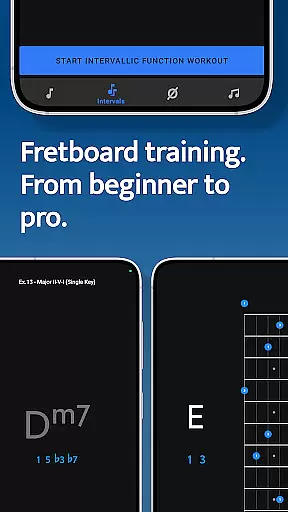
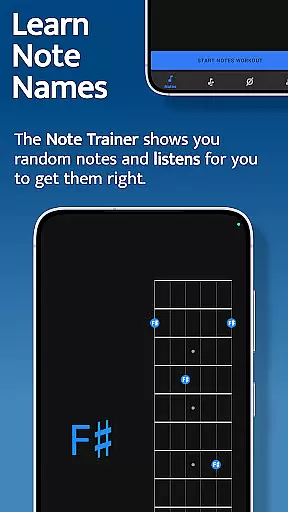
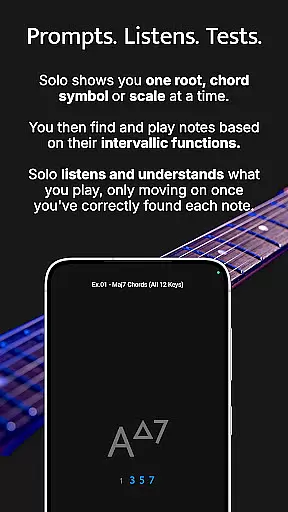



Solo is an innovative practice application designed to help guitarists and bassists master fretboard visualization. Developed by renowned guitarists Tom Quayle and David Beebee, this app offers four powerful training modules that target essential aspects of fretboard mastery. Users can work on learning note names, memorizing interval shapes, outlining chord changes, and practicing scales through interactive exercises.
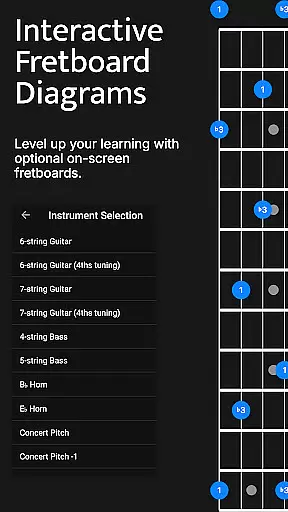
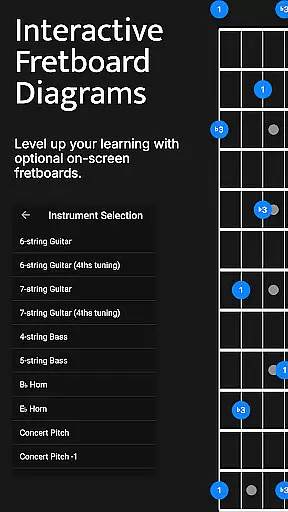
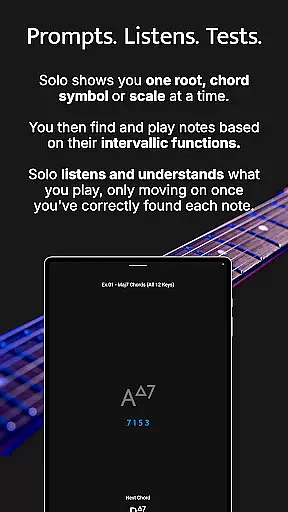
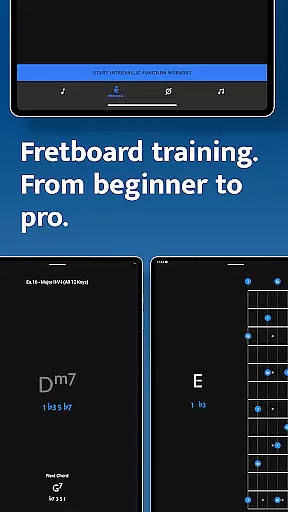
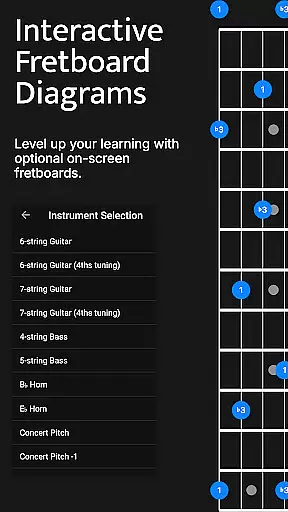
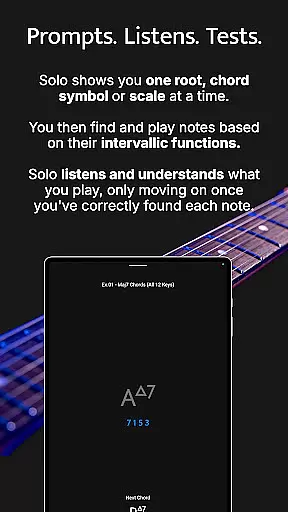
The app's unique approach involves asking users to find intervallic functions against specific root notes, chords, or scales while listening to their input. This ensures proper understanding before progressing. With support for various string instruments and tunings, including 6-string guitars, 7-string guitars, and 4/5-string basses, Solo provides a comprehensive practice environment suitable for musicians at all skill levels.
Whether you're a beginner learning basic note positions or an advanced player working on complex melodic structures, Solo offers the tools needed to transform your playing and build confidence on the fretboard.
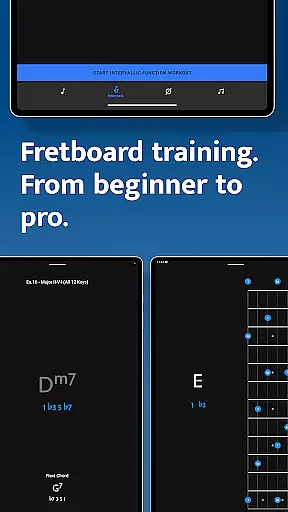
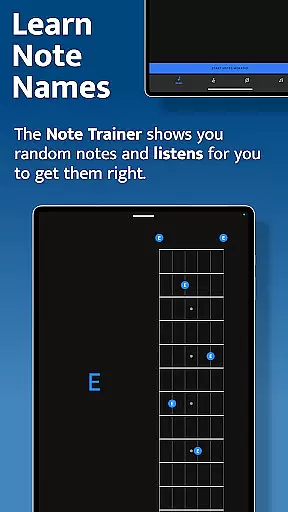
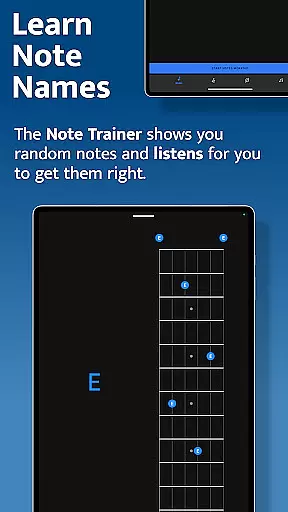
Solo stands out with its four specialized training modules: Note Trainer, Interval Trainer, Changes Trainer, and Scale Trainer. The Note Trainer helps beginners and intermediate players master note names across the fretboard using interactive diagrams and duration-based workouts. Users can choose from various instrument configurations and benefit from optional practice suggestions that challenge their knowledge.
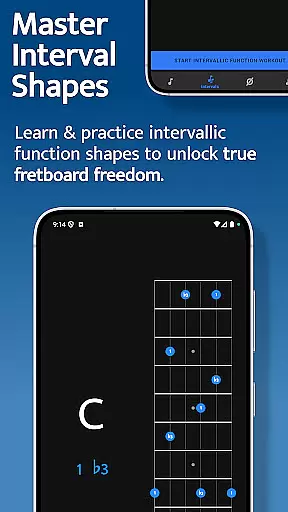
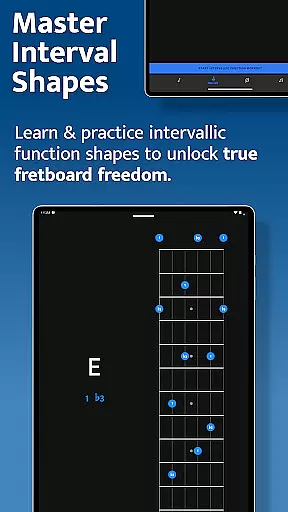
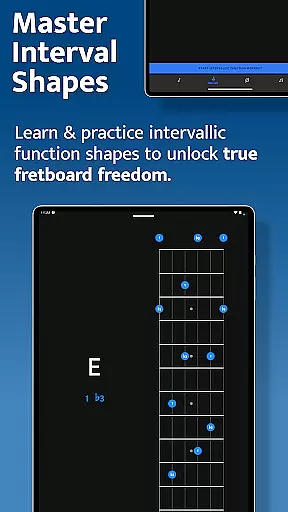
The Interval Trainer focuses on developing interval shapes through intervallic functions. Musicians can create custom interval groups or select intervals based on specific chord types or scales. The app randomizes chosen intervals and provides visual feedback through interactive fretboard diagrams, helping players unlock true freedom on their instruments.
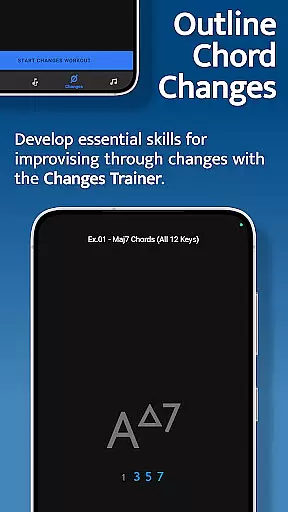
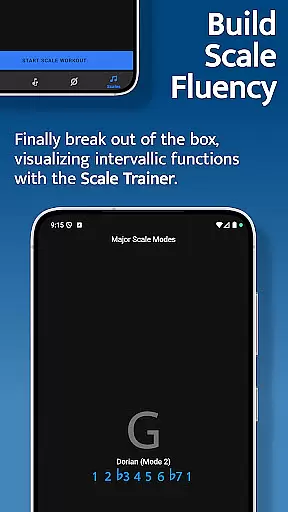
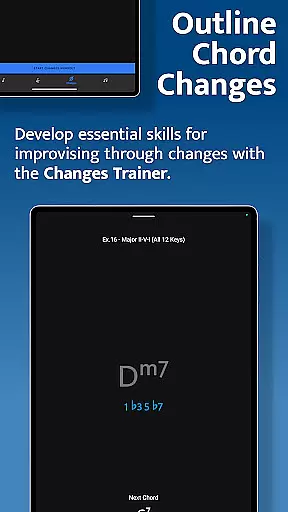
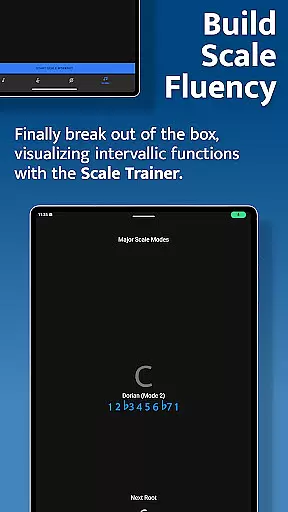
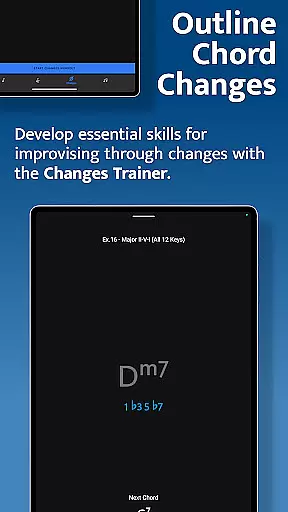
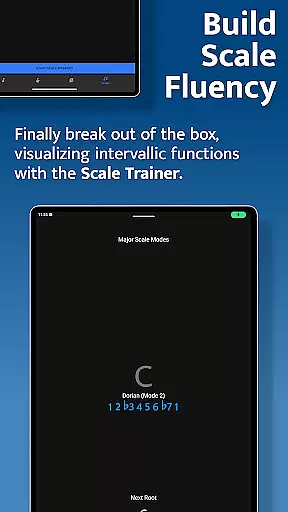
The Changes Trainer enables users to outline chord progressions using single-note lines, with over 100 common progressions and 50 intervallic function levels available. The Scale Trainer offers more than 50 scales and modes with advanced workout options, allowing players to break out of traditional scale boxes and develop deeper understanding of scale construction across the fretboard.
When it comes to music learning applications, the depth and breadth of the music library are crucial for users seeking comprehensive training. Solo - Fretboard Visualization offers an extensive collection of scales, chords, and intervallic functions that cater to guitarists and bassists of all levels. With over 50 scales and modes available in the Scale Trainer, musicians can break out of traditional scale boxes and explore new musical territories.
The application's vast library has been designed with authenticity in mind. Each scale, chord, and interval is crafted to ensure accuracy and adherence to music theory principles. This dedication to precision provides learners with a reliable resource for mastering fretboard visualization. The content found within Solo is endorsed by world-renowned guitarists Tom Quayle and David Beebee, which speaks volumes about its legitimacy.
Copyright compliance is also a top priority for Solo. Users can practice with peace of mind knowing that all educational materials have been properly licensed and authorized for use within the app. This respect for intellectual property not only protects the creators but also enhances the user experience by providing them with trustworthy material to learn from.
Audio quality is paramount when evaluating a music education app like Solo - Fretboard Visualization. The app ensures high-quality audio playback so that users can accurately hear the nuances of each note they play on their instrument. This attention to sonic detail aids in developing a keen ear for pitch recognition, which is essential for fretboard mastery.
Solo goes beyond just clear sound; it listens to the notes you play and assesses your performance based on intervallic functions against specified roots or chords. This interactive feature requires pristine audio processing to correctly identify whether the played notes match the expected intervalsu2014a testament to the app's advanced audio capabilities.
Moreover, various audio settings allow customization according to personal preference or equipment limitations without compromising the integrity of the listening experience. Whether using headphones or external speakers, musicians can adjust these options to suit their setup while maintaining an optimal level of clarity during practice sessions.
Comprehensive fretboard coverage
Interactive learning tools
Customizable practice sessions
Real-time audio feedback
Multiple instrument support
Steep learning curve
Requires dedicated practice
Premium price point
Complex interface
Limited beginner guidance

Your HD audio recorder on the go for music, meetings, ambience, animal sounds…
 4.30
4.30
Background pads for your band
3.80
More downloads than any other metronome. Includes drum machine & tempo trainer.
4.80
Voice recorder - Audio recorder. Best recorder for recording
4.90
Make songs with AI! Any genre, custom lyric, song generator for music creation!
4.80
MilkDrop for Android TV
3.00
Ringtone Maker is free app create ringtone from music files or your recording.
4.40
Responsive piano with great sounds, graphics, and songs
4.80
Listen to offline music and sounds from all categories
4.70
Full-featured, High-Quality Groovebox Workstation, perfect for Live Performance!
4.80 4.70
4.70
Recording studio w/ 10k beats, pro vocal FX and a network of 20M rappers & fans!
4.60
Fun & Easy Voice Changer – Record, Edit & Add Hilarious Effects!
4.50
Help you quickly get started with Shokz headphones
4.40
Full featured mp3 and audio player with Chromecast and Android Auto support.
4.40
VB-AUDIO Software / VBAN-Receptor allows listening to any VBAN Streams
4.10
Versatile MP3 recorder with auto-backup to Dropbox and Google Drive
4.10
The only true audiophile music player with Hi-Fi audio rendering and DSP engine
3.90
The Minimalistic Premium Music Player. Handmade with passion for music
2.20


User Reviews