
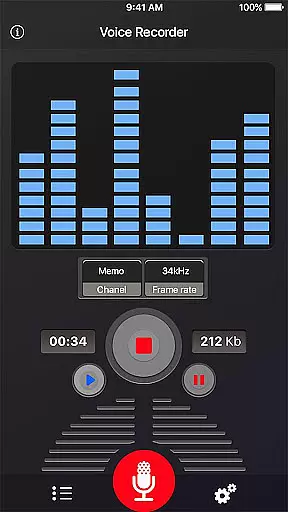
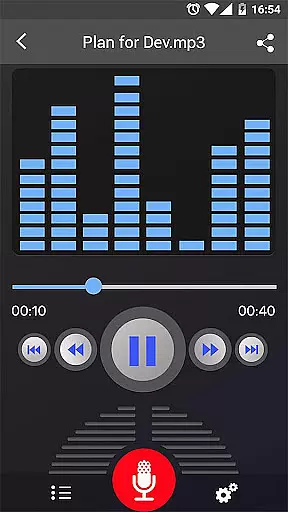
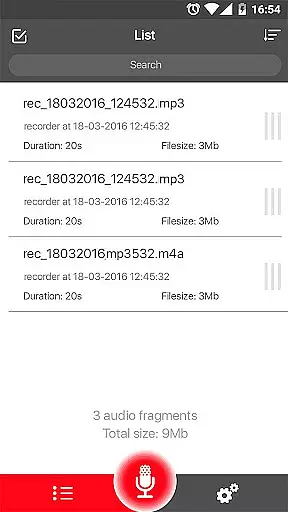
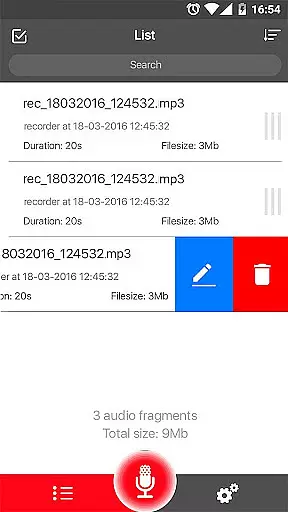
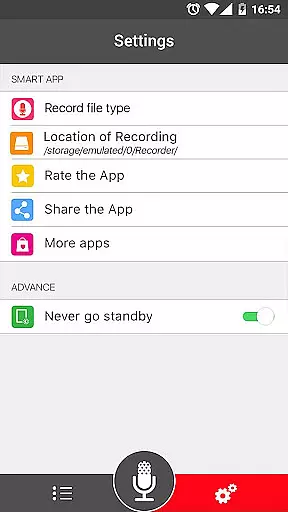
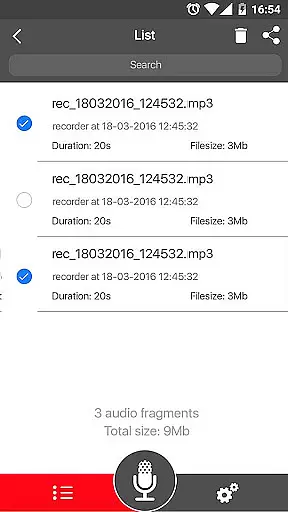

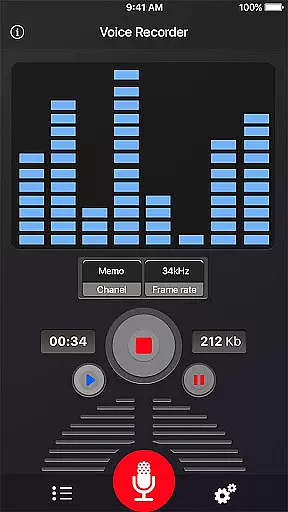
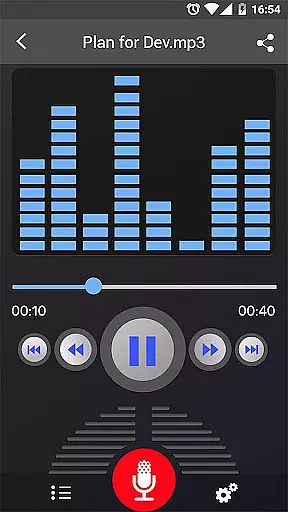
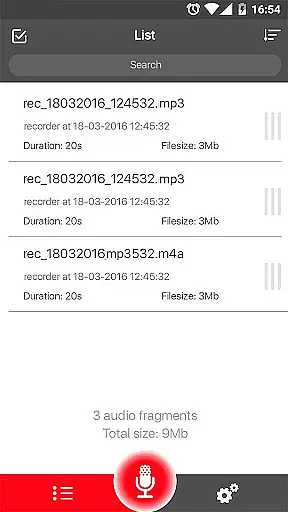
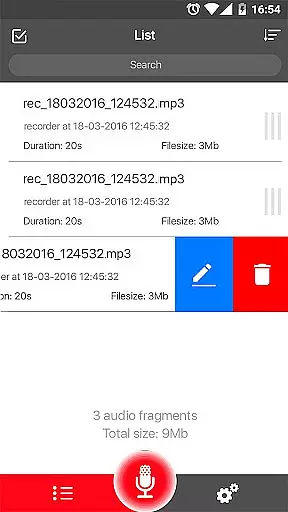
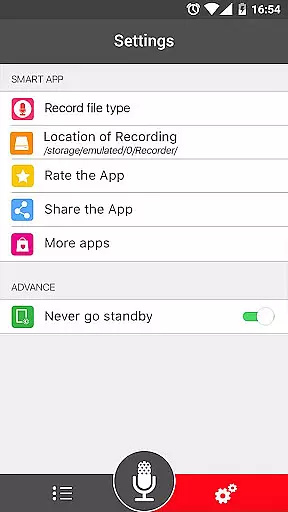
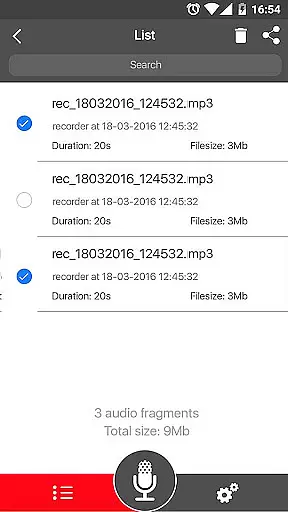
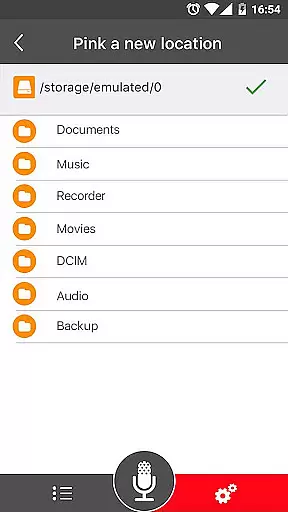
Voice Recorder is a top-tier audio recording application designed for users who need to capture high-quality sound on their mobile devices. This app stands out in the Music & Audio category by offering unlimited recording time and supporting multiple formats such as MP3 and OGG.
The application's key strength lies in its simplicity and reliability. Whether you're recording business meetings, lectures, or musical performances, Voice Recorder ensures your audio is captured with exceptional clarity. The inclusion of advanced features like live audio spectrum analysis and MP3 encoding with adjustable sample rates makes it a versatile tool for both casual and professional use.
Voice Recorder offers an impressive array of features that cater to various recording needs. The app supports high-quality recording with options to save files in popular formats like MP3 and OGG, ensuring compatibility across different platforms.
One notable feature is the ability to record in the background, even when the display is off, which helps conserve battery life while maintaining recording quality. Additionally, users can take advantage of the microphone gain calibration tool to optimize audio input levels. The app also provides comprehensive recording controls, allowing users to pause, resume, and cancel recordings effortlessly.
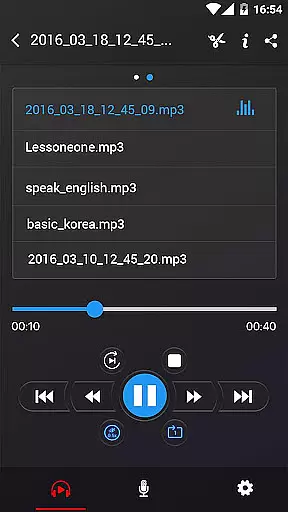
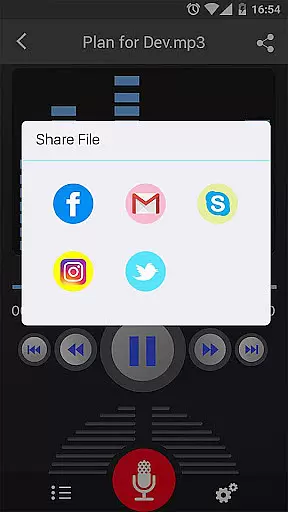
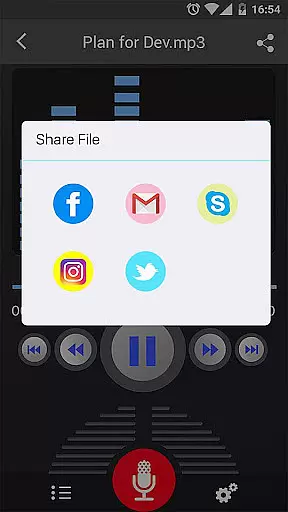
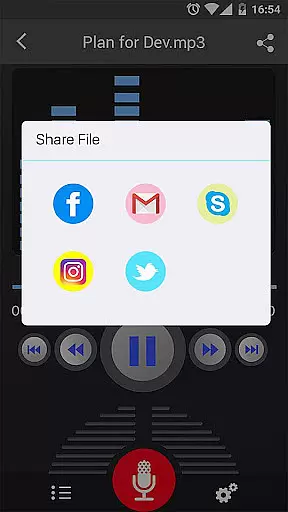
Sharing capabilities are another strong suit, enabling users to send their recordings via email, SMS, social media platforms, and cloud services like Dropbox. With its intuitive interface and robust functionality, Voice Recorder is an excellent choice for anyone seeking a reliable audio recording solution.
Voice Recorder offers a comprehensive set of features for capturing high-quality audio, making it an ideal tool for expanding your music or audio library. With the ability to record unlimited sessions in MP3 and OGG formats, this app allows users to build a vast collection of recordings without any constraints.
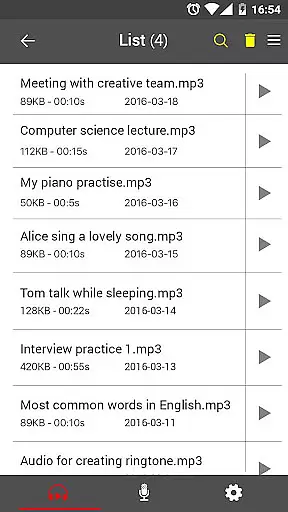
Each recording is saved in a widely compatible format, ensuring that files can be easily shared or transferred across devices. The absence of time limits on recordings means you can capture complete lectures, meetings, or musical performances without interruptions, enhancing the depth and variety of your audio library.
While the app itself does not provide pre-recorded content, its robust recording capabilities empower users to create their own unique audio collections. This personal library can include anything from creative works to important notes, all stored securely on your device.
The app's commitment to quality ensures that every recording maintains excellent audio fidelity, which is crucial for both casual listeners and professionals who require precise sound reproduction. By focusing on user-generated content, Voice Recorder guarantees that all recordings are original and free from copyright restrictions.
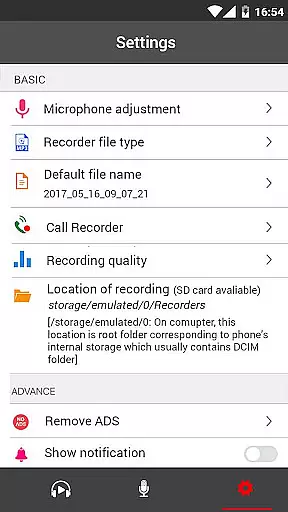
One of the standout features of Voice Recorder is its ability to deliver exceptional audio quality through advanced settings like adjustable MP3 encoding with sample rates ranging from 8 kHz to 44 kHz. This flexibility allows users to tailor the recording quality based on their specific needs, whether they're capturing detailed music performances or simple voice memos.
In addition to customizable encoding options, the app includes a microphone gain calibration tool, which helps optimize input levels for clearer recordings. This feature minimizes background noise and distortion, ensuring that the final output meets professional standards regardless of the environment.
Voice Recorder also supports background recording, enabling uninterrupted sessions even when the display is off. This functionality is particularly useful for long-duration captures such as concerts or conferences where maintaining consistent audio quality over extended periods is essential.
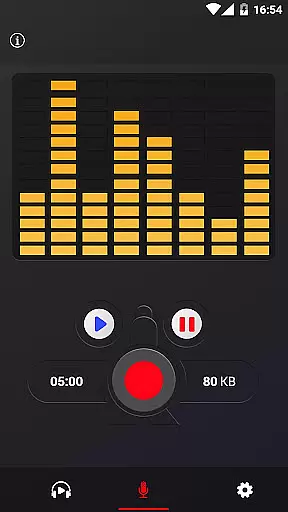
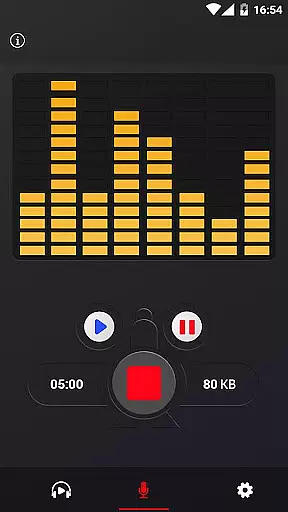
With live audio spectrum analysis during recordings, users can visually monitor sound frequencies in real-time, further enhancing control over the final product. These combined features make Voice Recorder a versatile choice for anyone seeking reliable and high-fidelity audio solutions.
User-friendly interface
High-quality recording
Unlimited recording time
Background recording
Multiple sharing options
No call recording
Limited format support
Basic UI design
Occasional bugs
Ads in free version

Over 100 million tracks available for high quality streaming and download
 4.60
4.60
The Music Journey in Your Hands
4.30
Enhance the sound quality of your devices, listen to what you want
4.50
Enjoy singing any song, no matter how high or low it is
4.30
Learn and play 2M+ music tabs & chords on guitar, ukulele, bass, and more
4.30
The original SP-1200 experience on your iPad
4.20
Learn the notes on the guitar fretboard fast with this easy and fun app
4.60
Versatile MP3 recorder with auto-backup to Dropbox and Google Drive
4.10
Be a true music maker: create beats, mix and make music like a real DJ!
4.30
Music, News & Sports Radio Tuner App. Tune in Live FM & AM Radio Stations.
4.80
Offline Music Player&MP3 Player with themes, equalizer, lyrics, music play mode
4.60
Save hundreds of dollars for a physical strobe tuner and instead use this app.
4.50
Time Trainer: accurate metronome w tools to help you develop your internal time!
4.20
No wifi music app. Mp3 offline. Tuner radio, young radio music. Music downloader
4.20
Turn your phone into a musical instrument from the future!
3.90
The only true audiophile music player with Hi-Fi audio rendering and DSP engine
3.90
Learn to play the piano using falling notes!
3.80
Control your MIDI USB or Bluetooth devices in app and avoid some trampling
3.30
MilkDrop for Android TV
3.00


User Reviews