
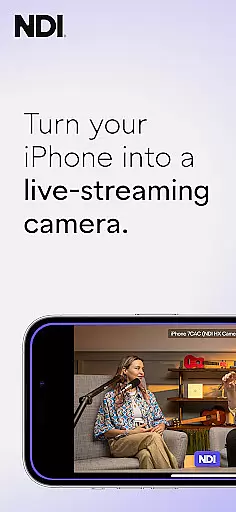
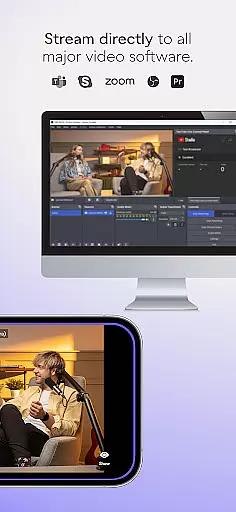
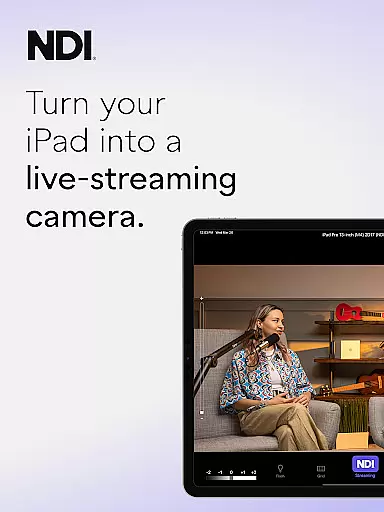
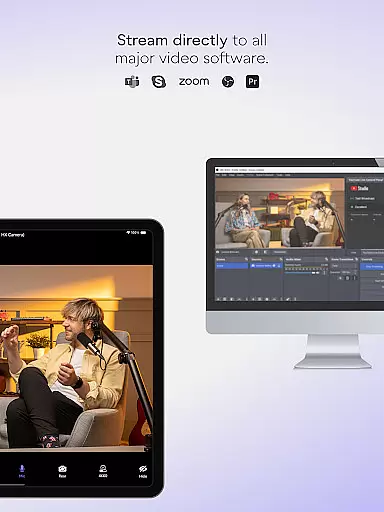
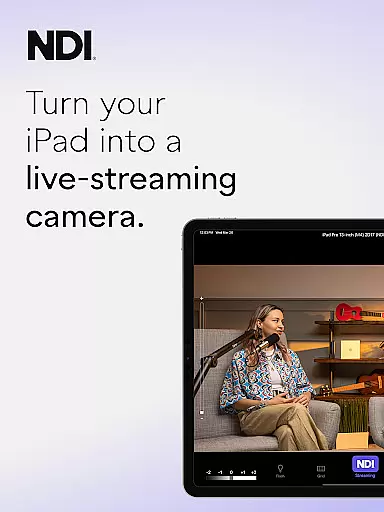
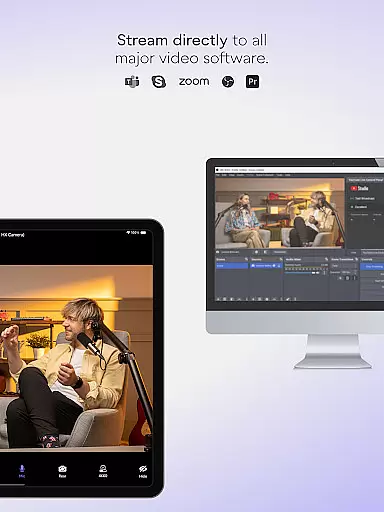
NDI Camera is a professional live-streaming application that transforms your mobile device into a high-quality NDI camera. With its intuitive interface and advanced features, the app allows users to stream low-latency video and audio directly to popular platforms such as MS Teams, Skype, and Zoom. Designed for both amateur and professional use, it offers seamless integration into any live production system.
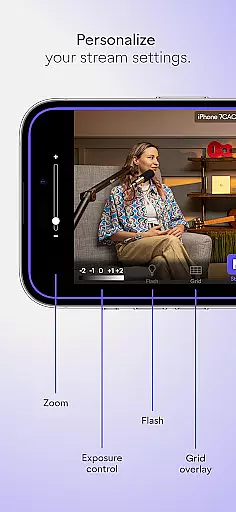
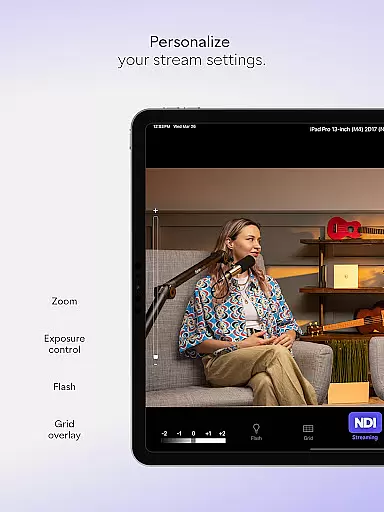
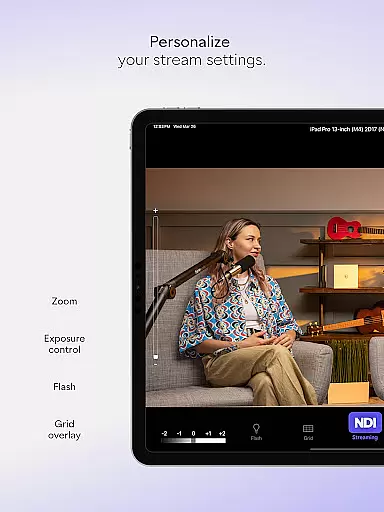
The app provides multiple professional settings including adjustable bandwidth modes, grid overlay, autofocus, pinchable zoom, and front/rear camera selection. These features make it an ideal tool for introducing new camera angles and perspectives to live broadcasts, webcasts, and presentations. Whether you're streaming from a small meeting or a large event, NDI Camera ensures your content stands out with exceptional quality.
NDI Camera boasts a range of powerful features tailored for live-streaming professionals. The app's modernized UI enhances user experience by providing an intuitive interface with a fixed viewfinder that displays full video height. One standout feature is the tally light, which comes with multiple modes to indicate preview and on-air status, ensuring smooth operation during live broadcasts.
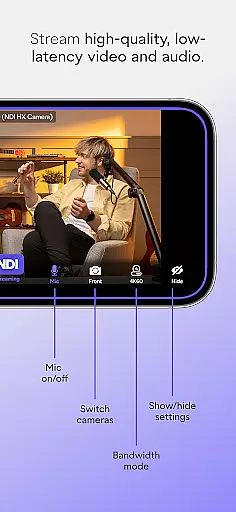
Additional functionalities include professional settings such as high, medium, and low bandwidth modes to accommodate different network capabilities. Users can also take advantage of the optional grid overlay, pinchable zoom, and on-screen connection meter. These tools collectively empower users to capture and stream high-quality video effortlessly, making NDI Camera a versatile and indispensable asset for live productions.
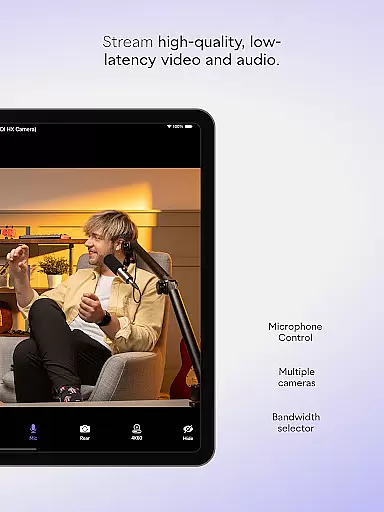
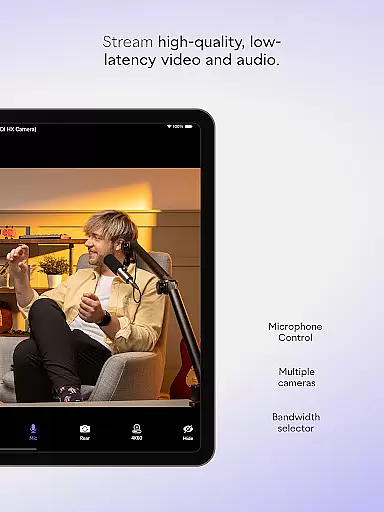
Real-time messaging speed and reliability are crucial for seamless communication in live-streaming applications like NDI Camera. This app ensures that video and audio streams are transmitted with minimal delay, providing users with a smooth experience.
NDI Camera achieves this by utilizing advanced network protocols and optimizing data transmission paths. The app supports NDI 4 or newer, which is designed to deliver low-latency, high-quality video over standard networks, making it ideal for professional environments where timing is critical.
Users benefit from the ability to stream high-quality content without noticeable lag, allowing them to engage more effectively in live broadcasts, webcasts, and presentations. This reliability enhances collaboration and interaction across various platforms such as MS Teams, Skype, and Zoom.
Media sharing support in NDI Camera allows users to effortlessly send video to popular platforms like MS Teams, Skype, Zoom, and many others. This feature transforms mobile phones into versatile tools for live production systems, offering flexibility and additional perspectives.
The app provides professional settings on the palm of your hand, including options for high, medium, and low bandwidth modes to suit different network capabilities. With features like autofocus, pinchable zoom, front and rear camera selection, and an on-screen connection meter, users can customize their streaming setup according to their specific needs.
By downloading NDI Camera, users gain access to powerful functionalities that enhance their live broadcasts. Whether adding new camera angles or integrating mobile footage into larger productions, media sharing support ensures that content creators can deliver dynamic and engaging presentations with ease.
User-friendly interface
High-quality streaming
Multiple professional settings
Seamless platform integration
Flexible camera options
Requires NDI 4 support
Limited free features
Network dependent
Advanced settings may overwhelm beginners
Occasional connectivity issues

BiP is a fast, secure, free messaging and HD video calling app!
 4.10
4.10
Use this Dialer app alone or as a TREK: Total Interface companion.
4.70
Enjoy secure messaging & calling. Safe Messenger: group chats, calls, messages.
4.20
Fast and mini browser with Ad Blocker,Video Downloader and Video Player
4.40
Faster version of Messages. Messenger for your contacts.
4.50
HD Video Meeting app is a fast & unlimited video conferencing app across world.
4.30
Measure BHP, Torque & 0-60 Clear car OBD faults View engine data in Google Earth
4.00
Simple tool for businesses to talk to their customers.
4.40
Useful. Social. Expressive.
4.70
Stay in touch with the people who matter most.
4.60
Smart and simple anti-wiring application - IMSI-catchers catcher
4.40
A web browser that respects your privacy.
4.30
2nd Phone Number Line for Anonymous Texting, Calling, and Picture Messages
4.30
SMS Messenger ensures that communication become effortless and accessible.
3.80
This app enables the phone to receive and send FT8 traffic!
3.80
Caller ID, Spam Call & SMS Blocker
3.80
Weargram is an unofficial Telegram Client for Wear OS.
3.50
A Browser with powerful ad blocker to help focus on what really matters.
3.00
Chat on the Jabber network (XMPP protocol); support for SMS and other gateways
2.10


User Reviews