
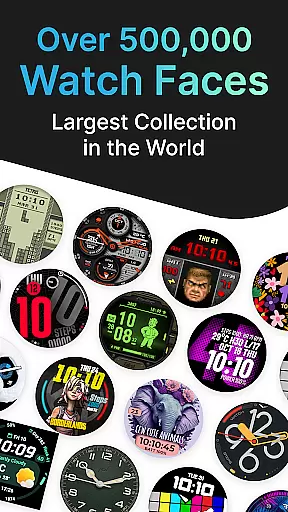
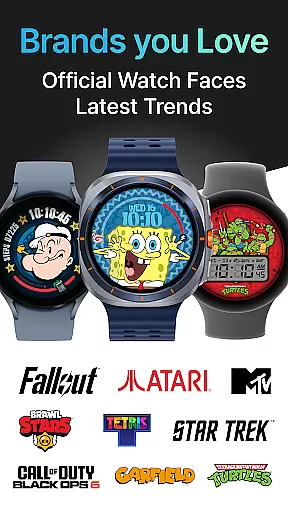
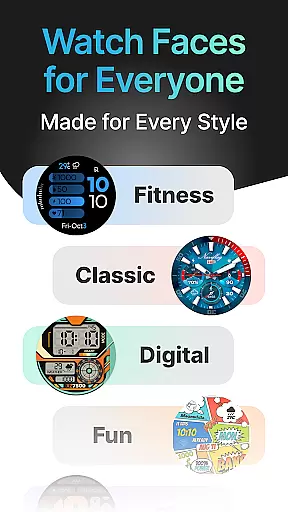
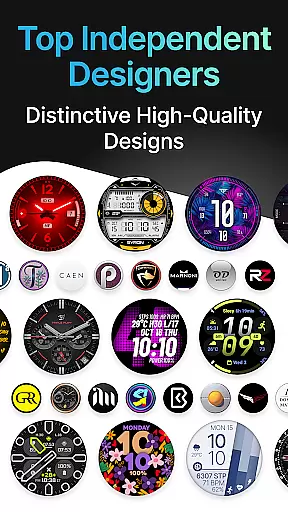
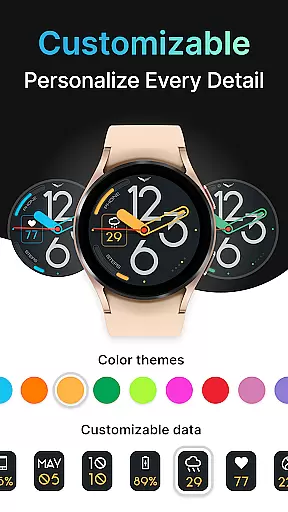
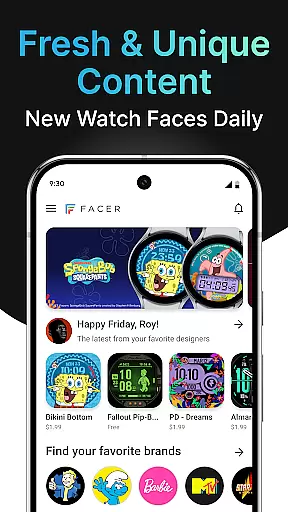
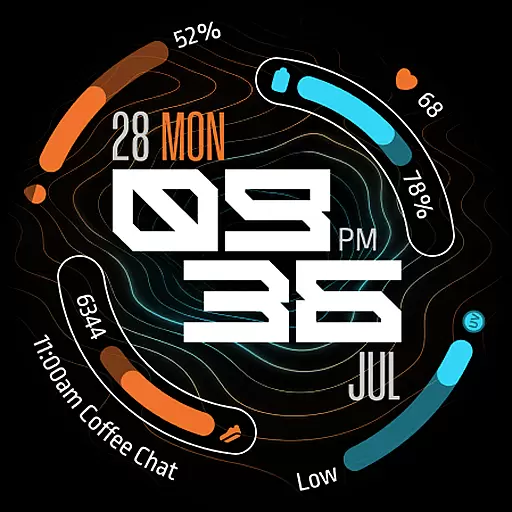
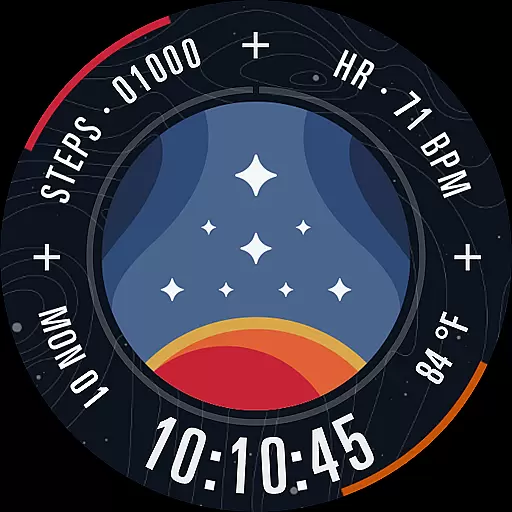
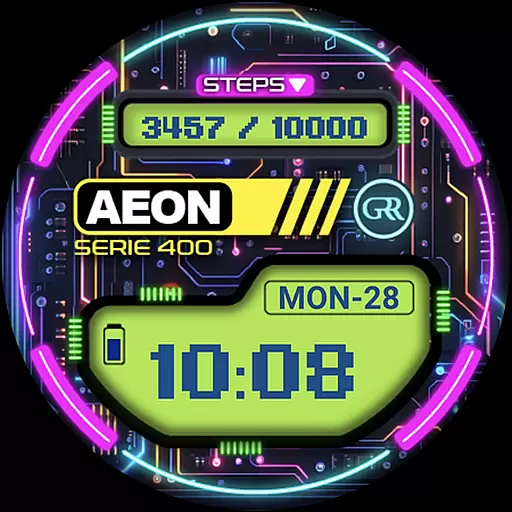
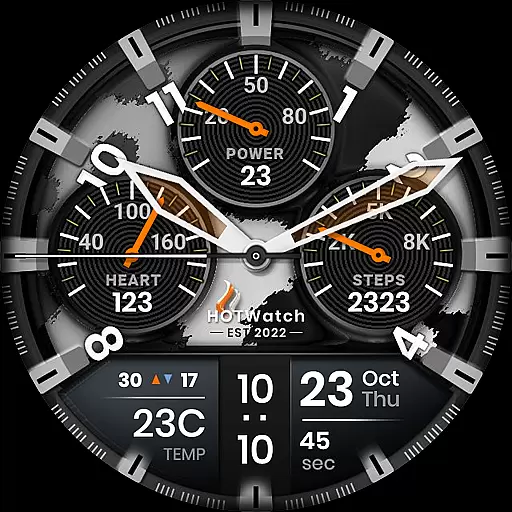
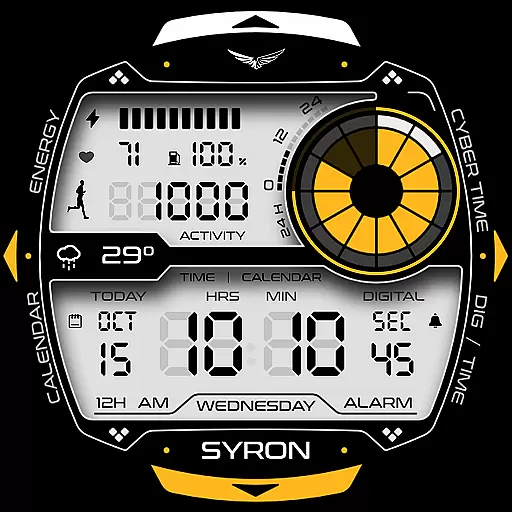
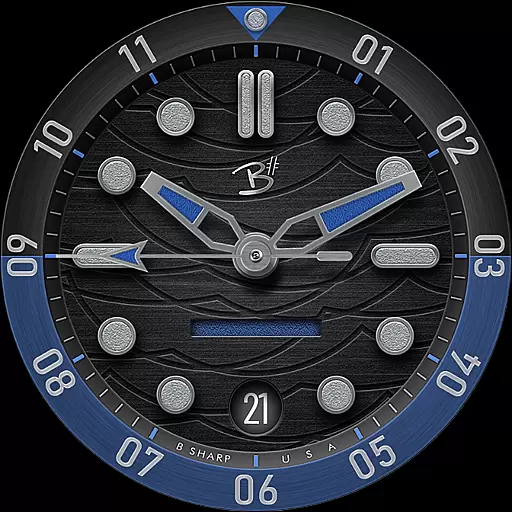
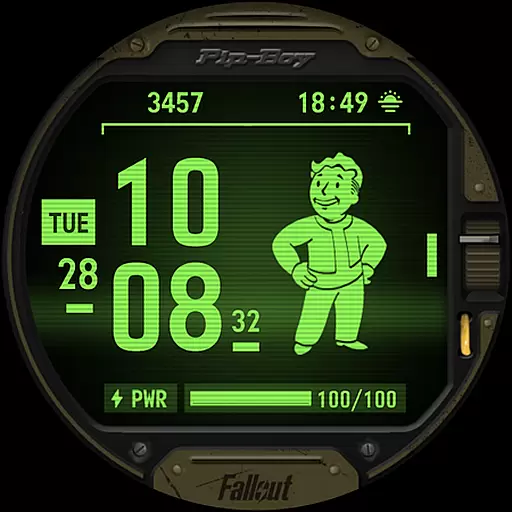

Facer Watch Faces is the ultimate customization tool for smartwatch users, offering over 500,000 free and premium watch face designs. Compatible with Wear OS, Tizen, Apple Watch, and more, it allows you to personalize your smartwatch with styles from leading brands and independent artists.
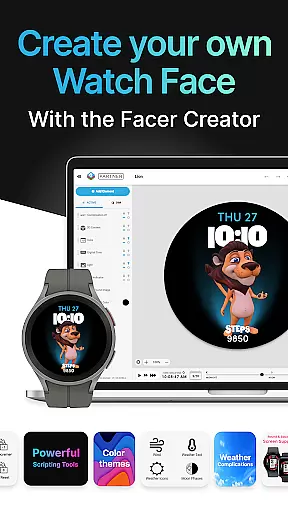
The app supports a wide range of devices including Samsung Galaxy Watches, Google Pixel Watches, OnePlus Watches, and many others. With features like Facer Creator, users can even design and publish their own watch faces, reaching thousands of smartwatch users worldwide.
Whether you're looking to match your watch face with your outfit or showcase your unique style, Facer provides unlimited creative possibilities. The app also integrates seamlessly with fitness and health data, making it both stylish and functional.
Facer stands out with its massive catalog of watch faces, featuring everything from original designs by talented artists to branded options like Tetris™, Star Trek, and Ghostbusters. This diversity ensures there's something for every user's taste and style preference.
A key feature is the Facer Creator tool, accessible via web browser, which empowers users to make their own watch faces. The intuitive interface allows for full customization, including complications, colors, and widgets, all while supporting dynamic data like weather and fitness metrics.
Additionally, Facer offers seamless cross-platform support, ensuring that whether you're using Wear OS, Tizen, or even an Apple Watch, your personalized watch face travels with you. Regular updates and new brand collaborations keep the content fresh and engaging.
Companion app integration is essential for a seamless smartwatch experience. Facer ensures that its mobile and wearable applications work in perfect harmony, allowing users to easily browse, select, and apply watch faces directly from their smartphones.
The app's dual-installation process requires users to set up Facer on both their phone and smartwatch. This creates a robust connection where watch faces selected on the phone are instantly synced to the paired device. The companion setup provides an intuitive interface for managing all aspects of watch customization.
Users benefit from real-time synchronization of their favorite watch faces across devices. Whether switching between Wear OS, Tizen, or Apple Watch, Facer maintains consistency in user preferences and settings. This cross-platform compatibility ensures that your personalized style travels with you regardless of your current device.
The integration extends beyond mere face swapping. Facer's companion system enables advanced features like health data display and location-based weather information through secure permission management. These capabilities create a comprehensive smartwatch personalization solution that goes beyond basic aesthetics.
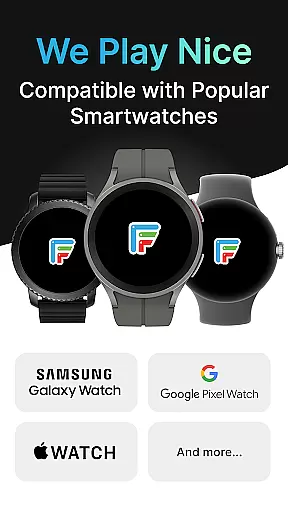
Device compatibility is crucial for any wearable application, and Facer excels in supporting the vast Wear OS ecosystem. The application works seamlessly with Samsung Galaxy Watches running Wear OS, including Watch4 through Watch8 series, plus all Pro and Classic variants, ensuring broad coverage of modern smartwatches.
Facer maintains backward compatibility with legacy Wear OS versions while embracing new updates. For devices upgrading to Wear OS 6, users can access the full range of premium faces. Meanwhile, those with Wear OS 3 or 4 continue enjoying the extensive catalog through the legacy app experience, maintaining uninterrupted service.
The application supports not only Samsung devices but also Google Pixel Watch series, OnePlus, Oppo, Mobvoi Ticwatch, and Fossil Group watches. This extensive compatibility list demonstrates Facer's commitment to universal accessibility across major smartwatch manufacturers and operating systems.
For users concerned about future-proofing their investment, Facer's regular updates and version support provide peace of mind. The development team actively maintains compatibility with emerging devices and operating system versions, ensuring that users' customized watch faces remain accessible as technology evolves.
User-friendly interface
Extensive device compatibility
Vast library of designs
Custom watch face creation
Regular content updates
Premium faces require payment
Some features need permissions
Limited free options
Occasional sync issues
Advanced tools for pros only

Contemporary digital watch face with five complications
 4.4
4.4
To-Do List: daily schedule planner, task organizer, to do reminder app, calendar
4.60
Real-time weather radar with temperatures, warnings, hurricanes, and widgets
4.80
The most customizable hybrid watch face. For Wear OS 5.0, API 34+ and later
4.70
A modern hybrid informative watch face for Wear OS designed by BALLOZI
4.80
Hybrid Vibrant Health Watch Face for Wear OS
4.1
Animated video-game inspired “secret agent” simulation, right on your wrist!
4.20
Premium hybrid watch face with many customizations for Wear OS devices.
4.40
A realistic hybrid watch face with many customization options.
4.60
Easy Voice Recorder is your everyday companion to record important moments.
4.70
Monitor health with the stress test and pulse checker in the heart rate app.
4.60
MyNISSAN® lets you remotely control your car from your phone.*
4.50
A white realistic classic analog watch face with many customization options.
4.40
Let's celebrate Thanksgiving - Wear Os watch face
4.20
Hyper-Realistic Airplane Dashboard Watch Face With 10 Skins and Custom AOD
4.00
Authentic military-tactical design with ZULU time! Realistic and functional!
3.80
Watch the sharpness of the sky on your wrist..
3.70
Artistic Digital Watchface
4.4
Fitness interactive virtual pet super fighter boy watch face
4.0


User Reviews