

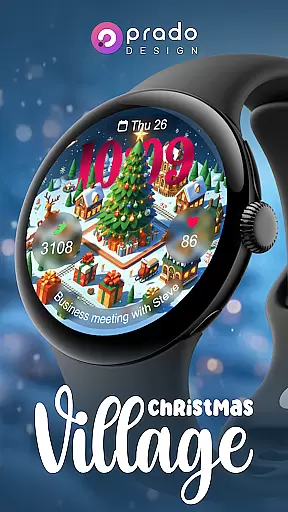
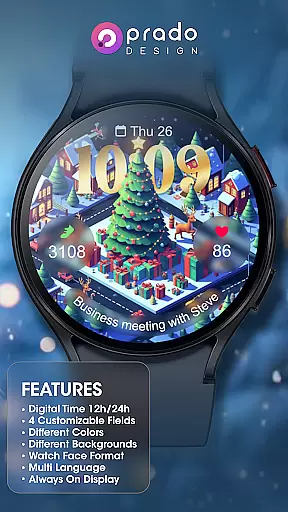

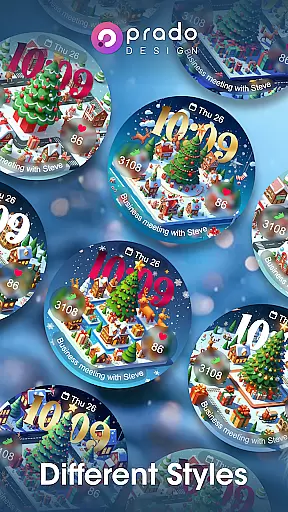

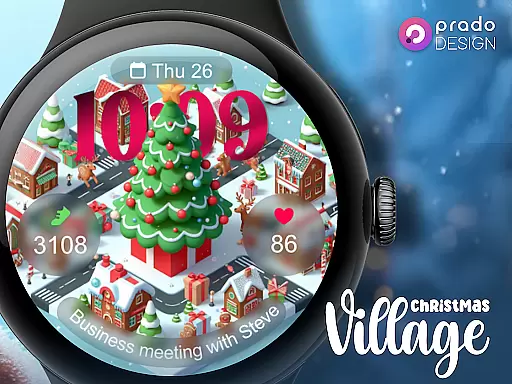
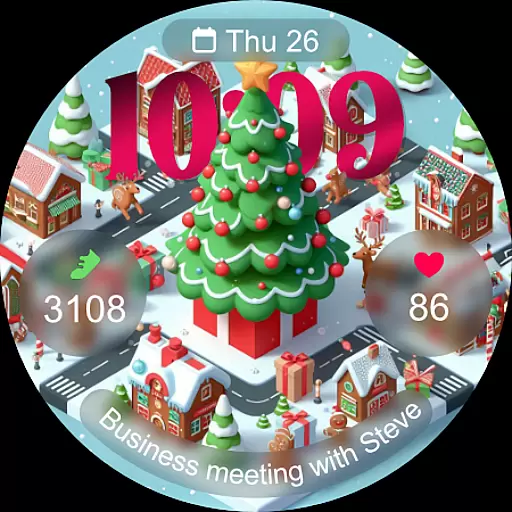
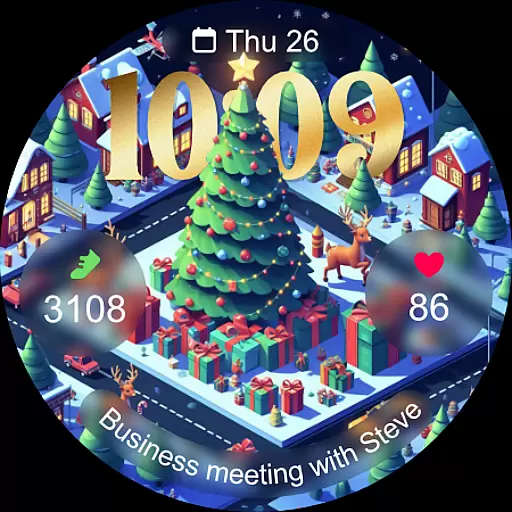
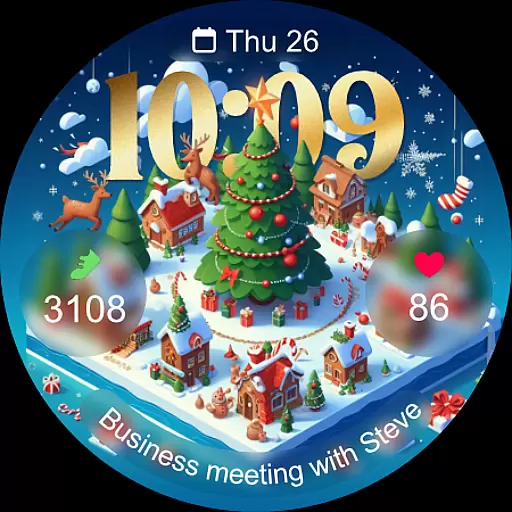
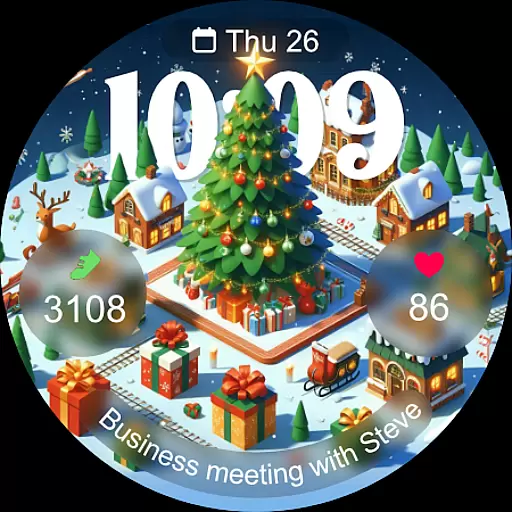
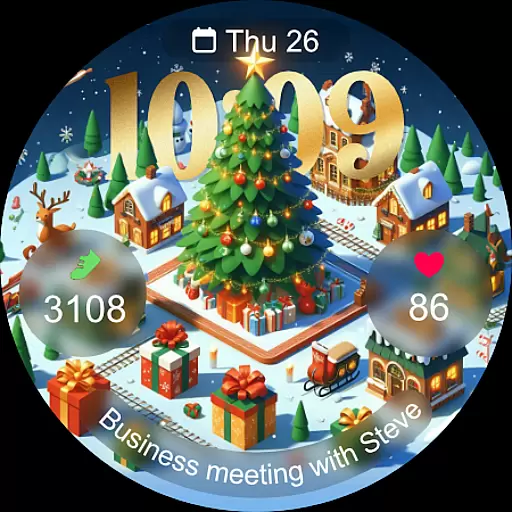
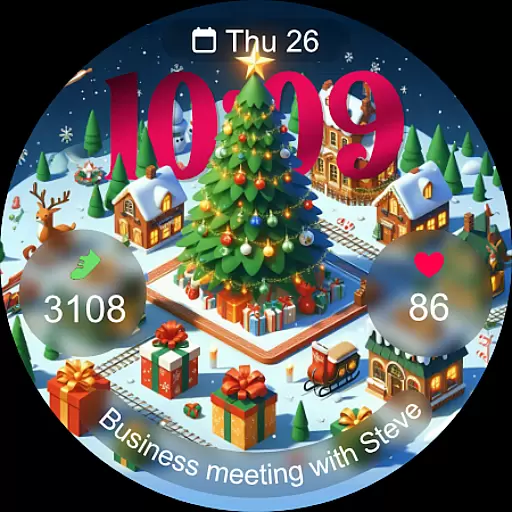
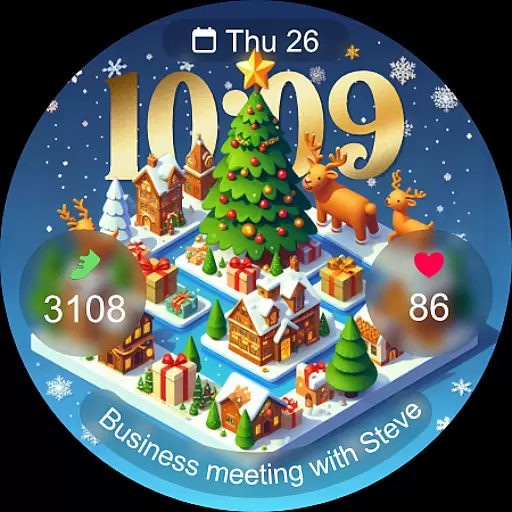
Christmas Village is a festive watch face app designed specifically for Wear OS devices, offering users a perfect way to celebrate the holiday season right on their smartwatch. The app provides a delightful Christmas-themed interface with customizable features that adapt to individual preferences.
With support for both 12-hour and 24-hour formats based on phone settings, users can personalize their watch face with four customizable fields. It includes various color options, characters, and multi-language support, ensuring a tailored experience for each user. Additionally, the Always On Display feature keeps the holiday spirit alive throughout the day.
This app is ideal for those looking to add a touch of festivity to their wearable technology during the Christmas season, enhancing both style and functionality.
Christmas Village stands out with its rich set of features designed to provide a fully customizable experience. One of the key highlights is the ability to choose between 12-hour and 24-hour time formats, which automatically syncs with the user's phone settings.
The app offers four customizable fields, allowing users to tailor their watch face to display the information most important to them. Users can select from different colors and characters, adding a personal touch to their device. Multi-language support ensures accessibility for a global audience.
For optimal performance, users are encouraged to manually enable sensor permissions and allow the reception of complication data. This ensures all features, including weather complications, function seamlessly, providing an enhanced user experience.
For a seamless wearable experience, Christmas Village ensures robust companion app integration. This feature allows users to synchronize essential settings and preferences between their Wear OS device and the paired smartphone.
The watch face's customizable fields and weather complications can be conveniently managed through the companion app. Users can adjust color schemes, configure always-on display settings, and set up multi-language support with ease.
This integration extends to third-party applications as well. Recommended weather apps like Weather Complications and SimpleWeather connect directly with Christmas Village, enabling automatic updates of location-based weather information on the watch face.
By maintaining strong compatibility with both official Wear OS applications and recommended third-party tools, this watch face guarantees a comprehensive and user-friendly wearable experience that enhances daily productivity while keeping the festive spirit alive.
Christmas Village demonstrates exceptional compatibility across various Wear OS devices, ensuring a consistent user experience regardless of the specific hardware being used. The developers have optimized the watch face to function seamlessly with different screen sizes and resolutions common in modern smartwatches.
A notable aspect of this compatibility is the implementation of adaptive design elements. The watch face automatically adjusts its layout and visual components based on the device's specifications, maintaining optimal readability and aesthetic appeal across different models.
For full functionality, users must manually enable certain permissions, including sensor access and complication data reception. These permissions guarantee that all interactive elements, such as weather complications and customizable fields, operate as intended.
The application also addresses potential compatibility concerns by providing clear instructions for users who encounter device compatibility messages. By directing them to access the Play Store through their browser, Christmas Village ensures that all compatible devices can successfully install and utilize this festive watch face.
Perfect for Christmas
Fully customizable
Always On Display
Multi-language support
Vibrant designs
Wear OS only
Weather setup required
Limited compatibility
No iOS support
Premium features

Analog watch face with 8 complications and expedition styling
 4.1
4.1
Connect to your Bluelink equipped Hyundai vehicle from your smartphone.
4.50
Get helpful reminders, take progress photos and find answers to your questions.
3.90
A modern hybrid informative watch face for Wear OS designed by BALLOZI
4.80
A digital watch face that celebrates Christmas.
4.00
Viewer for Wyze/Yi/Eufy/Arlo/ONVIF/RTSP/P2P IP cams w/ adv. features & DIY DVR
4.00
Hybrid Vibrant Health Watch Face for Wear OS
4.2
Control your Samsung Smart TVs, appliances, and SmartThings-compatible devices
4.60
Spam call blocker and caller ID for automatic call protection!
4.40
Diet tracker for weight loss - track calories, food and macros. Simple and easy!
4.70
Walking app for weight loss: walk & step tracker, pedometer, indoor treadmill
4.60
Rose gold watch face with festive lights & customizable features.
4.60
MyNISSAN® lets you remotely control your car from your phone.*
4.50
Bold, Modern Hybrid Watch Face for Wear OS. 10 Colors, Rich Info Display.
4.30
Elegant animated Christmas tree with multiple customization options
4.20
The #1 source of faces for your smartwatch!
4.00
Animated Watch Face and Customizable with 24 Backgrounds. Perfect for Christmas!
3.90
Want to take charge of your health? Let Google Fit help you reach your goals.
3.50
an Analog Watch Face for winter season with freeze winter background for Wear OS
4.4


User Reviews