
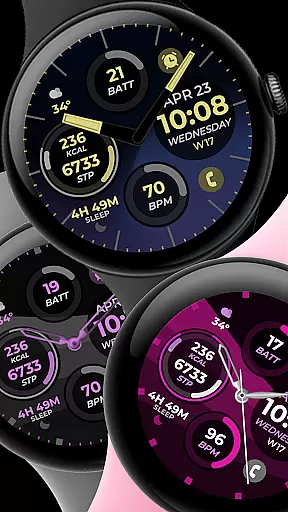
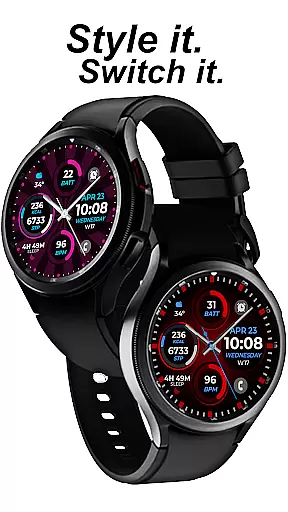
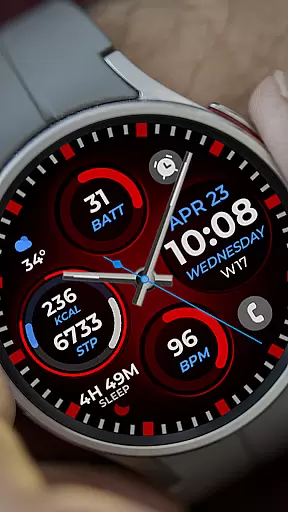
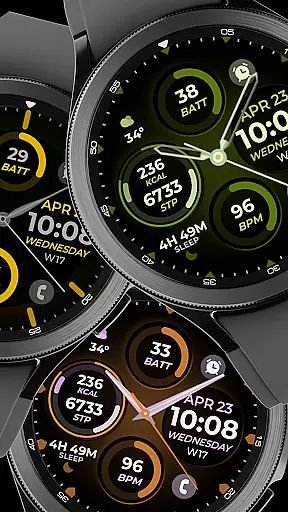
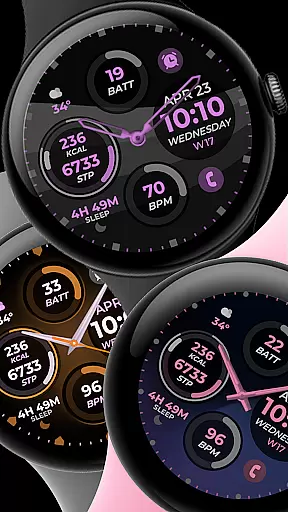
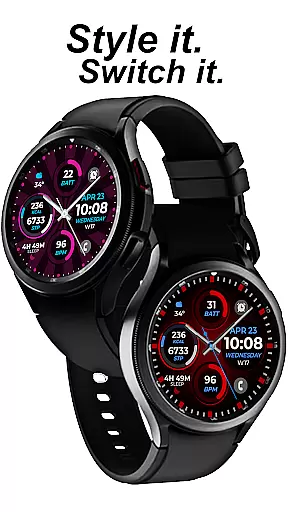
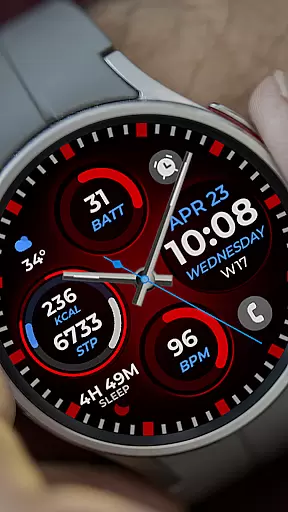
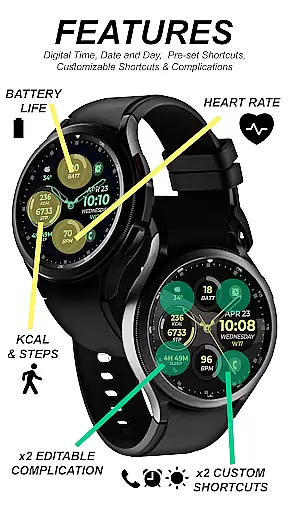
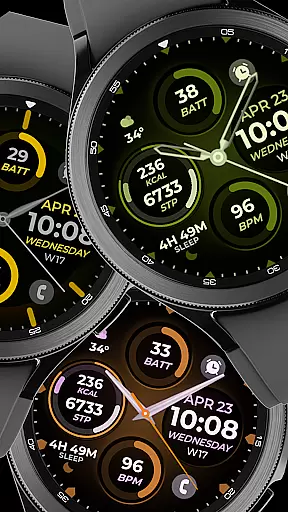
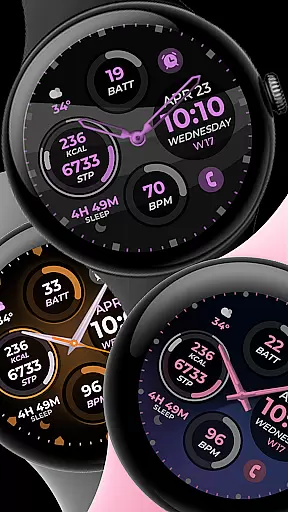
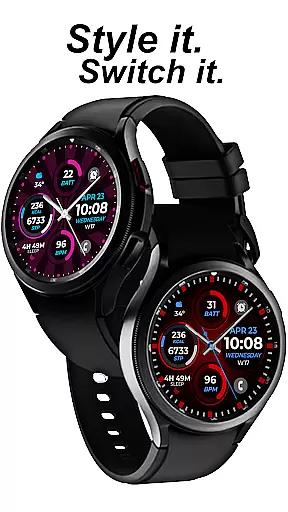
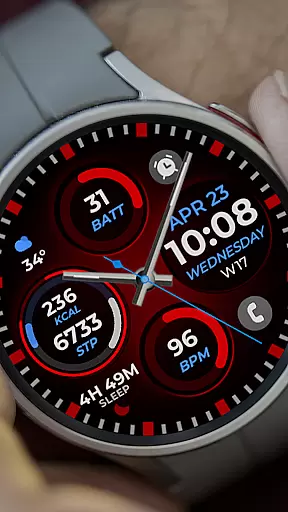
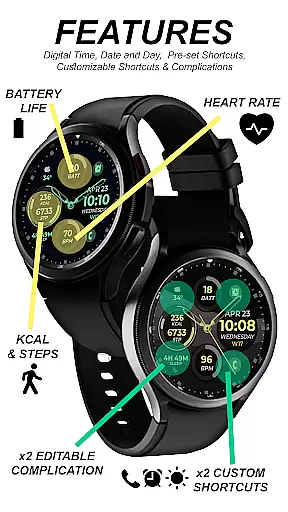
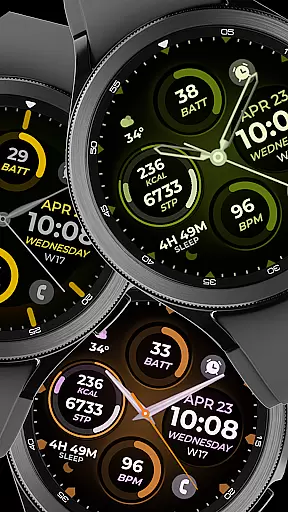
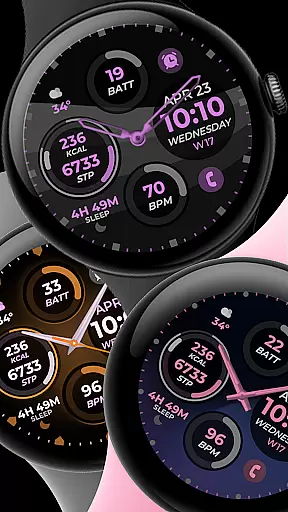
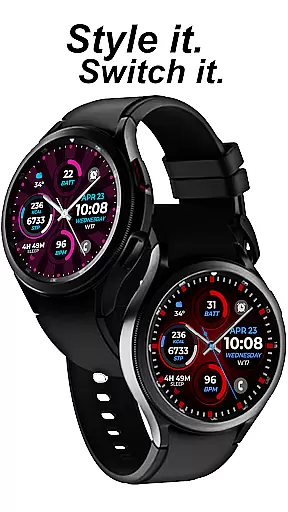
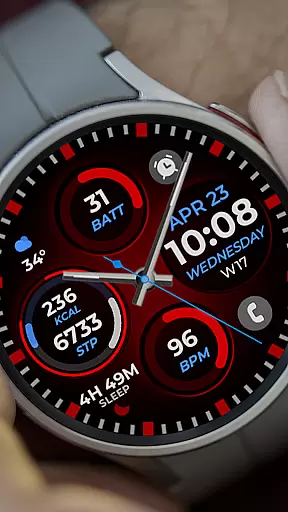
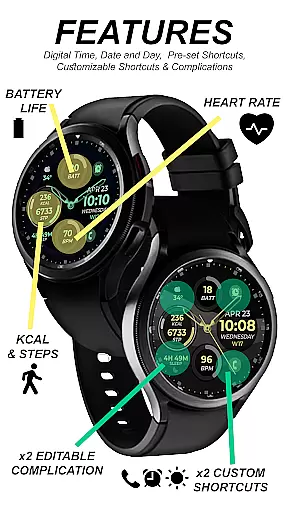
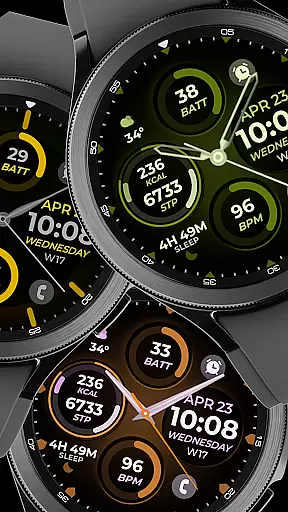
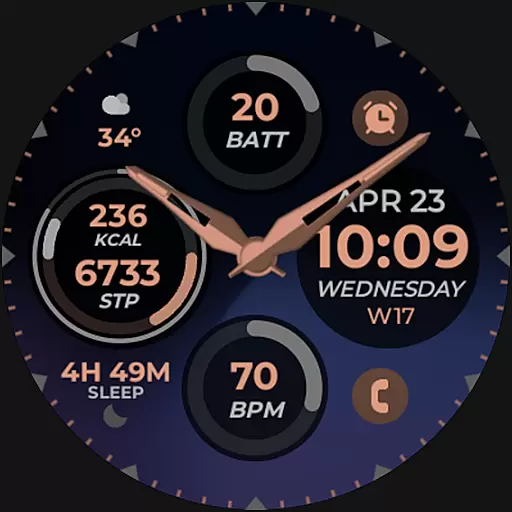
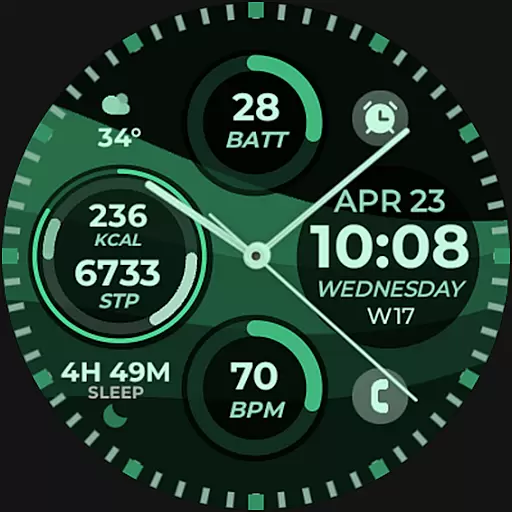
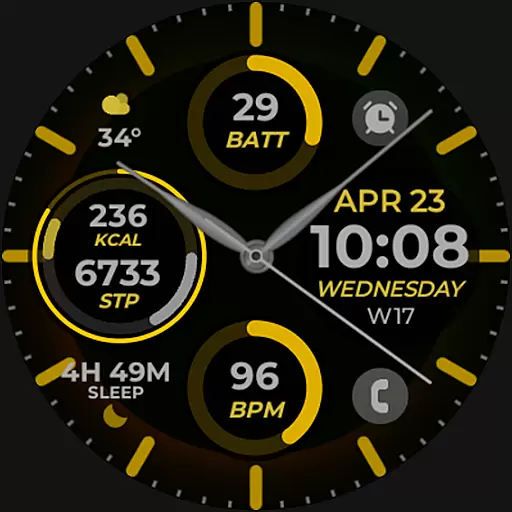
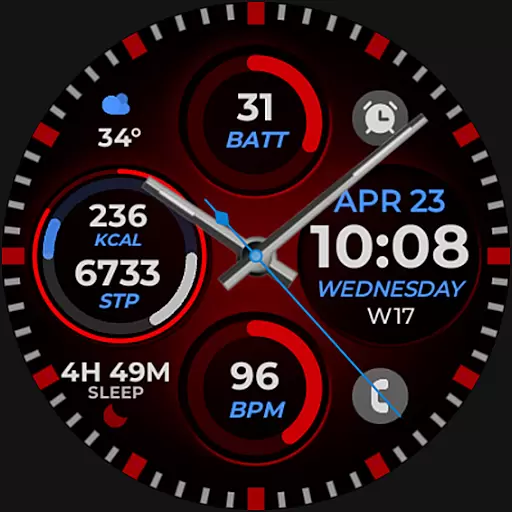
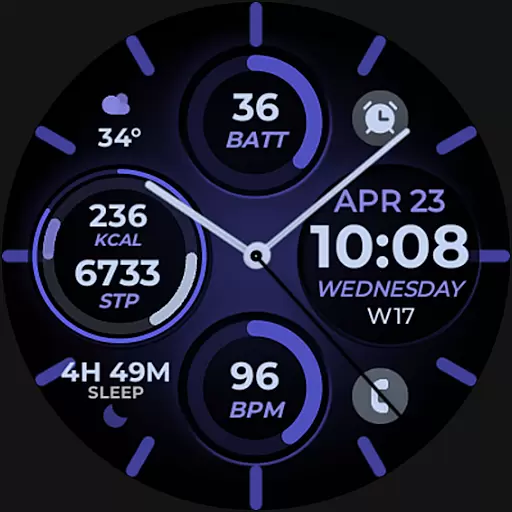
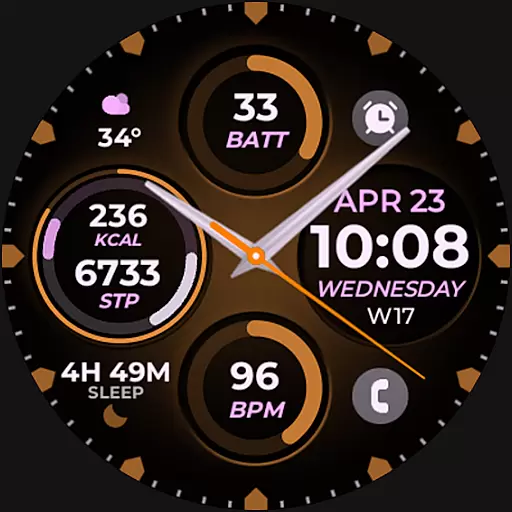
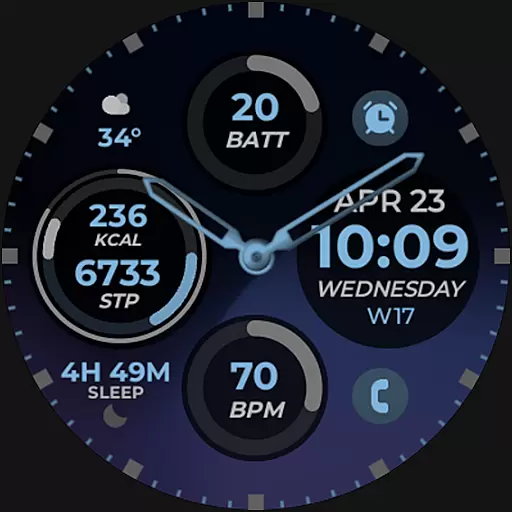
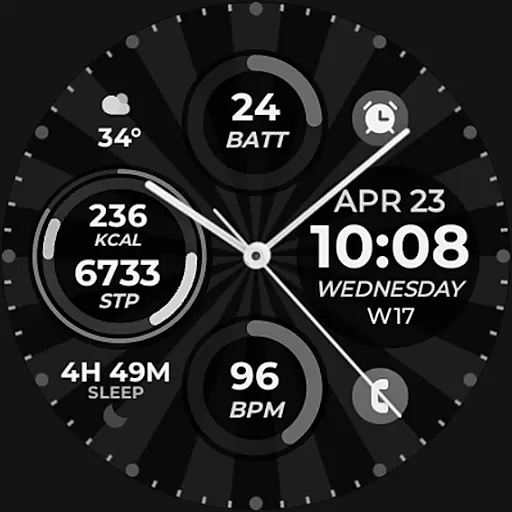
Vibrant Fit Hybrid is a feature-rich watch face app designed specifically for Wear OS devices, including the Samsung Galaxy Watch 4. This application offers users a customizable and visually appealing interface that enhances their smartwatch experience.
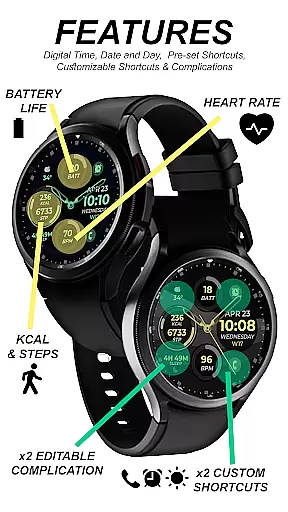
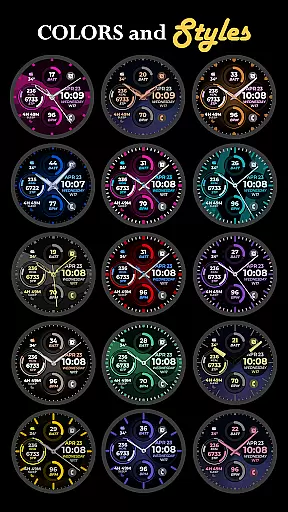
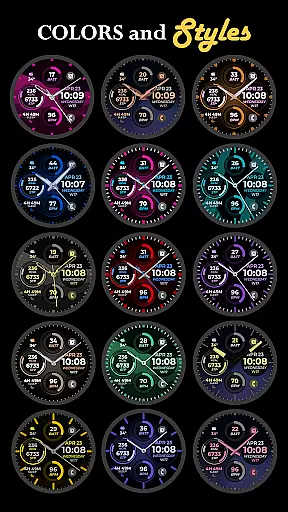
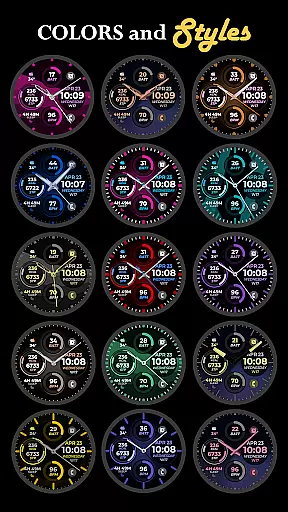
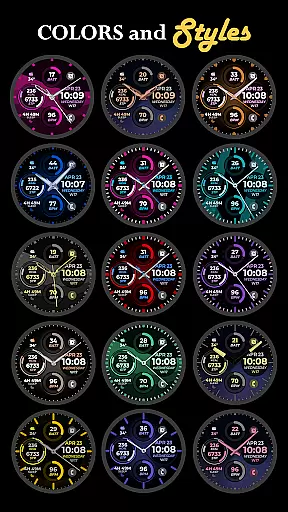
The app provides essential timekeeping functions through its digital and analog clock options, along with date display and Always-On Display (AOD) capabilities. Users can personalize their watch faces with preset or custom app shortcuts, complications, and choose from a variety of color palettes, watch hands, and index styles to match their personal taste.
Whether you're looking to stay informed at a glance or simply want to express your style, Vibrant Fit Hybrid ensures seamless integration between functionality and aesthetics on your wearable device.
Vibrant Fit Hybrid stands out with its comprehensive set of features tailored for Wear OS users. The app supports both digital and analog clock formats, catering to different user preferences while providing accurate timekeeping alongside the current date.
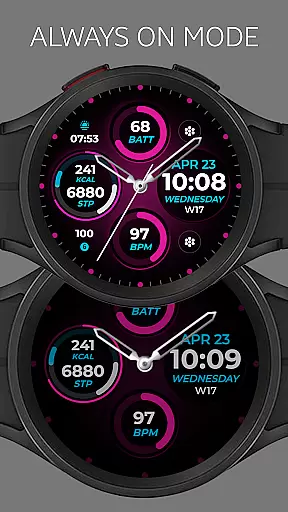
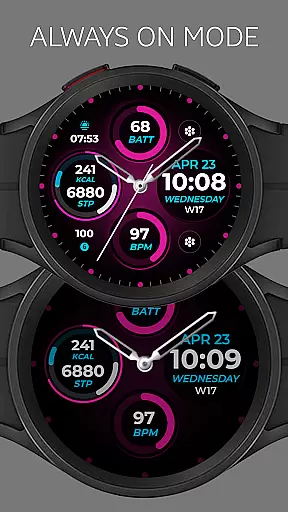
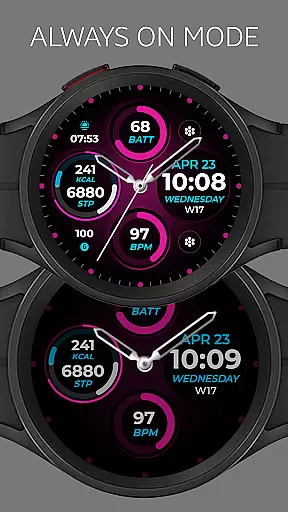
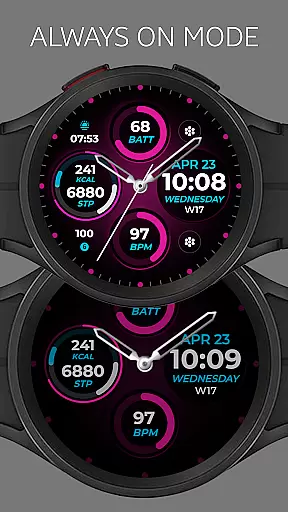
One of the key highlights is the Always-On Display (AOD) feature, which allows users to view the time without waking up their watch. Additionally, it includes preset app shortcuts for quick access to frequently used applications, as well as customizable app shortcuts and complications that enable deeper personalization.
Users have the freedom to adjust various visual elements such as color palettes, watch hands, and index styles, ensuring that each watch face uniquely represents its owner. Note that some features may not be available on all watches, but overall, Vibrant Fit Hybrid delivers an engaging and tailored experience for smartwatch enthusiasts.
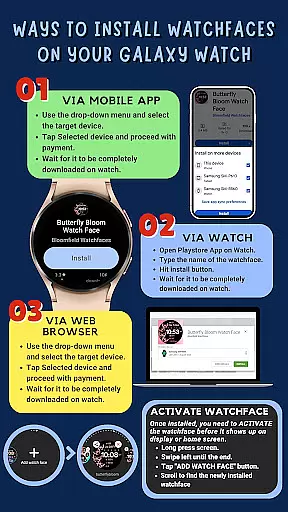
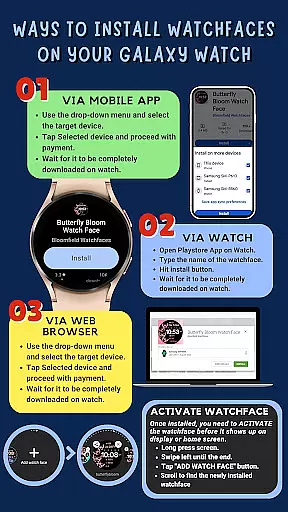
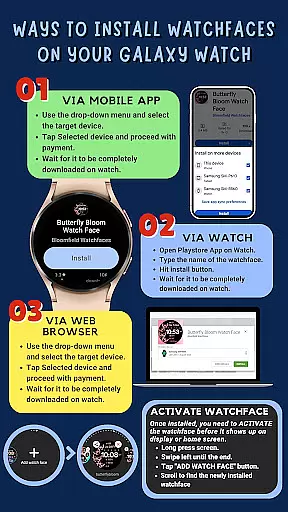
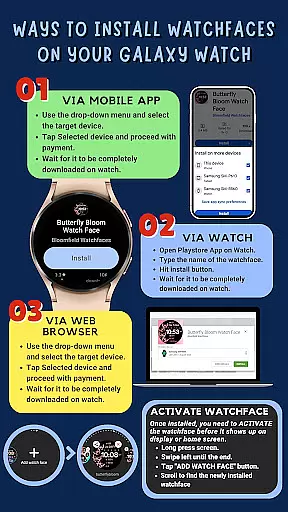
Companion app integration is essential for ensuring that your wearable device functions seamlessly with your smartphone. Vibrant Fit Hybrid has been meticulously designed to offer a smooth installation process directly from the Google Play Store to your Galaxy Watch 4.
The application automatically installs on your watch, and it requires a strong connection between the phone and the watch using the same Wi-Fi network. Logging into your Google account on the watch is crucial for a hassle-free setup experience. This ensures that all features are accurately synced and ready for use.
After downloading, users might need to wait a few minutes for the watch face to transfer completely. Notifications will confirm successful installation, but if issues arise, users can manually search for 'Vibrant Fit Hybrid' in the Play Store on their watch and hit install. This streamlined process underscores the importance of companion app integration in delivering an efficient user experience.
Ensuring compatibility with Wear OS and various devices is vital for any Android Wear application. Vibrant Fit Hybrid was developed using Samsung's 'Watch Face Studio' tool, making it compatible with devices running on the new Wear OS Google/One UI Samsung operating system, such as the Samsung Galaxy Watch 4.
This compatibility allows users to enjoy a wide range of features including digital/analog clocks, date display, always-on functionality (AOD), preset app shortcuts, custom app shortcuts, complications, and a customizable color palette. These features collectively enhance the user interface and provide a personalized experience tailored to individual preferences.
While some features may not be available on all watches, the extensive compatibility ensures that most users can take full advantage of what Vibrant Fit Hybrid offers. By prioritizing Wear OS and device compatibility, this application guarantees a versatile and engaging user experience across different devices.
User-friendly design
Customizable watch faces
Always-On Display support
Wide range of personalization options
Seamless installation process
Limited compatibility with older devices
Some features unavailable on certain models
Requires strong Wi-Fi connection for setup
Google account login mandatory
Refund policy restricted to 48 hours

Diet tracker for weight loss - track calories, food and macros. Simple and easy!
 4.70
4.70
Christmas Theme Watch Face for Wear Os
5.00
Snowflake Rose Gold Watch Face - Digital, modern, & sleek with GYRO effect.
4.10
A heartwarming Christmas scene featuring a cute image of Santa and Rudolf
4.0
Stunning modern digital watch face with 7 complications and strong contrast
4.0
Watch face for Wear OS.
4.20
Bold, Modern Hybrid Watch Face for Wear OS. 10 Colors, Rich Info Display.
4.30
Find EV charging stations
4.30
Daily Weather forecast with 15 weather images for Day & Night plus Big Bold time
4.10
WTW M17 is a premium and luxurious hybrid watch face
4.70
A modern premium sporty hybrid watch face for Wear OS by Ballozi
4.70
Hybrid watch face for Wear OS with customizable complications by Matteo Dini MD
4.70
Kia Access makes getting your vehicle information easier than ever
4.60
Premium hybrid watch face with many customizations for Wear OS devices.
4.40
The ultimate destination for kids ages 3-8 to explore the Marvel Universe!
4.30
A customizable Christmas watch face for Wear OS with a countdown.
4.20
Professional weather radar and more
3.90
A full-featured Amazon Alexa voice assistant that can show you things.
3.70
3 Complications. All shadow on/off. 30 Themes color palette...
4.4


User Reviews