


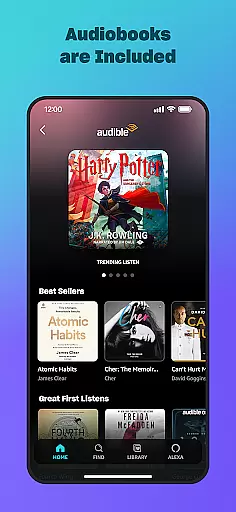
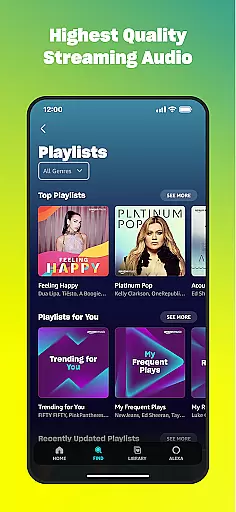
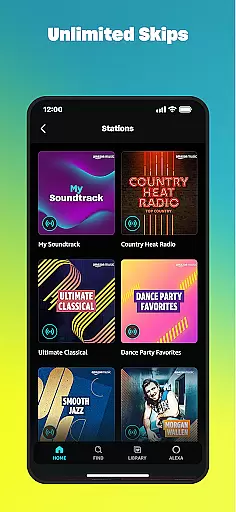
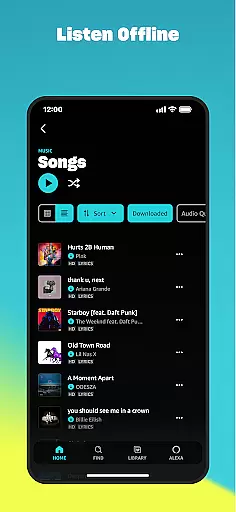
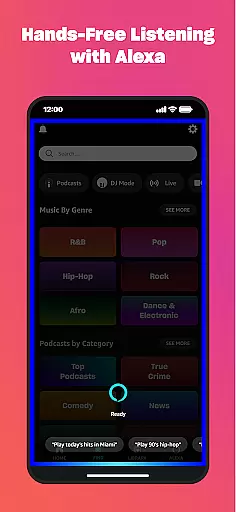
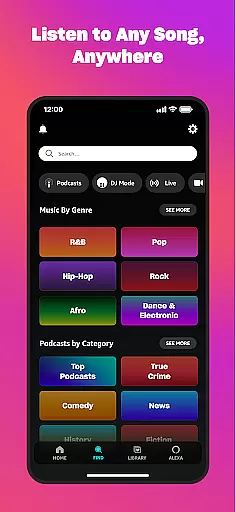
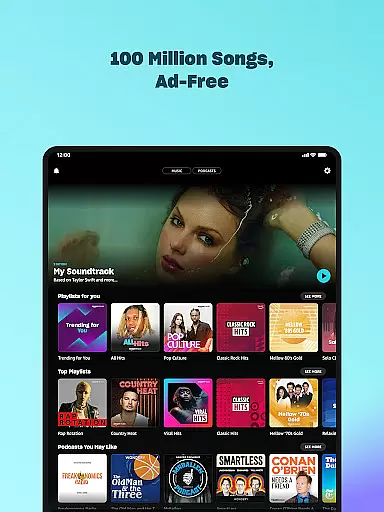

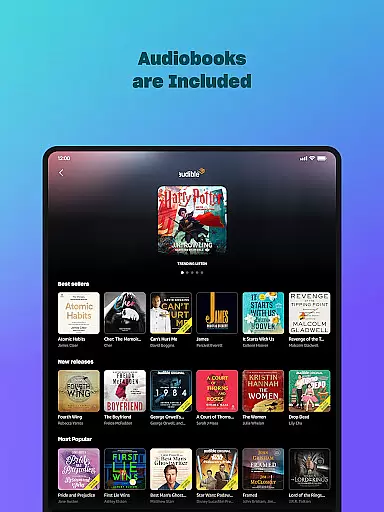
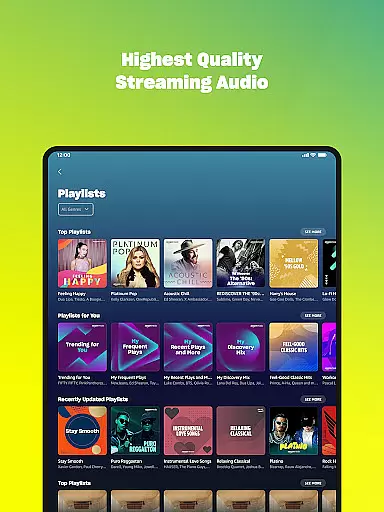
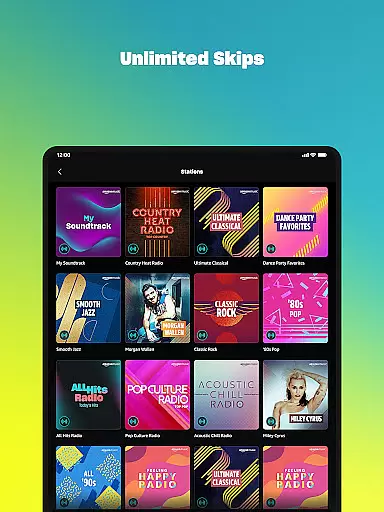
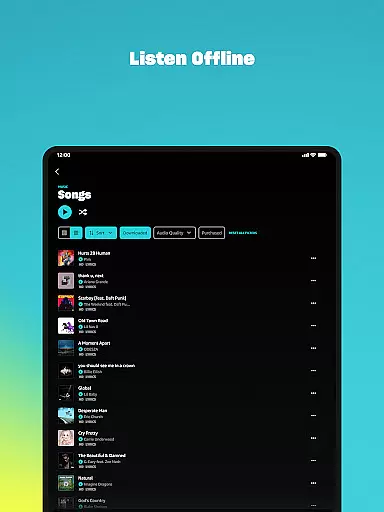
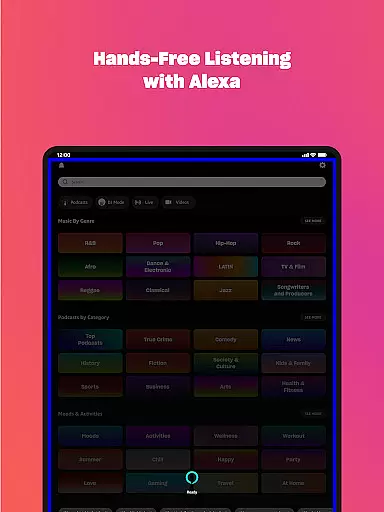
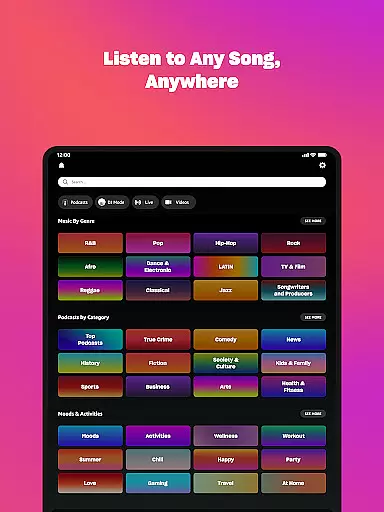
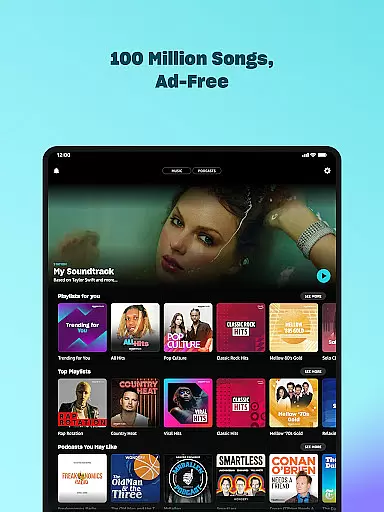

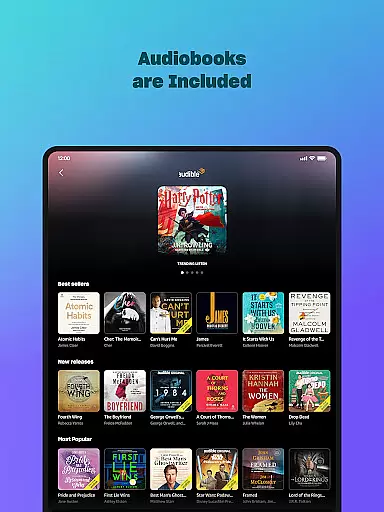
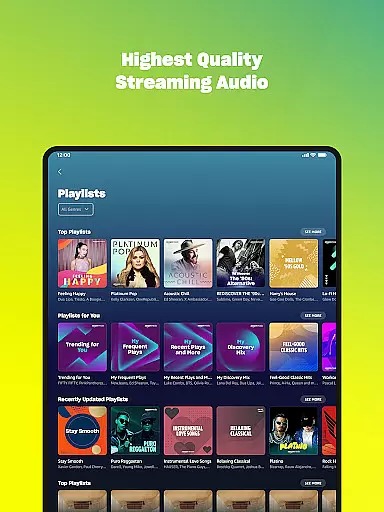
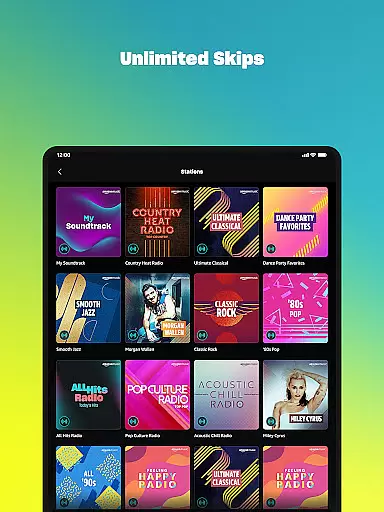
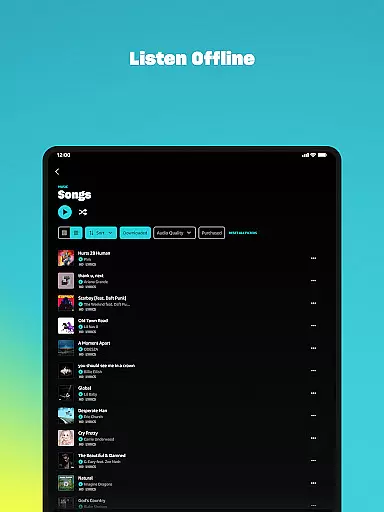
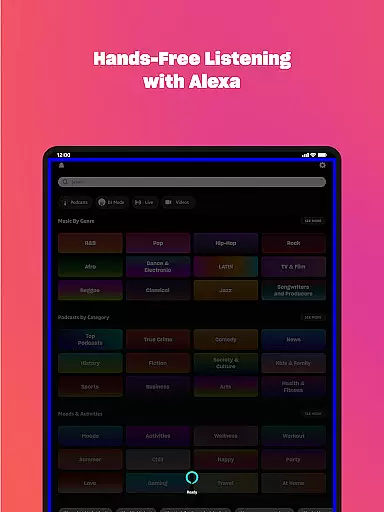
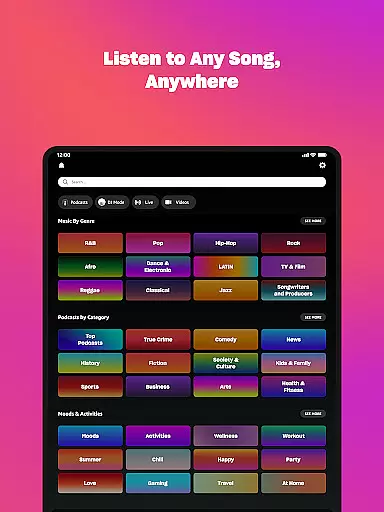



Amazon Music is a comprehensive music streaming service that offers users the ability to listen to millions of songs, podcasts, and audiobooks. Designed for Android Wear, it allows you to access your favorite music directly from your wrist. The app provides multiple subscription options including free ad-supported listening, Prime member benefits, and Amazon Music Unlimited for an enhanced experience.
The core features include ad-free listening, offline playback, personalized recommendations, and spatial audio support. Whether you're a casual listener or an avid music fan, Amazon Music caters to various preferences with its vast catalog and user-friendly interface. Its integration with wearable technology makes it convenient for users who want instant access to their music library while on the move.
Amazon Music stands out with its diverse range of features tailored to different types of listeners. For Prime members, the app offers ad-free music and top podcasts without any additional cost. Users can shuffle play any artist, album, or playlist, making it easy to discover new content based on personal preferences.
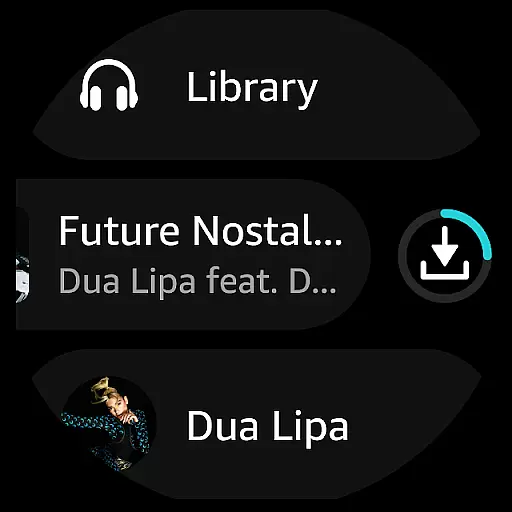
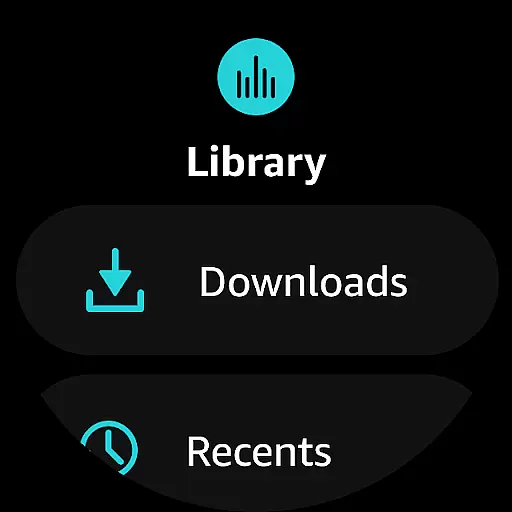
Subscribers to Amazon Music Unlimited gain access to over 100 million songs, ad-free top podcasts, and a large selection of audiobooks. The service also supports offline listening and unlimited skips, ensuring uninterrupted enjoyment. Additionally, the app's spatial audio collection continues to grow, providing an immersive listening experience. With Wear OS compatibility, users can control playback, download playlists, and manage their music library right from their smartwatch.
Companion app integration is essential for a seamless experience between mobile devices and wearables. Amazon Music ensures that users can easily sync their music libraries, playlists, and preferences across multiple devices.
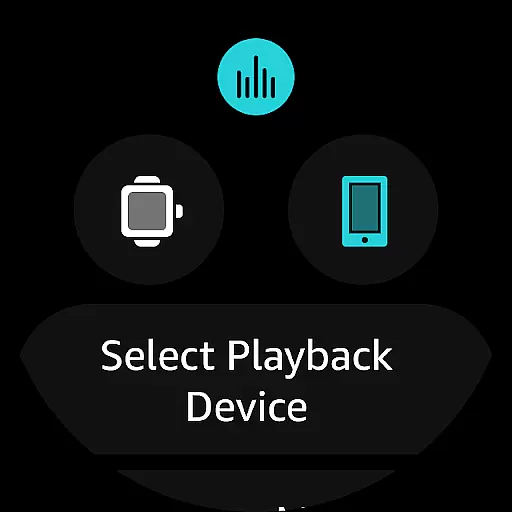
The app allows you to access your favorite music directly from your wrist using Wear OS. This includes playing top recommendations, songs from your library, or searching for specific artists, albums, and playlists without needing to reach for your phone.
With companion app integration, you can also use your smartwatch to control playback on compatible Android devices. This feature enhances convenience by enabling users to manage their music experience effortlessly while on the move.
Device compatibility is crucial for ensuring that applications run smoothly across various hardware platforms. Amazon Music offers robust support for Wear OS, making it accessible on a wide range of smartwatches.
This compatibility extends to features like downloading playlists and albums onto your watch, allowing offline listening when you're away from your phone or other devices. By supporting these functionalities, Amazon Music enhances user flexibility and freedom.
Moreover, the application's optimization for Wear OS guarantees an intuitive interface and responsive performance. Users benefit from a streamlined experience that takes full advantage of their wearable technology's capabilities.
Extensive music library
Ad-free listening option
Offline playback capability
Personalized recommendations
Integration with Wear OS
Limited free version features
Requires subscription for full access
Ads in free tier
Interface may feel cluttered
Occasional connectivity issues

WTW M17 is a premium and luxurious hybrid watch face
 4.70
4.70
Highly customizable hybrid watch face for Wear OS, perfect for everyday use.
4.60
Christmas and New Year - Themed Watchface
4.0
Stylish digital watch face for Wear OS devices with customizable features
4.4
Find EV charging stations
4.30
Real-time results, stats, schedules and player profiles for all leagues
4.60
Minimalistic design modern digital watch face.
4.5
The most customizable hybrid watch face. For Wear OS 5.0, API 34+ and later
4.70
Premium hybrid watch face with many customizations for Wear OS devices.
4.40
Christmas Theme Watch Face for Wear Os
5.00
Diet tracker for weight loss - track calories, food and macros. Simple and easy!
4.70
Fast and smart typing with Emojis, GIFs, and more
4.50
Embrace the holiday spirit with this magical animated watch face!
4.40
Snowflake Rose Gold Watch Face - Digital, modern, & sleek with GYRO effect.
4.10
The #1 source of faces for your smartwatch!
4.00
A full-featured Amazon Alexa voice assistant that can show you things.
3.70
Wear Os Watch Face - Animated Snow - Sesonal for Christmas & Winter
4.4
Contemporary digital watch face with five complications
4.4
Simple Analog-Digital Watchface For Wear OS 3.0 and Up Smartwatches
4.0


User Reviews