
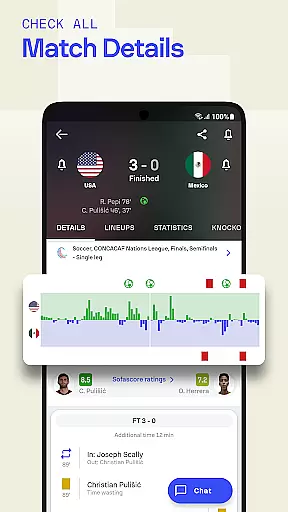
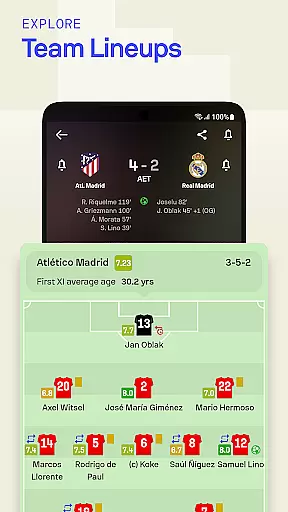
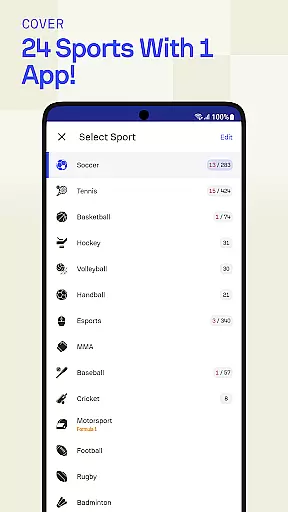
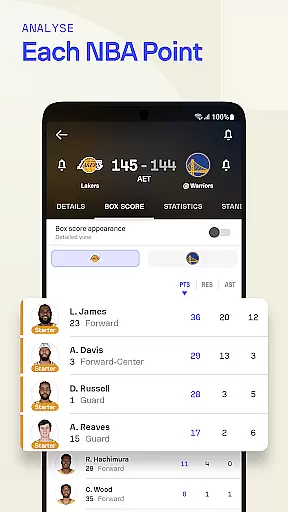
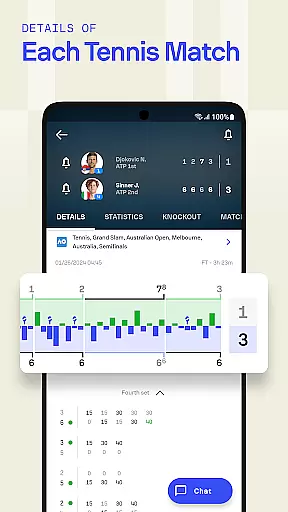
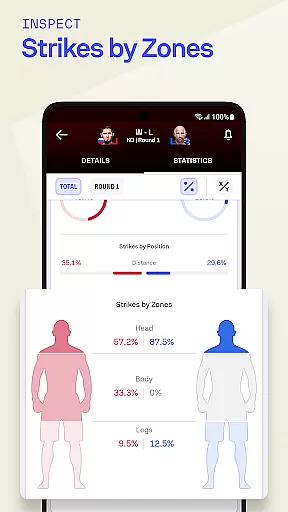
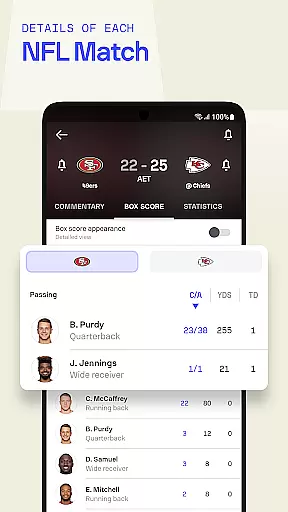
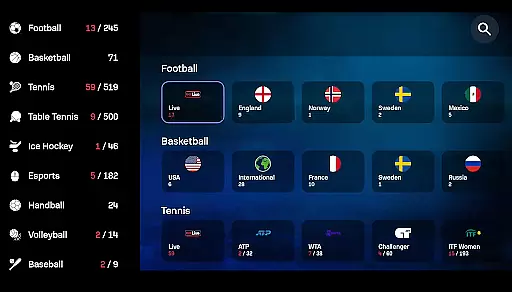

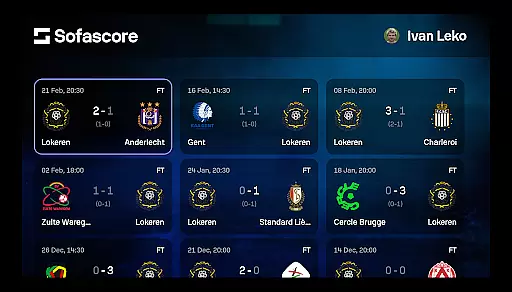
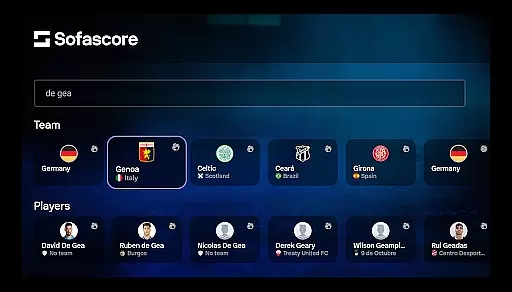
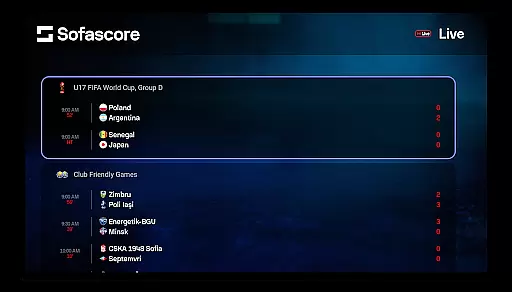
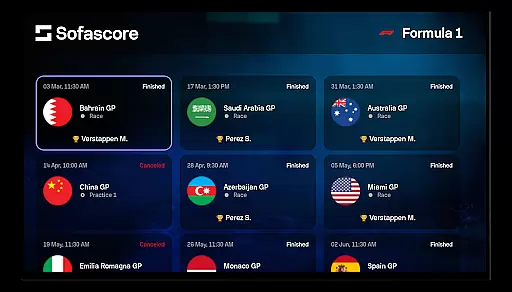

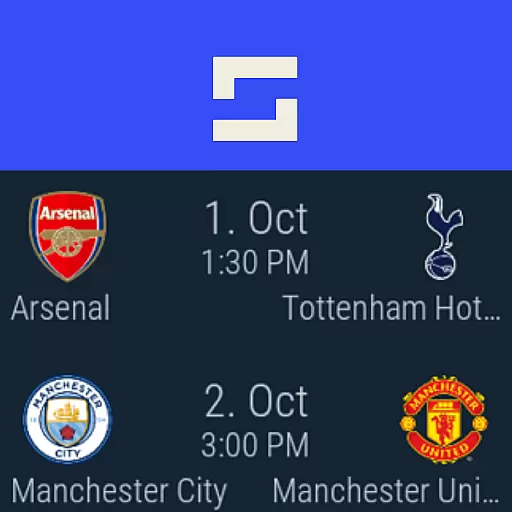
Sofascore is the ultimate sports companion app for Android Wear, providing real-time scores, detailed statistics, and comprehensive sports data coverage. Whether you're a fan of soccer, basketball, football, or niche sports like futsal and bandy, Sofascore delivers live updates and advanced analytics right to your smartwatch. With support for over 25 sports, 5,000 leagues, and 150,000 players, this app ensures you stay connected to your favorite teams and athletes no matter where you are.
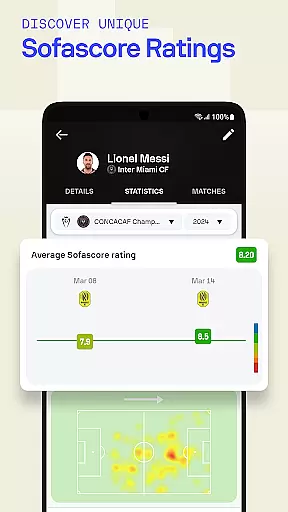
What sets Sofascore apart is its ability to provide not just live scores but also deep statistical insights. Users can access heatmaps, shot maps, player performance analytics, and seasonal overviews for leagues like the Premier League, NBA, NFL, and more. Its intuitive design and customizable notifications make it an indispensable tool for sports enthusiasts who demand accuracy and timeliness in their updates.
Sofascore stands out with its extensive range of features tailored for sports fans. The app provides live score updates across 25+ sports, including soccer, basketball, tennis, and eSports like LoL and CS:GO. It goes beyond basic scoring by offering advanced statistics such as player heatmaps, shot accuracy, and seasonal performance trends. These tools allow users to analyze games and players at a granular level, enhancing their understanding and enjoyment of sports.
Another key feature is its customizable notification system. Users can set alerts for match starts, goals, red cards, and other critical moments specific to their favorite teams or players. Additionally, the app supports Android Wear OS, ensuring that live updates are accessible directly from your smartwatch. This seamless integration makes Sofascore a versatile and essential app for staying connected to the sports world while on the go.
Companion app integration is essential for users who want seamless connectivity between their smartphones and wearable devices. Sofascore offers a robust companion app experience specifically optimized for Android Wear OS smartwatches. This ensures that sports enthusiasts can stay updated with live scores and statistics directly on their wrist.
The integration allows real-time syncing of data, ensuring that whether you're following the Premier League, NBA, or any other major league, updates are instantaneous. Users can receive live notifications about match events, player statistics, and tournament standings without needing to check their phones constantly.
This feature enhances convenience by providing quick access to critical sports information. Whether you're commuting, exercising, or in a meeting, having your favorite team's score at a glance on your smartwatch keeps you engaged without interrupting your daily activities.
By leveraging the capabilities of Wear OS, Sofascore ensures that its companion app maintains the same level of detail and accuracy as its mobile counterpart. This makes it an indispensable tool for sports fans who demand comprehensive coverage and real-time insights no matter where they are.
Ensuring broad device compatibility is crucial for any application targeting wearable technology. Sofascore excels in this area by offering full compatibility with various devices running Wear OS. This means that regardless of whether you own a high-end smartwatch or a more budget-friendly option, you can enjoy uninterrupted access to live sports scores and detailed statistics.
The app supports a wide range of functionalities across different devices, maintaining consistent performance levels. Whether you're using a Fossil, TicWatch, or any other Wear OS-powered device, Sofascore delivers a uniform experience with all core features available at your fingertips.
Device compatibility extends beyond just hardware; it also encompasses software optimization. Sofascore ensures that its app runs smoothly on all versions of Wear OS, providing regular updates to address any potential issues and incorporate new features as they become available.
Ultimately, this commitment to compatibility enhances user satisfaction by allowing sports fans to choose their preferred device without worrying about losing access to vital sports information. With Sofascore, staying connected to the sports world has never been easier or more reliable.
Real-time score updates
Advanced sports analytics
Wide sports coverage
Customizable notifications
Android Wear support
Complex for casual users
Notifications can be intrusive
Limited offline functionality
Heavy battery usage
Some features require premium

Gym Log & Workout Tracker | Fitness Journal, Training & Weight Lifting Planner
 4.90
4.90
Snowflake Rose Gold Watch Face - Digital, modern, & sleek with GYRO effect.
4.10
Easy Voice Recorder is your everyday companion to record important moments.
4.70
Simple Analog-Digital Watchface For Wear OS 3.0 and Up Smartwatches
4.2
Connect to your Bluelink equipped Hyundai vehicle from your smartphone.
4.50
Period, ovulation & pregnancy tracker. Fertility insights & menstrual calendar.
4.90
Minimalistic design modern digital watch face.
4.2
A digital watch face that celebrates Christmas.
4.00
Control your Samsung Smart TVs, appliances, and SmartThings-compatible devices
4.60
Hyperlocal rain alerts by MyRadar using patent-pending technology, radar & more
4.80
WTW M17 is a premium and luxurious hybrid watch face
4.70
Nutrition, Macro tracker: Food, fitness & healthy diet tracking for weight loss
4.60
Gym & home workout plans with strength training, exercise tracking, HIIT & more.
4.60
Calming & relaxing sounds for sleeping and stress relief. Stay focused all day!
4.20
Embrace the festive spirit with our Christmas Countdown watchface for Wear OS
4.10
sleep, alarm, snoring, stress, healing, focus, sound therapy, circadian rhythm
4.10
Watch the sharpness of the sky on your wrist..
3.70
Wear Os Watch Face - Animated Snow Effect & Christmas Lights
4.2
an Analog Watch Face for winter season with freeze winter background for Wear OS
4.0


User Reviews