
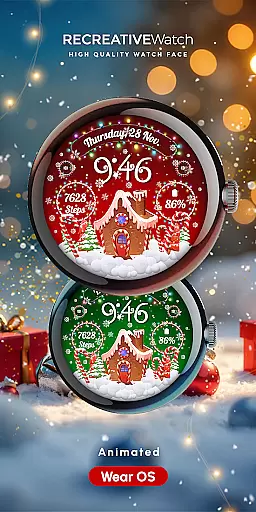
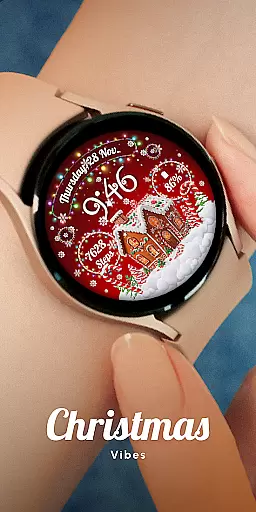
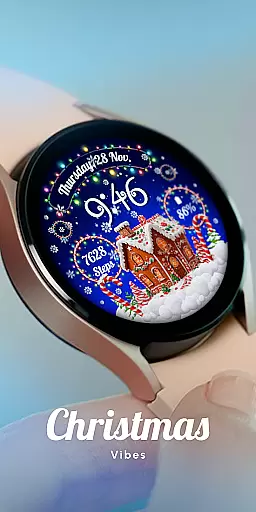
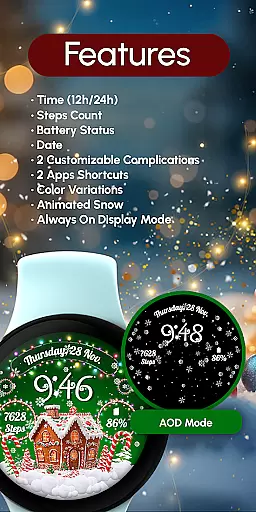
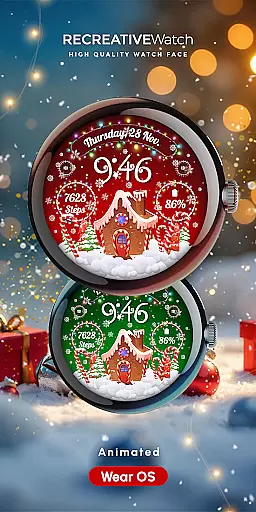
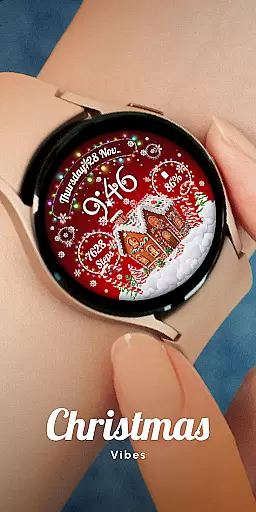
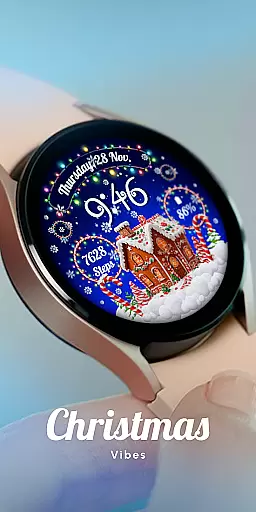
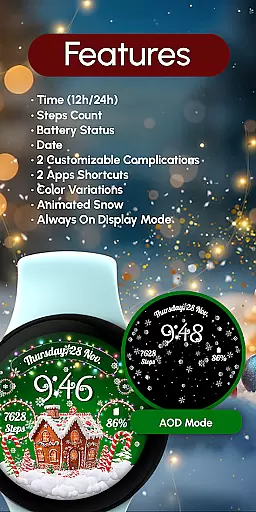
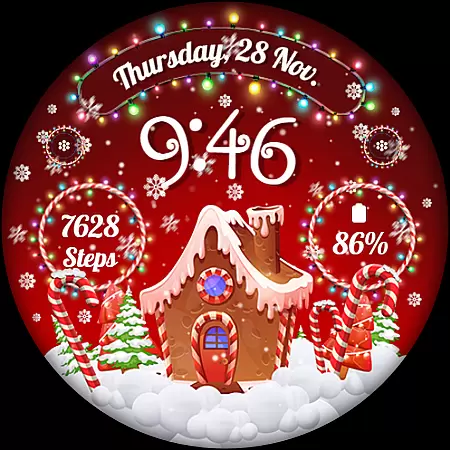
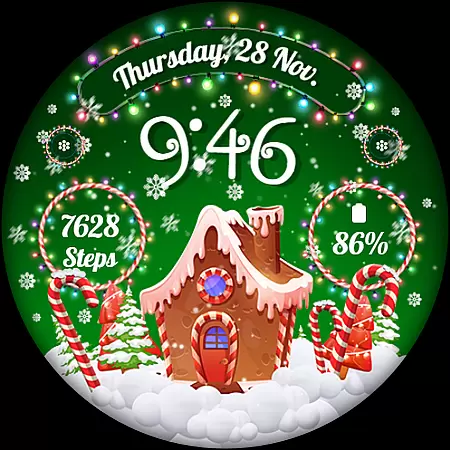
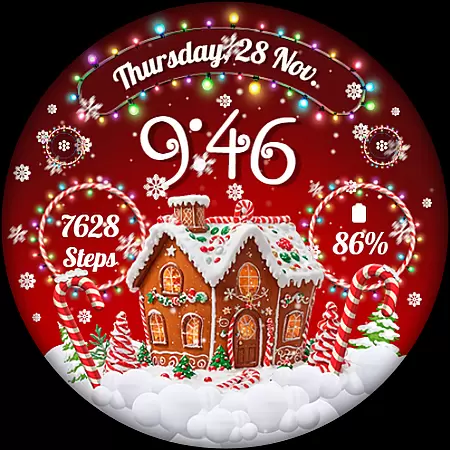
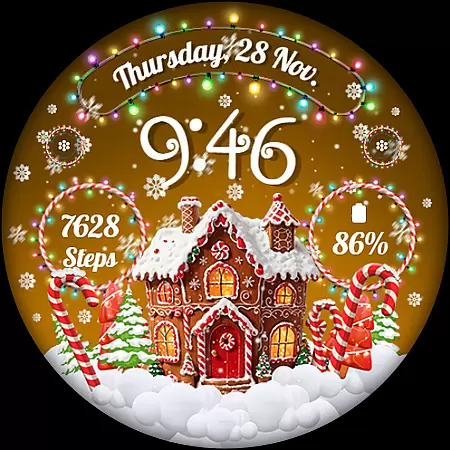
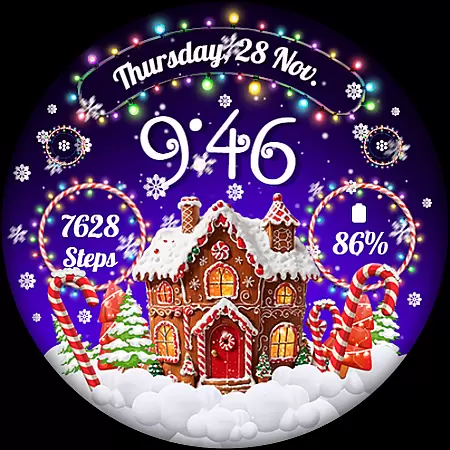
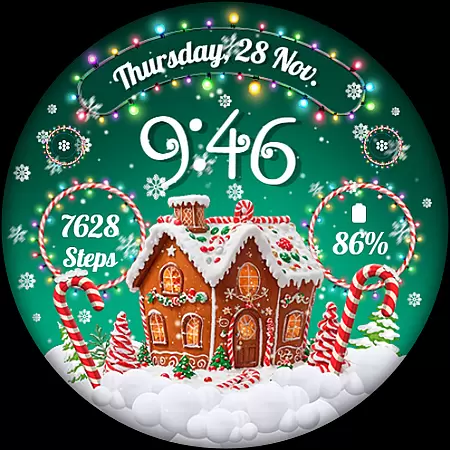
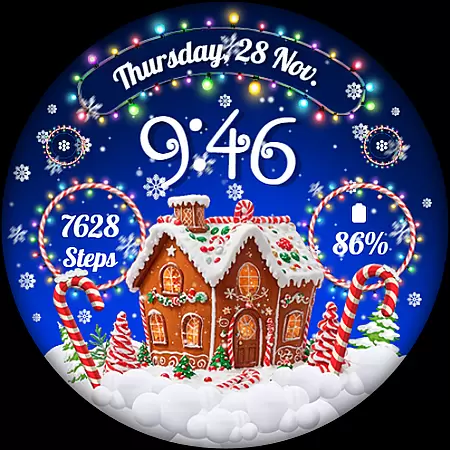
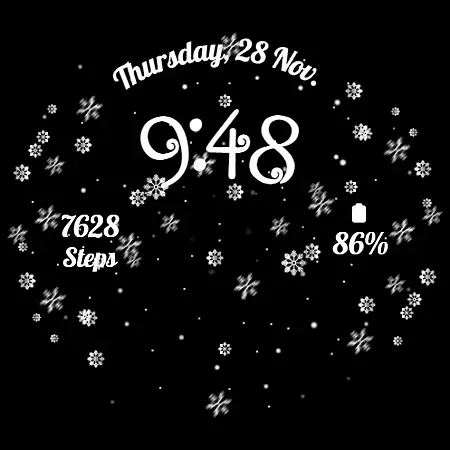
RW01 is a festive Wear OS watch face designed to bring holiday cheer directly to your smartwatch. Featuring animated snow and charming gingerbread houses, this app transforms your device into a celebration of the season. The watch face includes essential functionalities such as 12/24hr digital time, date, battery status, step count, and customizable complications.
With compatibility across API level 33+ devices including Google Pixel and Galaxy Watch series, RW01 offers users an engaging way to personalize their smartwatches during the holidays. Its customization options allow for a tailored experience, ensuring that each user can enjoy a unique and festive display on their wrist.
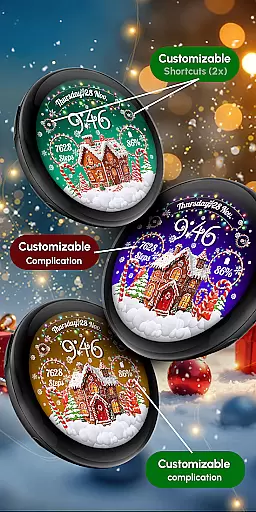
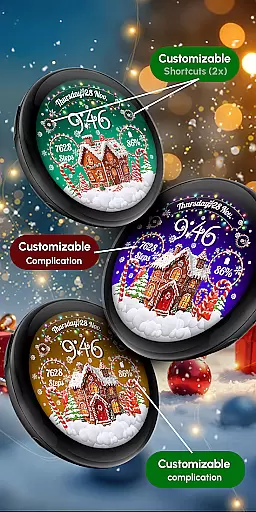
RW01 stands out with its rich feature set tailored for the holiday season. In addition to displaying time in both 12 and 24-hour formats, it provides users with the current date, battery level, and step count. The inclusion of two customizable complications and shortcuts allows for personalization according to individual preferences.
One of the key highlights is the animated snow effect, which adds a magical touch to the watch face. Users can choose from three different scenes and various color variations, enhancing the visual appeal. The Always ON Display feature ensures that these delightful graphics are visible at all times, making it perfect for those who want to keep the holiday spirit alive throughout the day.
Companion app integration is essential for a seamless smartwatch experience. The RW01 Wear OS Christmas Watch Face offers robust companion app support, ensuring that users can easily synchronize and manage their watch face settings directly from their smartphone.
This application allows users to customize various aspects of the watch face through an intuitive mobile interface. From adjusting complications to setting up shortcuts, the companion app provides comprehensive control over the watch's features.
Users benefit from real-time updates and synchronization between their devices. Any changes made in the companion app are instantly reflected on the watch, providing a dynamic and personalized wearable experience.
The integration also supports firmware updates and troubleshooting assistance, enhancing the overall reliability and functionality of the RW01 watch face. This ensures that users always have access to the latest features and improvements.
Ensuring broad device compatibility is crucial for maximizing user accessibility. The RW01 Wear OS Christmas Watch Face is designed to work seamlessly with a wide range of Wear OS devices, including API level 33+ Google Pixel watches and Galaxy Watch models 4 through 7.
This compatibility extends to various functionalities such as animated snow effects, customizable complications, and always-on display features. Users can enjoy a consistent and high-quality experience across different devices without worrying about feature limitations.
By supporting multiple devices, the RW01 watch face caters to a diverse audience, allowing more users to celebrate the holidays with its charming design. The inclusion of detailed customization options further enhances this cross-device versatility.
For optimal performance, especially concerning battery life, users are advised to disable the always-on display mode when necessary. This flexibility ensures that all compatible devices can maintain efficient power usage while still enjoying the festive animations and features.
User-friendly interface
Highly customizable
Festive design elements
Wide device compatibility
Engaging animations
Limited to holiday theme
Battery consumption concern
Requires newer devices
No automatic application
Customization learning curve

A customizable Christmas watch face for Wear OS with a countdown.
 4.20
4.20
MyNISSAN® lets you remotely control your car from your phone.*
4.50
Analog watch face with 8 complications and expedition styling
4.3
Elegant animated Christmas tree with multiple customization options
4.20
Structured watch face with seven complications and modular UI elements
3.90
sleep, alarm, snoring, stress, healing, focus, sound therapy, circadian rhythm
4.10
Nutrition, Macro tracker: Food, fitness & healthy diet tracking for weight loss
4.60
Gym & home workout plans with strength training, exercise tracking, HIIT & more.
4.60
Control your Samsung Smart TVs, appliances, and SmartThings-compatible devices
4.60
Gym Log & Workout Tracker | Fitness Journal, Training & Weight Lifting Planner
4.90
Real-time weather radar with temperatures, warnings, hurricanes, and widgets
4.80
The most customizable hybrid watch face. For Wear OS 5.0, API 34+ and later
4.70
To-Do List: daily schedule planner, task organizer, to do reminder app, calendar
4.60
Simple, helpful messaging by Google
4.60
Bold, Modern Hybrid Watch Face for Wear OS. 10 Colors, Rich Info Display.
4.30
Wear Os Watch Face - Animated Snow Effect & Magic Spark - 6 Scenes
4.10
Hyper-Realistic Airplane Dashboard Watch Face With 10 Skins and Custom AOD
4.00
Animated Watch Face and Customizable with 24 Backgrounds. Perfect for Christmas!
3.90
Contemporary digital watch face with five complications
4.4


User Reviews