
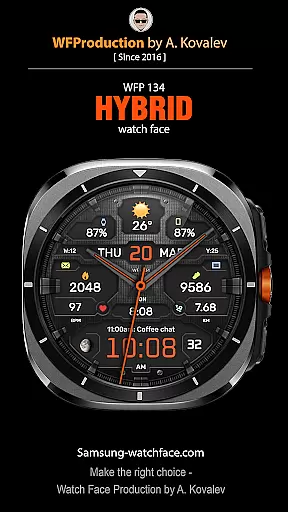
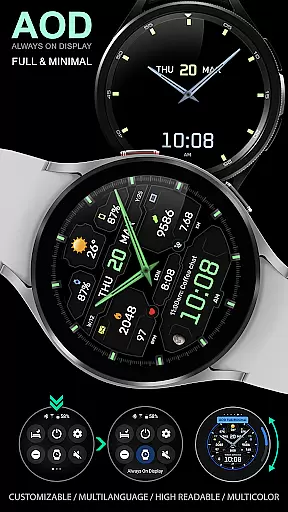
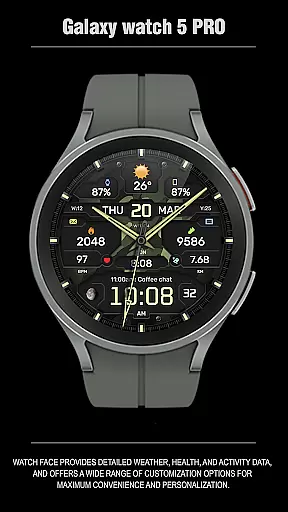
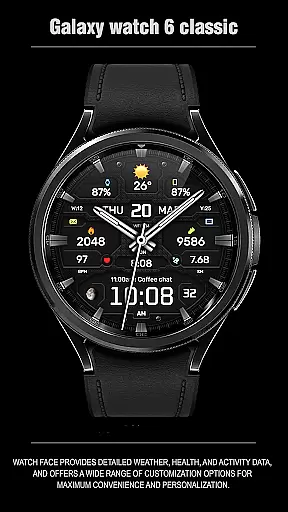
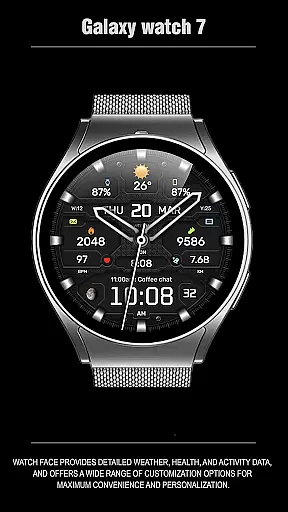
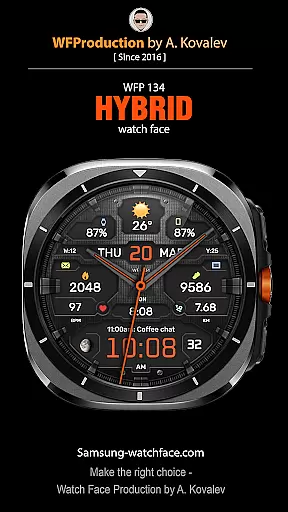
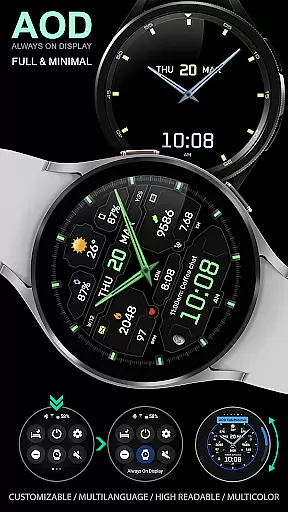
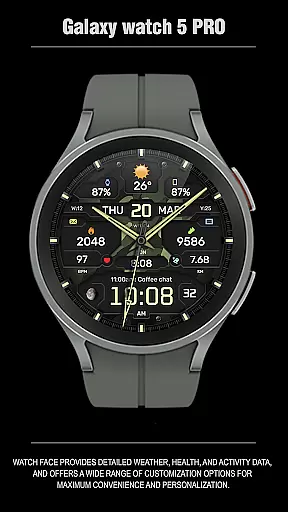
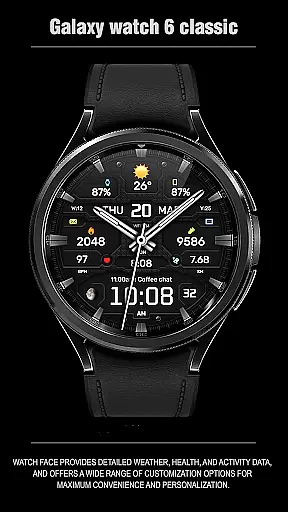
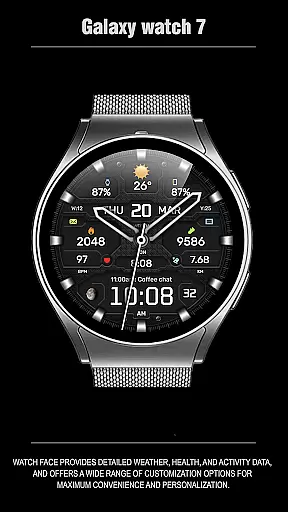
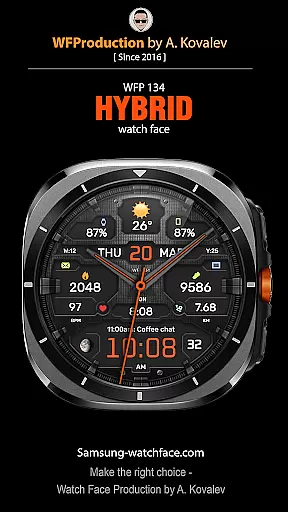
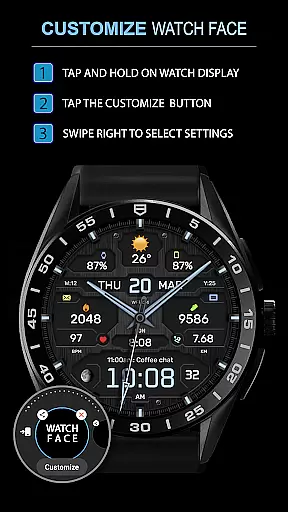
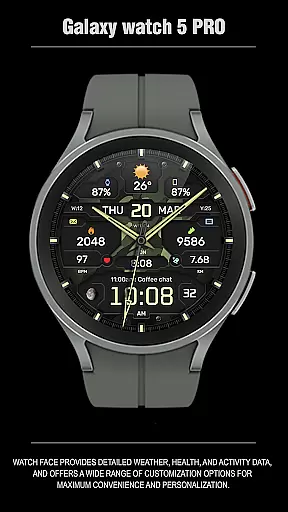
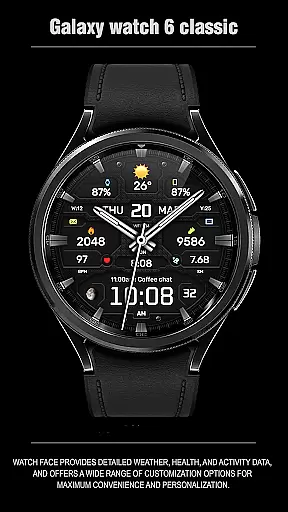
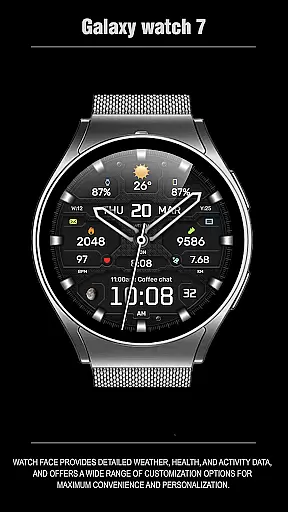
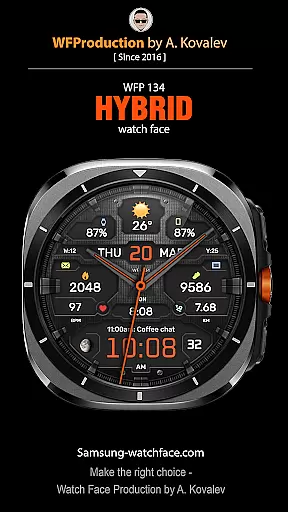
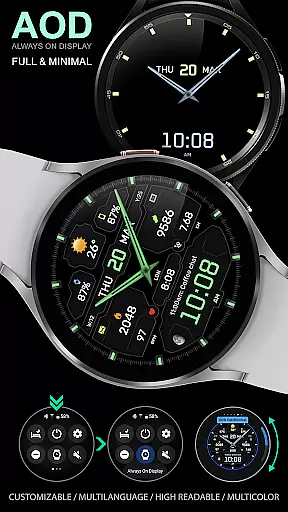
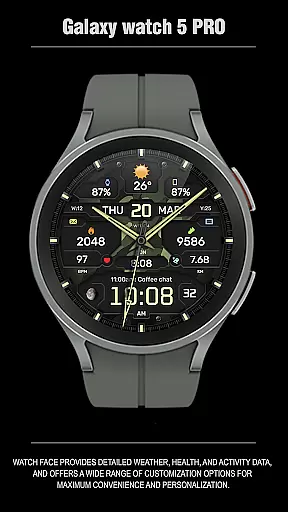
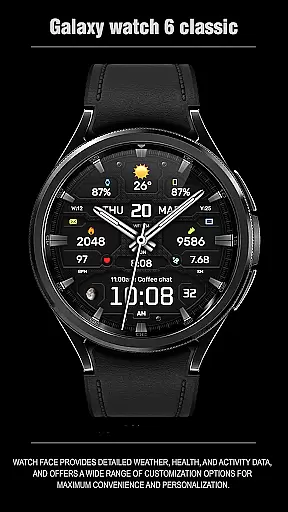
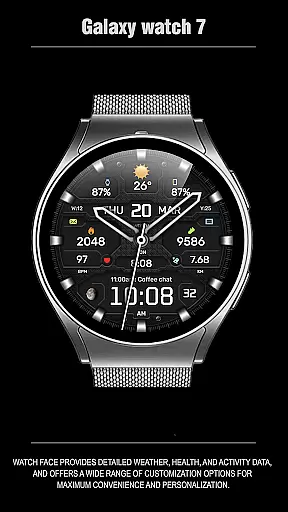
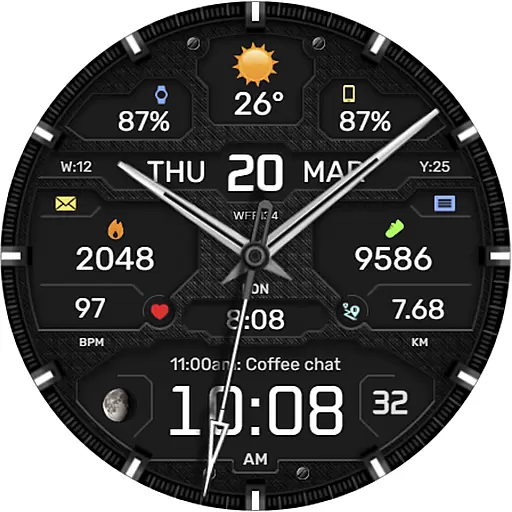
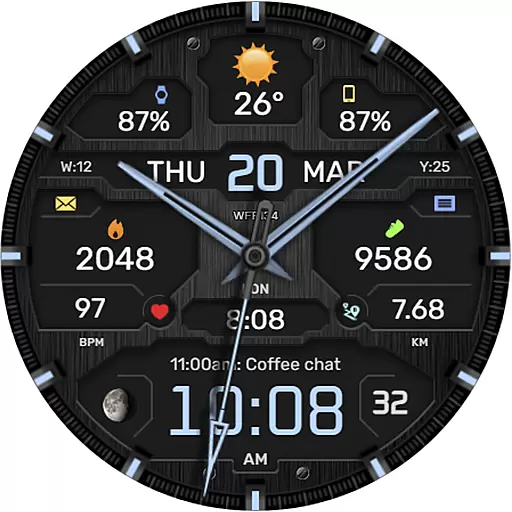
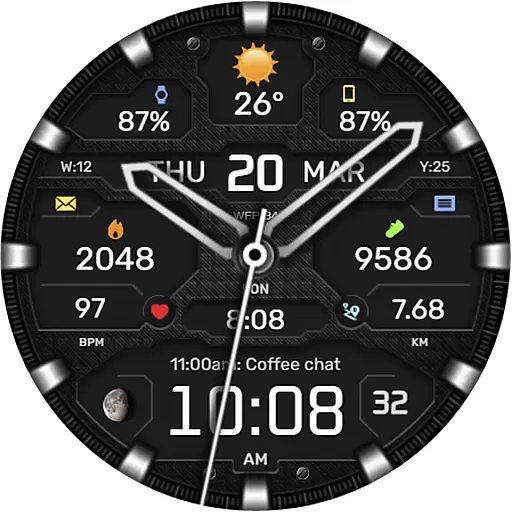
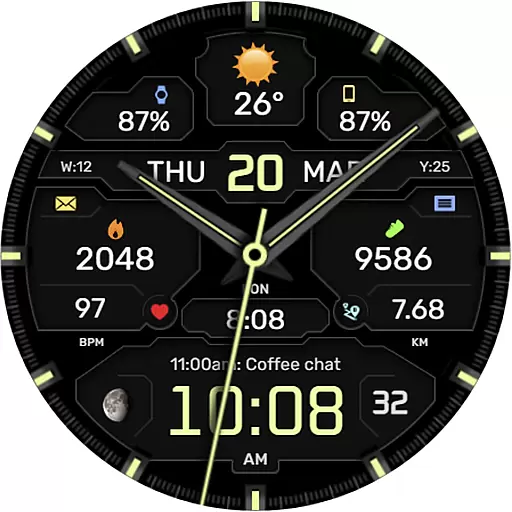
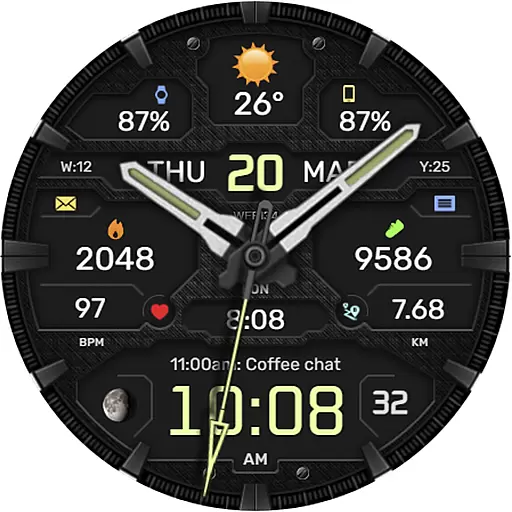
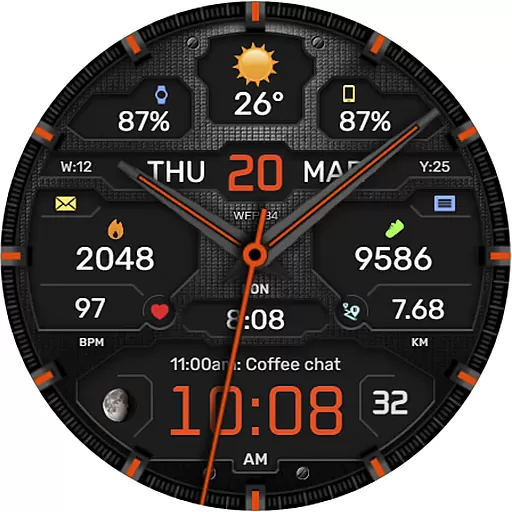
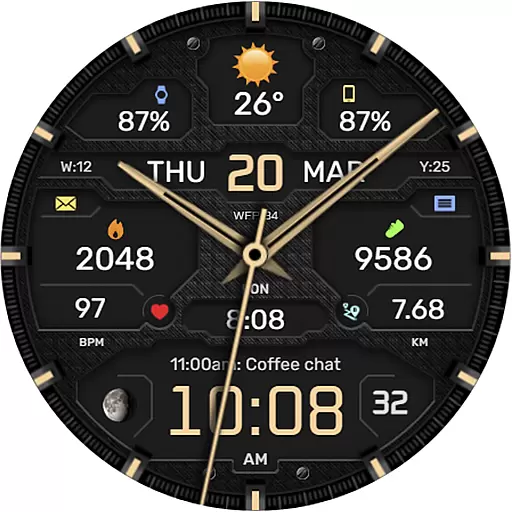
The WFP 134 Hybrid watch face is a versatile and stylish wearable application designed for smartwatch users who value both aesthetics and functionality. This sophisticated watch face not only enhances the visual appeal of your device but also provides essential features such as detailed weather forecasts, health monitoring, and activity tracking. With compatibility across devices running API 34+ and later, it ensures broad usability.
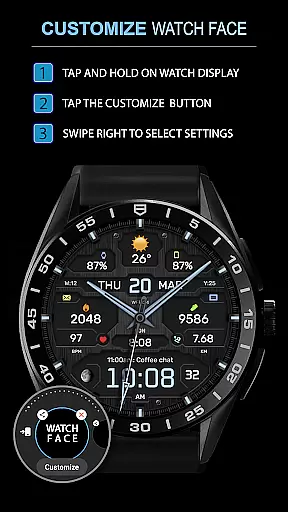
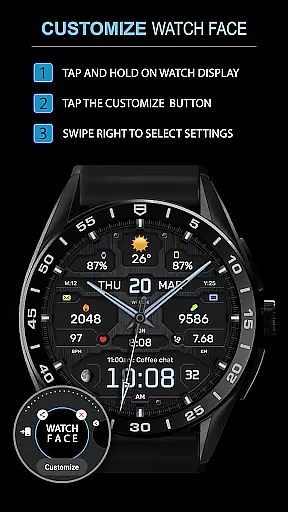
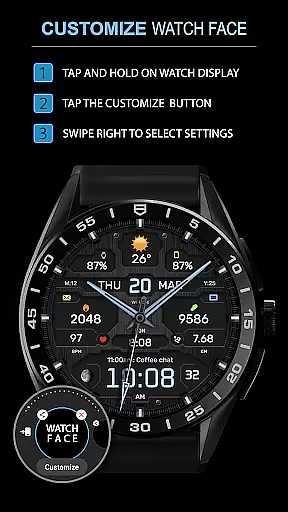
One of its standout features is the extensive customization options available to users. You can personalize the watch face with various complications, color schemes, backgrounds, and hand styles. Whether you prefer a classic analog look or a modern digital display, this app caters to all tastes. Additionally, the inclusion of advanced functionalities like moon phases, high-resolution graphics, and multilingual support makes it an indispensable tool for tech-savvy individuals seeking convenience and personalization in their daily lives.
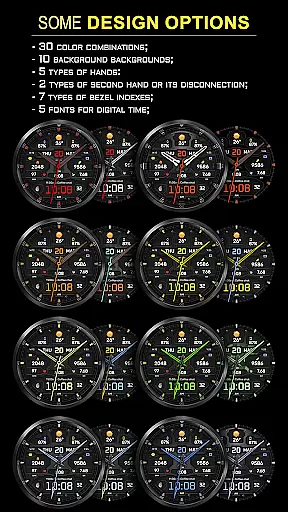
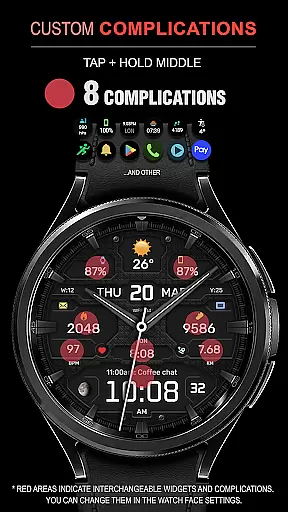
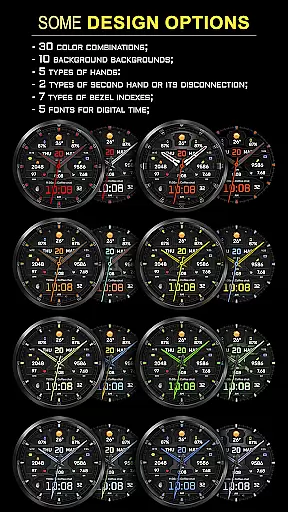
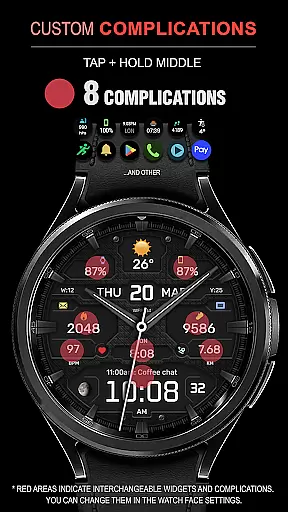
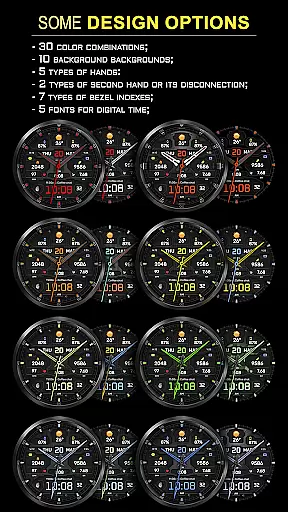
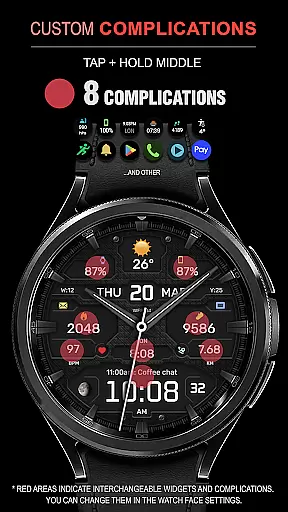
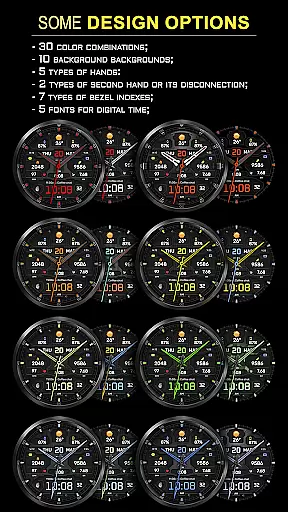
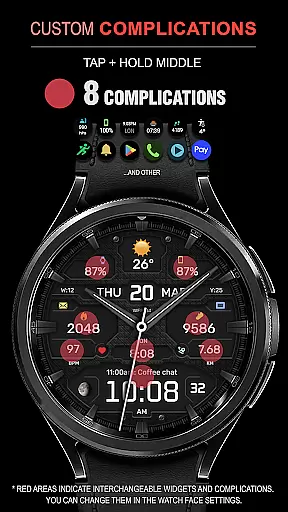
The WFP 134 Hybrid watch face stands out due to its rich array of features tailored to enhance user experience. It offers eight different complications that allow users to display various types of information directly on their watch face. With thirty unique color combinations and ten distinct backgrounds, personalizing your watch has never been easier. The app also includes five types of hands and two types of second hands, providing flexibility in design choices.
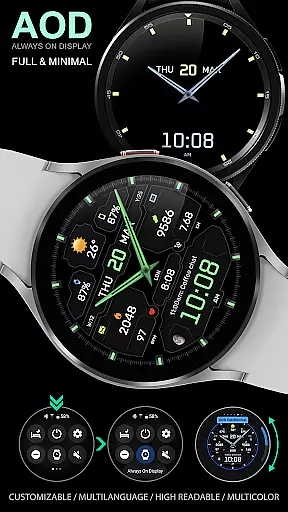
Advanced functionalities further elevate its utility. Users can choose from seven types of bezel indexes and five fonts for digital time display. Special modes like Black edition and customizable Always-On Display (AOD) modes ensure optimal visibility and battery efficiency. Furthermore, features like weather forecasts in Fahrenheit or Celsius, moon phases, and high optimization guarantee that users receive accurate and relevant data while minimizing power consumption. These attributes make the WFP 134 Hybrid watch face a top choice for those seeking a blend of style and substance.
Companion app integration is essential for a seamless experience between wearable devices and smartphones. The WFP 134 Hybrid watch face excels in this area by offering users the ability to customize their watch face directly from their phone.
This application provides detailed weather, health, and activity data, which can be easily synced with a smartphone app. Users can access various widgets related to phone charge, calories, floors climbed, and more, enhancing the overall utility of the smartwatch.
By following simple instructions available on samsung-watchface.com/settings, users can set up these features effortlessly. This ensures that all the necessary information is readily available on their wrist, making daily tasks more convenient.
The companion app also supports buying promotions such as 'Buy 1 - Get 1 free,' allowing users to enjoy additional benefits while personalizing their watch faces according to their preferences.
Ensuring compatibility across different devices and operating systems is crucial for any wearable technology. The WFP 134 Hybrid watch face is designed to work seamlessly with devices running API 34+ and later, ensuring broad compatibility with modern Wear OS devices.
Installation instructions are straightforward and can be found at samsung-watchface.com/instructions, guiding users through the process of setting up the watch face on their compatible devices. This ease of installation makes it accessible even for those who may not be tech-savvy.
With support for multiple languages and customizable AOD (Always-On Display) modes, the WFP 134 caters to a diverse user base. Whether you prefer full or minimal AOD, the choice is yours, adding another layer of personalization.
Additionally, the high resolution and optimization ensure that the watch face looks great and performs efficiently, regardless of the device it's installed on. Low battery consumption further enhances the user experience, providing both style and functionality without compromising performance.
Highly customizable
Wide compatibility
Low battery usage
Stylish design
Comprehensive features
Complex setup
Premium cost
Limited free options
Occasional bugs
Requires API 34+

Diet tracker for weight loss - track calories, food and macros. Simple and easy!
 4.70
4.70
Embrace the holiday spirit with this magical animated watch face!
4.40
Digital watch face with big numbers and many customization for Wear OS devices
4.40
Digital watch face. For Wear OS devices.
4.40
sleep, alarm, snoring, stress, healing, focus, sound therapy, circadian rhythm
4.10
To-Do List: daily schedule planner, task organizer, to do reminder app, calendar
4.60
Professional weather radar and more
3.90
Viewer for Wyze/Yi/Eufy/Arlo/ONVIF/RTSP/P2P IP cams w/ adv. features & DIY DVR
4.00
Connect, create, and collaborate with Gmail, part of Google Workspace.
4.10
Digital, flexibly customizable watch face. For Wear OS 5.0, API 34+ and later.
5.00
Nutrition, Macro tracker: Food, fitness & healthy diet tracking for weight loss
4.60
Fast and smart typing with Emojis, GIFs, and more
4.50
Beautiful artistic animated digital watch face, with a customizable layout!
4.40
Premium hybrid watch face with many customizations for Wear OS devices.
4.40
The #1 source of faces for your smartwatch!
4.00
A digital watch face that celebrates Christmas.
4.00
an Analog Watch Face for winter season with freeze winter background for Wear OS
4.0
Precision analog watch face with 7 complications and style options
4.5
A watch face that fuses motorsport precision with contemporary smartwatch design
4.1


User Reviews