
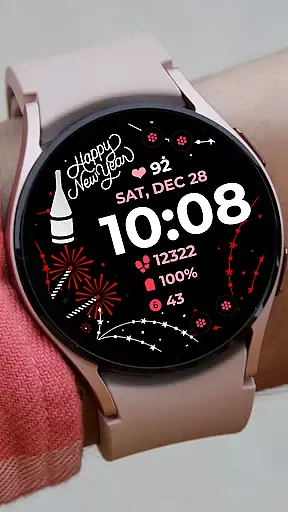
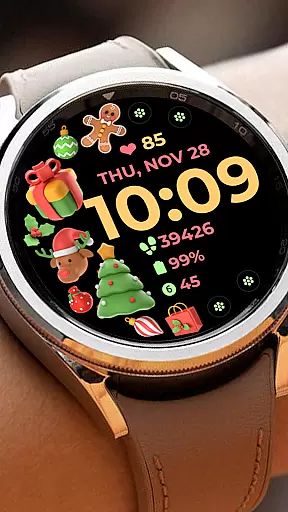
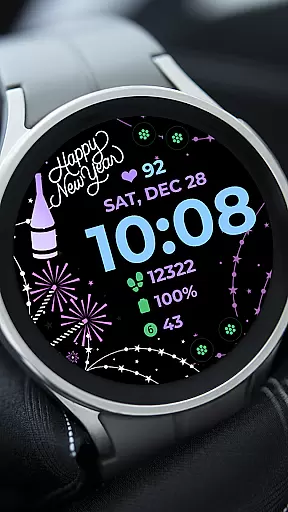
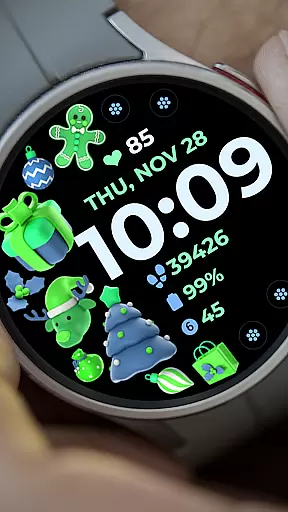
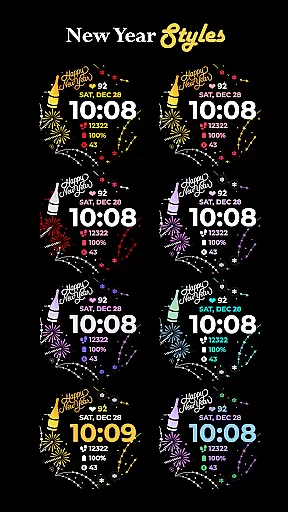
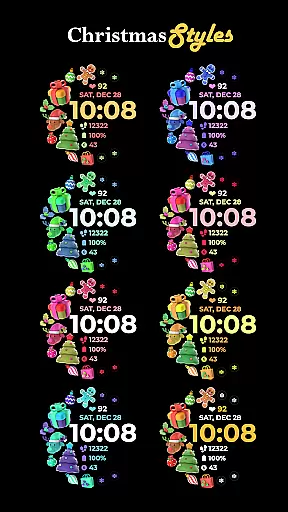
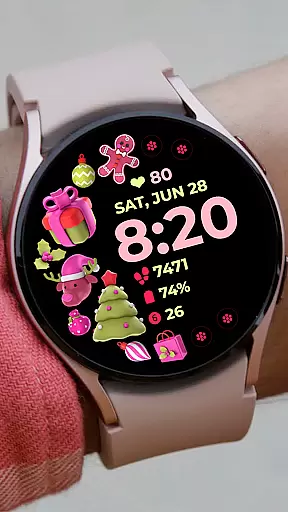
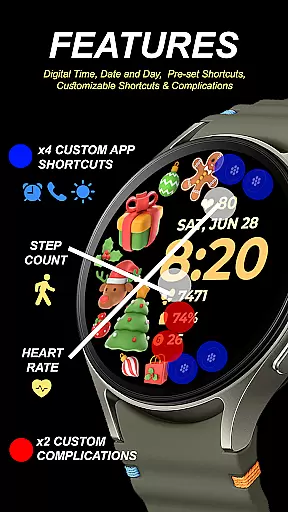
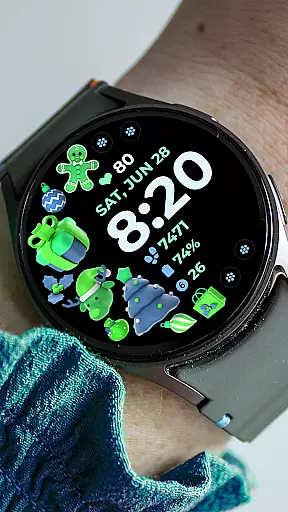
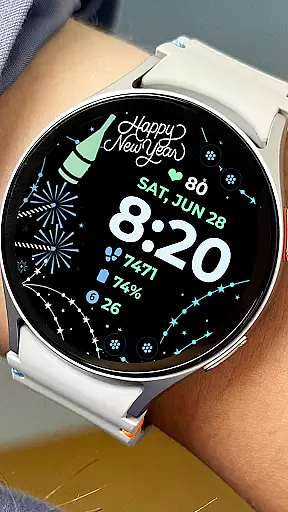
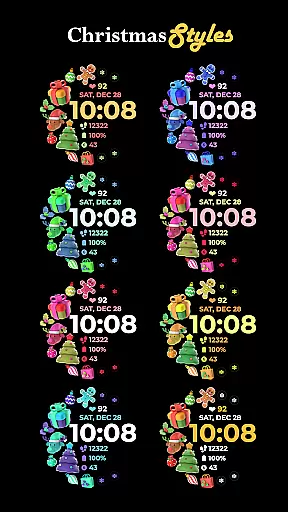
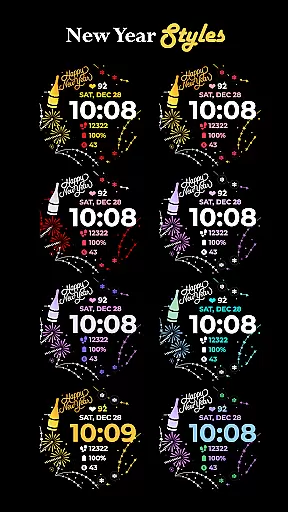
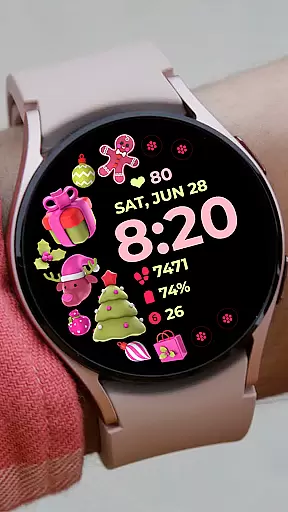
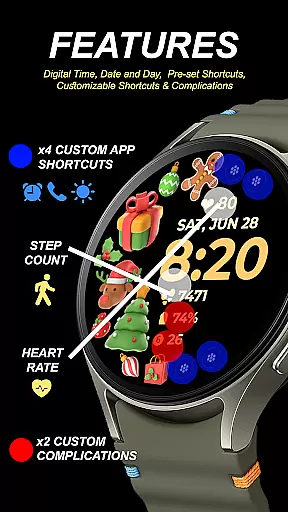
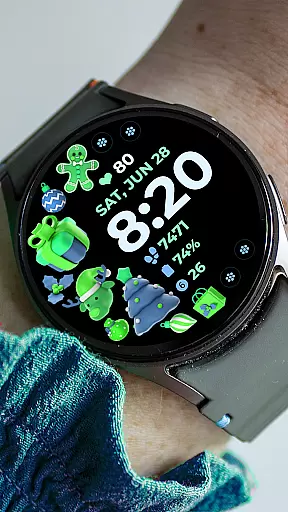
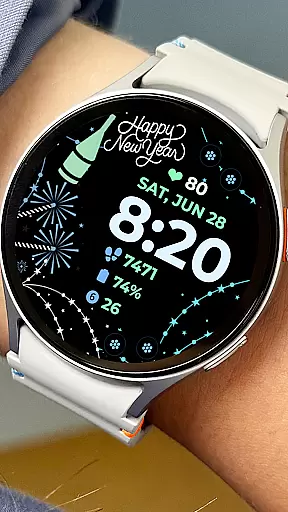
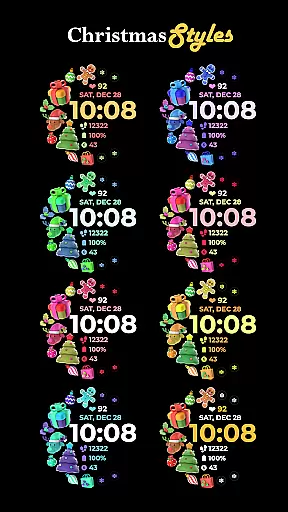
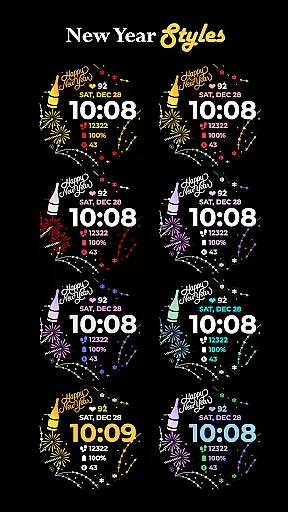
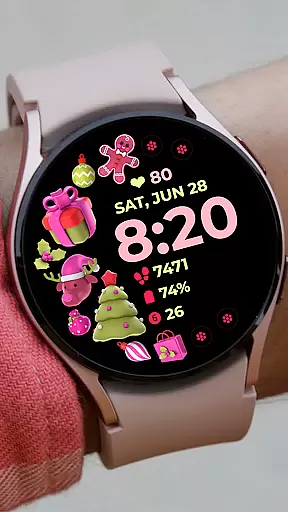
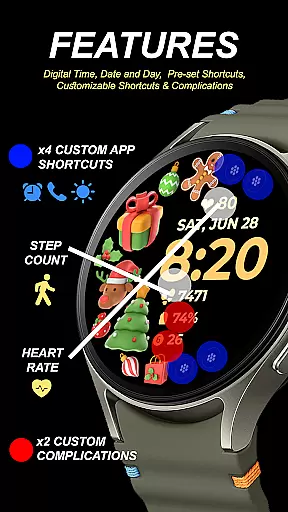
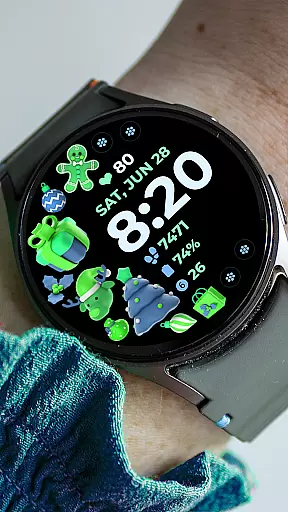
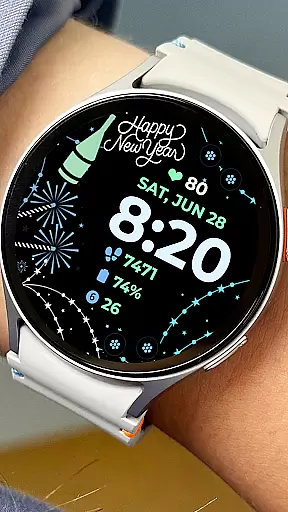
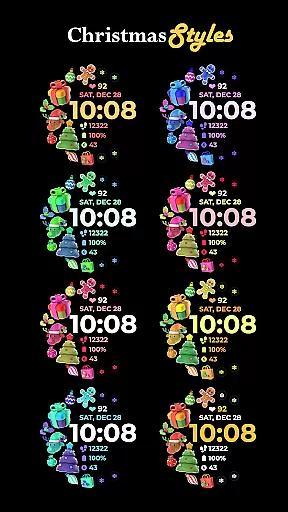
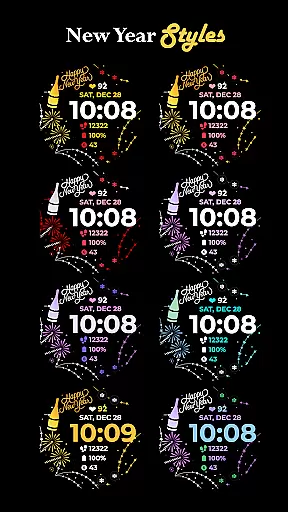
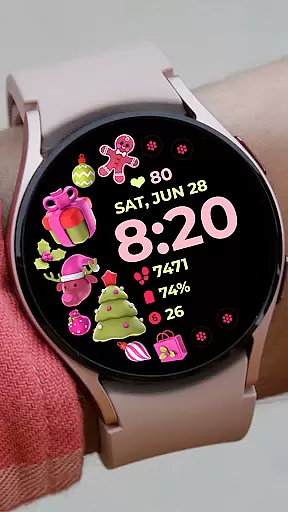
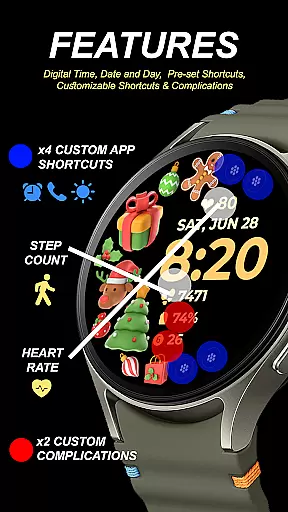
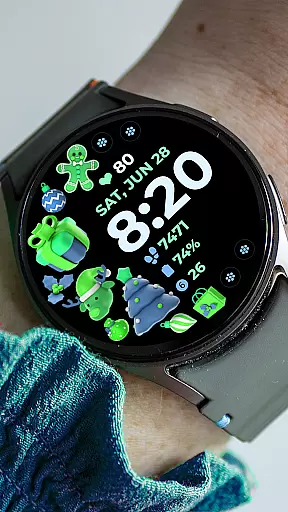
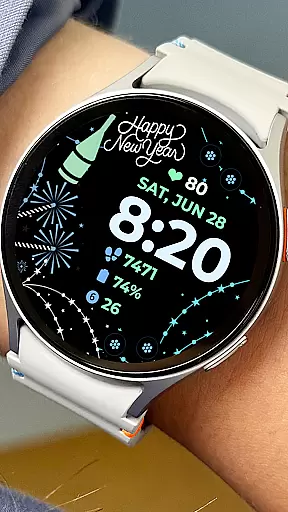
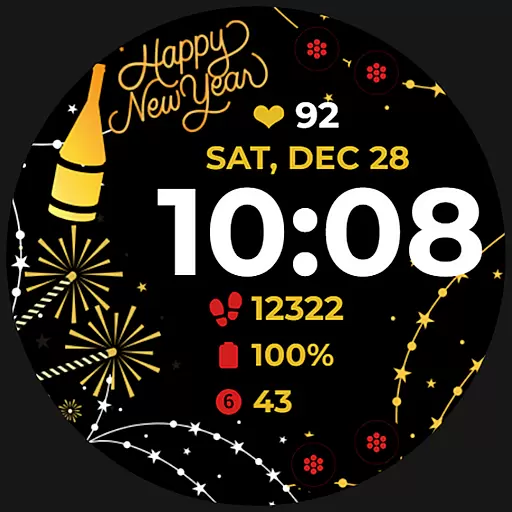
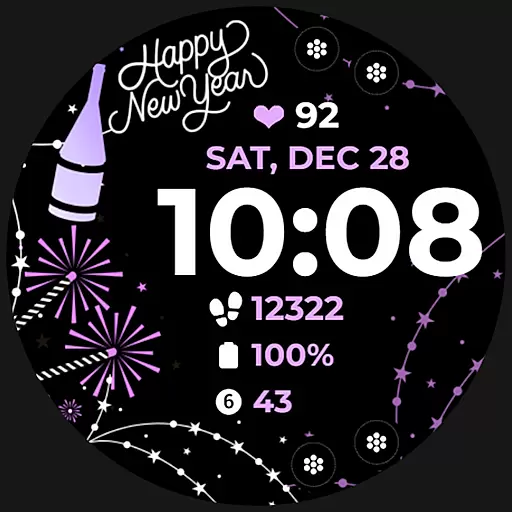
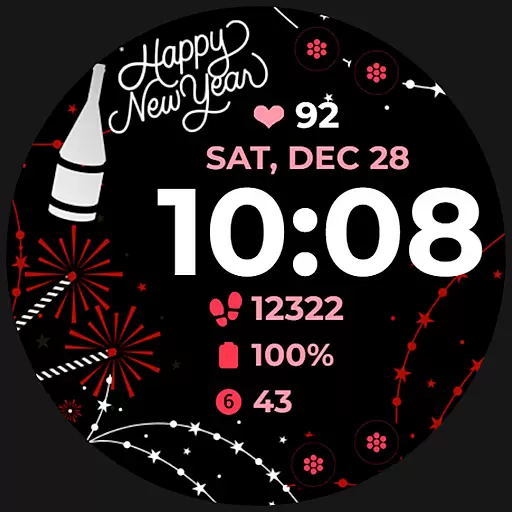
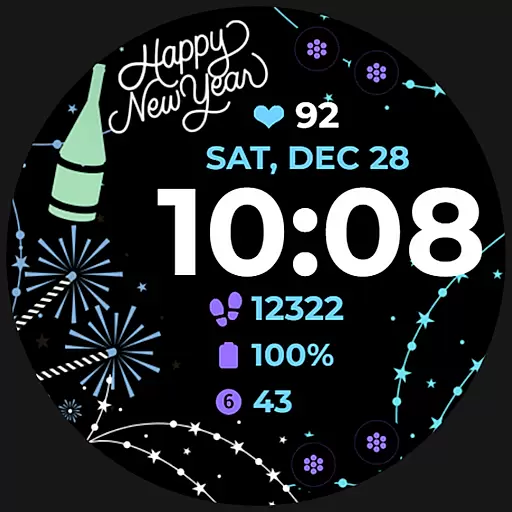
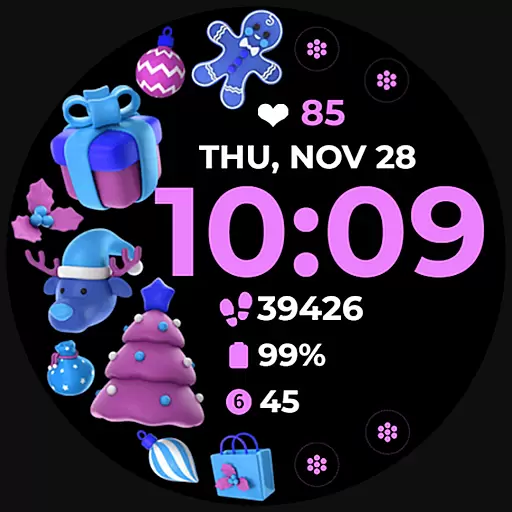
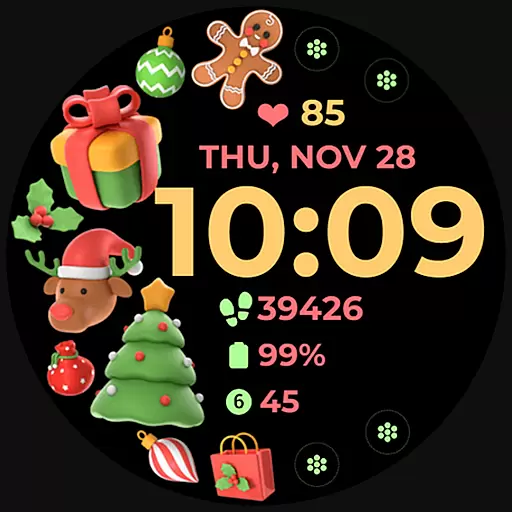
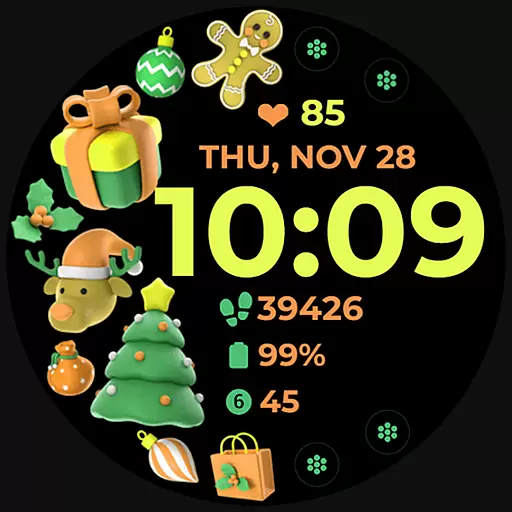
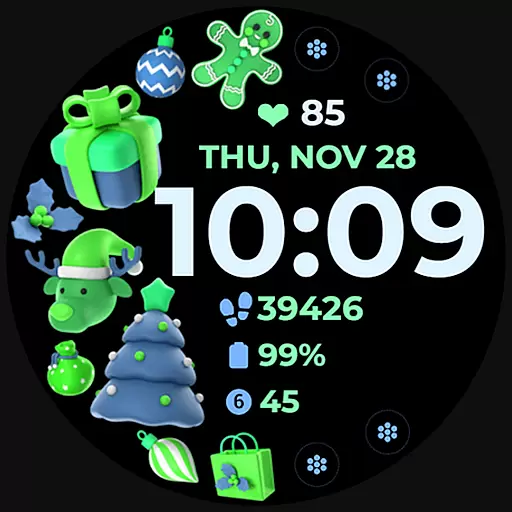
Holiday Art is a feature-rich watch face app designed specifically for Wear OS devices like Samsung Galaxy Watch 4. This digital watch face offers users an enhanced timekeeping experience with its modern design elements and customizable features.
The app provides essential timekeeping functions including digital clock, date and day display, along with advanced features such as Always-On Display (AOD) and customizable app shortcuts. Users can personalize their watch interface with different styles and color palettes to match their preferences.
Perfect for tech-savvy individuals who want to optimize their smartwatch experience, Holiday Art watch face ensures seamless integration between your phone and watch while offering various customization options that cater to different user needs.
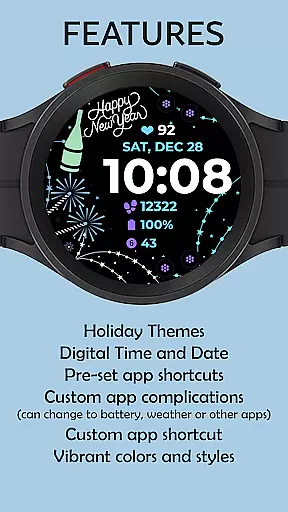
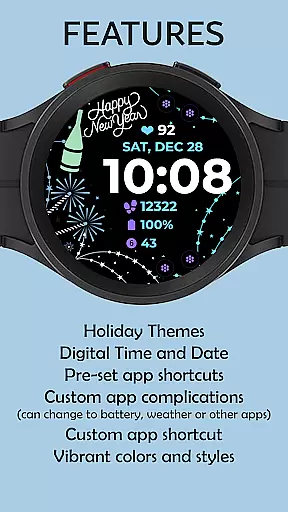
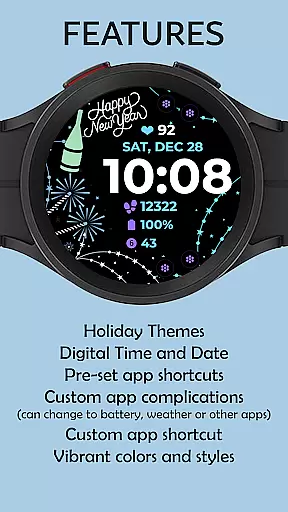
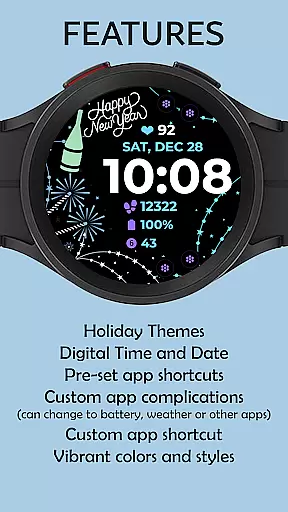
Holiday Art stands out with its comprehensive set of features tailored for smartwatch users. The app offers a digital clock interface complemented by date and day display, providing users with essential timekeeping information at a glance.
One of the key highlights is the Always-On Display (AOD) functionality, allowing users to view time and basic information without activating the screen. The app also includes preset app shortcuts and supports customizable app shortcuts and complications, giving users control over their most-used functions.
Users can further personalize their experience through changeable styles and color palettes. These customization options enable users to create a unique watch face that suits their personal style while maintaining optimal functionality for their daily activities.
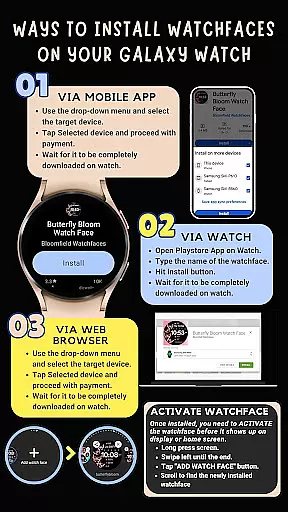
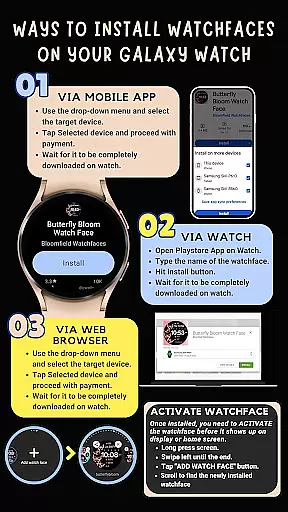
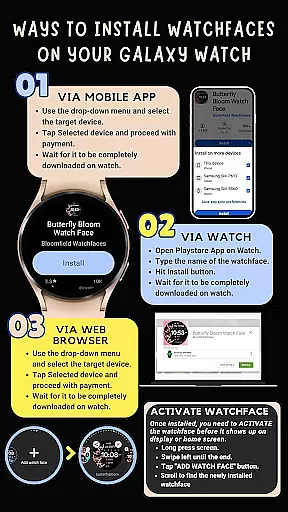
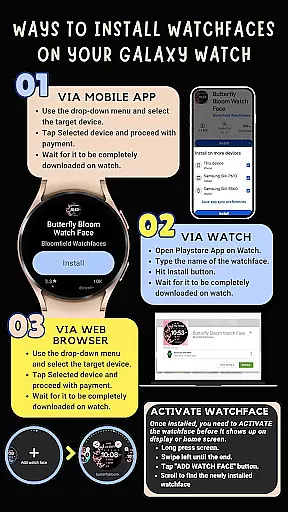
Companion app integration is crucial for Android Wear applications as it ensures seamless synchronization between the wearable and its paired smartphone. Holiday Art watch face excels in this aspect by providing a comprehensive installation guide that emphasizes the importance of maintaining a strong connection between devices.
The application requires users to connect their Galaxy Watch 4 with the same Wi-Fi network as their phone and log into their Google account directly on the watch. This setup guarantees that all features, including digital clock, date, day, and customizable app shortcuts, function optimally across both devices.
By following these steps, users can enjoy uninterrupted access to their personalized watch faces and complications. The emphasis on proper connectivity and account linking demonstrates the app's commitment to delivering a reliable companion experience.
Ensuring compatibility across various Wear OS devices is essential for any Android Wear application. Holiday Art watch face has been meticulously developed using Samsung's 'Watch Face Studio' tool, making it fully compatible with devices running on the new Wear OS Google/One UI Samsung operating system.
This compatibility extends to key features like Always-On Display (AOD), preset app shortcuts, and customizable complications. However, it's important to note that some advanced features may not be available on all watches due to hardware limitations.
The developers have thoroughly tested the application on Galaxy Watch 4 devices and received approval from the Google Play Store team. This rigorous testing process guarantees that users will experience consistent performance and visual quality across supported devices.
User-friendly interface
Highly customizable
Always-On Display
Wide compatibility
Comprehensive support
Requires strong WiFi connection
Limited initial installation
Manual feature activation
Premium features locked
Device-specific limitations

Wear Os Watch Face - Animated Snow - Sesonal for Christmas & Winter
 4.5
4.5
Analog watch face with 8 complications and expedition styling
4.5
A heartwarming Christmas scene featuring a cute image of Santa and Rudolf
4.1
Stylish digital watch face for Wear OS devices with customizable features
4.3
Monitor health with the stress test and pulse checker in the heart rate app.
4.60
Retro digital watch face with customizable colors and a unique lighting effect
4.60
A modern hybrid informative watch face for Wear OS designed by BALLOZI
4.80
Animated video-game inspired “secret agent” simulation, right on your wrist!
4.20
Start and succeed with PAP
4.10
Easy Voice Recorder is your everyday companion to record important moments.
4.70
Be an elegant and classy secret agent, with this carefully detailed watch face
4.70
Your second brain for organizing your life: to-do, calendar, reminder.
4.70
Highly customizable hybrid watch face for Wear OS, perfect for everyday use.
4.60
Rose gold watch face with festive lights & customizable features.
4.60
To-Do List: daily schedule planner, task organizer, to do reminder app, calendar
4.60
MyNISSAN® lets you remotely control your car from your phone.*
4.50
Let's celebrate Thanksgiving - Wear Os watch face
4.20
Get helpful reminders, take progress photos and find answers to your questions.
3.90
Simple Analog-Digital Watchface For Wear OS 3.0 and Up Smartwatches
4.4


User Reviews