
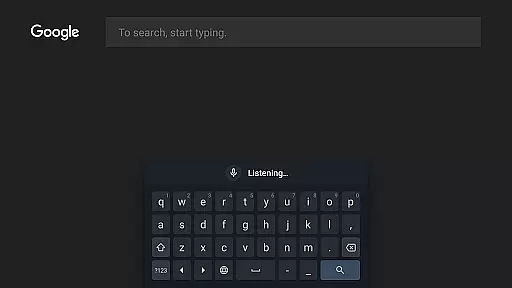
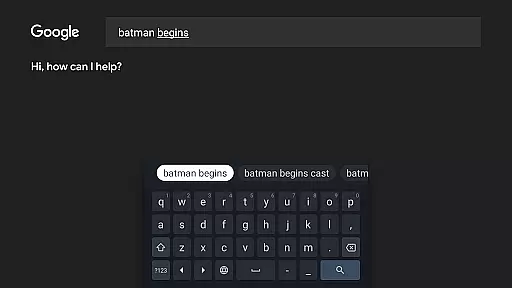
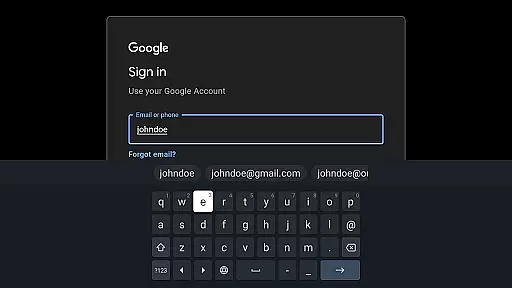
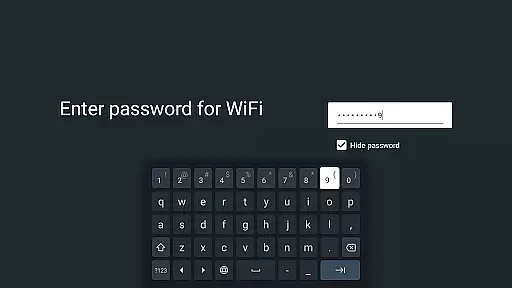
Gboard is a versatile keyboard app designed specifically for Android devices, including Wear OS. It combines speed and reliability with innovative typing features that enhance user experience across multiple languages and platforms. The app supports everything from Glide Typing to voice input, making it an essential tool for efficient communication.
Key features include multilingual typing support, Google Translate integration, and specialized modes for Wear OS devices. Users can enjoy seamless typing experiences whether they're using a smartphone or smartwatch, with support for hundreds of language varieties. This makes Gboard particularly valuable for global users who frequently switch between languages or need translation capabilities on the go.
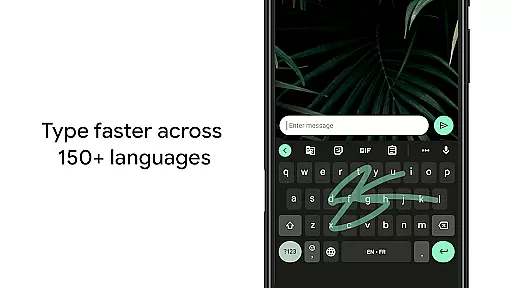
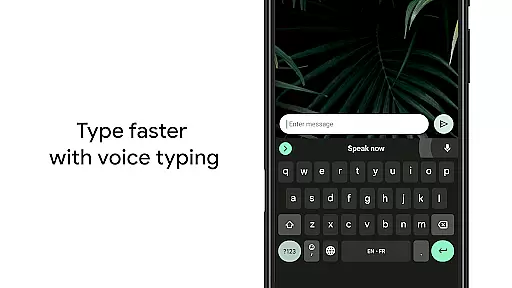
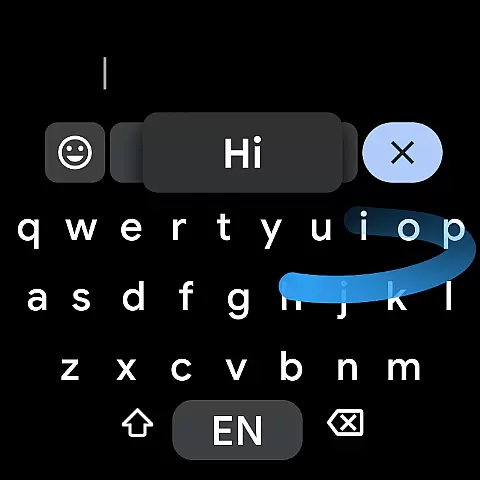
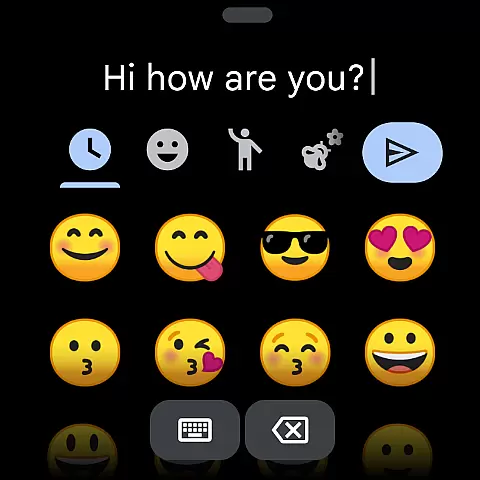
Gboard stands out through its comprehensive feature set tailored for modern communication needs. The app's Glide Typing allows users to type faster by sliding their finger across letters, while voice typing provides hands-free text input. These features are complemented by handwriting recognition and advanced emoji search functionalities.
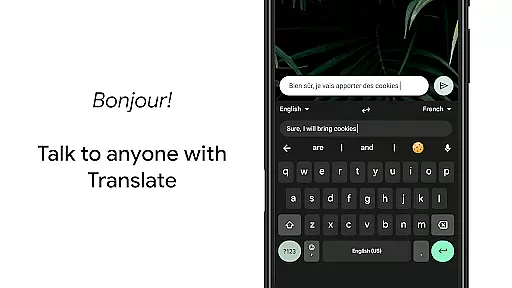
For multilingual users, Gboard offers automatic language detection and correction across enabled languages without manual switching. The integrated Google Translate feature enables real-time translation directly within the keyboard interface. Additionally, specialized Wear OS support brings these capabilities to smartwatches, including gesture-based controls and optimized layouts for smaller screens.
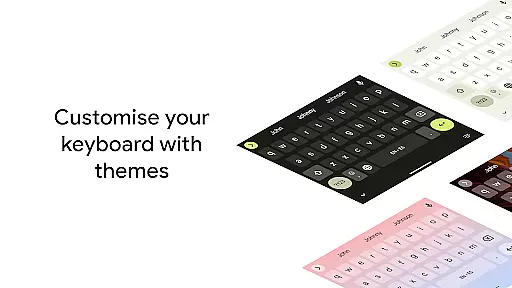
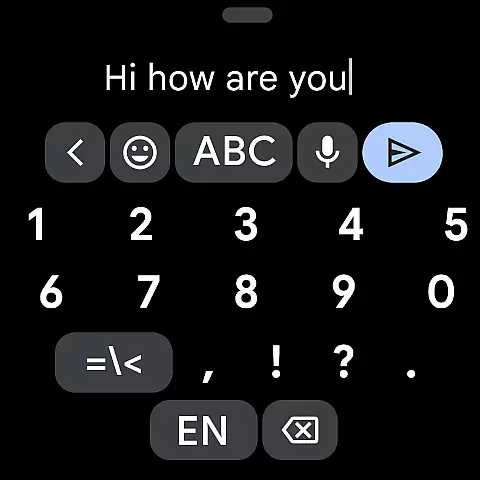
The application also includes professional features like gesture cursor control, quick deletion options, and customizable themes. Users can personalize their typing experience through various settings, including number row visibility and symbol hints. These extensive customization options make Gboard suitable for both casual and power users seeking enhanced productivity.
Gboard offers seamless companion app integration, ensuring that your typing experience is consistent across all devices. This means you can sync your personalized settings, such as language preferences and custom dictionaries, from your smartphone to your Wear OS device effortlessly.
The synchronization feature allows users to maintain a uniform typing experience whether they are using Gboard on their phone or smartwatch. With this integration, the transition between devices becomes smooth and efficient, enhancing productivity and convenience.
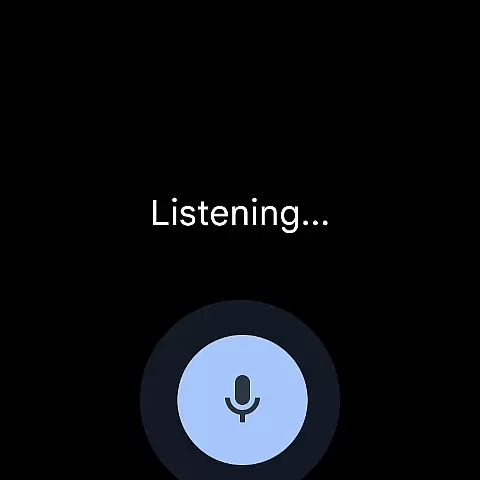
By leveraging the capabilities of the main Gboard application, the Wear OS version provides reliable speed and accuracy in text input. Users can enjoy features like Glide Typing and Voice Typing directly on their watch, making it easier to communicate on the go without needing to take out their phone.
Gboard's compatibility with Wear OS ensures that users can access advanced typing functionalities right from their wrists. The keyboard supports a wide range of languages, including Mandarin, Cantonese, English, Spanish, and many others, catering to a global audience.
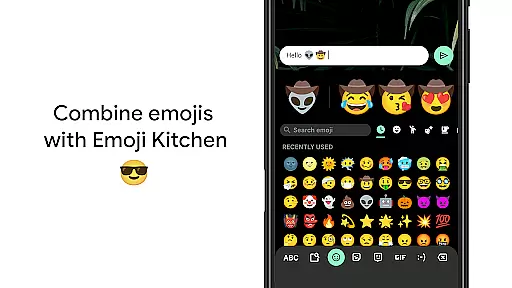
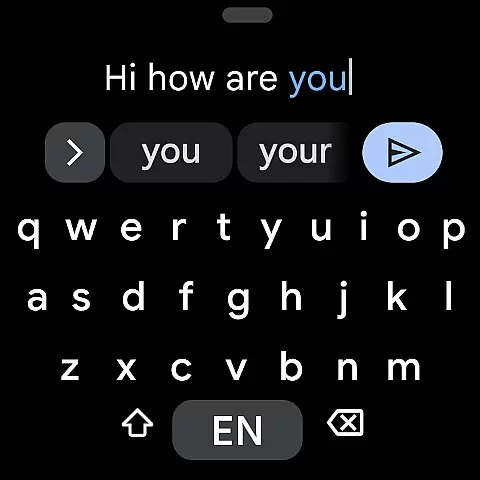
Designed specifically for wearable technology, Gboard optimizes its interface for smaller screens while maintaining essential features like Emoji Typing and Gesture cursor control. These adaptations make it easy and intuitive to type on a smartwatch, despite the limited screen real estate.
Furthermore, Gboard's support extends beyond just basic typing; it includes sophisticated tools like voice commands and gesture-based controls. Such comprehensive compatibility enhances user interaction with their Wear OS devices, providing an unparalleled typing experience tailored for smartwatches.
Fast typing
Voice input
Multilingual
Google translate
Customizable
No offline maps
Limited themes
High memory
Complex setup
Frequent updates

Christmas and New Year - Themed Watchface
 4.0
4.0
Wear Os Watch Face - Animated Snow - Sesonal for Christmas & Winter
4.5
Rose gold watch face with festive lights & customizable features.
4.60
Authentic military-tactical design with ZULU time! Realistic and functional!
3.80
Stylish digital watch face for Wear OS devices with customizable features
4.0
Hybrid Vibrant Health Watch Face for Wear OS
4.2
Hybrid watch face for Wear OS with customizable complications by Matteo Dini MD
4.70
A realistic hybrid watch face with many customization options.
4.60
Track your active life in one place and share the journey with friends.
4.40
The Chevron App allows you to pay for fuel from the comfort of your car!
4.80
Easy Voice Recorder is your everyday companion to record important moments.
4.70
A modern premium sporty hybrid watch face for Wear OS by Ballozi
4.70
Be an elegant and classy secret agent, with this carefully detailed watch face
4.70
Kia Access makes getting your vehicle information easier than ever
4.60
Embrace the holiday spirit with this magical animated watch face!
4.40
sleep, alarm, snoring, stress, healing, focus, sound therapy, circadian rhythm
4.10
Hyper-Realistic Airplane Dashboard Watch Face With 10 Skins and Custom AOD
4.00
A heartwarming Christmas scene featuring a cute image of Santa and Rudolf
4.1
3 Complications. All shadow on/off. 30 Themes color palette...
4.5


User Reviews