
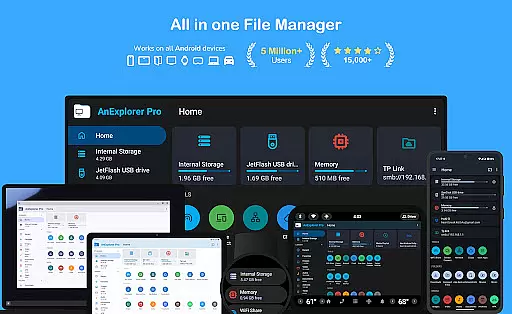
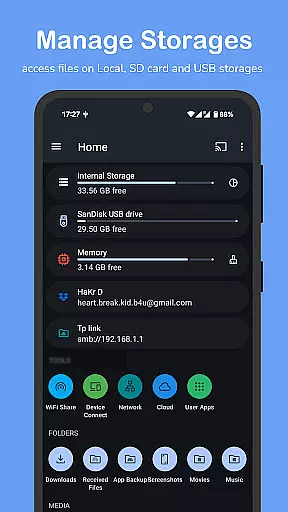
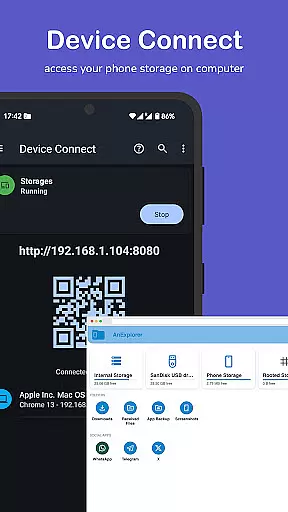

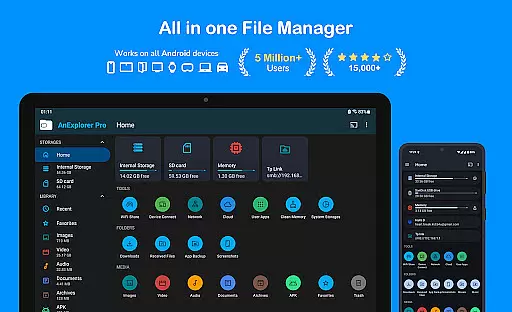
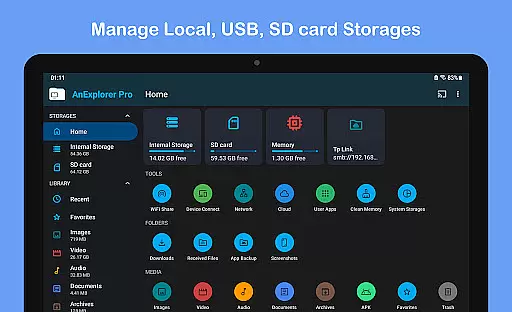
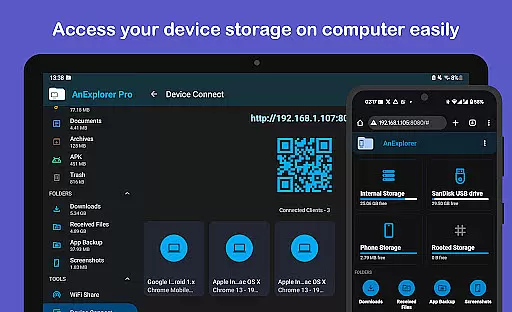
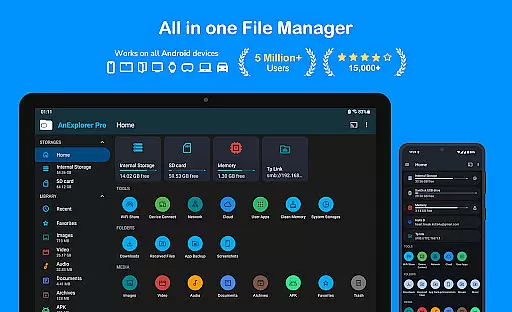
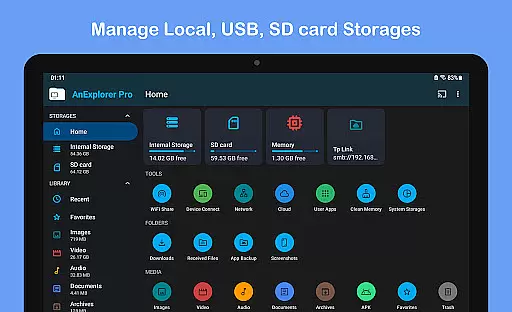
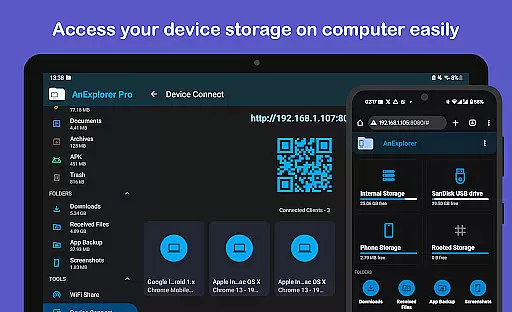
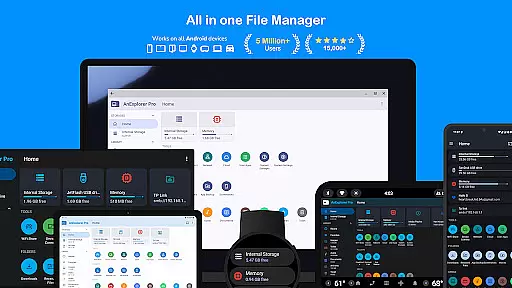
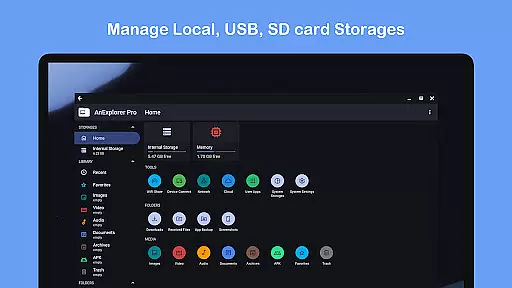
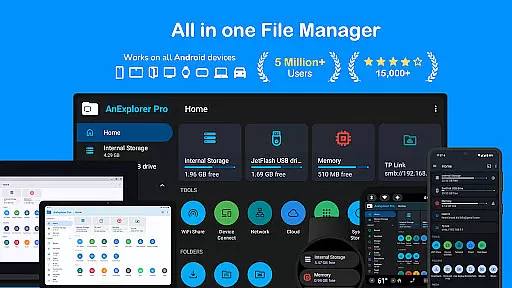
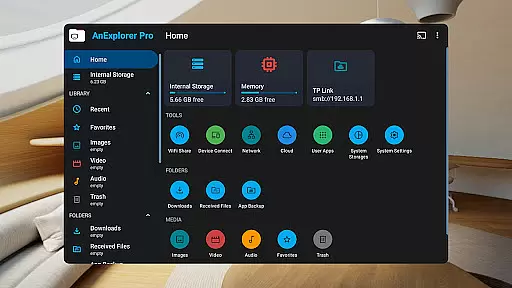
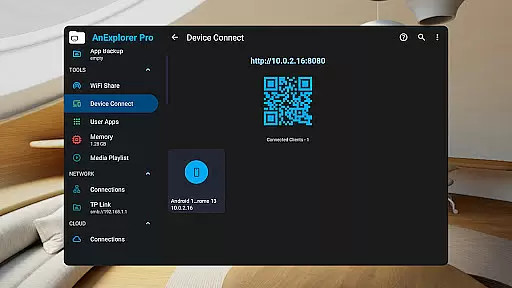
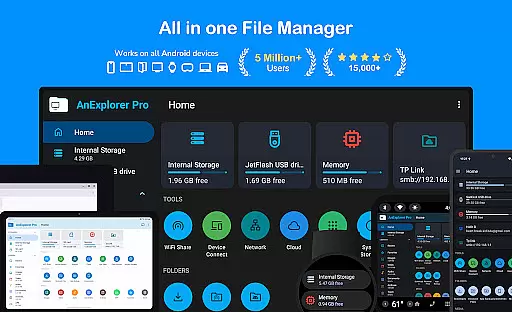
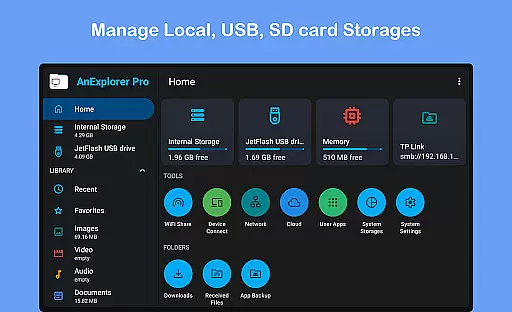



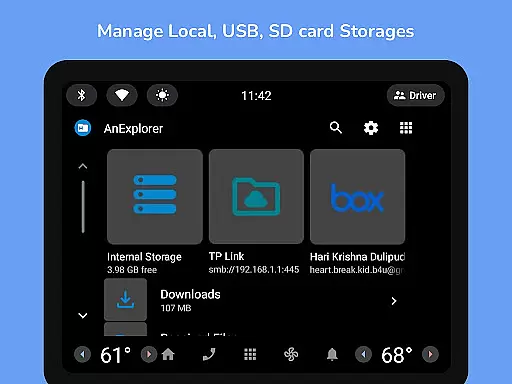
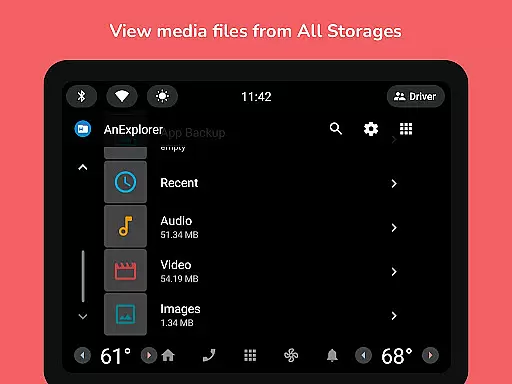
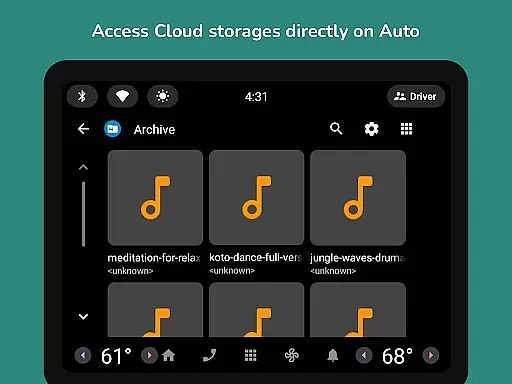
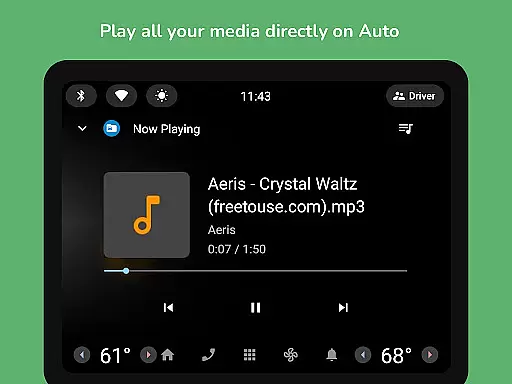
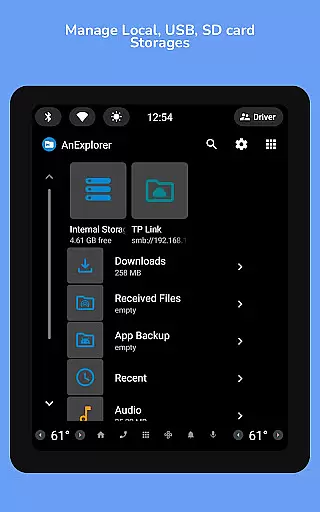
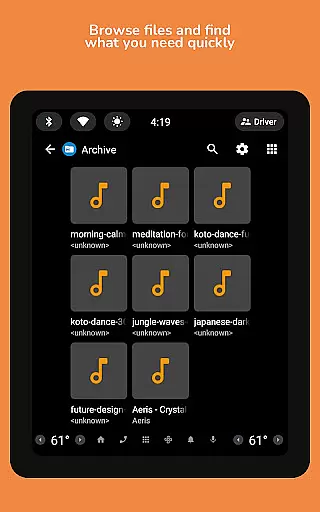
AnExplorer Pro File Manager is a versatile business tool designed for efficient file management across various Android devices. This powerful app allows users to seamlessly browse, organize, and transfer files on phones, tablets, TVs, cars, and more. With support for multiple storage types including USB, SD cards, network drives, and cloud services, it ensures comprehensive file access and management.
The app stands out with its clean, intuitive interface and robust feature set. Key capabilities include file organizing, photo viewing, music playback, archive handling, and text editing. Advanced functionalities like root mode, FTP connectivity, and offline WiFi sharing make it an indispensable tool for both regular users and power users in a business environment.
AnExplorer Pro offers an impressive array of features that cater to diverse business needs. The app's file management capabilities are extensive, allowing users to copy, move, rename, delete, compress, and extract files with ease. Its support for various file systems including FAT32 and NTFS ensures compatibility with different storage devices.
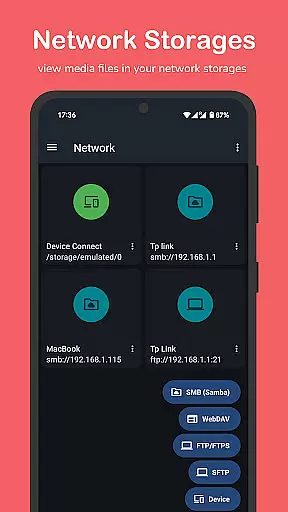
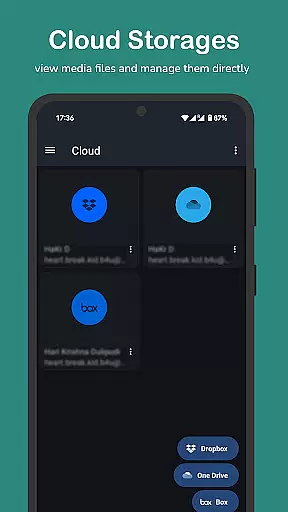
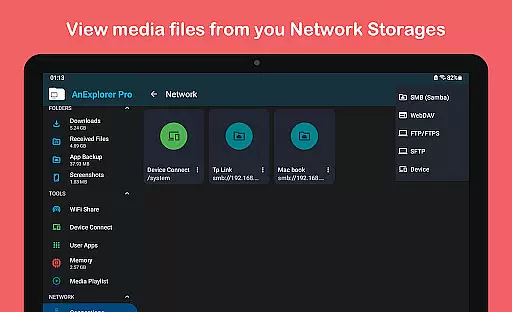
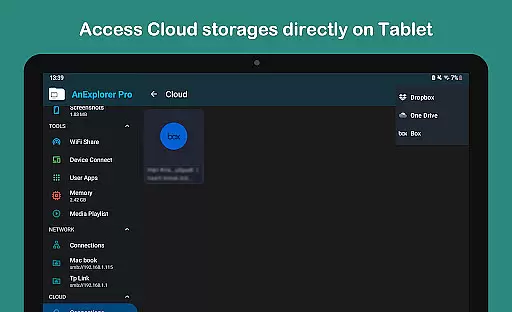
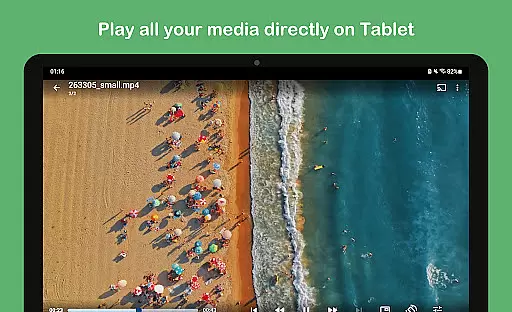
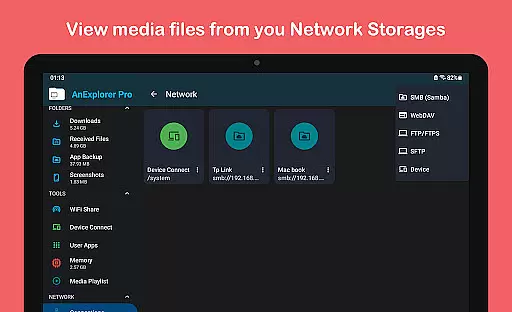
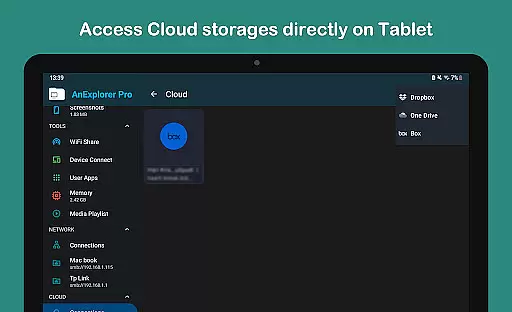
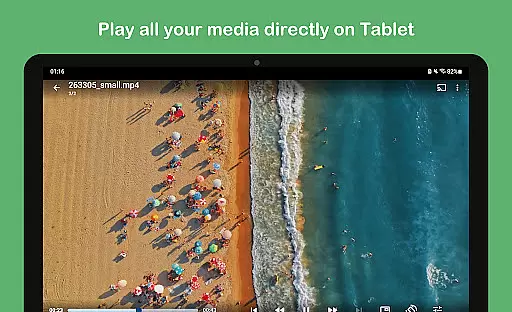
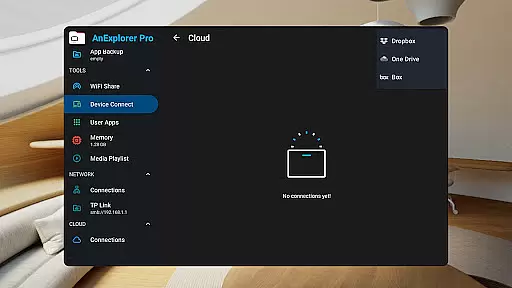
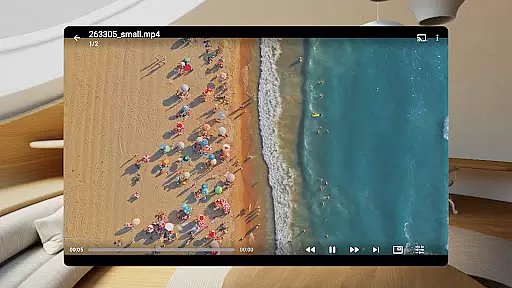
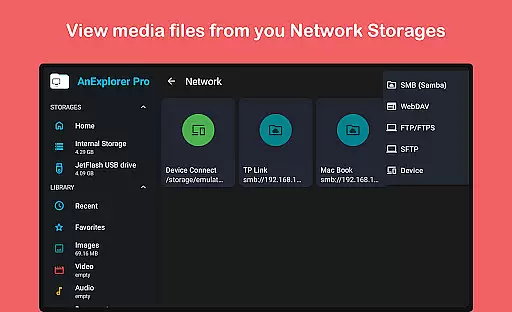
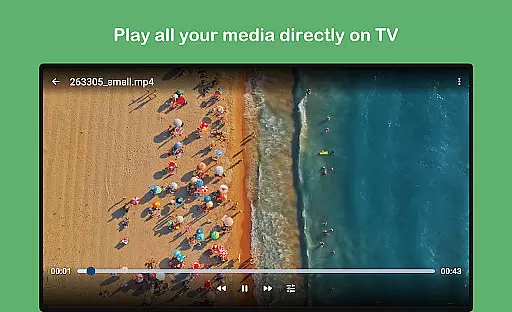
Beyond basic file operations, the app includes specialized tools such as a built-in media player, PDF viewer, and archive manager. The network file manager supports FTP, SMB, and WebDAV protocols while the cloud integration handles popular services like Dropbox and OneDrive. These features, combined with advanced options like root access and memory cleaning tools, make it a comprehensive solution for managing business assets across multiple platforms.
Collaborative work features are essential for modern business applications, enabling teams to work together efficiently regardless of location. AnExplorer Pro File Manager excels in this area by providing seamless file sharing and management capabilities across multiple devices and platforms.
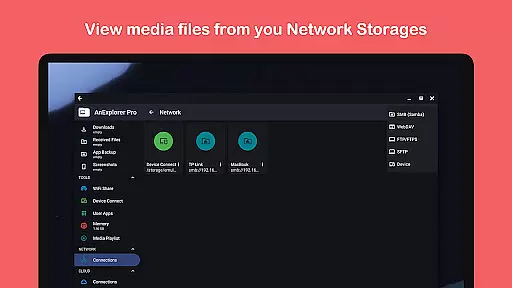
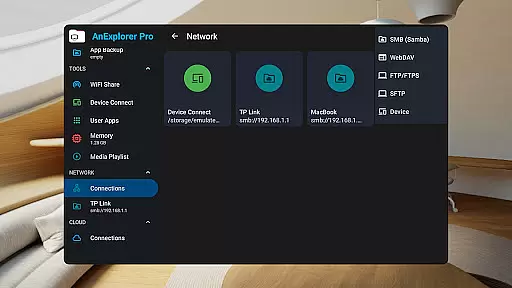
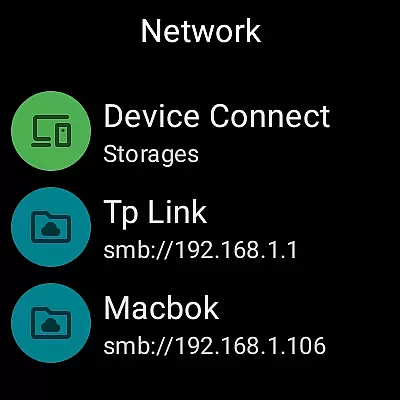
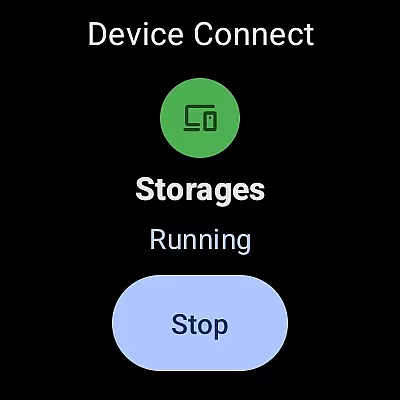
The app supports network storage integration, including FTP, SMB, and WebDAV protocols, allowing users to connect to shared folders and NAS devices effortlessly. This ensures that team members can access necessary files from a centralized location, promoting better collaboration and version control.
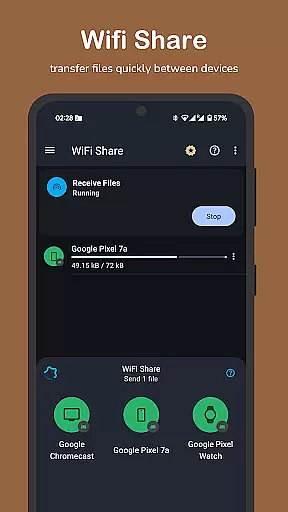
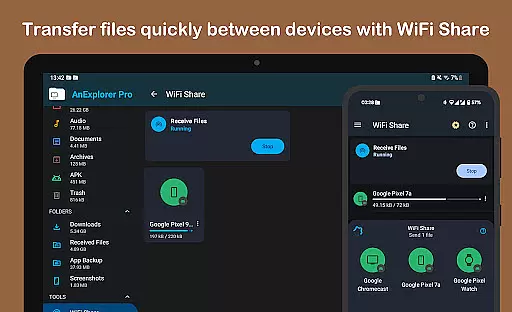
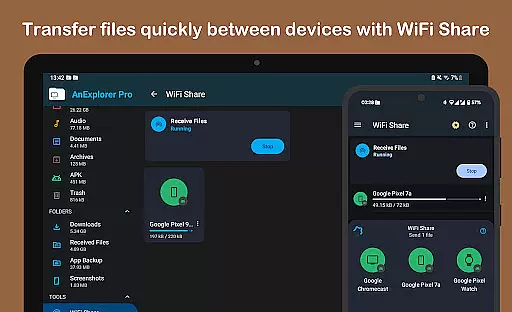
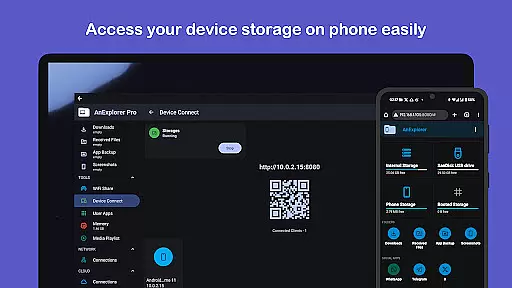
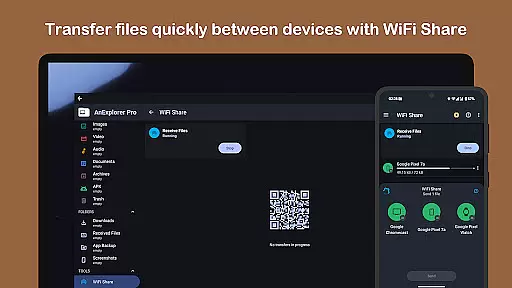
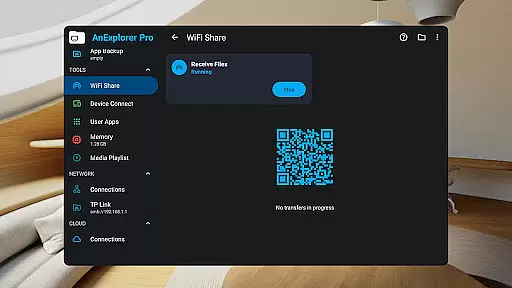
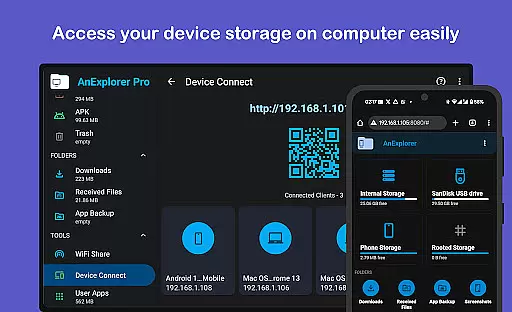
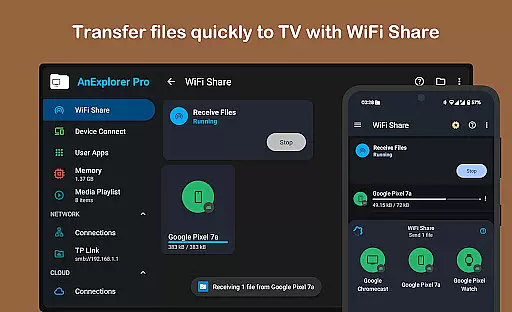
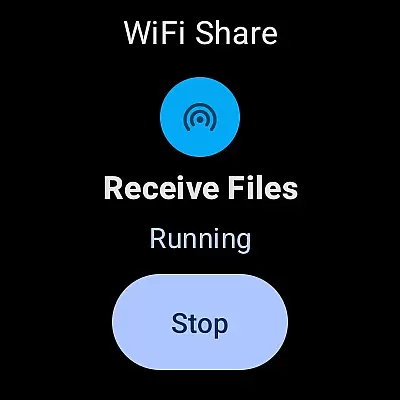
Additionally, the offline WiFi share feature enables wireless file transfers between Android devices on the same network without requiring an internet connection. This functionality is particularly valuable for teams working in environments with limited connectivity, ensuring they can still exchange important documents and media.
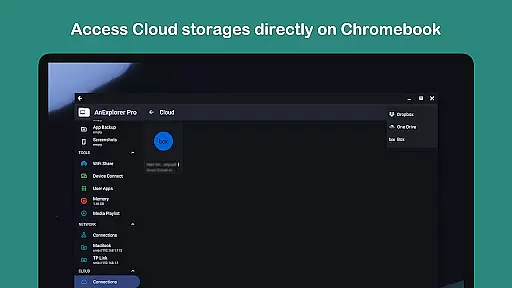
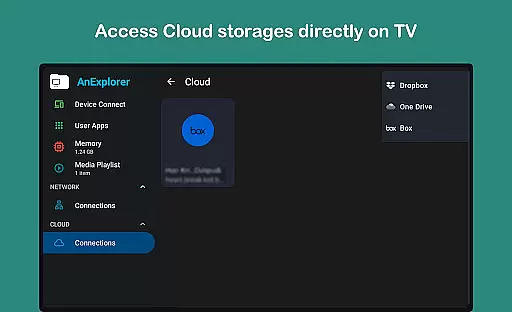
Furthermore, cloud storage management for services like Dropbox, OneDrive, and Box allows teams to maintain synchronized workflows across different locations. The ability to upload, download, and preview media directly within the cloud enhances productivity and ensures everyone has access to the most up-to-date information.
Effective task management is crucial for maintaining productivity and meeting deadlines in any business environment. AnExplorer Pro File Manager offers robust tools that help users organize their digital assets and streamline their workflow through intuitive file management features.
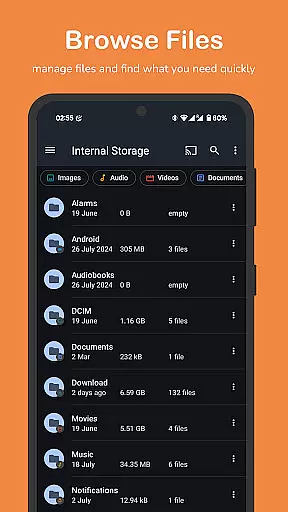
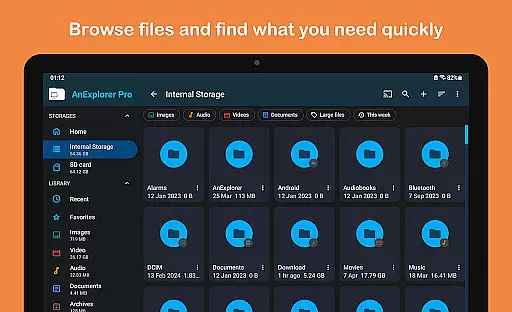
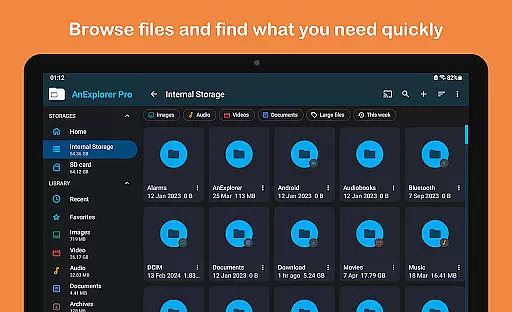
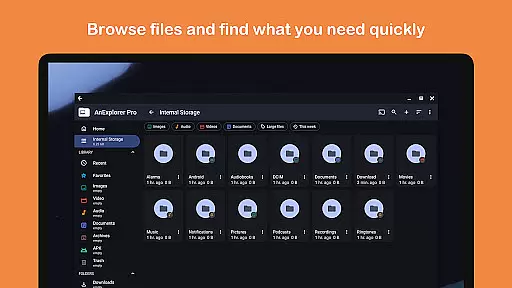
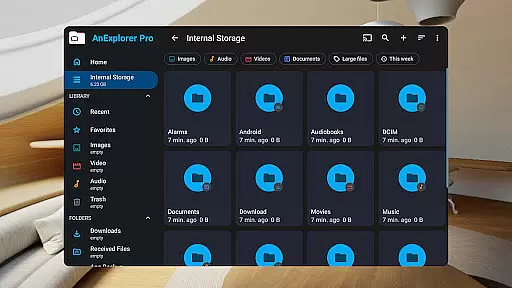
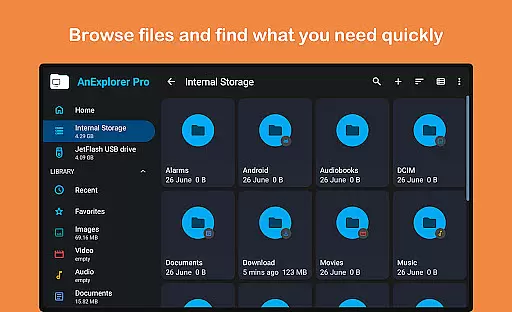
One of the standout aspects is its comprehensive file organization capabilities. Users can browse, copy, move, rename, delete, compress, and extract files and folders with ease. The search functionality allows filtering by file name, type, size, or date, making it simple to locate specific documents quickly.
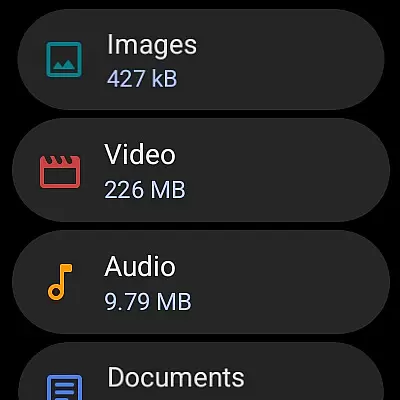
The app also includes a media library manager that automatically categorizes files into images, videos, music, documents, archives, and APKs. This auto-categorization helps users keep their workspace tidy and ensures that all relevant files are easily accessible when needed.
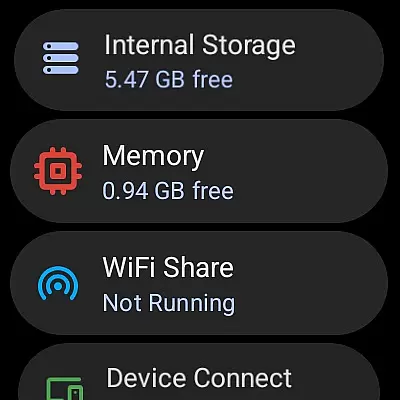
Moreover, the memory cleaner feature aids in optimizing device performance by freeing up RAM and removing unnecessary cache and junk files. A built-in storage analyzer provides deep cleaning options, which not only boosts speed but also creates more space for critical tasks, enhancing overall efficiency.
User-friendly interface
Wide device compatibility
Comprehensive file management
Advanced root capabilities
Offline file sharing
Paid version only
Complex for beginners
Occasional bugs
Heavy on resources
Limited iOS support

The revolutionary flexible staffing platform
 4.40
4.40
Quickly open and manage PDF files on your device.
3.80
The Penny Puss app with DG penny finder
4.10
Scan Business Cards & Conference Badges - Capture Leads at Events & Tradeshows
4.20
Create curriculum vitae, a professional cover letter creator and resume designer
4.80
FaxCover - Create fax cover pages. Works with any app or fax machine.
4.90
TurboScan turns your phone into a full-featured PDF document scanner.
4.80
USPS Mobile®Access USPS.com’s most popular tools on-the-go.
4.70
The app that lets you deliver with Amazon.
4.50
Job search app that finds jobs for you! Takes the work out of looking for a job!
4.90
Employee Management Made Easy
4.80 4.70
4.70
Finance, Investing, Stocks, Trading and Stock news
4.60
Ship, Track, Find a Location or Get a Quote with UPS. Anytime. Anywhere.
4.60
From Gone to Back Again — In Just a Few Taps
4.50
Deliver and earn money
4.30
Formerly Facebook Ads Manager. Manage and create ads on the go.
4.20
view, manage, and share every PDF file you have
3.60
Access All PDF Files
3.40


User Reviews