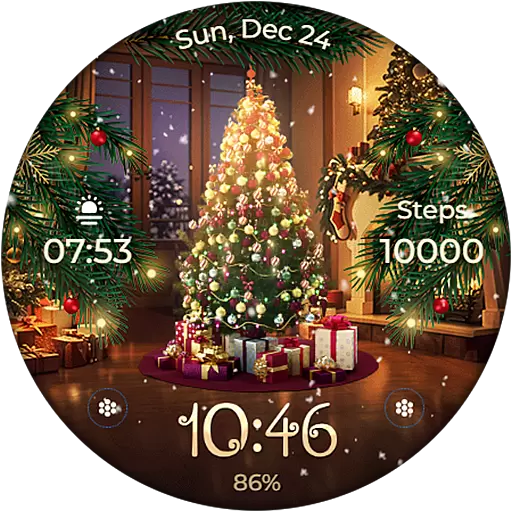
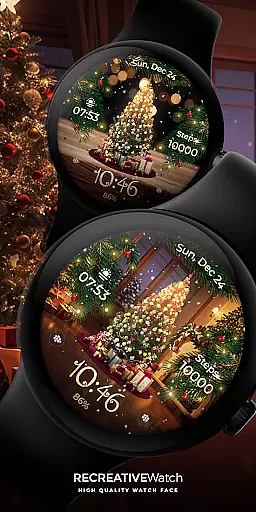
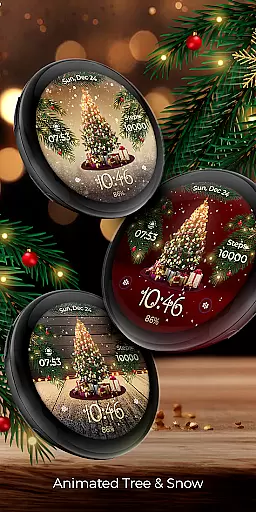
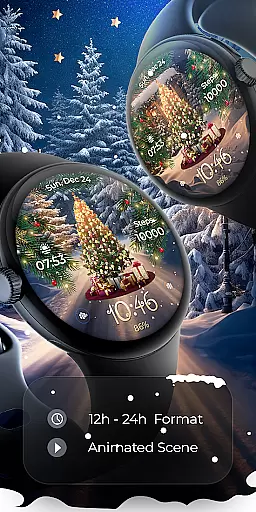
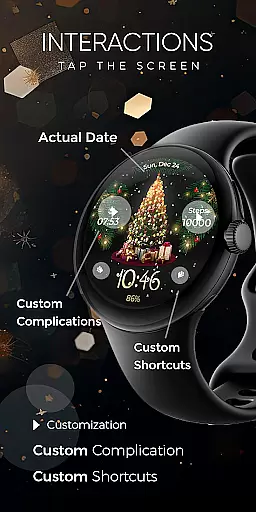
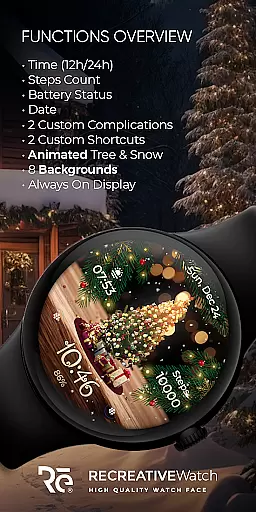
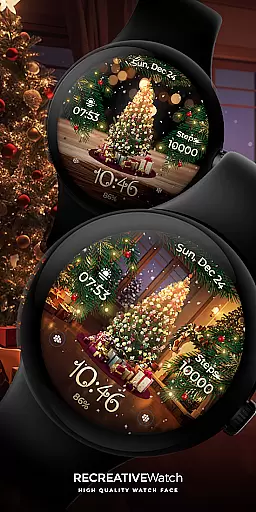
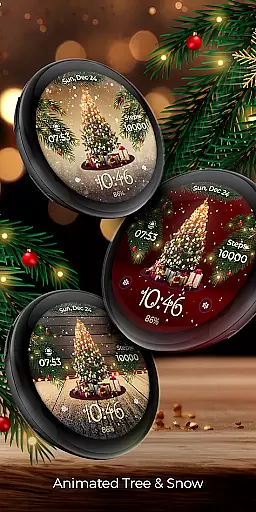
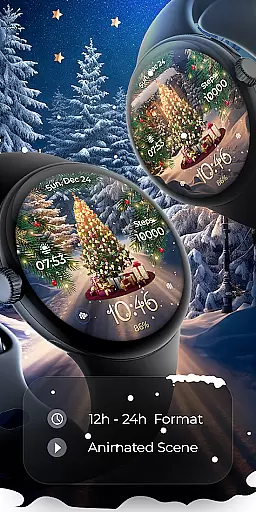
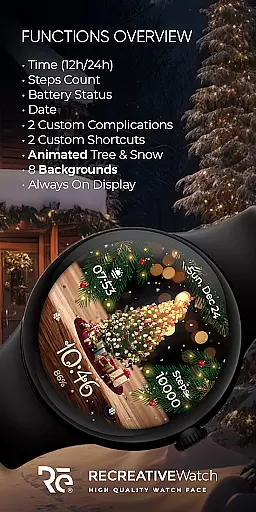
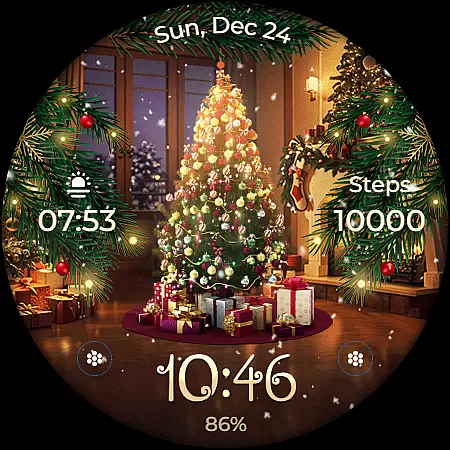
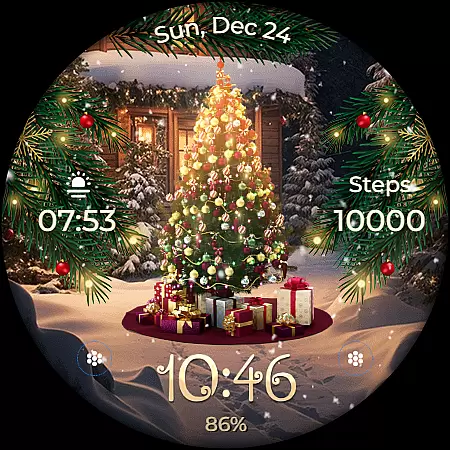
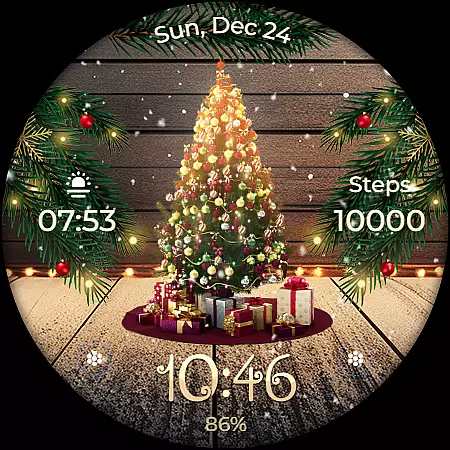
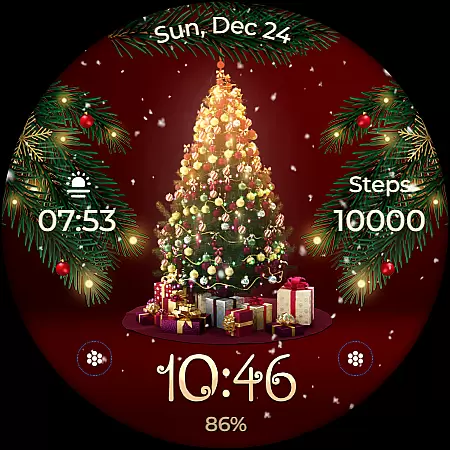
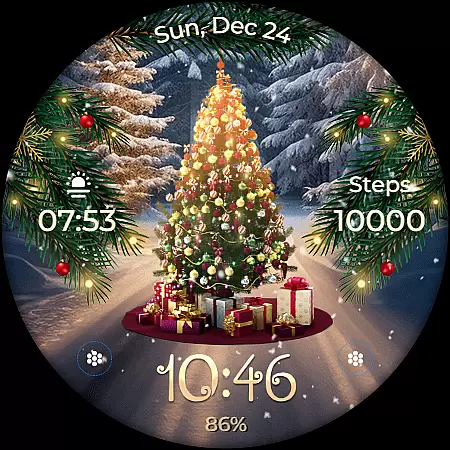
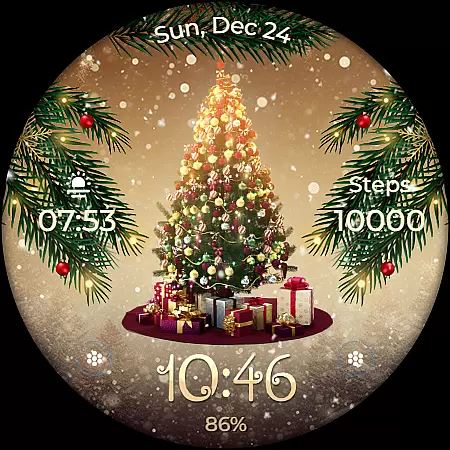
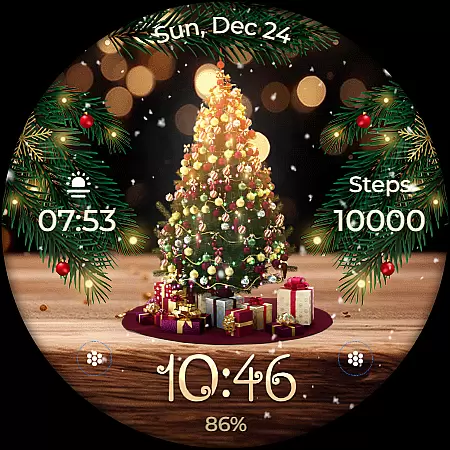
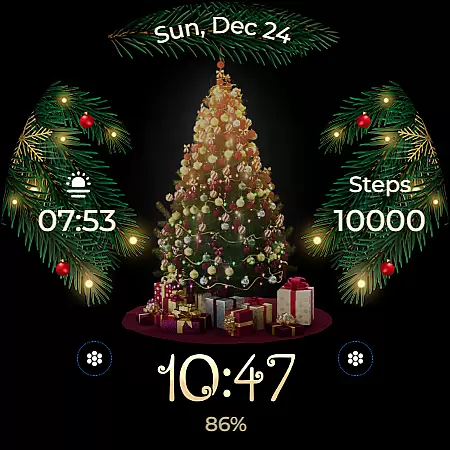
Animated is a festive Wear OS watch face that brings the magic of Christmas to your wrist. Featuring a lively animated Christmas tree adorned with presents, cascading snowflakes, and enchanting sparkles, it creates a whimsical winter wonderland experience. The watch face displays essential information including 12/24h digital time, date, battery level, and step count.
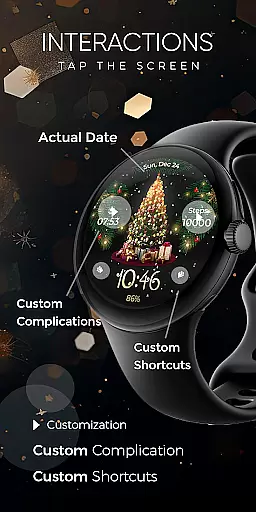
Users can customize their experience through two complications and shortcuts, choose from eight different backgrounds, and enjoy an always-on display mode with customizable colors. Compatible with API level 33+ devices like Google Pixel and Galaxy Watch series, this app offers both functionality and holiday cheer in one package.
The Animated watch face stands out with its unique combination of festive animations and practical features. The animated Christmas tree, complete with presents and falling snowflakes, creates a magical visual effect while still displaying important information like time, date, and fitness tracking data.
Advanced customization options allow users to personalize their watch face with two configurable complications and shortcuts. With support for always-on display and multiple background choices, users can tailor the appearance to suit their preferences. These features make the watch face not only visually appealing but also highly functional for daily use.
Companion app integration is essential for ensuring seamless functionality between a Wear OS watch face and its corresponding mobile application. For Animated, the companion app serves as a facilitator for installation and customization of the watch face, which features an animated Christmas theme.
The phone app simplifies the process of locating and installing the Animated watch face on your Wear OS device. It ensures that users can effortlessly access the enchanting display of a lively Christmas tree, complete with presents and cascading snowflakes. The app also supports the customization of complications and shortcuts directly from the smartphone interface.
While the mobile app contains ads, it remains a crucial tool for managing the watch face's features such as time, date, battery status, and step count. With this integration, users gain the ability to personalize their watch faces by choosing from various backgrounds and utilizing the always-on display mode with customizable colors and modes.
Compatibility with Wear OS devices is a fundamental aspect of any watch face application like Animated. This ensures that the magical experience of an animated Christmas scene can be enjoyed across a wide range of smartwatches without technical hindrances.
Animated is compatible with API level 33+ devices, including popular models such as Google Pixel watches and Samsung Galaxy Watch series (4, 5, 6), along with other Wear OS-supported watches. Such broad compatibility means more users can enjoy the festive animation, whether they are using a high-end or entry-level smartwatch model.
For optimal battery performance, especially when using resource-intensive features like the always-on display, Animated recommends disabling this feature during periods of inactivity. This advice helps maintain a balance between enjoying the visual charm of the watch face and preserving the smartwatch's battery life.
Festive design
Customizable features
Always-on display
Battery optimization
Wide device compatibility
Limited to Wear OS
No iOS support
Ads in mobile app
Holiday-specific theme
Premium features locked
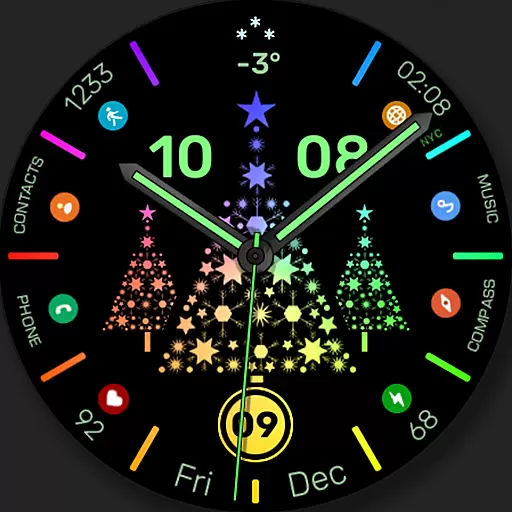
Christmas watch face. For Wear OS devices.
 4.30
4.30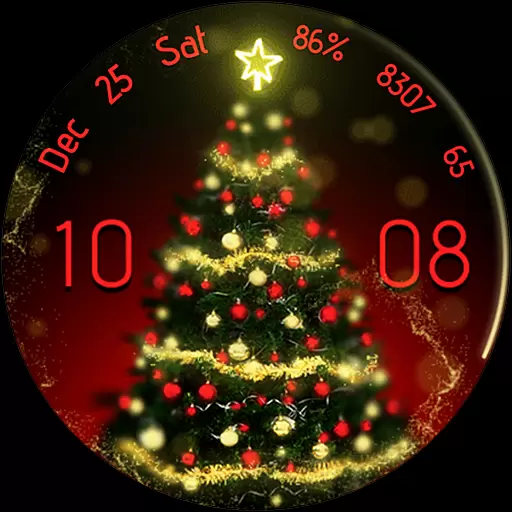
Embrace the holiday spirit with this magical animated watch face!
4.40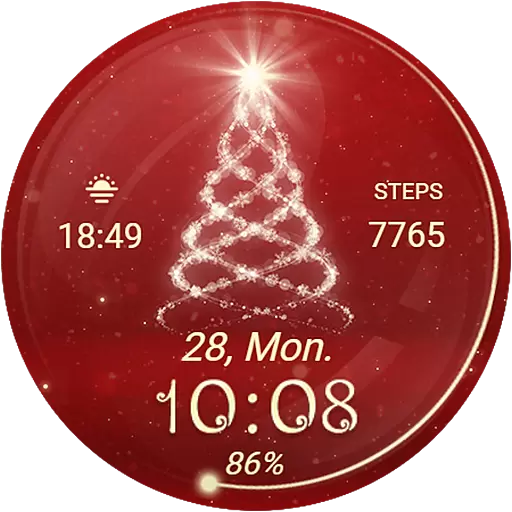
Animated Watch Face and Customizable with 24 Backgrounds. Perfect for Christmas!
3.90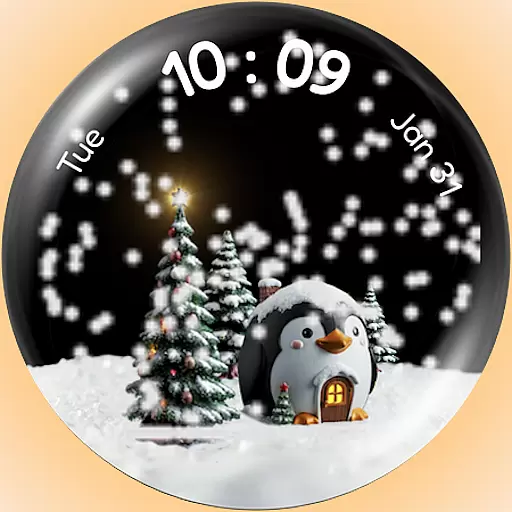
A Wintery Snow Globe on Your Wrist; now celebrating Christmas!
4.3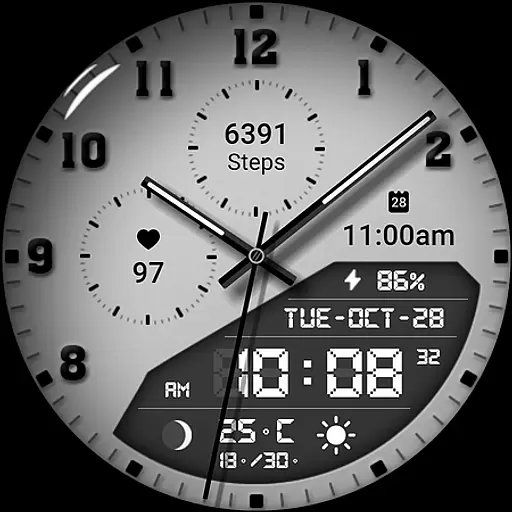
3 Complications. All shadow on/off. 30 Themes color palette...
4.5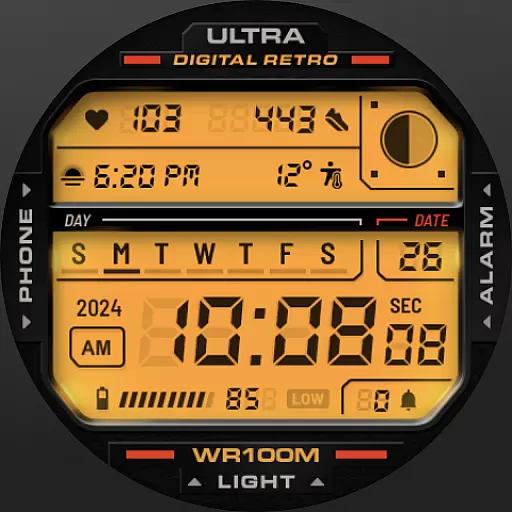
Retro digital watch face with customizable colors and a unique lighting effect
4.60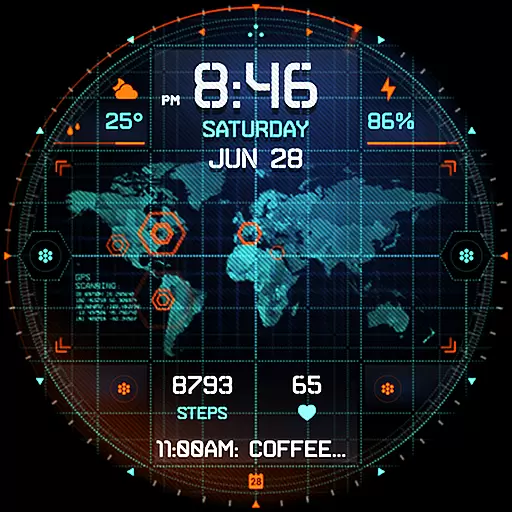
Animated video-game inspired “secret agent” simulation, right on your wrist!
4.20
Your local weather forecast, storm tracker, radar maps & live weather news
3.40
Start and succeed with PAP
4.10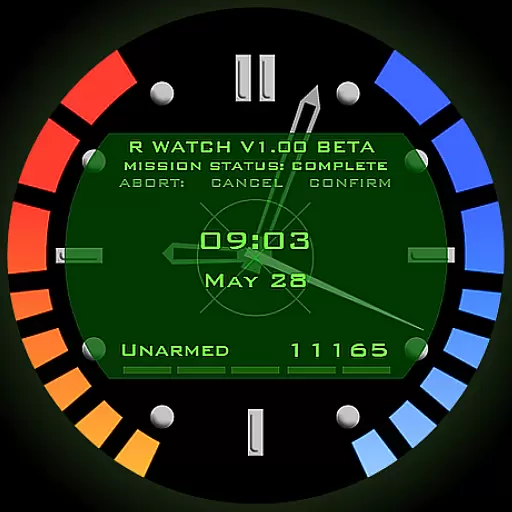
Be an elegant and classy secret agent, with this carefully detailed watch face
4.70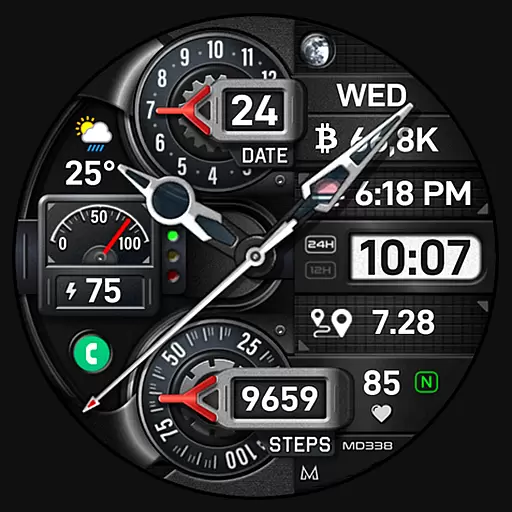
Highly customizable hybrid watch face for Wear OS, perfect for everyday use.
4.60
To-Do List: daily schedule planner, task organizer, to do reminder app, calendar
4.60
Real-time results, stats, schedules and player profiles for all leagues
4.60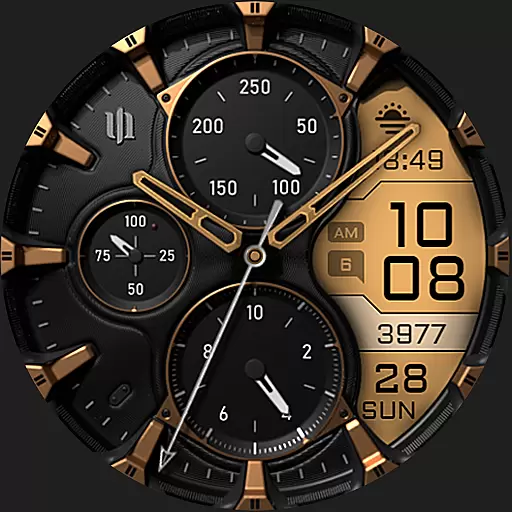
A realistic hybrid watch face with many customization options.
4.60
Reliable phone calls with spam protection, caller ID and more helpful features
4.40
Calming & relaxing sounds for sleeping and stress relief. Stay focused all day!
4.20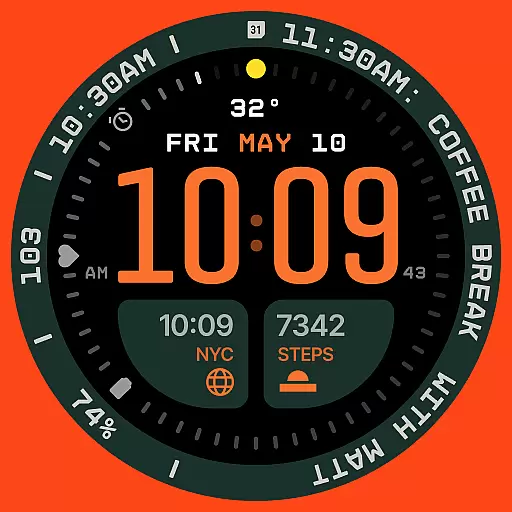
Structured watch face with seven complications and modular UI elements
3.90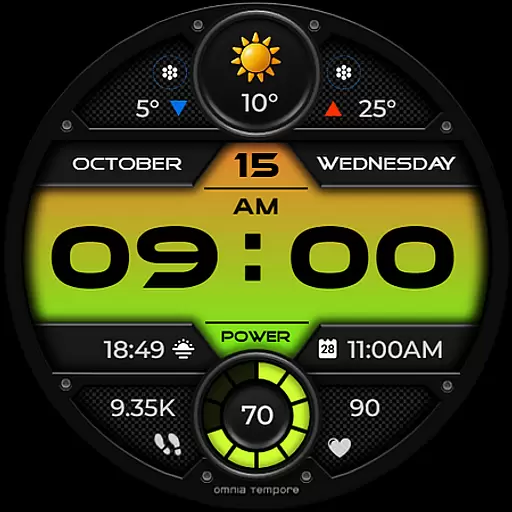
Stylish digital watch face for Wear OS devices with customizable features
4.3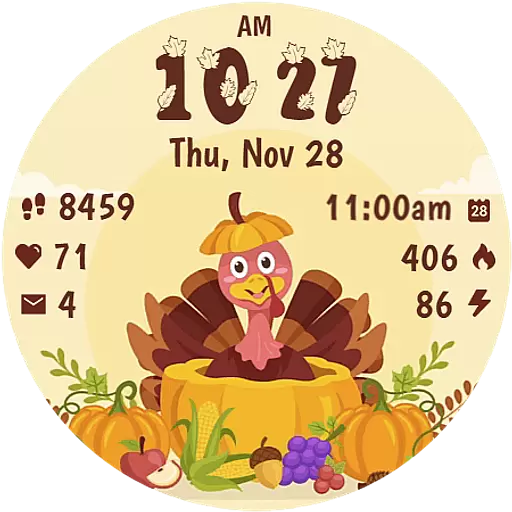
Funny animated watch face for Thanksgiving
4.5


User Reviews