
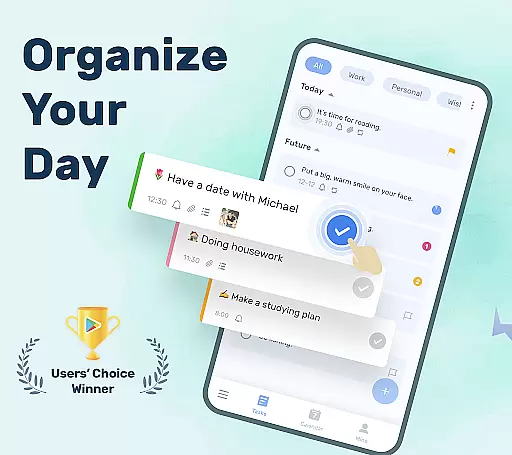
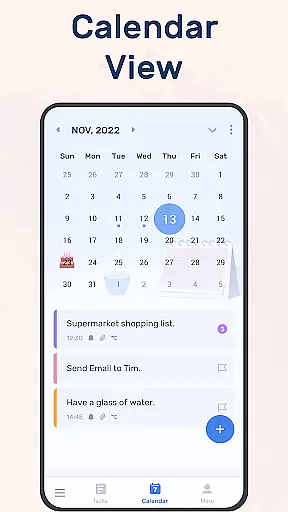
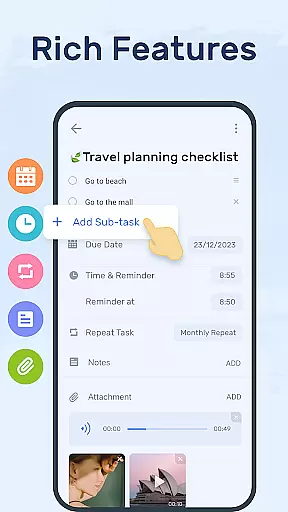
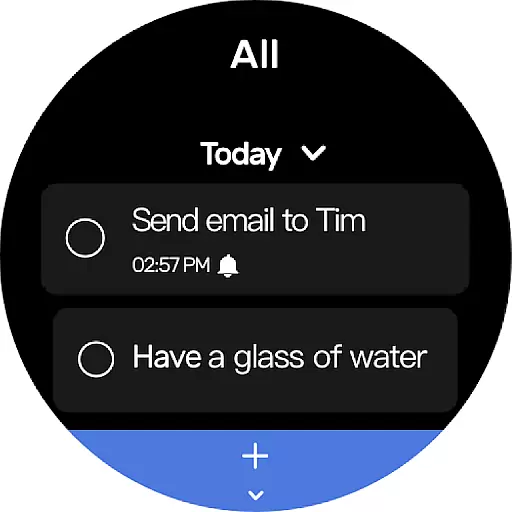
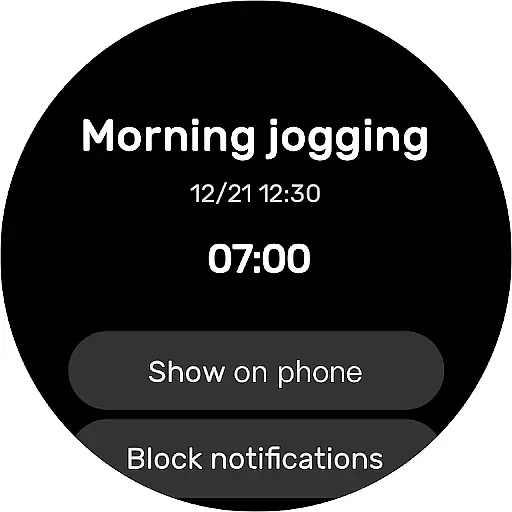
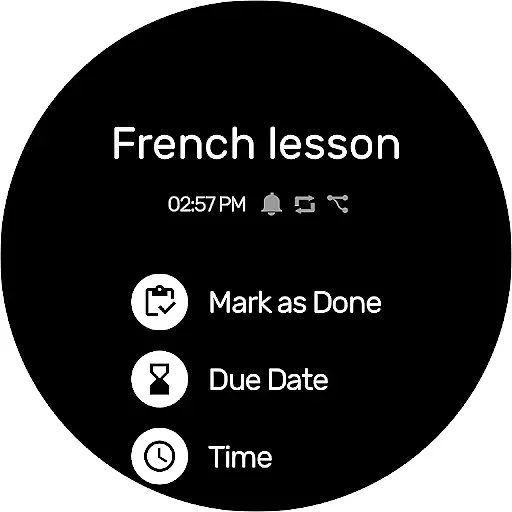
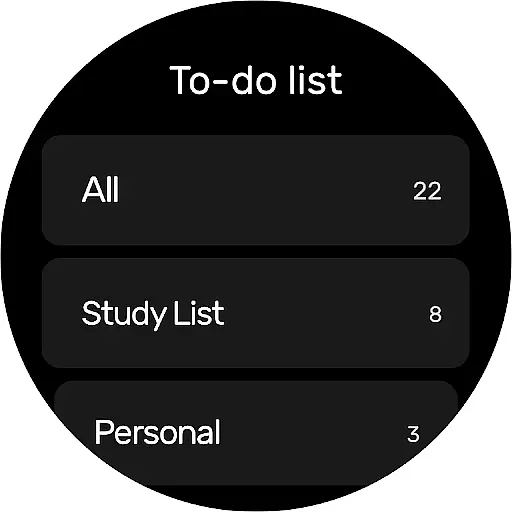
To-Do List is a comprehensive task management app designed specifically for Android Wear users. This free and intuitive to-do list manager allows you to efficiently organize your daily schedule, set important reminders, and track your productivity right from your smartwatch. The app features multiple task categories, priority settings, and a calendar view that provides a clear overview of your upcoming commitments.
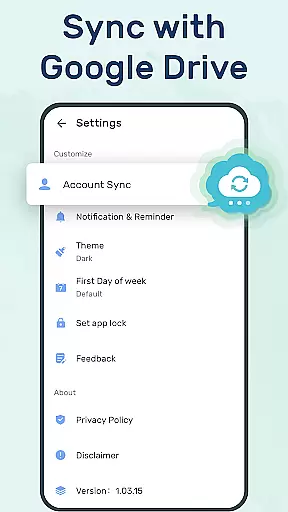
What sets this to-do app apart is its seamless integration with wearable devices, enabling you to access your tasks anytime, anywhere. With customizable themes, recurring reminders, and cloud synchronization via Google Drive, it ensures you never miss an important deadline. Whether you're managing work projects, personal goals, or special occasions, this app helps you stay organized and focused on what matters most.
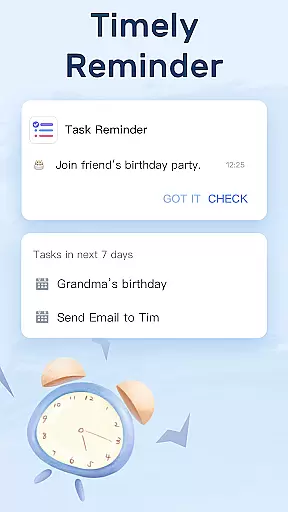
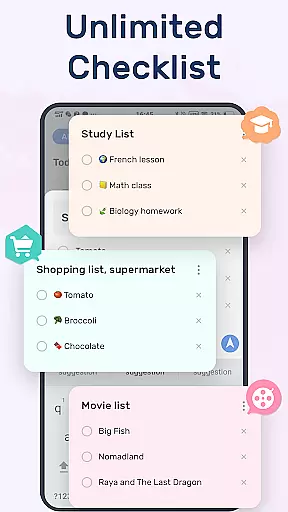
The To-Do List app offers an impressive array of features tailored for productivity enthusiasts. Its core functionality includes robust task categorization, allowing users to create distinct lists for work, personal, and fitness-related tasks. The app's reminder system is particularly noteworthy, supporting both one-time and recurring alarms that can be customized based on your specific needs.
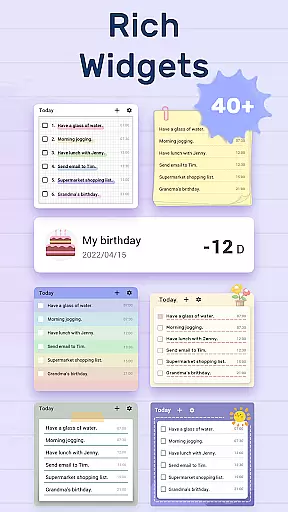
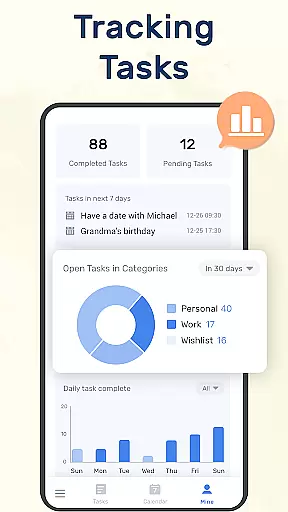
Advanced features include widget support for quick access and status updates directly from your home screen, and comprehensive tracking of task completion rates through the dedicated 'MINE' page. The app also supports multimedia attachments and integrates seamlessly with your device's calendar. Its cloud sync feature ensures all your devices stay updated in real-time, while the Wear OS compatibility makes it perfect for users who want to manage their tasks on the go without needing to pull out their phone.
Companion app integration is essential for users who want a seamless experience across multiple devices. To-Do List - Schedule Planner & To Do List Task Manager offers robust companion app features that ensure your data is always in sync.
This application allows you to synchronize your to-do lists and daily schedule planners with cloud services via Google Drive. This means whether you're at home, in the office, or on the go, your tasks are accessible from any device with internet connectivity.
The ability to check things to do, track daily planners, or receive task reminders on different devices adds a layer of convenience and reliability. You won't have to worry about missing important updates or losing track of your tasks when switching between your phone, tablet, or computer.
By supporting Wear OS watches, this app extends its functionality to your wrist, allowing you to manage your time effectively without needing to take out your phone. This ensures you stay productive and informed, no matter where you are.
For users invested in the Wear OS ecosystem, compatibility with your devices is crucial. To-Do List - Schedule Planner & To Do List Task Manager excels in providing comprehensive support for Wear OS and other devices.
This app is designed to work seamlessly with Wear OS watches, ensuring that your to-do lists are as accessible on your wrist as they are on your phone or tablet. The intuitive interface on your smartwatch allows you to quickly view and manage tasks without interruption to your daily activities.
In addition to Wear OS support, the app also integrates smoothly with your mobile devices. Whether you're using an Android phone or tablet, you can expect consistent performance and user experience. This cross-device compatibility ensures that all your devices work in harmony, providing a unified solution for managing your time.
With features like real-time synchronization and cloud backup, you can trust that your data will be up-to-date and secure across all your devices. This level of integration and support makes To-Do List - Schedule Planner & To Do List Task Manager a reliable choice for users seeking a versatile and compatible task management solution.
User-friendly interface
Customizable themes
Real-time cloud sync
Wear OS optimized
Comprehensive reminders
Limited advanced features
No team collaboration
Basic analytics
Premium upgrade cost
Occasional sync issues

Embrace the festive spirit with our Christmas Countdown watchface for Wear OS
 4.10
4.10
Wear Os Watch Face - Animated Snow Effect & Magic Spark - 6 Scenes
4.10
A modern premium sporty hybrid watch face for Wear OS by Ballozi
4.70
The ultimate destination for kids ages 3-8 to explore the Marvel Universe!
4.30
Gym & home workout plans with strength training, exercise tracking, HIIT & more.
4.60
Stay in touch with your friends and family using LINE!
3.40
Hybrid watch face for Wear OS with customizable complications by Matteo Dini MD
4.70
Fitbit is dedicated to helping people lead healthier, more active lives.
4.10
Track airplanes and follow flights with our real-time flight tracker
4.50
Christmas - Festive - Christmas Village - Winter - Christmas lights
5.00
Beautiful, colorful and practical watch face. For Wear OS devices.
5.00
Highly customizable hybrid watch face for Wear OS, perfect for everyday use.
4.60
Retro digital watch face with customizable colors and a unique lighting effect
4.60
Find EV charging stations
4.30
Locate your family members by GPS phone location tracker everywhere and anytime
4.30
Elegant animated Christmas tree with multiple customization options
4.20
"PER27 Galaxy Digital" is a digital Wear OS watch face designed by PERSONA
4.10
Christmas is near, let's count together the days left until Santa comes
4.1
Hybrid Vibrant Health Watch Face for Wear OS
4.1


User Reviews