
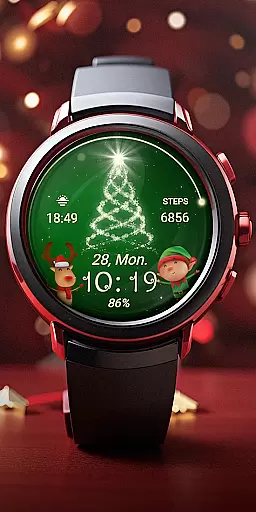
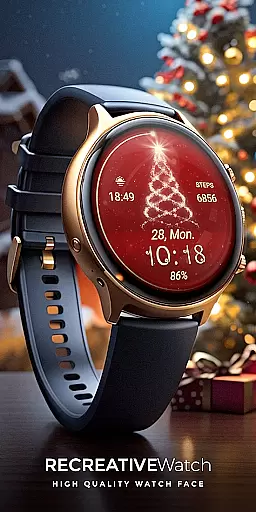
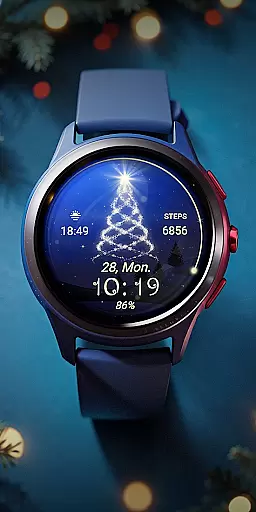
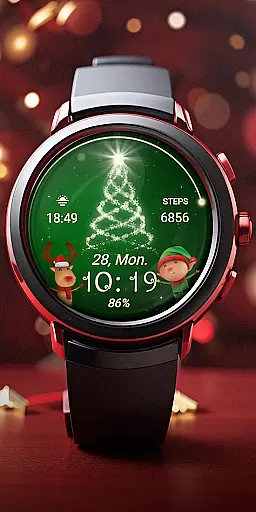
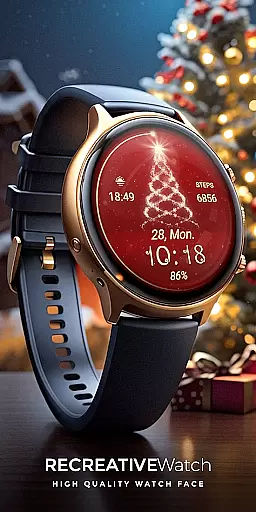
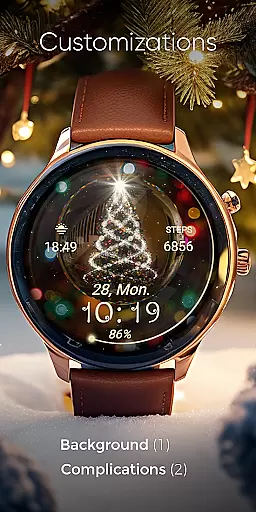
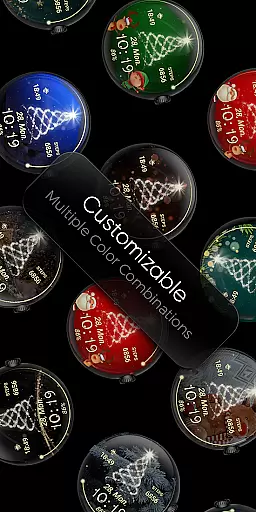
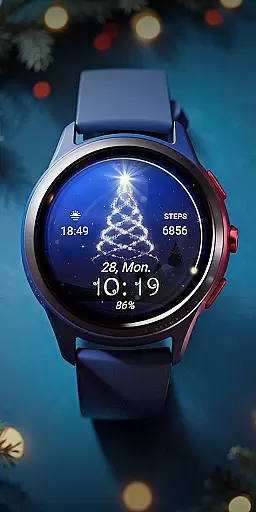
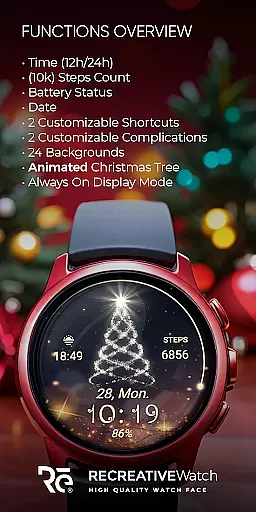
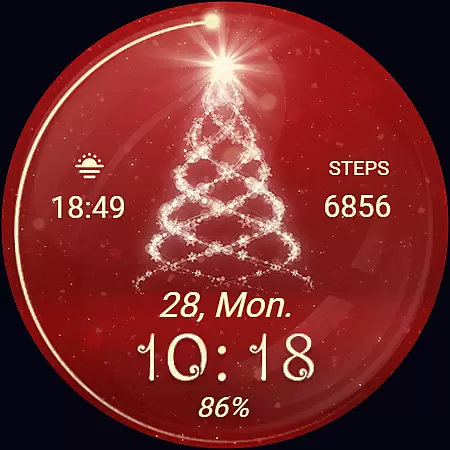
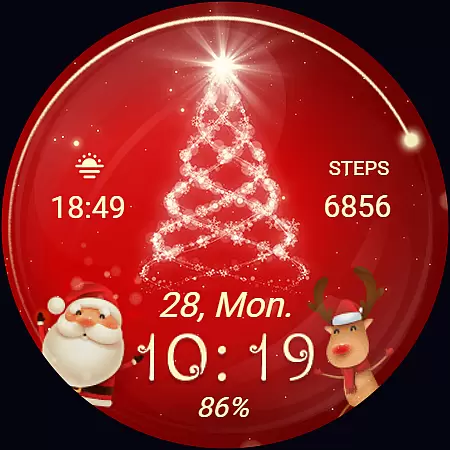
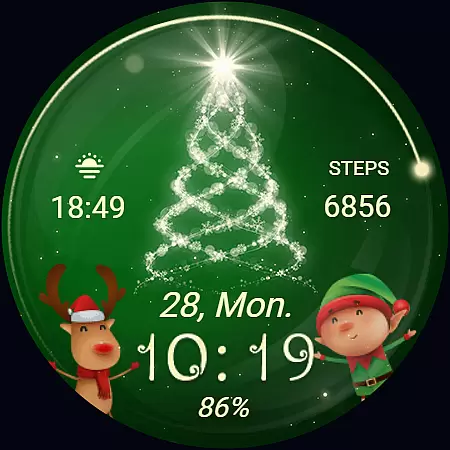
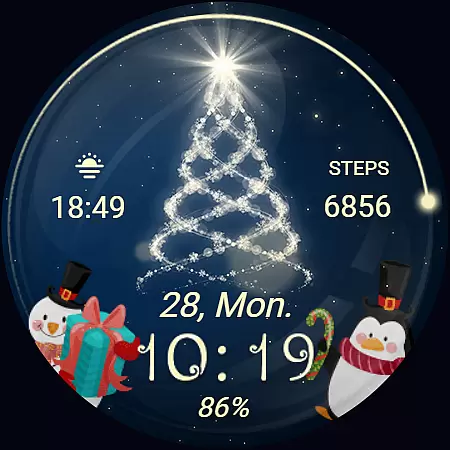
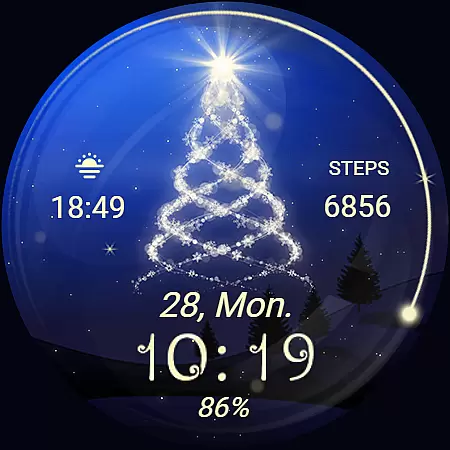
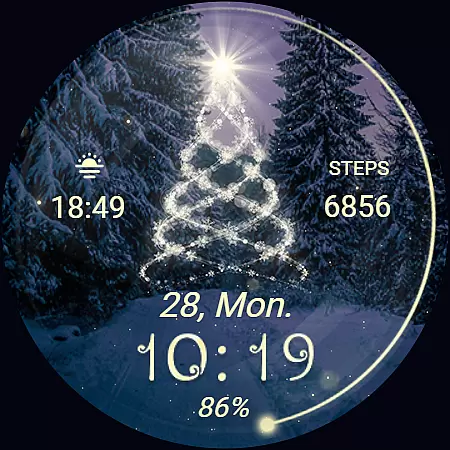
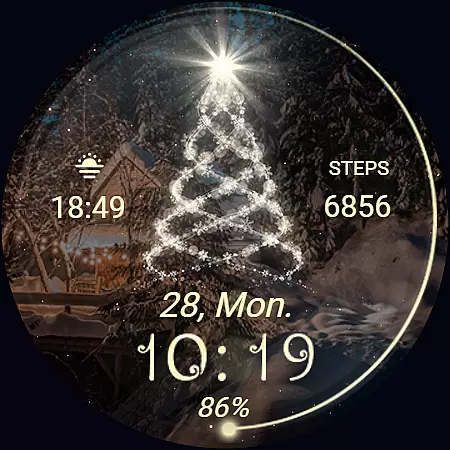
Christmas Spirit is a festive-themed watch face designed specifically for Wear OS devices. This app brings holiday cheer to your smartwatch with its customizable and colorful backgrounds, featuring an animated Christmas tree that creates a lively seasonal atmosphere. The watch face offers both aesthetic appeal and practical functionality, displaying essential information such as time, date, battery level, and step count.
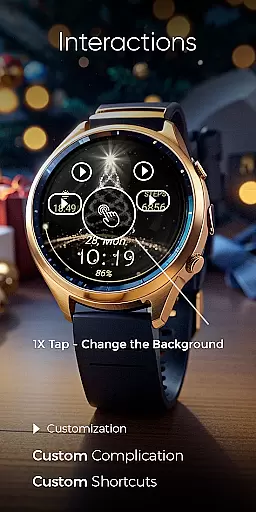
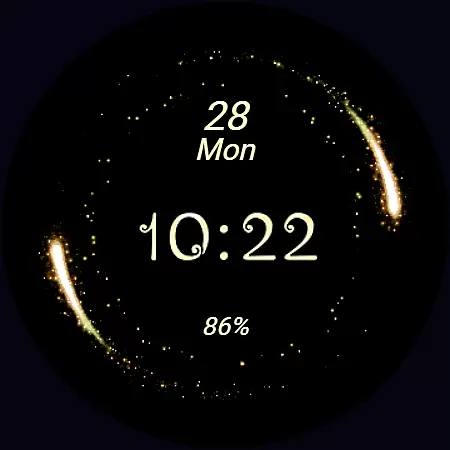
Perfect for the holiday season, Christmas Spirit supports Always ON Display with changeable colors and includes two customizable shortcuts and complications. Compatible with API level 33+ devices like Google Pixel and Galaxy Watch series, this app allows users to personalize their watch experience while maintaining necessary functionality. Whether you want to showcase your holiday spirit or simply enjoy a visually appealing watch face, Christmas Spirit delivers both style and utility.
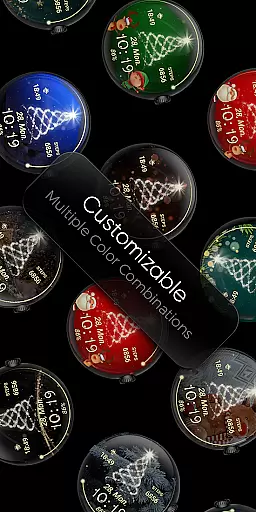
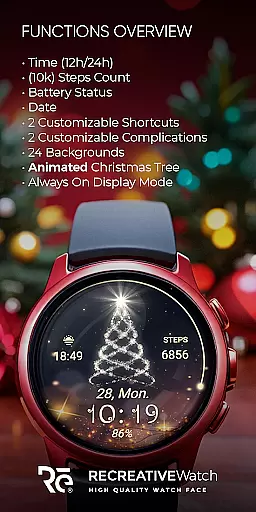
Christmas Spirit stands out with its rich feature set tailored for Wear OS users. The watch face displays 12/24hr digital time, date, battery status, and step count, ensuring you have all essential information at a glance. With 24 unique backgrounds and an animated Christmas tree with falling snow, it provides a vibrant and festive visual experience.
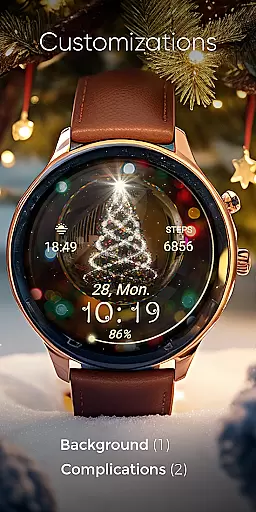
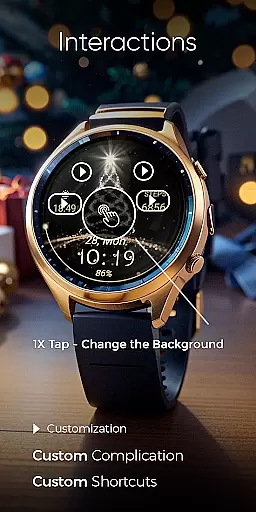
The app supports Always ON Display, allowing users to view the time and other details without waking the watch. It also includes two customizable shortcuts and complications, enabling personalization of data fields according to individual preferences. Users can easily customize their watch face by touching and holding the display, then selecting the 'Customize' option. For optimal battery performance, users are advised to disable Always ON Display when not needed.
Designed for compatibility with modern Wear OS devices, including Google Pixel and Galaxy Watch models, Christmas Spirit ensures broad device support while delivering a seamless user experience. The companion mobile app facilitates easy installation and setup, though it contains ads unlike the watch face itself.
Companion app integration is essential for ensuring seamless functionality between a Wear OS watch face and its corresponding mobile application. For Christmas Spirit, the companion app serves as a facilitator for installation and customization of the watch face on your device.
The phone app simplifies the process of locating and installing the Christmas Spirit watch face on your Wear OS watch. It acts as a bridge to ensure that users can easily access and personalize their watch faces according to their preferences.
While the mobile app contains ads, it enhances user experience by providing necessary tools without cluttering the watch interface. This distinction ensures that the festive joy brought by the animated Christmas tree and colorful backgrounds remains uninterrupted on your watch.
Compatibility with Wear OS devices is crucial for a versatile watch face like Christmas Spirit. This application supports a wide range of devices, including API level 33+ Google Pixel watches, Galaxy Watch series 4 through 6, and other models running on Wear OS.
Ensuring broad device compatibility allows users from different hardware ecosystems to enjoy the customizable and vibrant features of the Christmas Spirit watch face. The inclusion of an always-on display with changeable colors further exemplifies its adaptability across various platforms.
For optimal battery performance, especially when using advanced features such as always-on display, users are encouraged to adjust settings based on their device's capabilities. This balance between functionality and power efficiency highlights the thoughtful design behind this festive accessory.
Festive design
Customizable features
Always ON Display
Animated visuals
Broad compatibility
Mobile app has ads
Limited to Wear OS
Battery consumption
Holiday-specific theme
Installation required

Current temperature, weather hourly, weather radar by the weather forecast app
 4.40
4.40
Stunning modern digital watch face with 7 complications and strong contrast
4.0
Watch face for Wear OS.
4.20
Connect to your Bluelink equipped Hyundai vehicle from your smartphone.
4.50
Gym & home workout plans with strength training, exercise tracking, HIIT & more.
4.60
Reliable phone calls with spam protection, caller ID and more helpful features
4.40
A realistic hybrid watch face with many customization options.
4.60
Track your active life in one place and share the journey with friends.
4.40
Start and succeed with PAP
4.10
WTW M17 is a premium and luxurious hybrid watch face
4.70
The most customizable minimal watch face. For Wear OS 5.0, API 34+ and later
4.70
Your second brain for organizing your life: to-do, calendar, reminder.
4.70
Simple, helpful messaging by Google
4.60
Digital watch face with big numbers and many customization for Wear OS devices
4.40
Elegant animated Christmas tree with multiple customization options
4.20
Your music, your playlists, and more—offline and unlimited.
4.20
Get helpful reminders, take progress photos and find answers to your questions.
3.90
Authentic military-tactical design with ZULU time! Realistic and functional!
3.80
A Wintery Snow Globe on Your Wrist; now celebrating Christmas!
4.2


User Reviews