
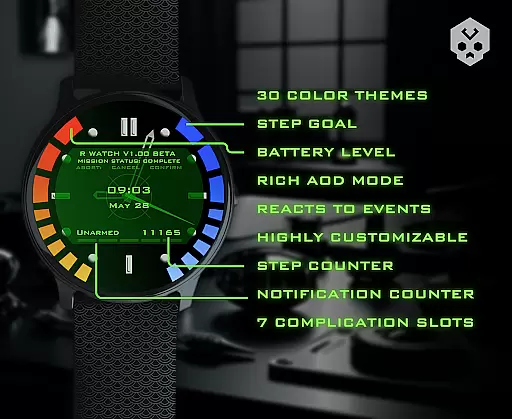
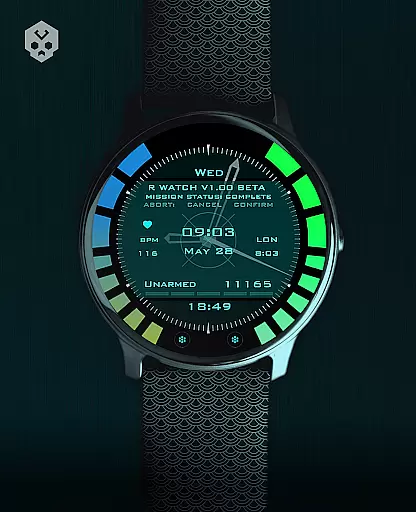
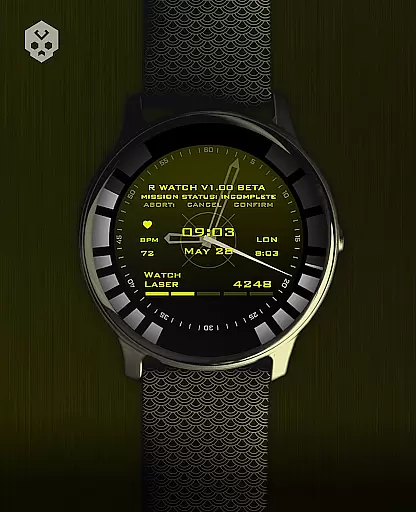
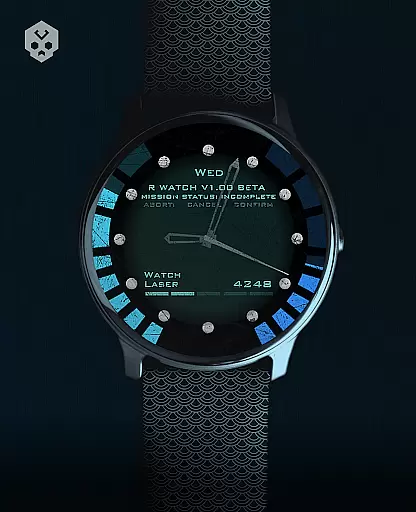
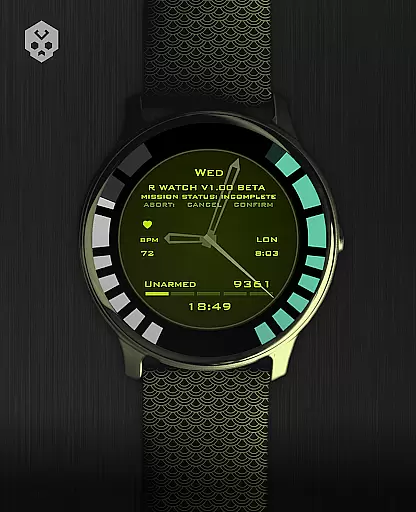
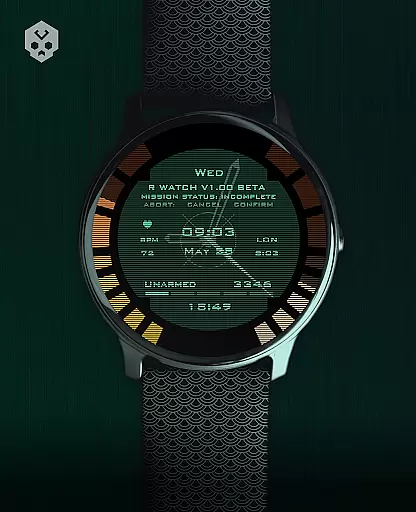
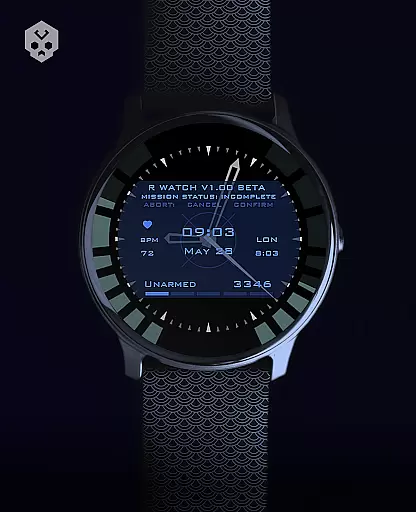
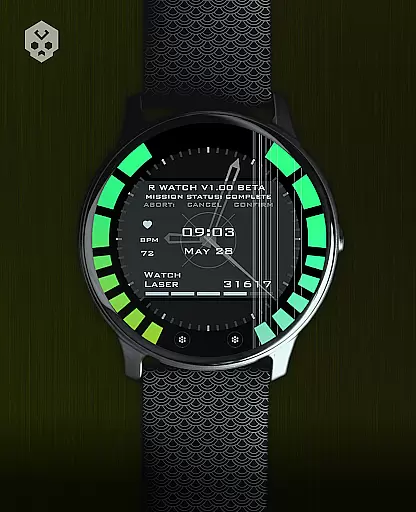
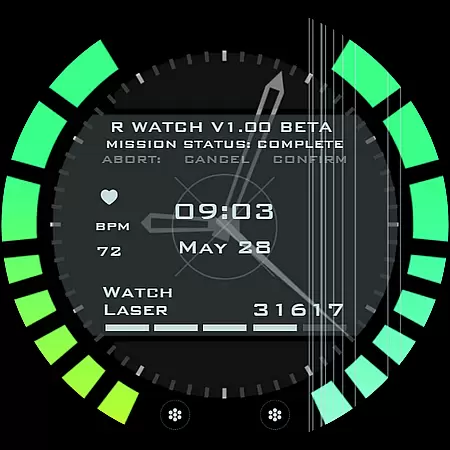
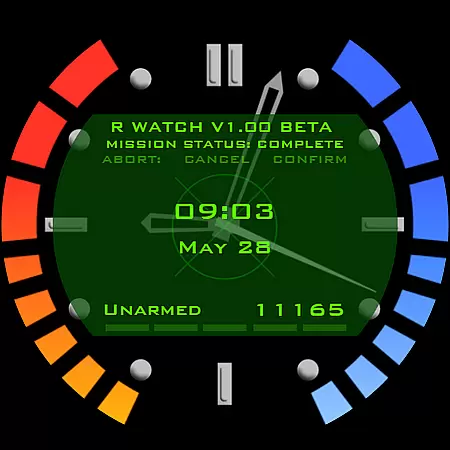
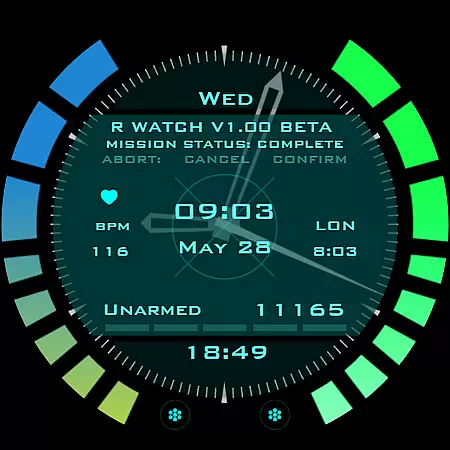
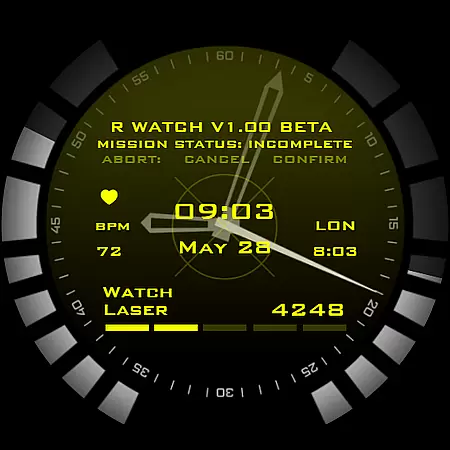
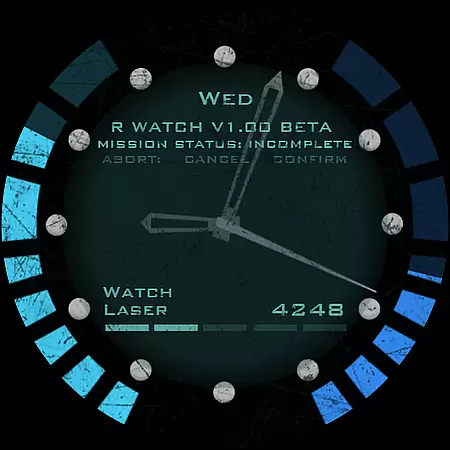
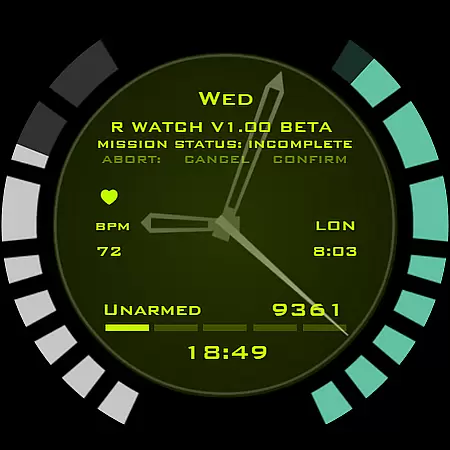
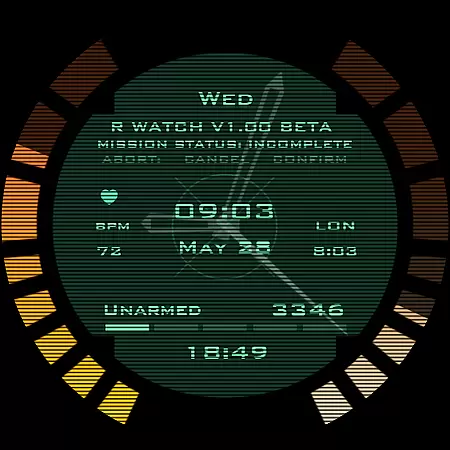
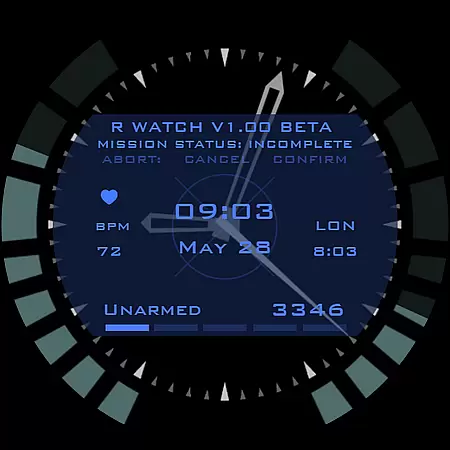
Secret Service Watch Face is a premium Wear OS watch face designed for smartwatch users seeking both elegance and sci-fi aesthetics. This standalone app offers extensive customization options, making it compatible with various smartwatches like Samsung, Mobvoi Ticwatch, Fossil, Oppo, and more.
The watch face features 30 color schemes, customizable screens, clock ticks, and reacts to low battery or notifications. With 7 different complication sizes and an easy-to-use companion app, it provides a unique and stylish user experience while ensuring functionality.
This watch face stands out with its handcrafted design and attention to detail. Users can choose from 30 distinct color schemes and customize multiple elements including clock faces, ticks, and complications.
Advanced features include dynamic reactions to battery status, notifications, and charging states. The companion app simplifies installation and management, while the 7 customizable complications offer versatile information display options in various sizes.
Designed specifically for Wear OS, this app ensures broad compatibility and seamless integration with supported devices, providing both aesthetic appeal and practical utility.
Companion app integration is a crucial feature for Android Wear applications as it ensures seamless synchronization between the smartphone and smartwatch. The Secret Service Watch Face offers an easy-to-use companion app that simplifies the installation process significantly. Users can connect their Wear OS smartwatch to their smartphone, ensuring that the watch face can be effortlessly browsed and installed directly onto the smartwatch.
This integration allows users to access all features of the watch face with ease. With just a few taps within the companion app, users are guided through the setup process, which includes connecting the devices, installing the watch face, and customizing it according to personal preferences. This streamlined approach not only enhances user experience but also reduces potential confusion during setup.
Moreover, once the installation is complete, the companion app becomes entirely optional and can be uninstalled without affecting the watch face's functionality. This flexibility provides users with the choice to manage their device storage while still enjoying the full benefits of the Secret Service Watch Face. Such thoughtful design demonstrates the developer's commitment to both functionality and user convenience.
Ensuring broad Wear OS and device compatibility is essential for any Android Wear application. The Secret Service Watch Face has been meticulously crafted to support a wide range of smartwatches running on Wear OS, including popular brands like Samsung, Mobvoi Ticwatch, Fossil, Oppo, and the latest Xiaomi models. This extensive compatibility guarantees that users across different devices can enjoy the stylish and highly customizable watch face.
The developer emphasizes the importance of compatibility by offering guidance for users who are uncertain about their device's suitability. By providing direct contact options, users can verify whether their specific model supports this sophisticated watch face. This proactive approach helps prevent compatibility issues and ensures a smooth user experience from installation to daily use.
Additionally, the watch face's native standalone nature means it does not rely heavily on the paired smartphone after installation. Users can expect consistent performance regardless of their phoneu2019s brand or operating system version. This independence further underscores the product's versatility and reliability, making it an ideal choice for tech-savvy individuals seeking both elegance and functionality in their wearable technology.
Highly customizable
Unique design
Wide compatibility
Dynamic features
Easy installation
Premium price
Wear OS only
Complex setup
Limited support
Single developer

Walking app for weight loss: walk & step tracker, pedometer, indoor treadmill
 4.60
4.60
Christmas - Festive - Christmas Village - Winter - Christmas lights
5.00
Beautiful, colorful and practical watch face. For Wear OS devices.
5.00
Fitness interactive virtual pet super fighter boy watch face
4.0
Hyperlocal rain alerts by MyRadar using patent-pending technology, radar & more
4.80
Viewer for Wyze/Yi/Eufy/Arlo/ONVIF/RTSP/P2P IP cams w/ adv. features & DIY DVR
4.00
Hybrid Vibrant Health Watch Face for Wear OS
4.4
Connect, create, and collaborate with Gmail, part of Google Workspace.
4.10
Download full tracks, listen to music offline, make unlimited playlists.
4.80
Christmas Theme Watch Face for Wear Os
5.00
Easy Voice Recorder is your everyday companion to record important moments.
4.70
Retro digital watch face with customizable colors and a unique lighting effect
4.60
MyNISSAN® lets you remotely control your car from your phone.*
4.50
Stylish, Energizing and Modern Watch Face crafted by Dominus Mathias.
4.50
Current temperature, weather hourly, weather radar by the weather forecast app
4.40
Christmas and New Year - Themed Watchface
4.1
an Analog Watch Face for winter season with freeze winter background for Wear OS
4.5
Stunning modern digital watch face with 7 complications and strong contrast
4.1
Funny animated watch face for Thanksgiving
4.0


User Reviews