
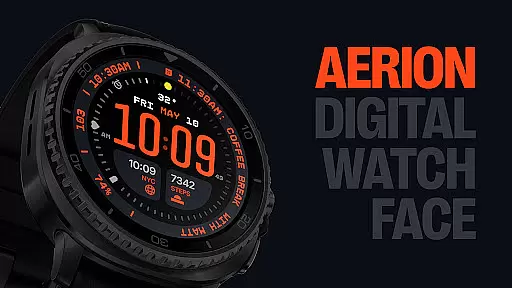
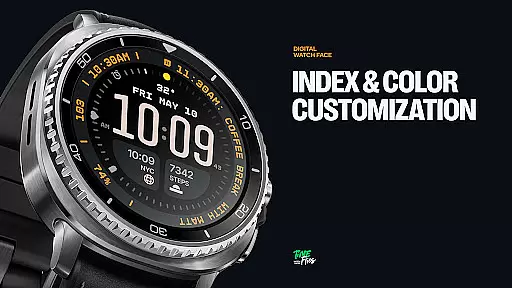
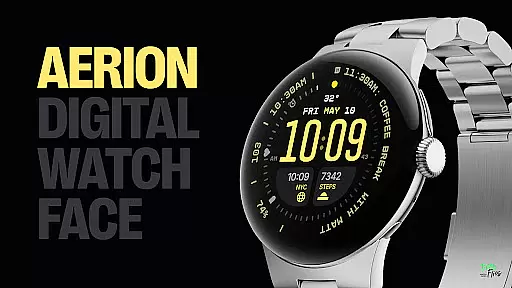
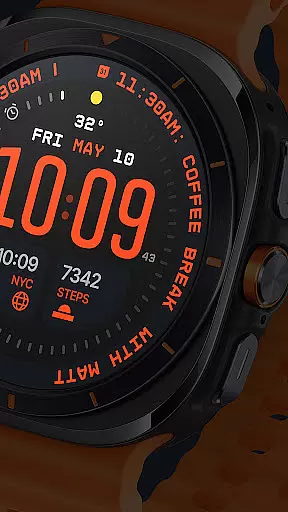
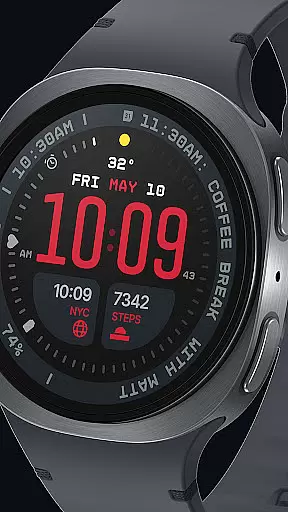
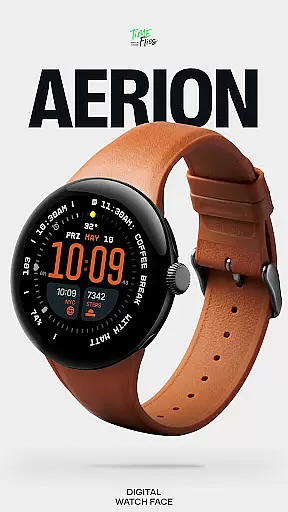
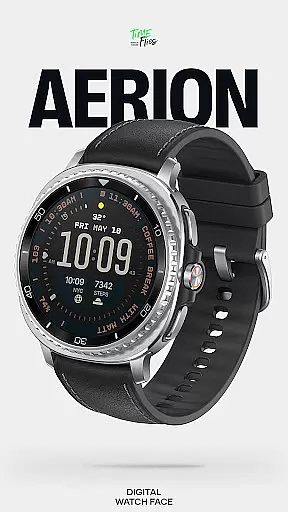
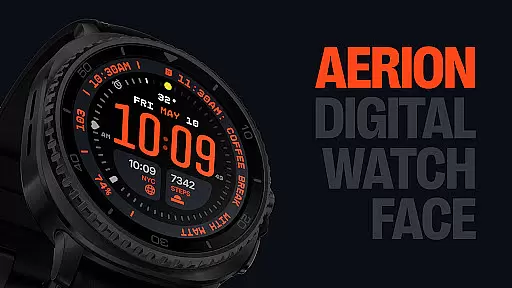
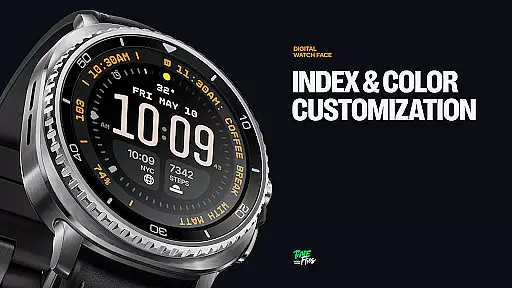
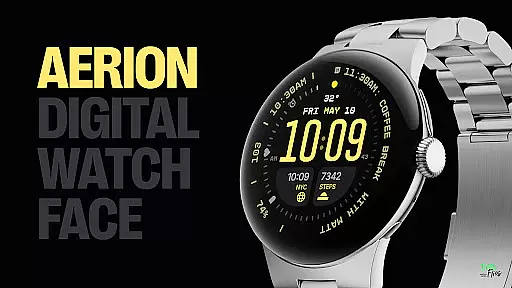
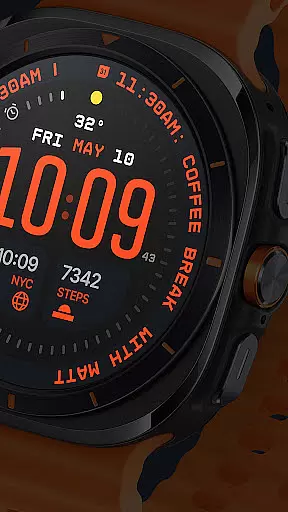
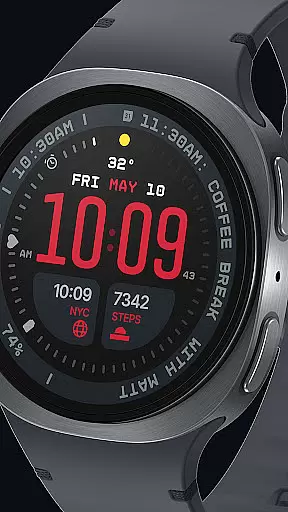
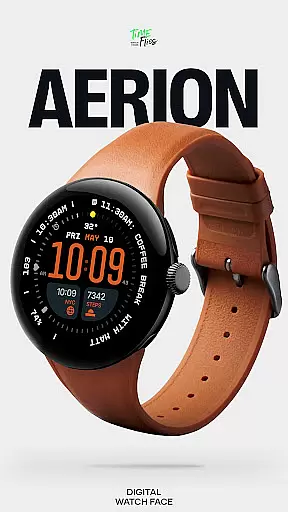
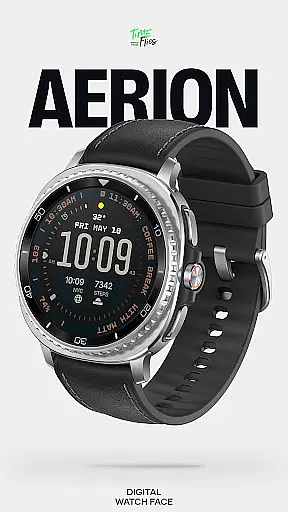
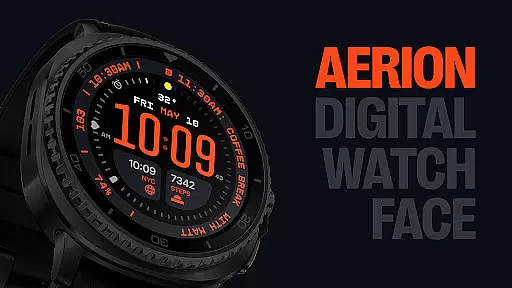
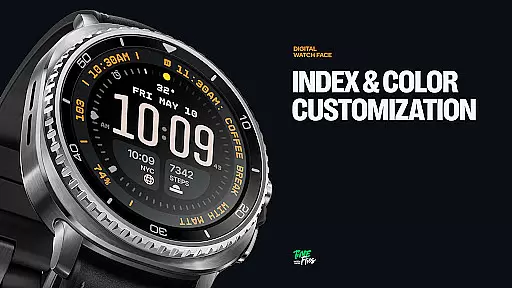
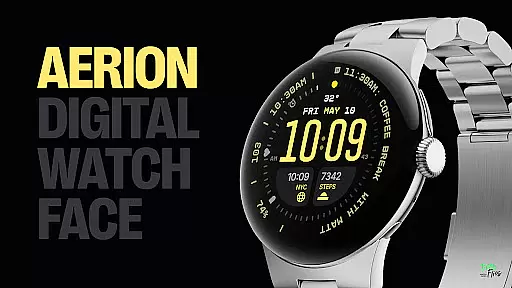
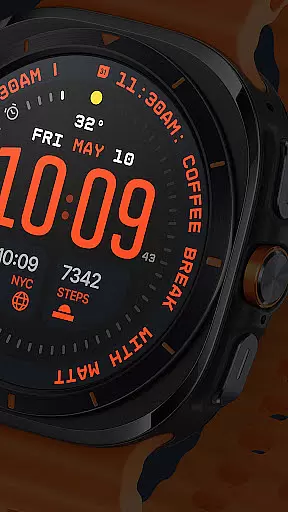
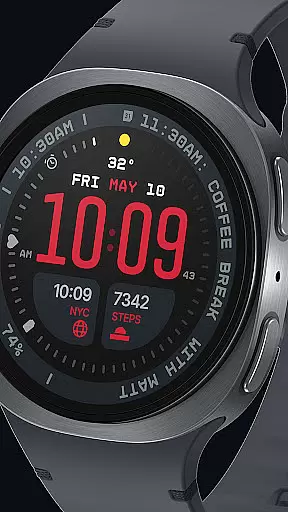
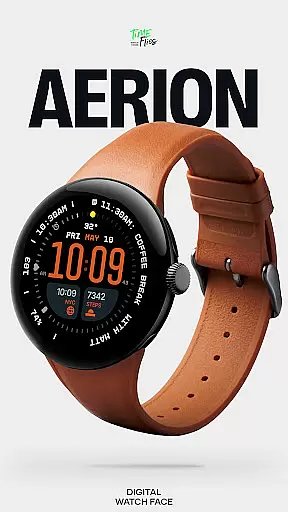
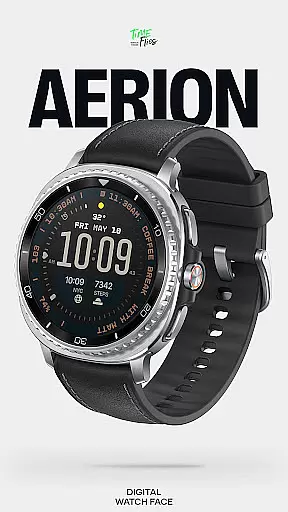
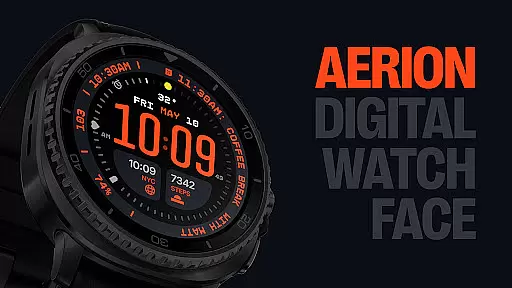
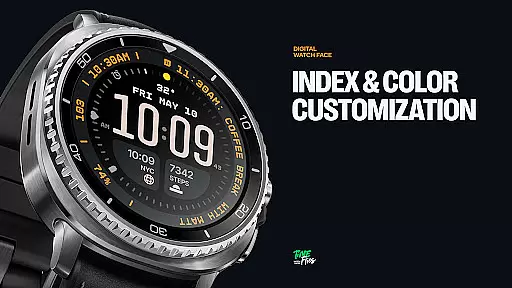
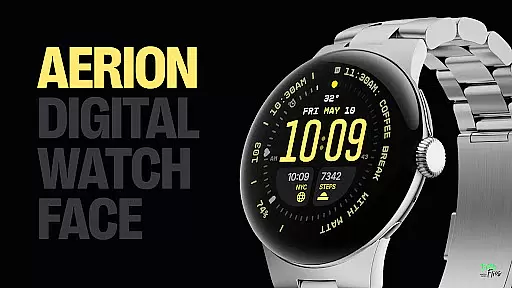
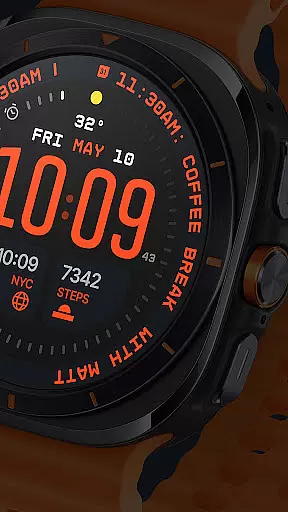
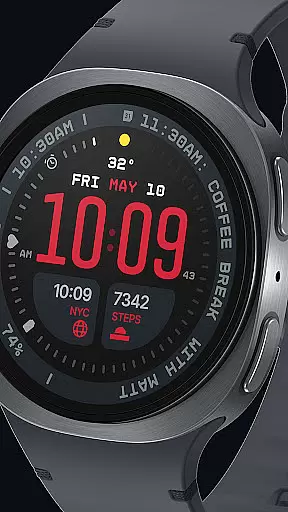
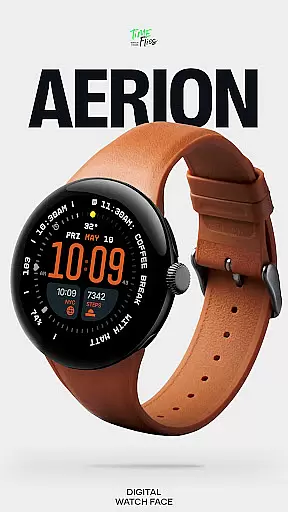
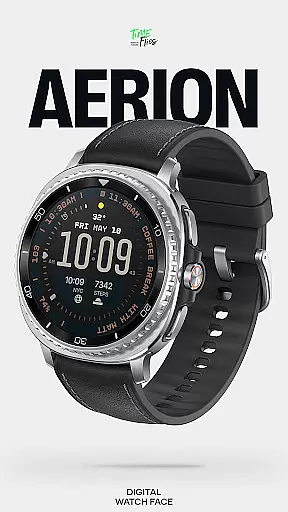
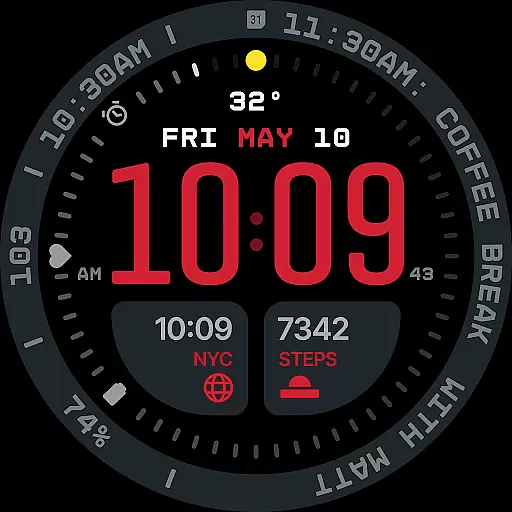
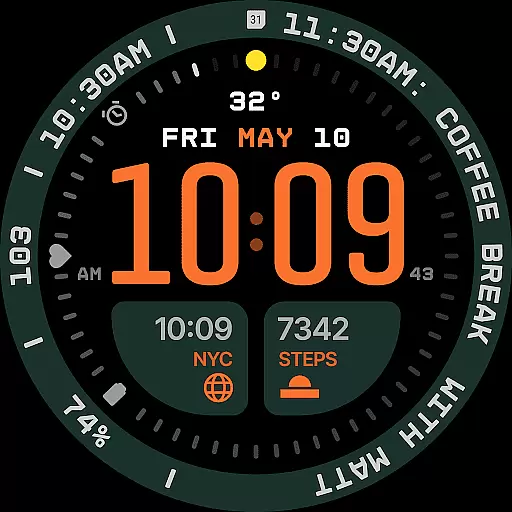
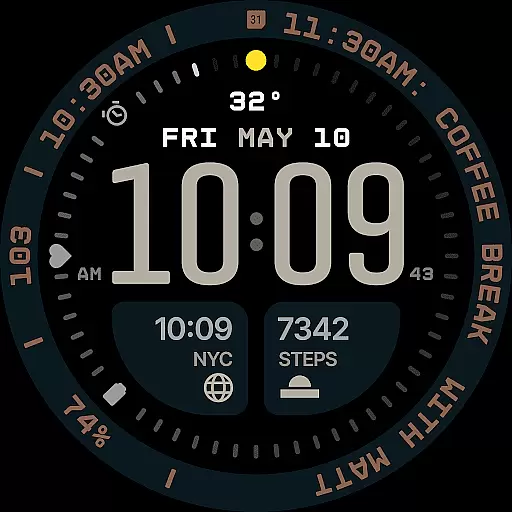
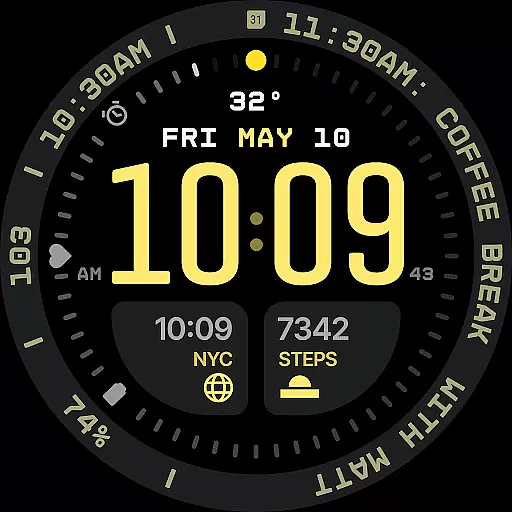
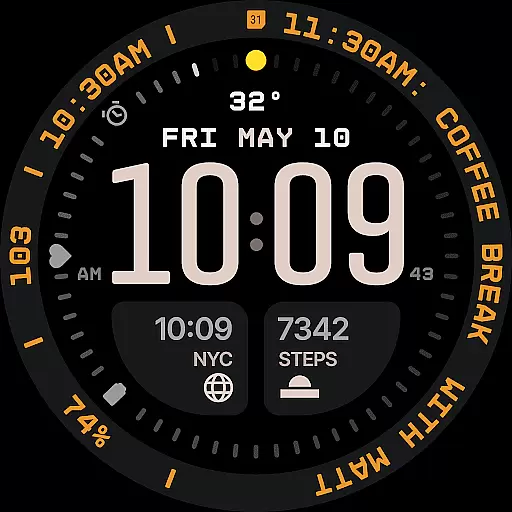
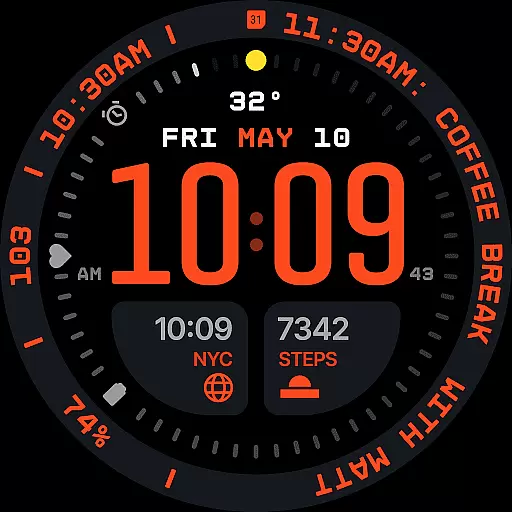
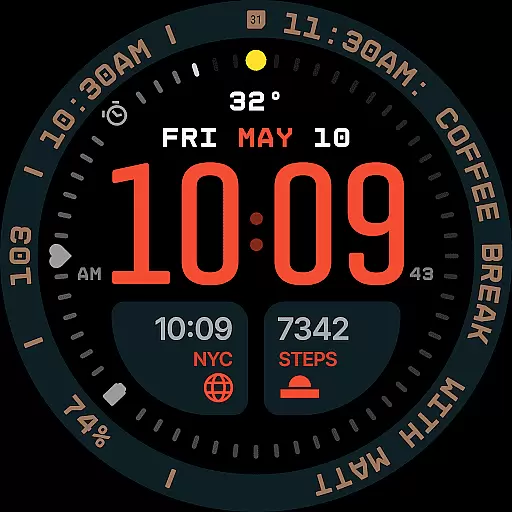
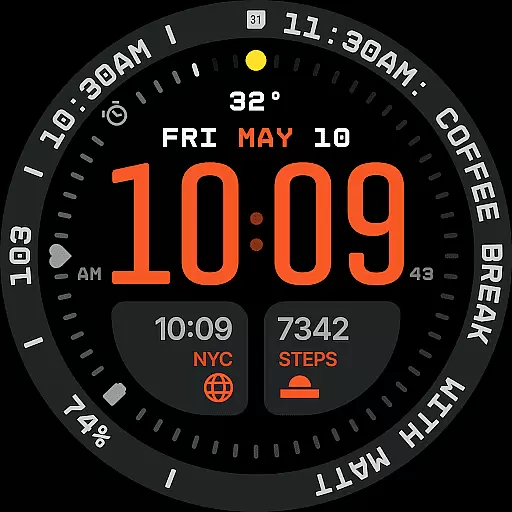
Aerion Digital Watch Face offers a modern take on digital timekeeping for Wear OS devices. Designed with precision spacing, integrated complication zones, and balanced typography, it delivers both clarity and style. The watch face features customizable complications, built-in day and date display, and optional bezel and background layers for personalization.
With 30 color schemes and four Always-on Display modes, Aerion ensures readability and battery efficiency. Its intelligent design supports a clean aesthetic while offering technical precision, making it ideal for users seeking customization and performance in their smartwatch experience.
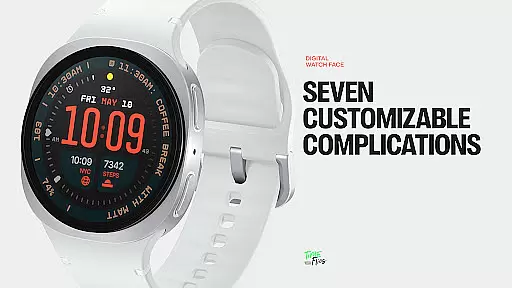
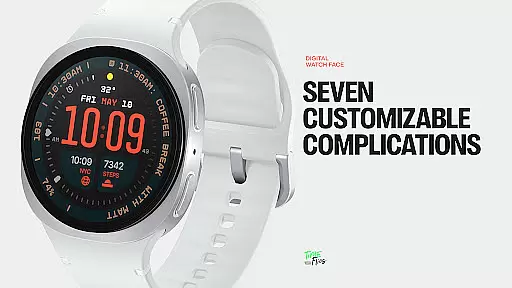
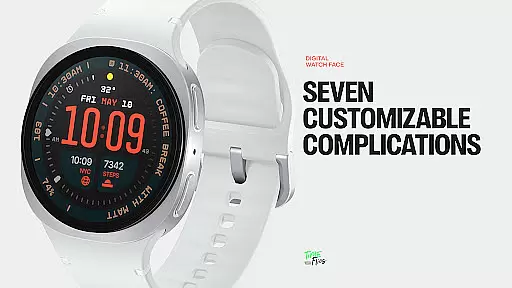
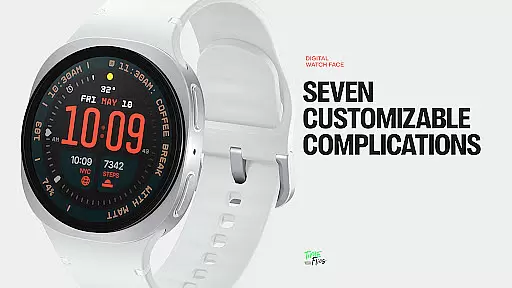
Aerion stands out with its innovative features tailored for smartwatch users. The watch face includes seven customizable complications, allowing users to display various data points such as calendar events or voice assistant content. These complications are strategically placed around the dial to maintain visual harmony.
The built-in day and date display is subtly integrated into the layout, ensuring alignment with the digital structure. With 30 curated color schemes, users can personalize their watch face while maintaining optimal readability. Additionally, the four Always-on Display styles provide flexibility between full visibility and power-saving minimal configurations.
Companion app integration is crucial for enhancing the functionality of wearable devices like smartwatches. The Aerion Digital Watch Face offers an optional Android companion app, which allows users to conveniently access other watch faces from Time Flies.
This seamless integration between the Wear OS device and its companion app ensures that users can easily switch between different watch faces and customize their experience without any hassle. By providing quick access to additional features and settings, the companion app significantly enriches the overall utility of the digital watch face.
For users, this means they can enjoy a more personalized and versatile smartwatch experience. They have the freedom to choose from various designs offered by Time Flies, making it simpler to match their watch face with their personal style or mood.
The presence of a companion app also indicates a commitment to ongoing support and updates, ensuring that the Aerion Digital Watch Face remains up-to-date with the latest features and optimizations.
Ensuring compatibility with Wear OS and various devices is essential for a seamless user experience. The Aerion Digital Watch Face is specifically engineered for Wear OS, guaranteeing smooth system performance and optimal battery efficiency.
By leveraging the modern Watch Face File format, Aerion maintains high standards of performance while being energy-conscious. This compatibility ensures that users experience consistent and reliable functionality across different Wear OS devices.
Users benefit from a wide range of customization options, including 7 customizable complications and 30 color schemes, all designed to support readability and personalization. These features are accessible on any compatible Wear OS device, offering a versatile and adaptable digital timekeeping solution.
Furthermore, the inclusion of 4 Always-on Display modes highlights the thoughtful design approach, allowing users to conserve power without sacrificing style. Overall, Aerion's compatibility with Wear OS guarantees a modern, efficient, and visually appealing watch face for tech-savvy individuals.
Modern and clean design
Highly customizable
Battery efficient
Wide color options
Optimized performance
Limited analog appeal
Companion app required
Fewer widgets
Premium cost
Complex setup

"PER27 Galaxy Digital" is a digital Wear OS watch face designed by PERSONA
 4.10
4.10
Gym Log & Workout Tracker | Fitness Journal, Training & Weight Lifting Planner
4.90
A customizable Christmas watch face for Wear OS with a countdown.
4.20
Christmas Theme Watch Face for Wear Os
5.00
A modern premium sporty hybrid watch face for Wear OS by Ballozi
4.70
Authentic military-tactical design with ZULU time! Realistic and functional!
3.80
Your second brain for organizing your life: to-do, calendar, reminder.
4.70
The #1 source of faces for your smartwatch!
4.00
Track your active life in one place and share the journey with friends.
4.40
Diet tracker for weight loss - track calories, food and macros. Simple and easy!
4.70
Deck out your Wear OS Watch face with a beautifully decorated pine wreath!
4.50
Snowflake Rose Gold Watch Face - Digital, modern, & sleek with GYRO effect.
4.10
Watch face designed for Thanksgiving Day. 7 Background Styles included.
3.20
an Analog Watch Face for winter season with freeze winter background for Wear OS
4.5
Precision analog watch face with 7 complications and style options
4.2
A Wintery Snow Globe on Your Wrist; now celebrating Christmas!
4.4
Artistic Digital Watchface
4.2
Minimalistic design modern digital watch face.
4.3
Hybrid Vibrant Health Watch Face for Wear OS
4.2


User Reviews