
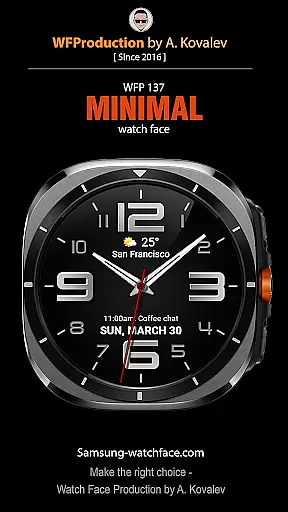
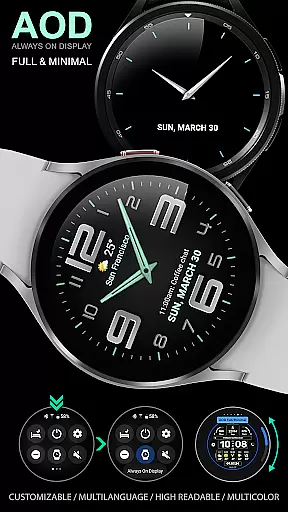
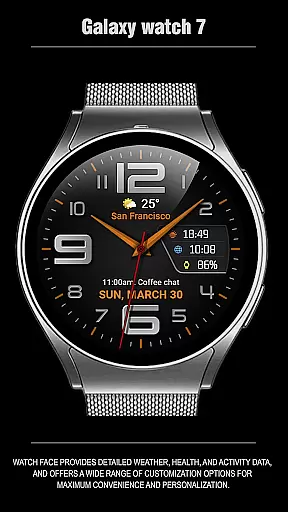
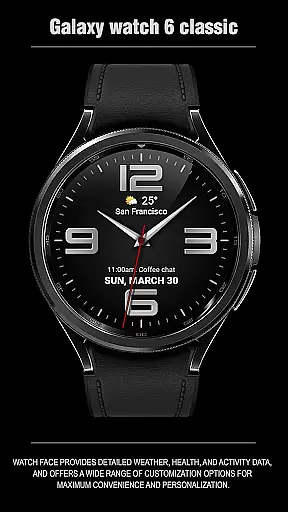
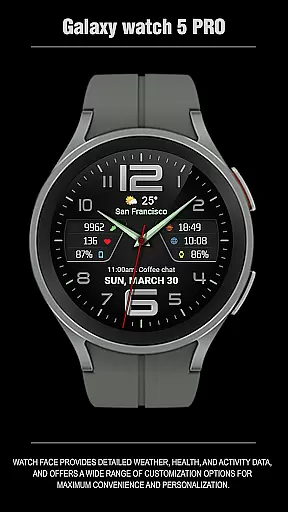
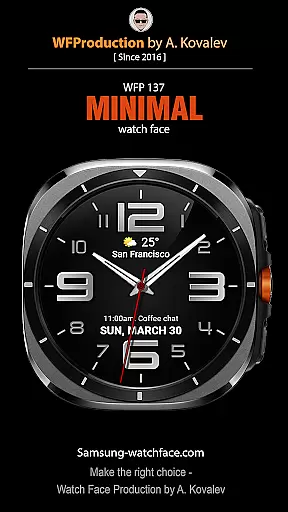
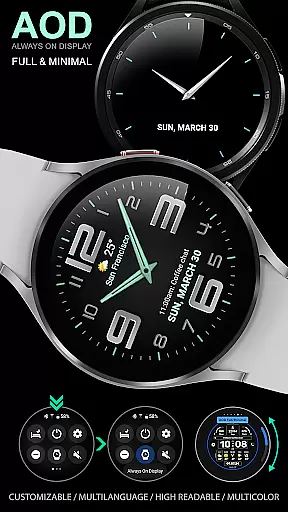
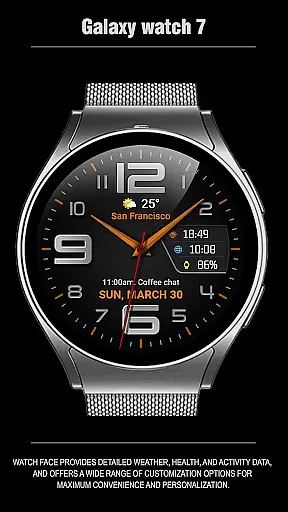
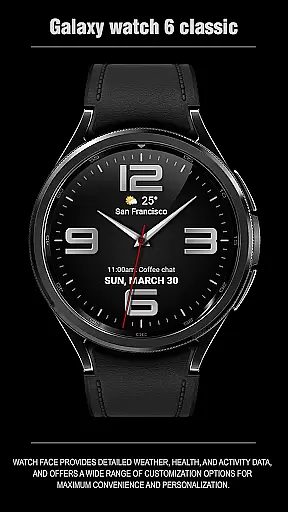
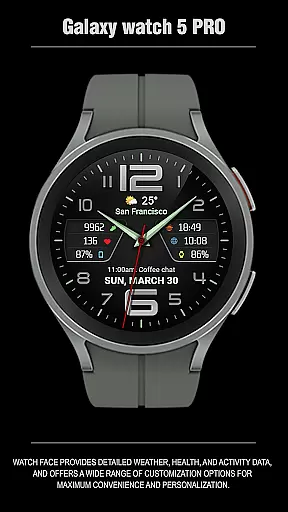
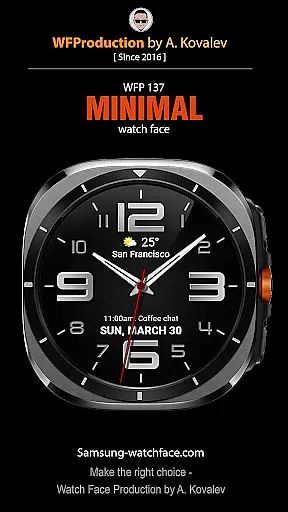
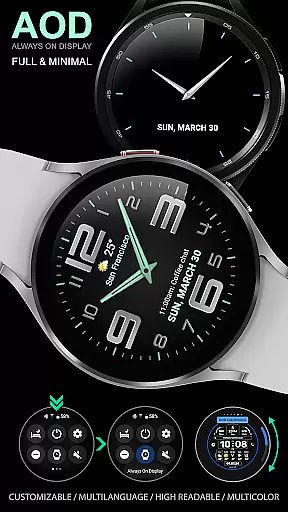
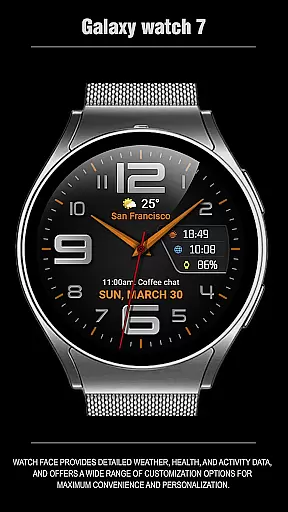
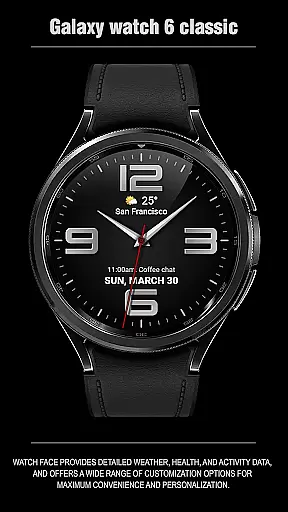
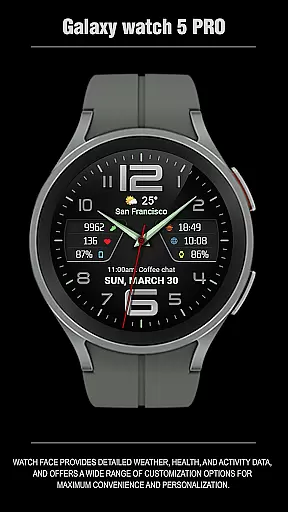
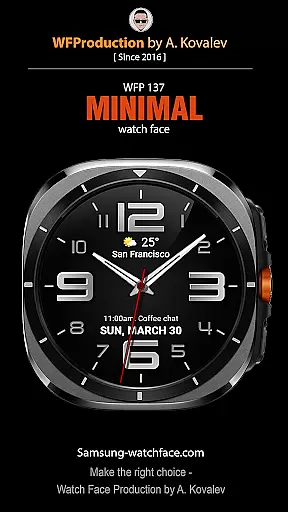
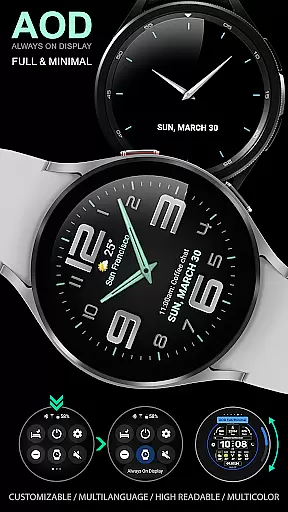
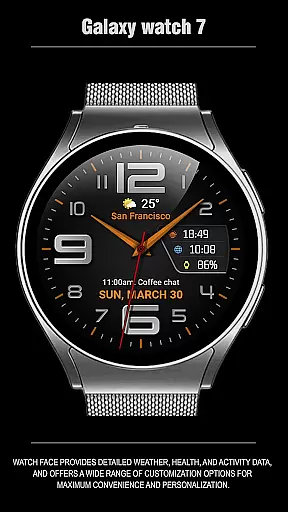
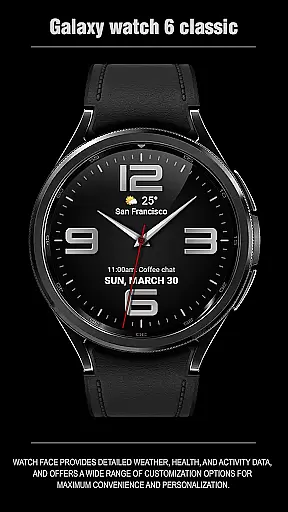
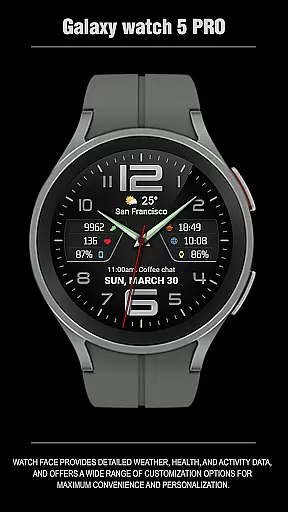
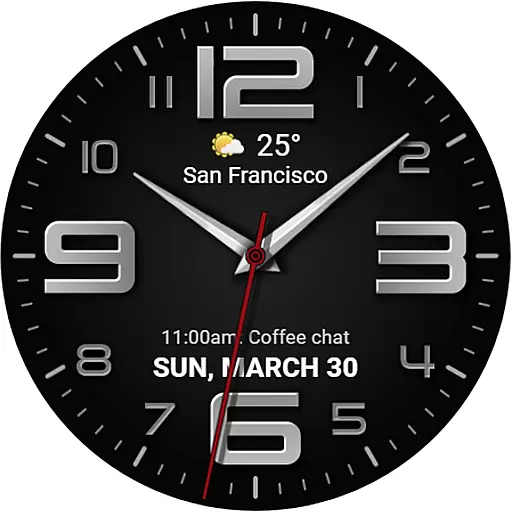
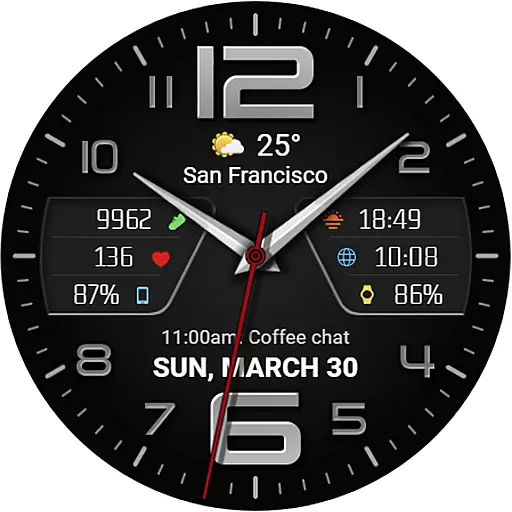
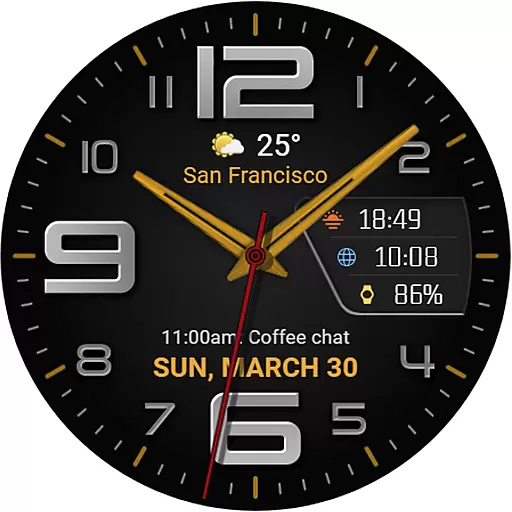
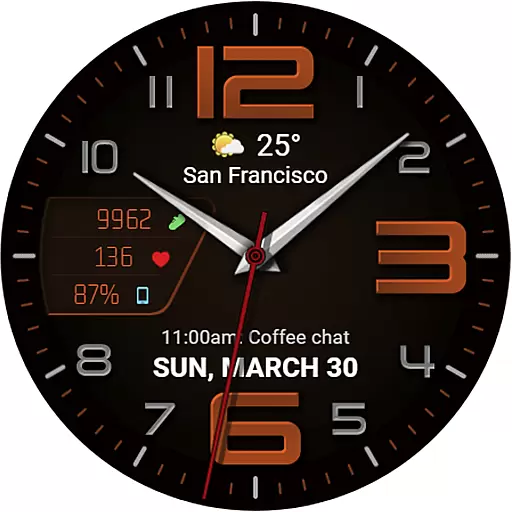
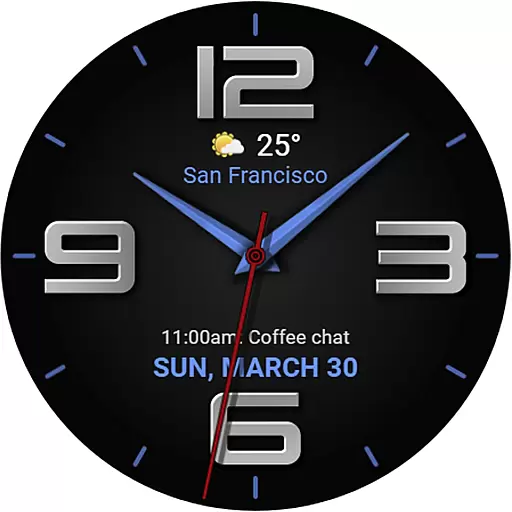
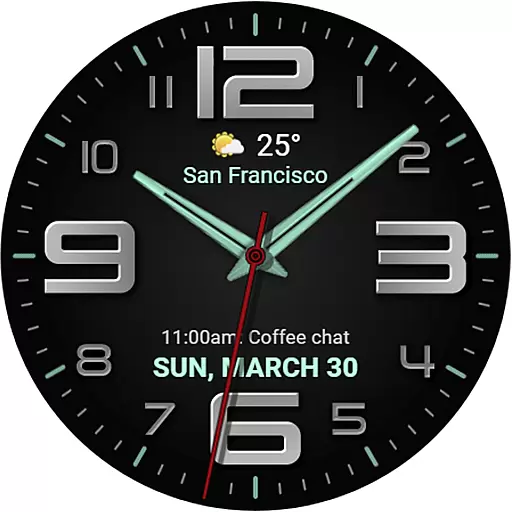
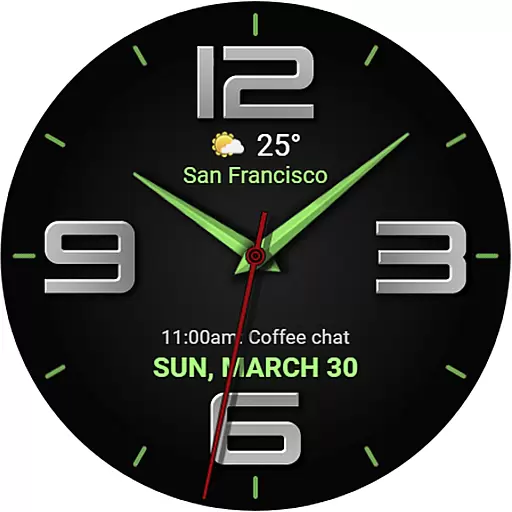
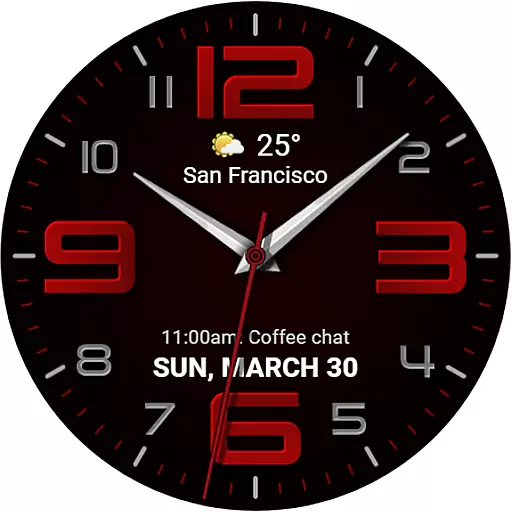
The WFP 137 Minimal watch face is a stylish and functional app designed for smartwatch users who value both aesthetics and utility. This watch face offers detailed weather forecasts, health tracking, and activity data while providing extensive customization options to suit individual preferences.
With compatibility for devices running API 34+ and later, this app ensures broad device support. Users can personalize their experience with features like 8 complications, 30 color combinations, and customizable Always-On Display (AOD) modes. Whether you're monitoring your fitness goals or staying updated on the weather, WFP 137 enhances convenience and personalization.
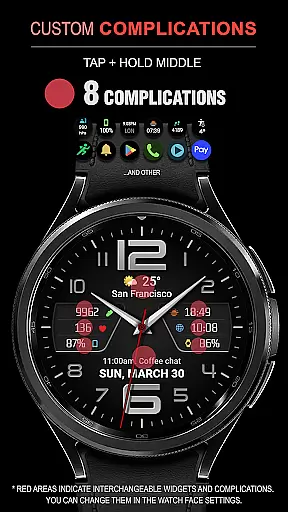
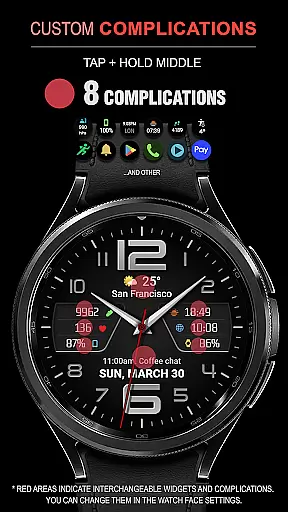
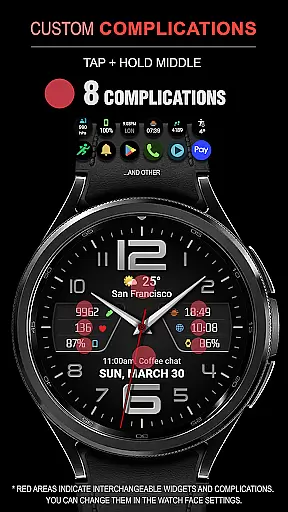
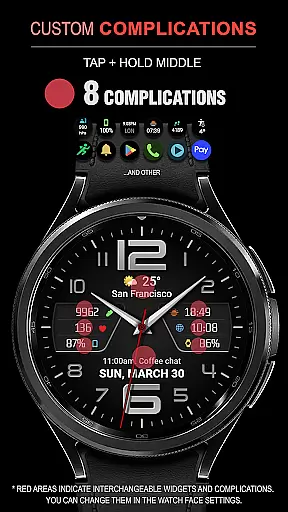
The WFP 137 Minimal watch face stands out with its array of features tailored to maximize user convenience. It includes 8 complications that allow users to display various types of information at a glance, such as weather forecasts in Fahrenheit or Celsius, health metrics, and more.
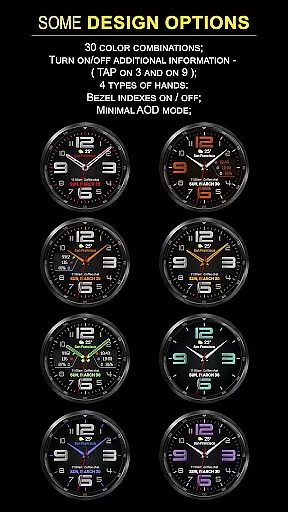
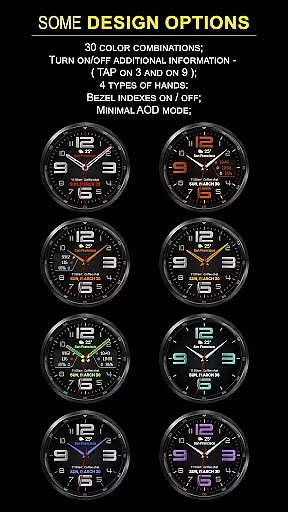
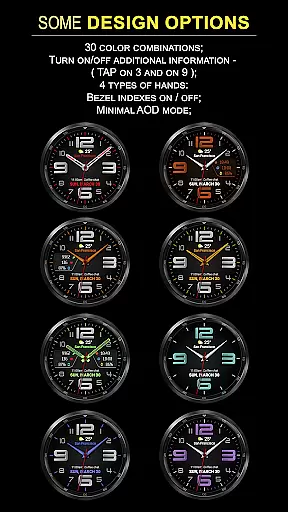
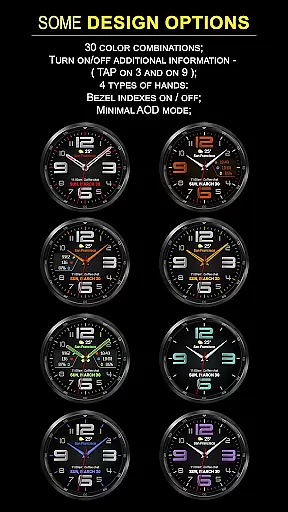
Users can choose from 30 different color combinations and 4 types of clock hands to match their style. The high-resolution design is optimized for performance, ensuring low battery consumption without sacrificing visual clarity. Additionally, the multilingual support and customizable AOD mode make it versatile for diverse users worldwide.
Companion app integration is essential for a seamless wearable experience. The WFP 137 Minimal watch face excels in this area by offering users the ability to sync and share data between their smartwatch and smartphone effortlessly.
This functionality allows for real-time updates of weather, health, and activity data on the watch face, ensuring that users have access to the most current information at a glance. With compatibility for devices running API 34+ and later, synchronization is smooth and reliable.
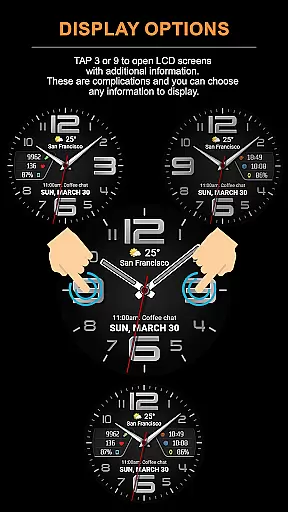
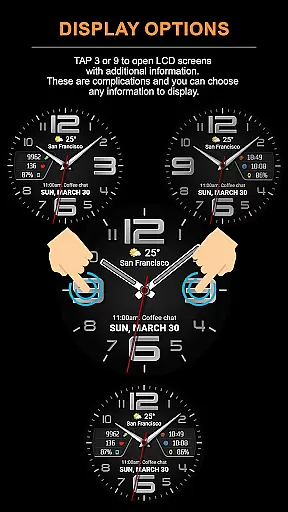
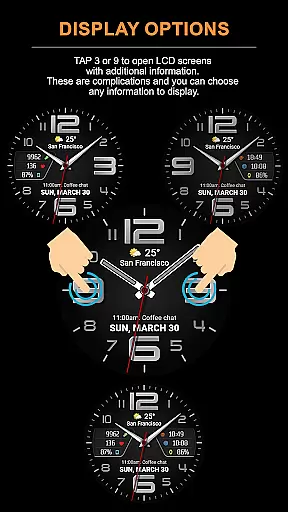
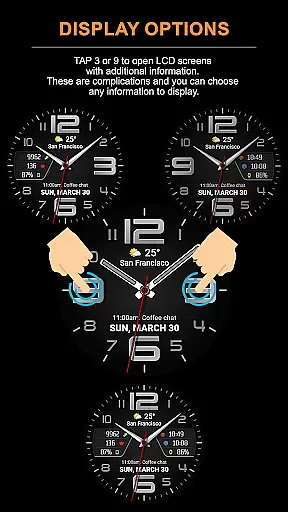
Users benefit from the convenience of managing their watch face settings directly from their phone. Whether it's adjusting color combinations or selecting information to display on LCD screens, the process is intuitive and user-friendly.
The companion app also provides easy access to promotions and news, keeping users informed and engaged with the product ecosystem. This interconnected approach enhances the overall utility and appeal of the WFP 137 Minimal watch face.
Device compatibility is a critical factor for any Wear OS application. The WFP 137 Minimal watch face stands out by supporting a wide range of devices running API 34+ and later, ensuring broad accessibility for users with different hardware configurations.
This compatibility extends to various customization features such as complications, hands styles, and AOD modes. Users can personalize their watch faces without worrying about system limitations, thanks to the high optimization of the application.
Furthermore, the low battery consumption feature makes it suitable for extended use without compromising performance. High-resolution graphics and multilingual support add to the versatility of the application across different regions and devices.
By focusing on comprehensive device compatibility, the WFP 137 Minimal watch face ensures that all users can enjoy a stylish and functional experience tailored to their individual preferences and needs.
Stylish design
Extensive customization
Low battery usage
High resolution display
Multilingual support
Limited compatibility
Complex setup
Premium cost
Weather widget
Health integration

Watch the sharpness of the sky on your wrist..
 3.70
3.70
Analog watch face with 8 complications and expedition styling
4.2
Elegant animated Christmas tree with multiple customization options
4.20
Digital watch face. For Wear OS devices.
4.40
Structured watch face with seven complications and modular UI elements
3.90
Kia Access makes getting your vehicle information easier than ever
4.60
Find EV charging stations
4.30
Real-time weather radar with temperatures, warnings, hurricanes, and widgets
4.80
Minimalistic design modern digital watch face.
4.4
Be an elegant and classy secret agent, with this carefully detailed watch face
4.70
Monitor health with the stress test and pulse checker in the heart rate app.
4.60
Deck out your Wear OS Watch face with a beautifully decorated pine wreath!
4.50
Ideal for surviving in the wasteland left after nuclear fallout
4.50
Embrace the holiday spirit with this magical animated watch face!
4.40
Reliable phone calls with spam protection, caller ID and more helpful features
4.40
Premium hybrid watch face with many customizations for Wear OS devices.
4.40
Watch face for Wear OS.
4.20
Stay in touch with your friends and family using LINE!
3.40
A watch face that fuses motorsport precision with contemporary smartwatch design
4.5


User Reviews