
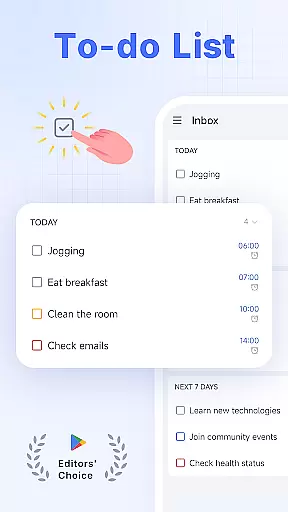
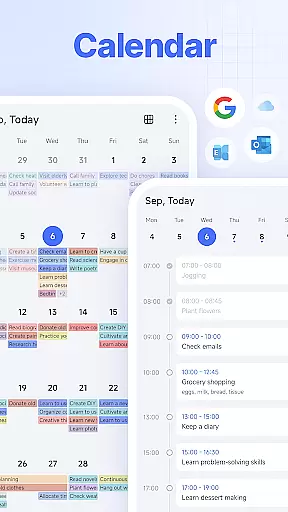
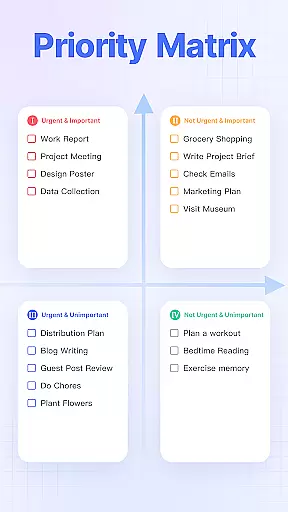
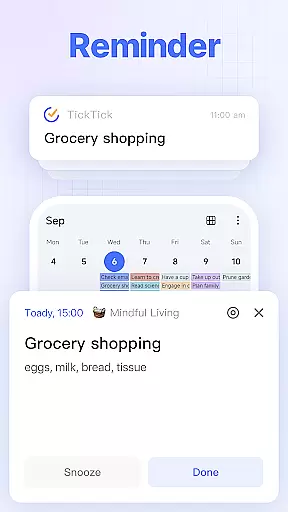
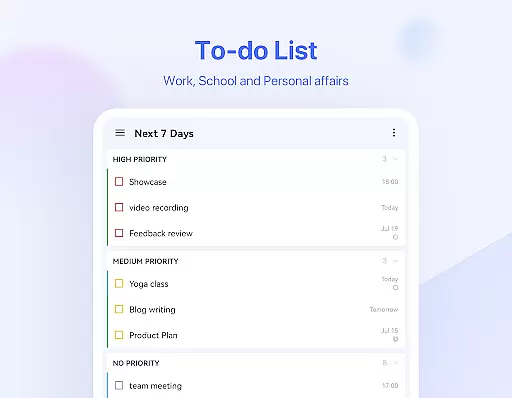
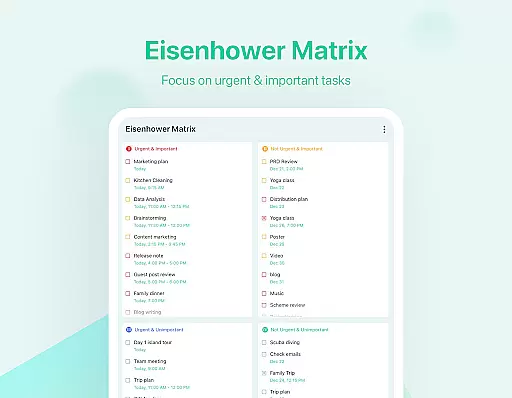
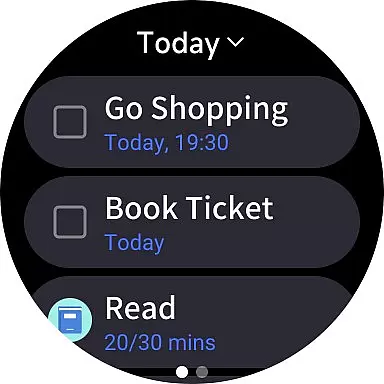
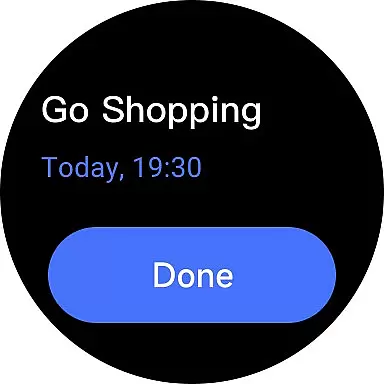
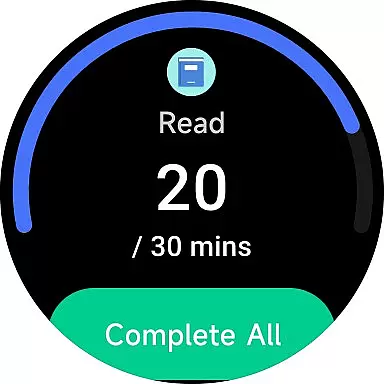
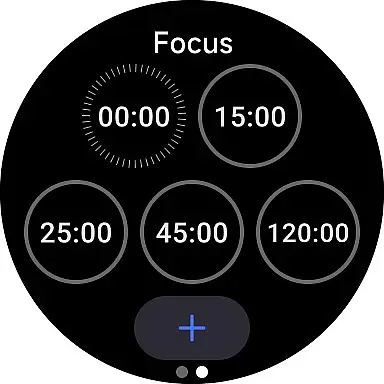
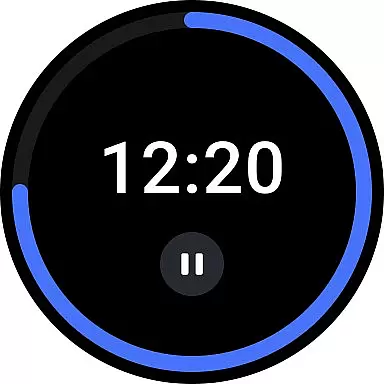
TickTick is a comprehensive productivity app designed to help users manage their tasks, schedules, and habits efficiently. As a multi-dimensional task manager, it consolidates all your to-dos, reminders, and calendars into one intuitive platform. Whether you're at home, in the office, or on the move, TickTick ensures you stay organized and make the most of every moment.
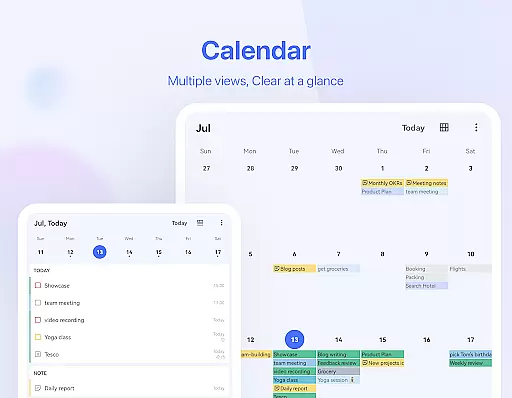
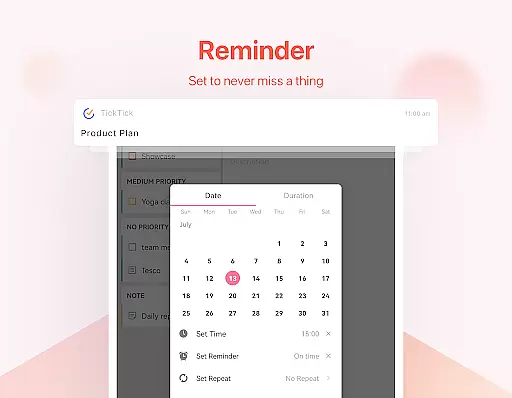
The app offers a range of powerful features including a Pomodoro timer for focus, habit tracking for personal development, and seamless synchronization across multiple devices. With its sleek calendar view, handy widgets, and instant reminders, TickTick provides a complete solution for both personal and professional task management.
Users can benefit from TickTick's collaboration tools that allow sharing lists and assigning tasks within teams, making it ideal for project management. Its premium version unlocks additional capabilities like beautiful themes, enhanced list controls, and advanced calendar views, offering an elevated productivity experience tailored to individual needs.
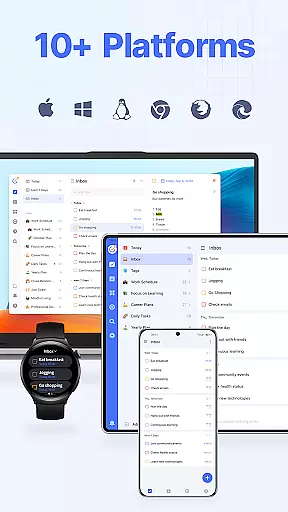
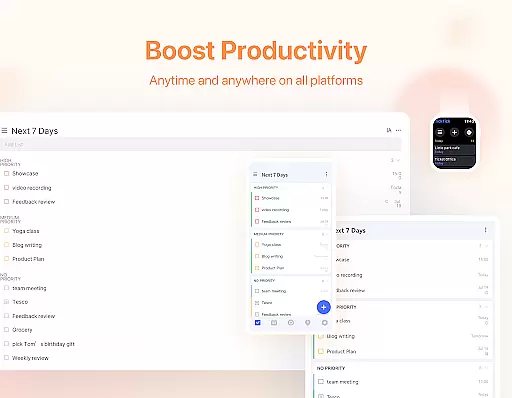
TickTick stands out with its diverse feature set crafted to boost productivity. One of its core strengths is the ability to sync data across various platforms including Android, iOS, Web, and even Wear OS, ensuring users have access to their tasks wherever they are. This cross-platform functionality is complemented by an intuitive user interface that makes task management straightforward and efficient.
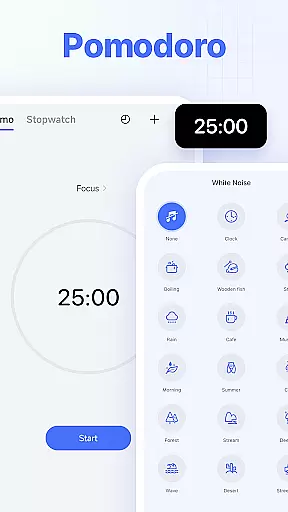
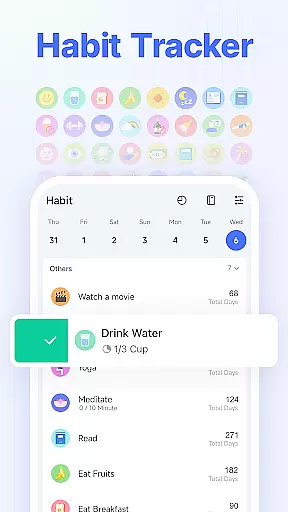
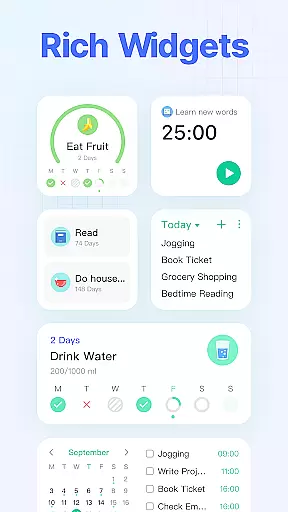
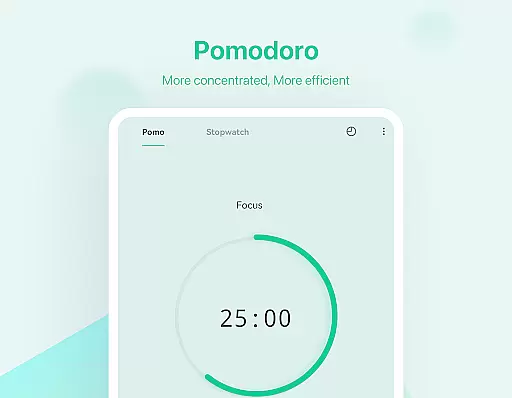
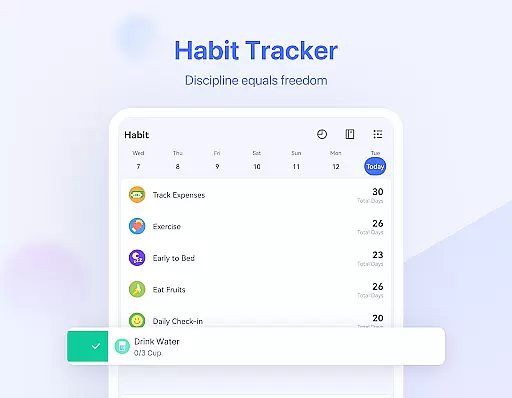
A notable feature is the built-in Pomodoro timer, which helps users maintain focus by breaking work into intervals separated by short breaks. Additionally, the habit tracker allows users to build and monitor positive routines over time. The app also includes a sleek calendar view for visualizing schedules, instant reminders to keep deadlines in check, and customizable widgets for quick access to key functions.
For teams, TickTick offers seamless collaboration tools. Users can share task lists, assign responsibilities, and track progress collectively. These features not only enhance teamwork but also reduce the need for constant meetings and emails, streamlining communication and boosting overall productivity.
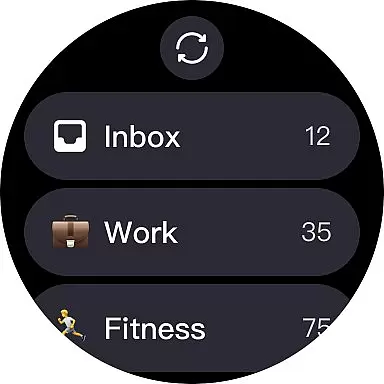
For users of Android Wear devices, TickTick offers seamless companion app integration that ensures your tasks and schedules are always synchronized. This means any to-do list or reminder you create on your mobile device is instantly accessible on your wearable, providing unparalleled convenience.
The app's synchronization feature is designed for real-time updates. Whether you're adding a new task, setting a reminder, or checking off completed items, all changes are immediately reflected across all linked devices. This dynamic syncing empowers you to manage your time effectively, no matter where you are or what device you're using.
With TickTick's Wear OS compatibility, users can enjoy the benefits of hands-free task management. The ability to view, add, or modify tasks directly from your smartwatch makes staying organized effortless and efficient. This level of integration enhances productivity by ensuring you never miss an important deadline or event.
TickTick stands out in its exceptional compatibility with Wear OS and other Android devices, making it a versatile tool for managing your daily tasks. Regardless of whether you're using a smartphone, tablet, or smartwatch, the app provides a consistent and reliable experience across all platforms.
This cross-device functionality is crucial for users who operate multiple gadgets throughout their day. With TickTick, you can effortlessly transition from working on your PC to checking tasks on your smartwatch without missing a beat. The app's design ensures that all features are optimized for each specific device type, maintaining both usability and accessibility.
Moreover, TickTick's dedication to compatibility extends to its support for various operating systems beyond Android Wear. This includes iOS, Mac, and PC, allowing for a truly integrated productivity ecosystem. Such comprehensive device support underscores TickTick's commitment to helping users stay organized and efficient, regardless of their chosen technology platform.
User-friendly interface
Cross-platform sync
Powerful task management
Effective Pomodoro timer
Comprehensive collaboration tools
Limited free features
Premium subscription cost
Occasional sync delays
Complexity for new users
Notifications can be intrusive

Calming & relaxing sounds for sleeping and stress relief. Stay focused all day!
 4.20
4.20
Christmas Theme Watch Face for Wear Os
5.00
Precision analog watch face with 7 complications and style options
4.2
A full-featured Amazon Alexa voice assistant that can show you things.
3.70
Contemporary digital watch face with five complications
4.2
Fitness interactive virtual pet super fighter boy watch face
4.0
Professional weather radar and more
3.90
A realistic hybrid watch face with many customization options.
4.60
Your local weather forecast, storm tracker, radar maps & live weather news
3.40
A modern hybrid informative watch face for Wear OS designed by BALLOZI
4.80
Easy Voice Recorder is your everyday companion to record important moments.
4.70
Monitor health with the stress test and pulse checker in the heart rate app.
4.60
Reliable phone calls with spam protection, caller ID and more helpful features
4.40
Bold weather Digital watchface with forecast & optional animated background
4.40
The ultimate destination for kids ages 3-8 to explore the Marvel Universe!
4.30
Let's celebrate Thanksgiving - Wear Os watch face
4.20
Structured watch face with seven complications and modular UI elements
3.90
Want to take charge of your health? Let Google Fit help you reach your goals.
3.50
Artistic Digital Watchface
4.4


User Reviews