
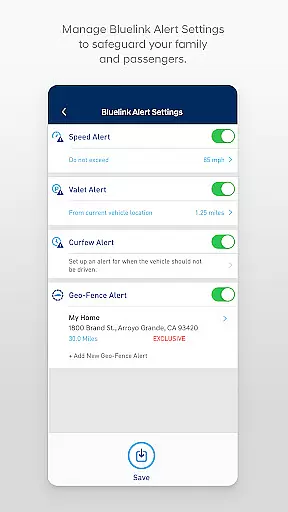
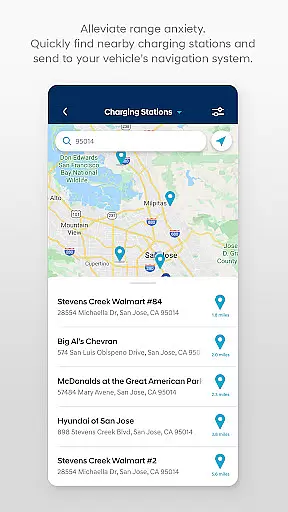
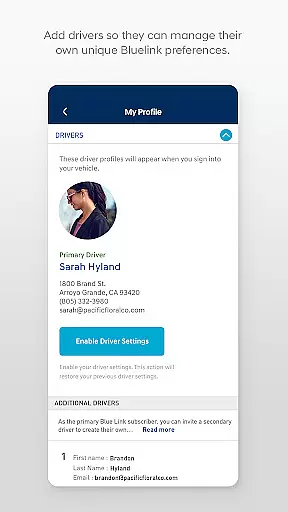
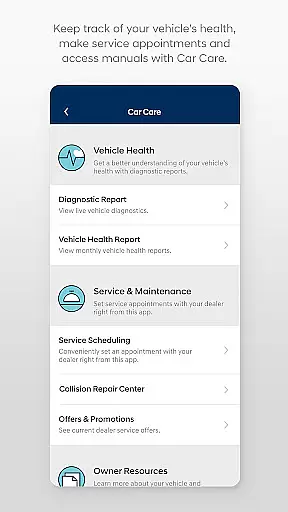
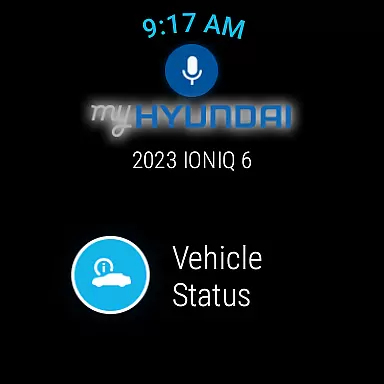
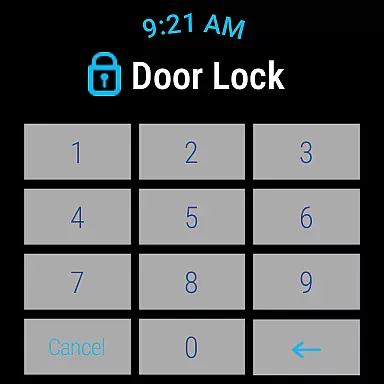
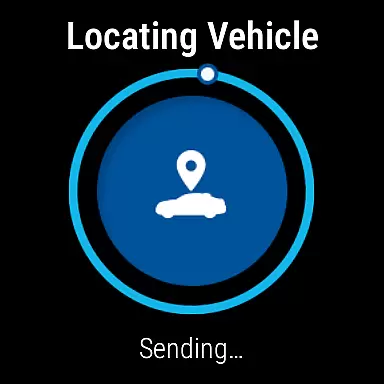
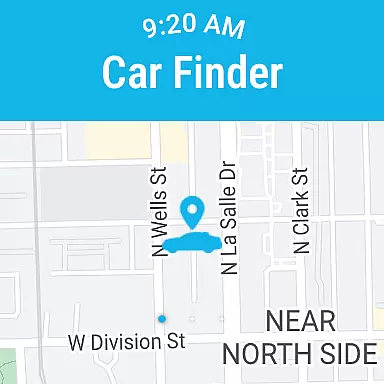
The MyHyundai app with Bluelink is a comprehensive vehicle management solution designed specifically for Hyundai owners. This innovative application allows users to remotely interact with their Bluelink-enabled vehicles directly from their mobile devices, providing unprecedented convenience and control.
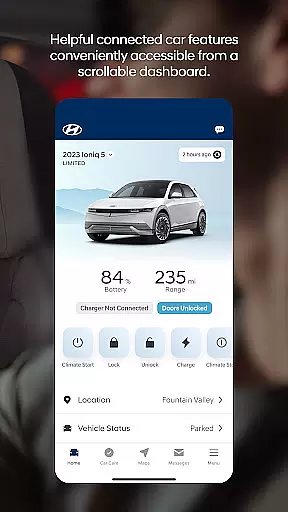
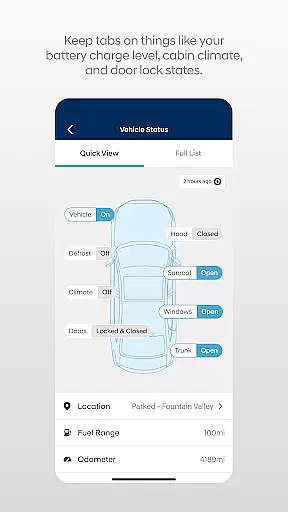
Key features include remote start and lock/unlock capabilities, customizable vehicle presets, and real-time vehicle status monitoring. The app particularly excels in managing electric and hybrid vehicles, offering detailed charging management and battery status tracking. Additionally, its integration with Wear OS smartwatches extends these capabilities to wearable devices, making vehicle management even more accessible.
This application proves especially valuable for busy professionals who need to manage their vehicles while on the go. Whether it's remotely starting your car on a cold morning or finding your vehicle in a crowded parking lot, the MyHyundai app streamlines these tasks through intuitive digital interfaces.
The MyHyundai app distinguishes itself through its comprehensive feature set that bridges mobile technology with automotive functionality. Its core innovation lies in seamless vehicle integration, allowing users to execute commands such as remote start, door lock/unlock, and horn/light activation directly from their smartphones.
A particularly noteworthy aspect is its advanced vehicle management system for electric and plug-in hybrid vehicles. Users can monitor charging status, schedule charging sessions, and adjust settings remotely. The app also implements biometric authentication for secure access, supporting both fingerprint and facial recognition technologies.
The inclusion of Wear OS support demonstrates forward-thinking development, enabling voice command functionality and quick access to essential features through smartwatches. This multi-platform approach, combined with practical tools like POI search, maintenance tracking, and customer care access, creates a robust ecosystem for modern vehicle ownership management.
Companion app integration is a crucial feature for users who want seamless connectivity between their smart devices and vehicles. The MyHyundai app excels in this area by offering comprehensive integration with Bluelink-enabled vehicles, allowing users to access key functionalities directly from their smartphones.
This integration enables Hyundai vehicle owners to remotely control essential features of their cars, such as starting the engine, locking or unlocking doors, and activating the horn and lights. These capabilities are accessible through an intuitive interface that supports biometric authentication, ensuring secure and convenient access.
By leveraging companion app integration, users can enjoy enhanced convenience and peace of mind. Whether at home, in the office, or on the go, the ability to interact with your vehicle remotely provides a new level of control and flexibility. This functionality not only simplifies daily tasks but also enhances vehicle security and personalization options.
Wear OS/device compatibility ensures that users can extend the functionality of their primary apps to their smartwatches, providing greater accessibility and convenience. The MyHyundai app embraces this by supporting Wear OS, allowing users to utilize voice commands or smartwatch menus to access select vehicle features.
With Wear OS compatibility, users can remotely start their vehicle, lock or unlock doors, activate the horn and lights, and locate their car directly from their smartwatch. This compatibility enhances user experience by offering quick and easy access to essential functions without needing to take out their smartphone.
The benefit of this compatibility is significant, particularly for users who lead active lifestyles or require instant access to their vehicle controls. By integrating with Wear OS, the MyHyundai app ensures that critical vehicle management tasks are always within reach, streamlining the user experience and maintaining consistent functionality across different devices.
User-friendly interface
Comprehensive vehicle control
Advanced security features
Excellent EV management
Wear OS integration
Subscription required
Limited vehicle support
Occasional connectivity issues
Steep learning curve
Feature variability

Beautiful, colorful and practical watch face. For Wear OS devices.
 5.00
5.00
To-Do List: daily schedule planner, task organizer, to do reminder app, calendar
4.60
Reliable phone calls with spam protection, caller ID and more helpful features
4.40
A digital watch face that celebrates Christmas.
4.00
Your local weather forecast, storm tracker, radar maps & live weather news
3.40
Want to take charge of your health? Let Google Fit help you reach your goals.
3.50
Fitbit is dedicated to helping people lead healthier, more active lives.
4.10
Control your Samsung Smart TVs, appliances, and SmartThings-compatible devices
4.60
Track airplanes and follow flights with our real-time flight tracker
4.50
The most customizable minimal watch face. For Wear OS 5.0, API 34+ and later
4.70
Your second brain for organizing your life: to-do, calendar, reminder.
4.70
Ideal for surviving in the wasteland left after nuclear fallout
4.50
Embrace the holiday spirit with this magical animated watch face!
4.40
Structured watch face with seven complications and modular UI elements
3.90
Wear Os Watch Face - Animated Snow Effect & Christmas Lights
4.1
Wear Os Watch Face - Animated Snow - Sesonal for Christmas & Winter
4.3
Analog watch face with 8 complications and expedition styling
4.2
Simple Analog-Digital Watchface For Wear OS 3.0 and Up Smartwatches
4.2
Stylish digital watch face for Wear OS devices with customizable features
4.5


User Reviews