
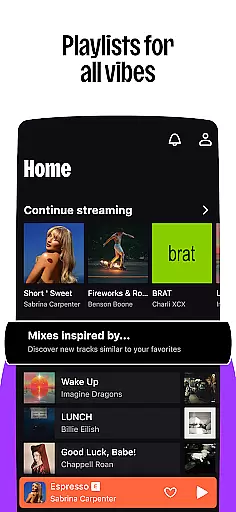

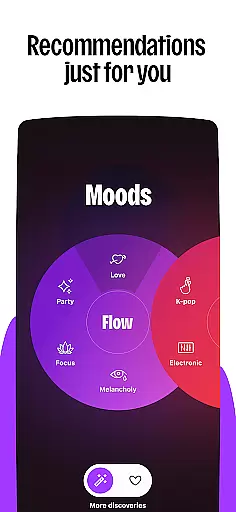
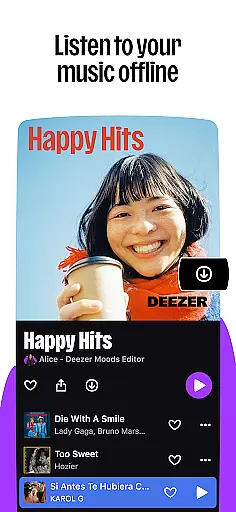

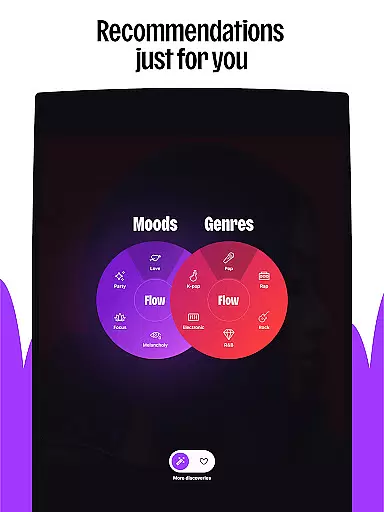
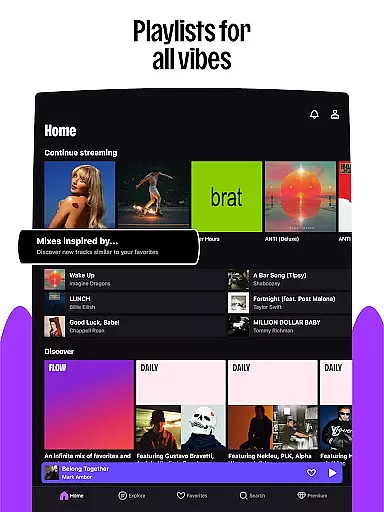

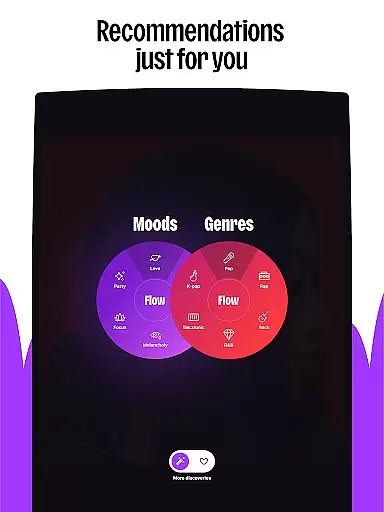
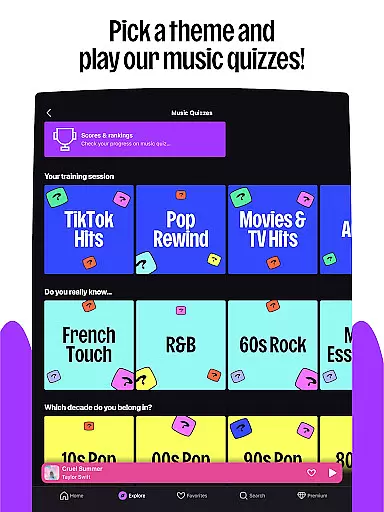
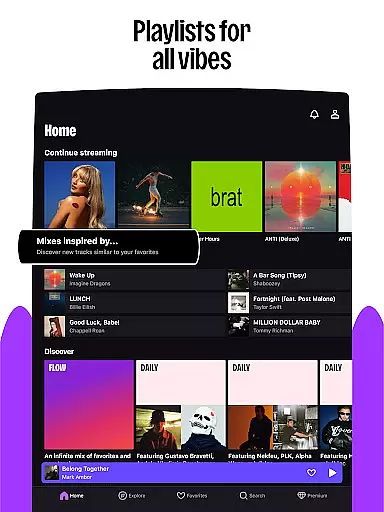

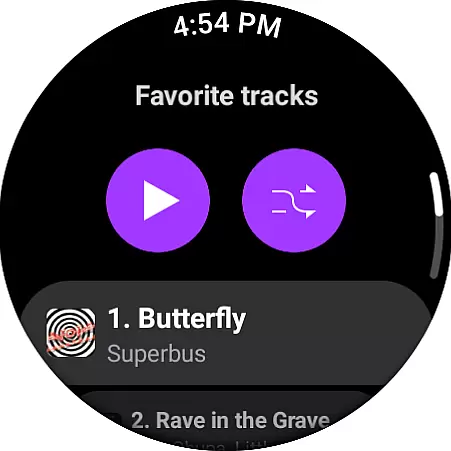
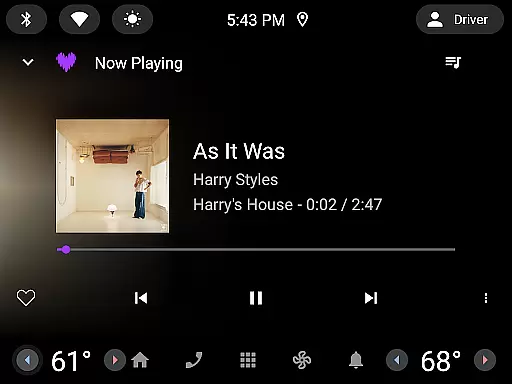
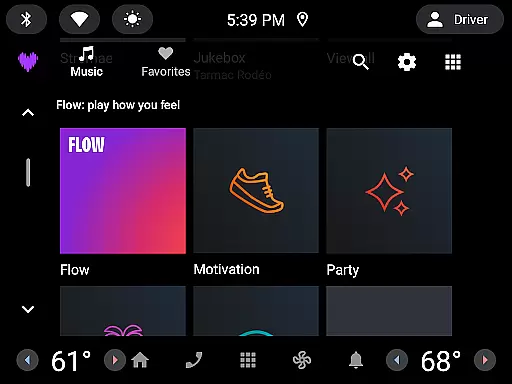
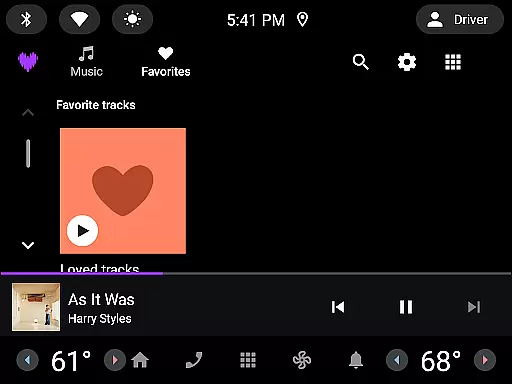
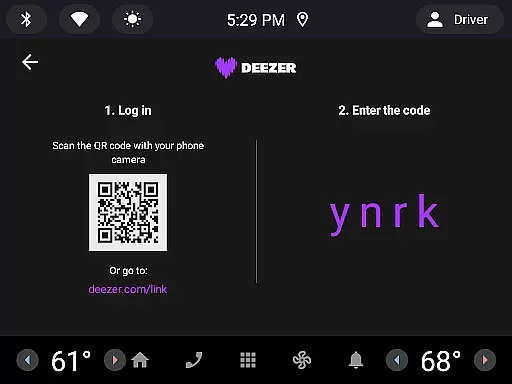

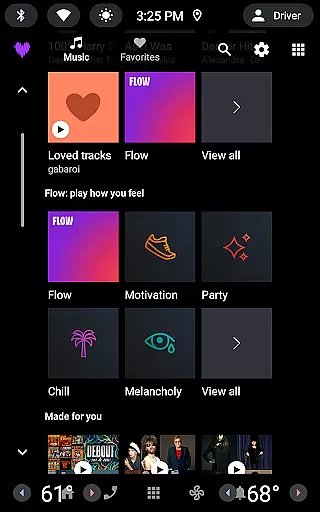
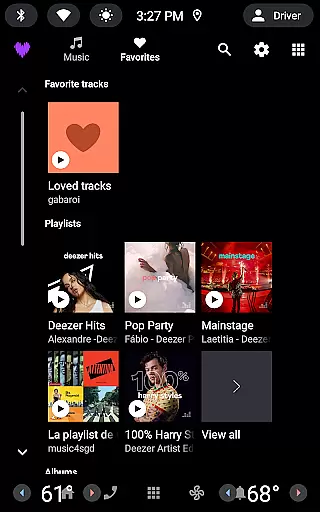

Deezer is a comprehensive music streaming platform designed for Android Wear users, offering a personalized listening experience that adapts to individual preferences. The app provides an extensive music catalog with features like Flow, which creates an infinite, personalized mix of favorite tracks and new discoveries.
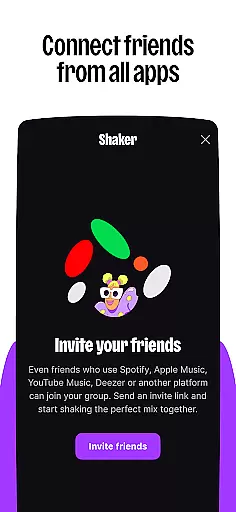
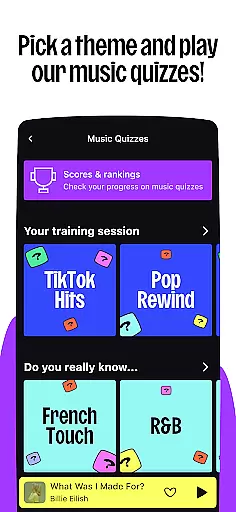
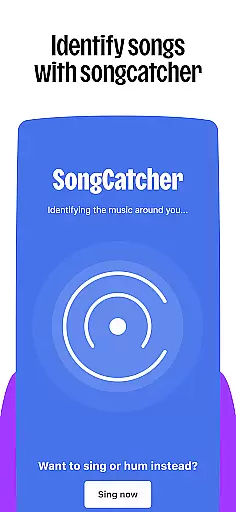
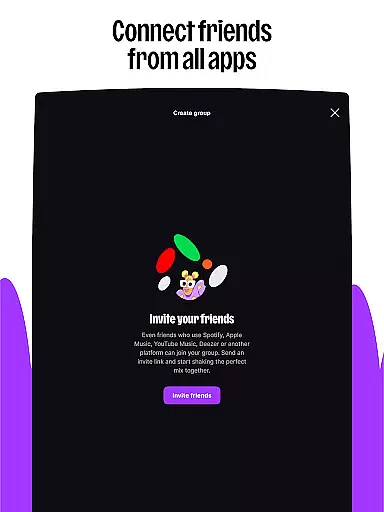
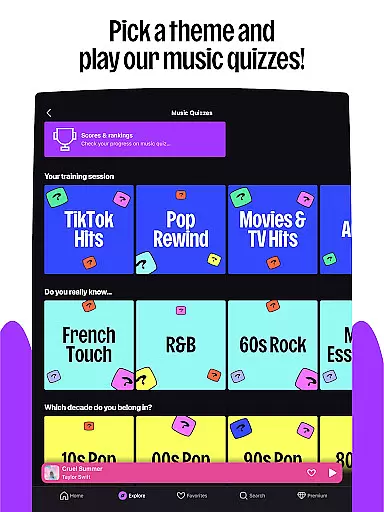
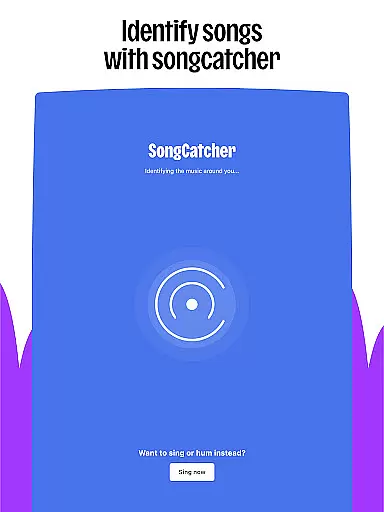
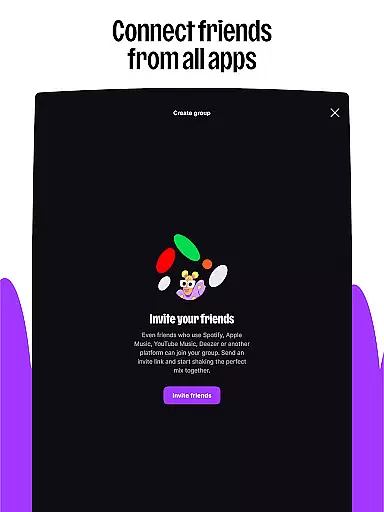
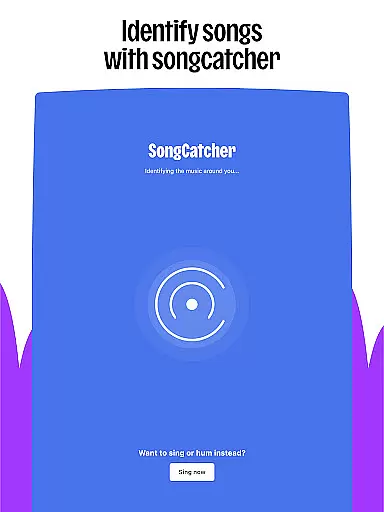
Beyond music, Deezer also includes podcasts, audiobooks, and radio options. With interactive features such as Shaker for collaborative playlists, Music Quiz for testing knowledge, and SongCatcher for identifying songs, it enhances user engagement. Available on various devices including smart speakers, wearables, and in-car systems, Deezer ensures you can enjoy your music anywhere.
The app offers multiple subscription plans including Premium, Duo, Family, Student, and Free tiers, catering to different user needs. Whether at home, in the car, or on the go, Deezer delivers high-quality audio experiences tailored to each listener's unique tastes.
Deezer stands out with its rich feature set tailored for music enthusiasts. One of its key highlights is the Flow feature, providing users with a personalized mix of their favorite tracks and new recommendations based on listening habits. This ensures a unique and evolving music experience.
In addition to its vast music library, Deezer offers curated playlists for every mood and genre, along with exclusive content like podcasts and audiobooks. Interactive tools such as Shaker allow users to create shared playlists, while SongCatcher helps identify any playing track. Customization options enable users to personalize their homepage and playlist covers, enhancing the overall user experience.
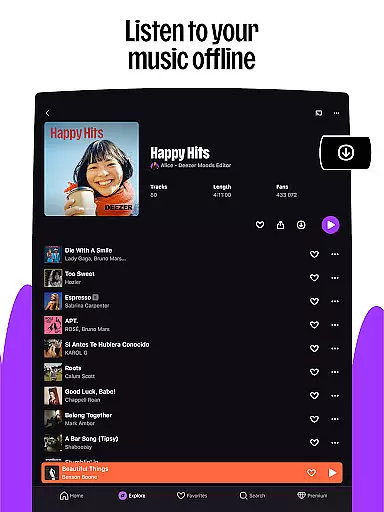
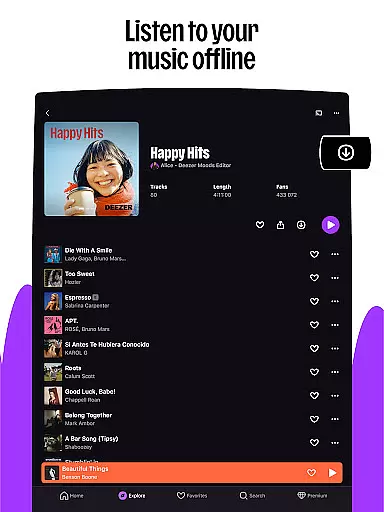
For audiophiles, Deezer provides HiFi audio quality, ad-free listening, and offline mode. These features ensure uninterrupted, high-quality playback whether online or offline. With support for Android Wear and other devices, Deezer brings seamless music enjoyment across multiple platforms.
Companion app integration is essential for a seamless wearable experience. Deezer excels in this area by offering robust synchronization between its mobile application and Android Wear devices.
The app ensures that your music, playlists, and preferences are consistently updated across all devices. This means you can start listening on your phone and continue right where you left off on your smartwatch.
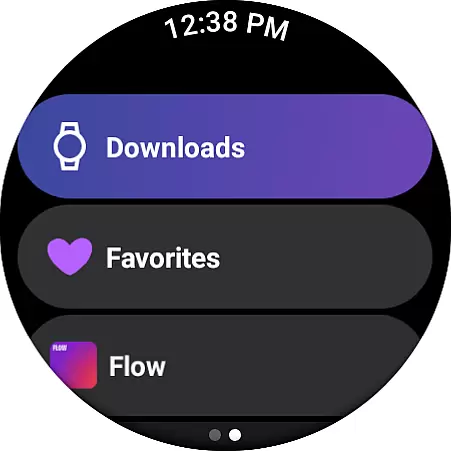
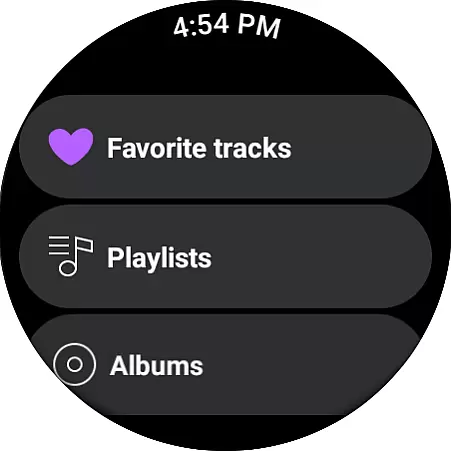
Deezer's companion app functionality extends to features like Flow, which brings an infinite mix of your favorite tracks and new discoveries directly to your wrist. Additionally, users can access curated playlists and podcasts tailored to their tastes without needing their phones nearby.
This level of integration provides users with the freedom to enjoy their personalized listening experience anytime, anywhere, making it an invaluable feature for those who value convenience and personalization in their daily lives.
Device compatibility is crucial for ensuring that applications run smoothly on various hardware configurations. Deezer offers extensive support for Wear OS devices, allowing users to enjoy high-quality audio streaming from their wrists.
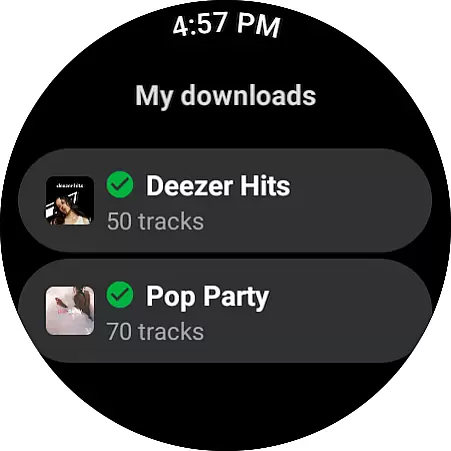
Whether you own a Galaxy Watch, Fitbit, or any other Wear OS device, Deezer's optimized performance guarantees a rich auditory experience. The app supports offline mode, enabling uninterrupted playback even when thereu2019s no phone connection.
Furthermore, Deezer takes advantage of Wear OS capabilities such as voice commands and health tracking integrations, enhancing user interaction and engagement. These features make it easy to control playback, discover new music, and stay motivated during workouts.
By prioritizing broad device compatibility and leveraging platform-specific functionalities, Deezer ensures that every user enjoys a top-notch listening experience regardless of their chosen wearable technology.
User-friendly interface
Extensive music library
Personalized recommendations
Interactive features
Cross-device compatibility
Limited free version
Occasional connectivity issues
Higher cost for premium plans
Regional content restrictions
Ads in free tier

Contemporary digital watch face with five complications
 4.5
4.5
Beautiful, colorful and practical watch face. For Wear OS devices.
5.00
Be an elegant and classy secret agent, with this carefully detailed watch face
4.70
Digital watch face with big numbers and many customization for Wear OS devices
4.40
Digital watch face. For Wear OS devices.
4.40
Ideal for surviving in the wasteland left after nuclear fallout
4.50
Connect to your Bluelink equipped Hyundai vehicle from your smartphone.
4.50
Animated video-game inspired “secret agent” simulation, right on your wrist!
4.20
Hybrid watch face for Wear OS with customizable complications by Matteo Dini MD
4.70
Nutrition, Macro tracker: Food, fitness & healthy diet tracking for weight loss
4.60
Monitor health with the stress test and pulse checker in the heart rate app.
4.60
Find EV charging stations
4.30
The ultimate destination for kids ages 3-8 to explore the Marvel Universe!
4.30
Wear Os Watch Face - Animated Snow Effect & Magic Spark - 6 Scenes
4.10
Get helpful reminders, take progress photos and find answers to your questions.
3.90
Wear Os Watch Face - Animated Snow Effect & Christmas Lights
4.5
Christmas and New Year - Themed Watchface
4.2
A Wintery Snow Globe on Your Wrist; now celebrating Christmas!
4.4
Artistic Digital Watchface
4.3


User Reviews