
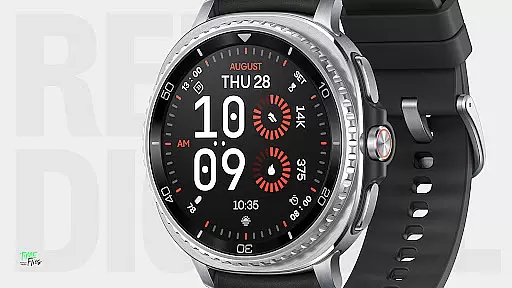
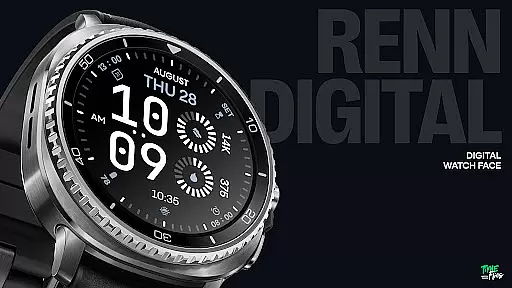
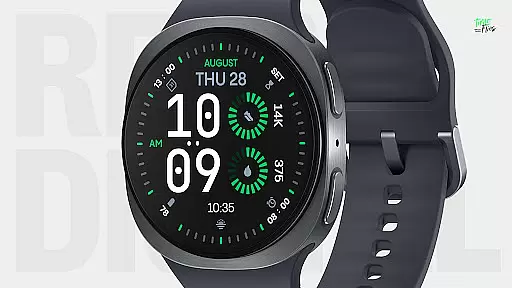
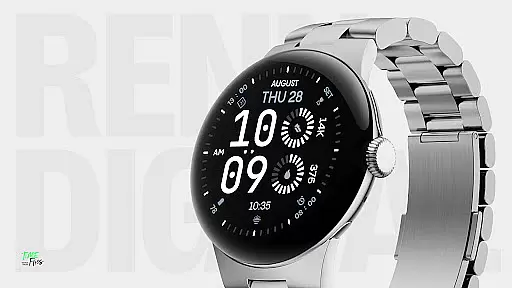
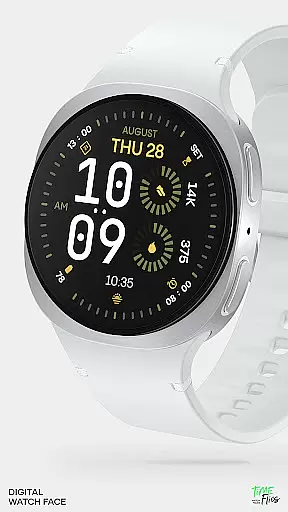
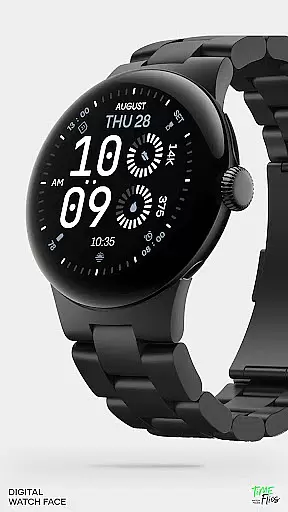
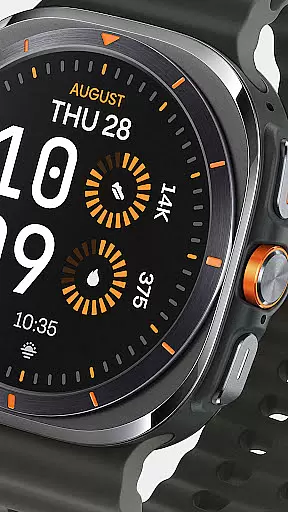
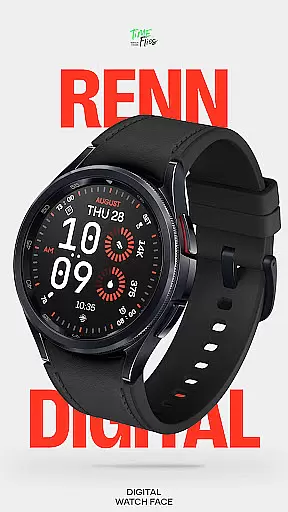
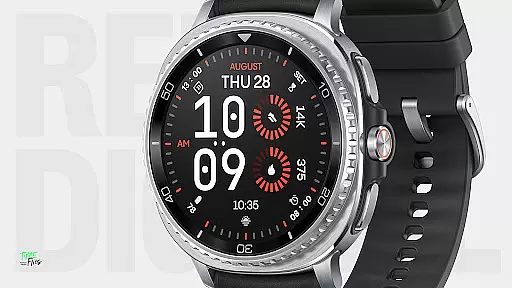
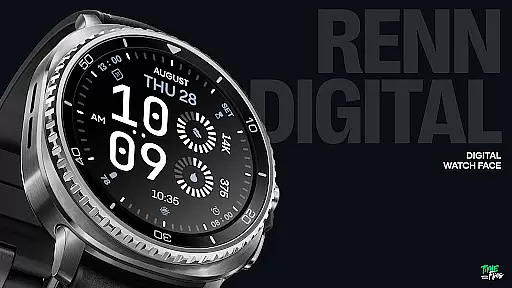
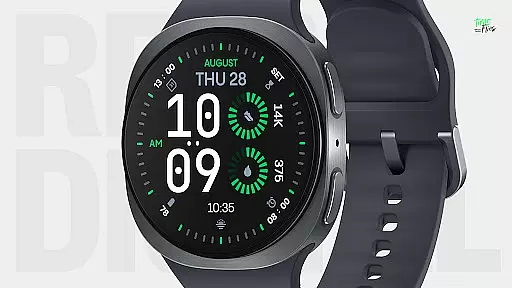
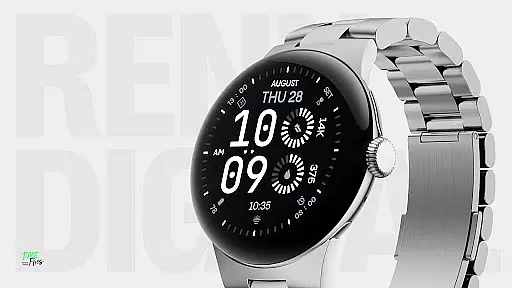
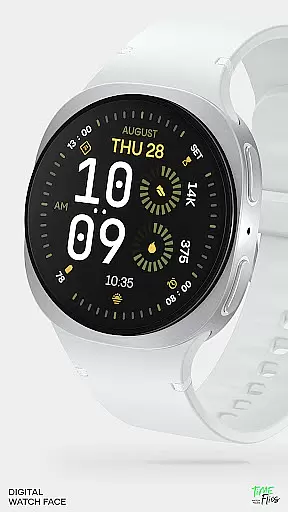
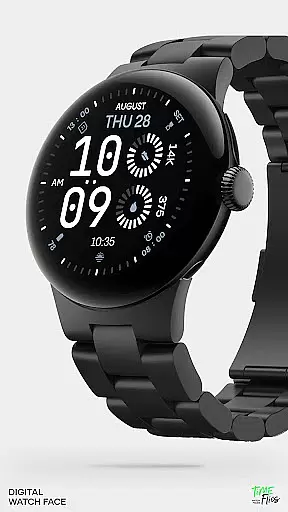
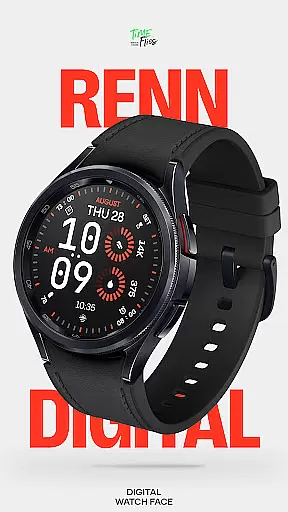
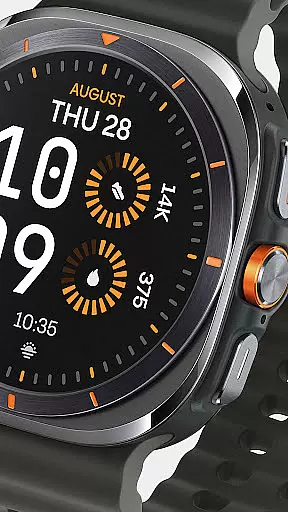
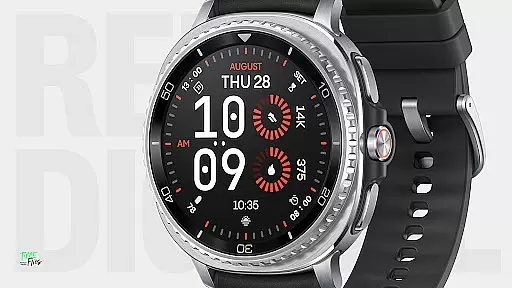
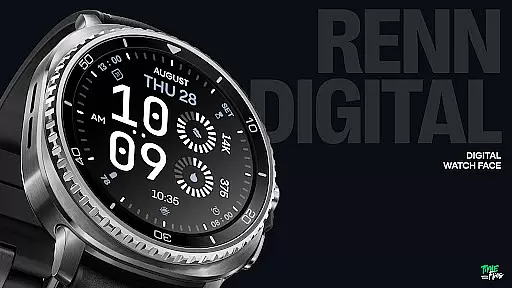
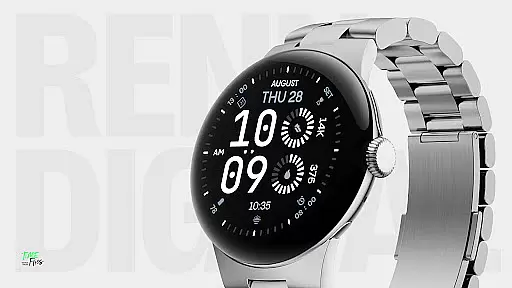
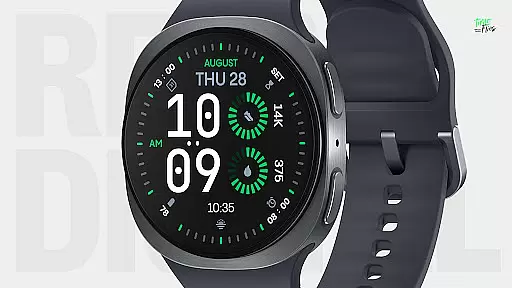
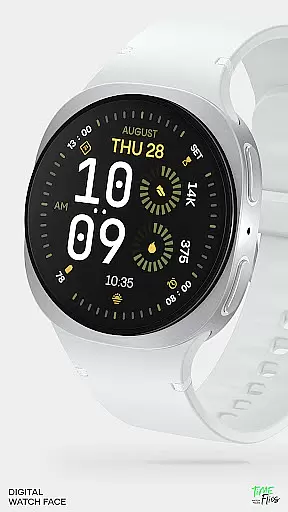
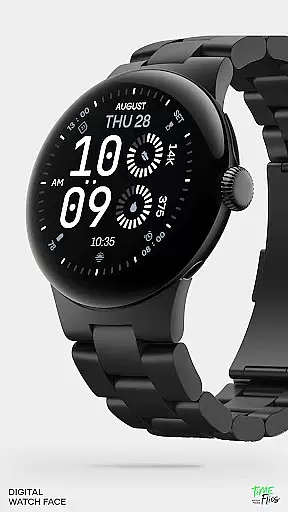
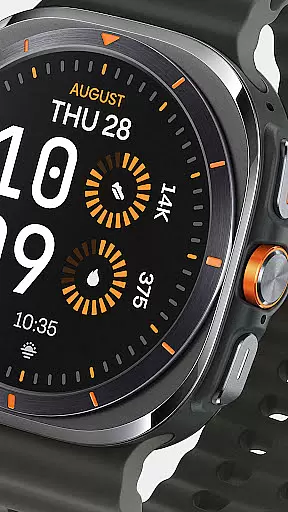
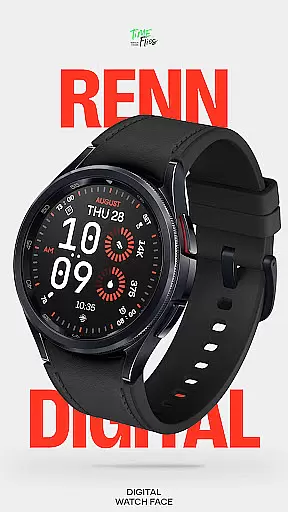
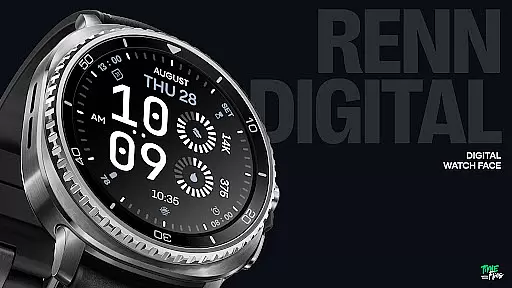
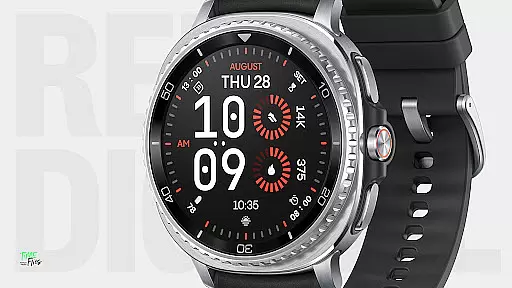
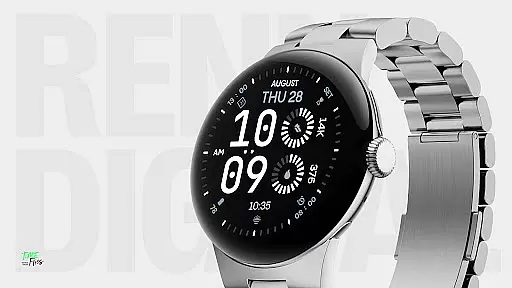
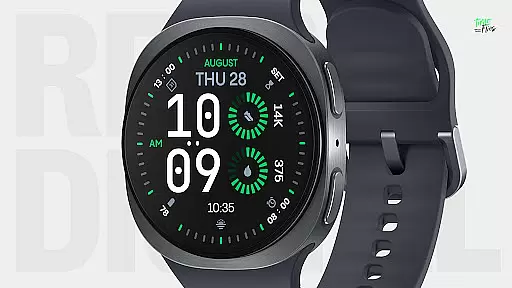
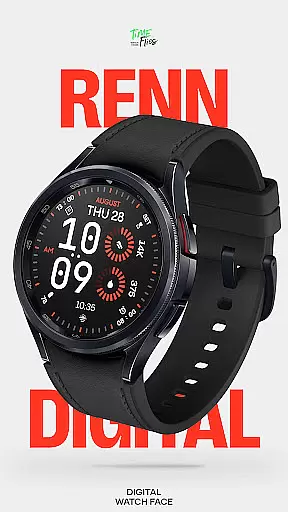
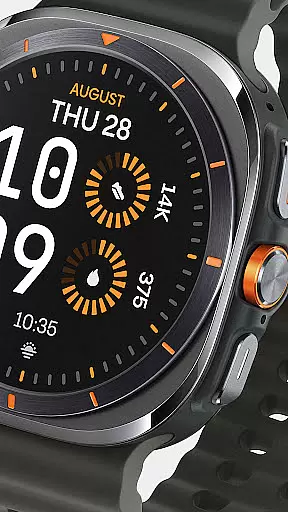
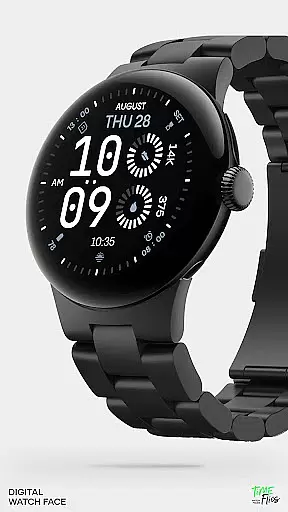
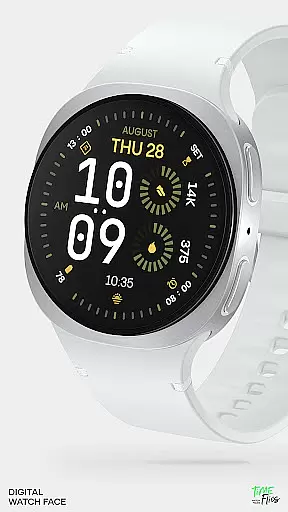
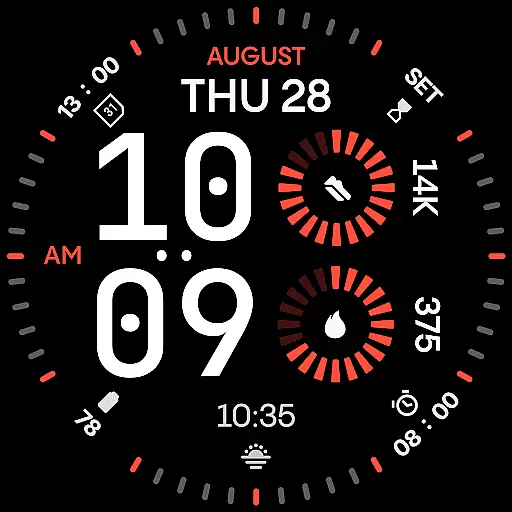
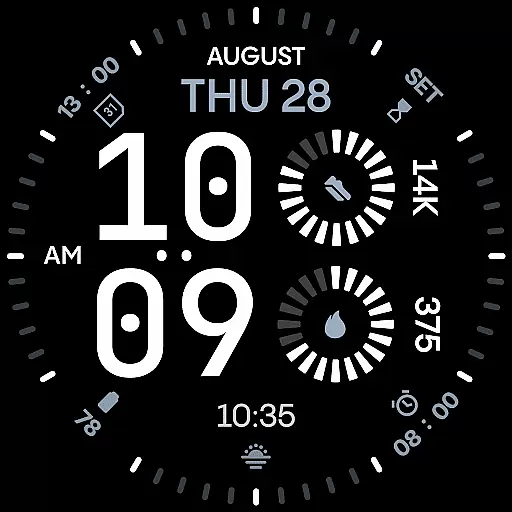
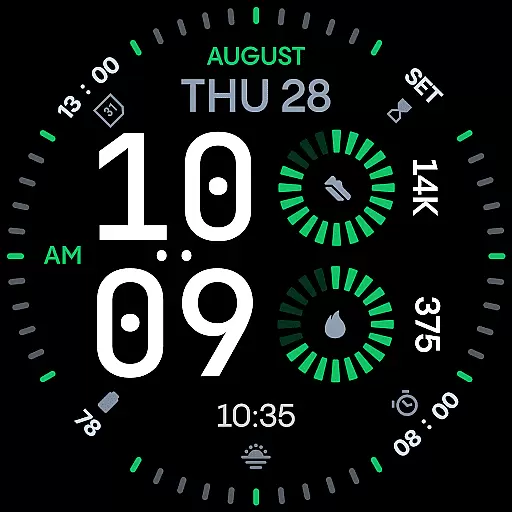
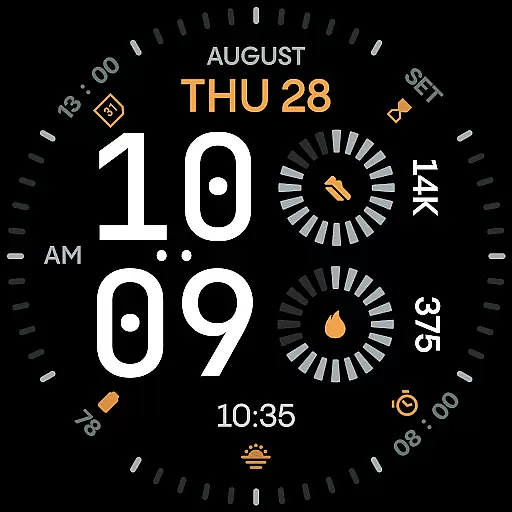
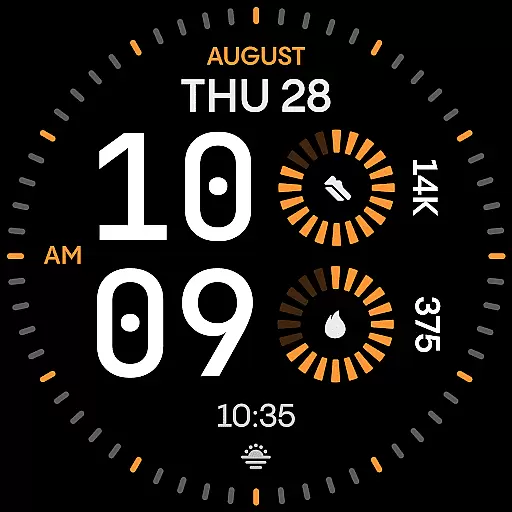
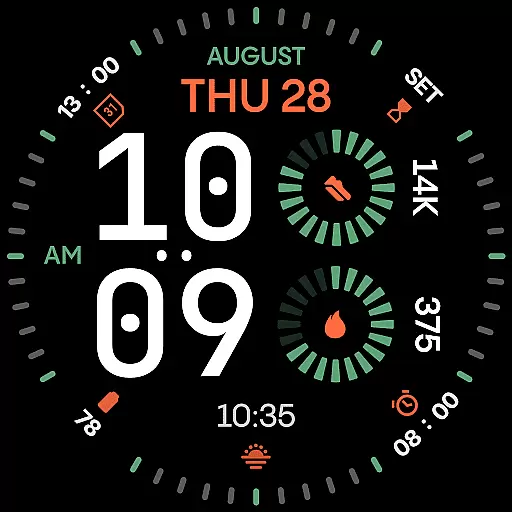
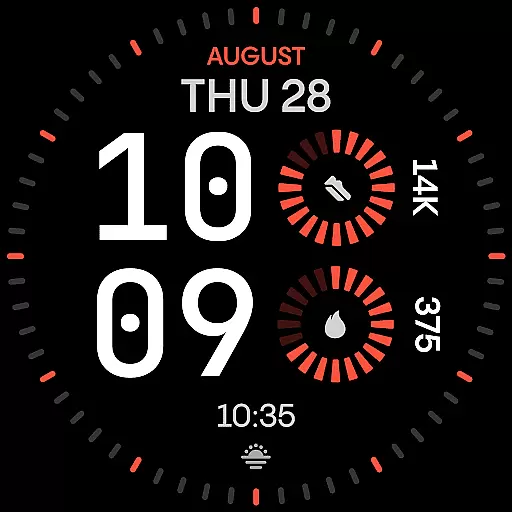
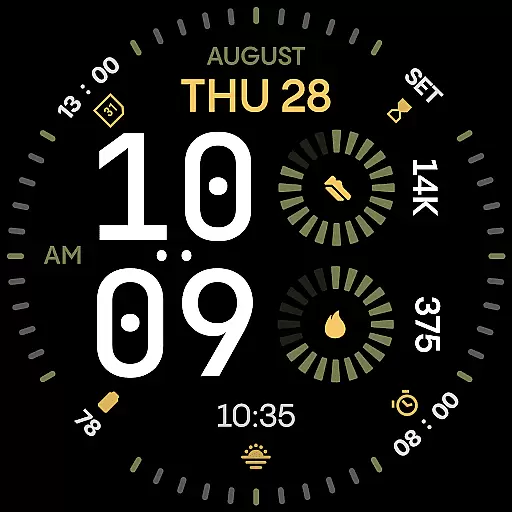
Renn Digital Watch Face is a modern digital watch face designed specifically for Wear OS smartwatches. It features bold, geometric typography and a clean layout optimized for clarity and performance. The design emphasizes legibility with large numerals and customizable elements, making it ideal for users who need quick access to essential information at a glance.
With 7 customizable complications, users can display key stats such as steps, heart rate, battery life, calendar events, or weather updates. The watch face also supports 30 striking color themes, optional tic marks, and 5 Always-On Display (AoD) modes, ensuring both style and functionality are maintained even when the screen is idle. Built using the latest Watch Face File format, Renn Digital ensures smooth interaction and energy-efficient performance.
Renn Digital Watch Face offers a range of advanced features tailored for tech-savvy users. Its oversized digital typography provides clear readability, while the AM/PM indicator and blinking colon toggle cater to personal preferences. Users can choose from 30 high-contrast color schemes that enhance visual appeal without compromising usability.
The inclusion of radial progress complications adds dynamic motion to the display, offering real-time tracking of fitness goals or other metrics. With support for Android Companion App integration, users can easily manage their watch face settings, receive update notifications, and explore new customization options. Additionally, the Always-On Display feature includes five distinct modes, balancing visibility with battery efficiency to ensure prolonged usage without frequent charging.
Companion app integration is a crucial feature for smartwatch applications as it enhances the overall user experience by enabling seamless interaction between the wearable and its paired mobile device. Renn Digital Watch Face offers optional support through the Time Flies companion app, which serves as a bridge to unlock additional functionalities.
The Time Flies app allows users to discover new watch faces, receive timely update notifications, and manage installations with ease. This ensures that users are always up-to-date with the latest features and improvements without having to manually check for updates within the Google Play Store.
By integrating with a companion app, Renn Digital Watch Face not only simplifies the management of the watch face but also opens up possibilities for further personalization and customization options that can be controlled from the user's smartphone.
Wear OS and device compatibility ensures that a smartwatch application functions optimally across various devices running on the Wear OS platform. Renn Digital Watch Face has been meticulously designed using the modern Watch Face File format, guaranteeing broad compatibility with Wear OS smartwatches.
This digital watch face supports a wide array of customizable complications, allowing real-time data display such as steps, heart rate, battery status, calendar events, or weather information. The design takes full advantage of digital displays, providing clear visuals and efficient performance tailored for smartwatch screens.
With optimization for energy-efficient performance, Renn Digital delivers smooth interaction and intelligent refresh behavior while minimizing power consumption. This makes it an ideal choice for users seeking both aesthetic appeal and practical functionality in their Wear OS devices.
Ultra-clear legibility
Customizable complications
Bold typography design
Energy-efficient performance
Versatile color themes
Limited analog appeal
Fewer traditional features
Premium cost for full access
Requires Wear OS
Complex setup for beginners

Precision analog watch face with 7 complications and style options
 4.0
4.0
Embrace the festive spirit with our Christmas Countdown watchface for Wear OS
4.10
Digital watch face. For Wear OS devices.
4.40
The Chevron App allows you to pay for fuel from the comfort of your car!
4.80
A digital watch face that celebrates Christmas.
4.00
Animated video-game inspired “secret agent” simulation, right on your wrist!
4.20
Connect, create, and collaborate with Gmail, part of Google Workspace.
4.10
Simple, helpful messaging by Google
4.60
Spam call blocker and caller ID for automatic call protection!
4.40
A modern hybrid informative watch face for Wear OS designed by BALLOZI
4.80
A modern premium sporty hybrid watch face for Wear OS by Ballozi
4.70
Ideal for surviving in the wasteland left after nuclear fallout
4.50
Snowflake Rose Gold Watch Face - Digital, modern, & sleek with GYRO effect.
4.10
Daily Weather forecast with 15 weather images for Day & Night plus Big Bold time
4.10
Animated Watch Face and Customizable with 24 Backgrounds. Perfect for Christmas!
3.90
Watch the sharpness of the sky on your wrist..
3.70
Sleek, highly customizable watch face inspired by Galaxy Watch Circle Dashboard.
4.2
Fitness interactive virtual pet super fighter boy watch face
4.5
Minimalistic design modern digital watch face.
4.4


User Reviews