
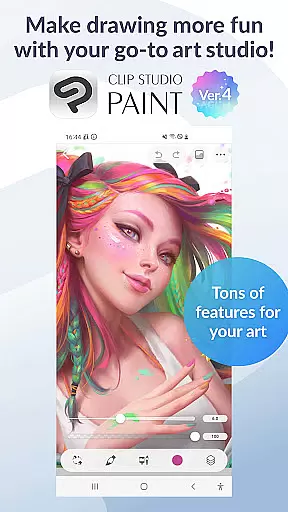
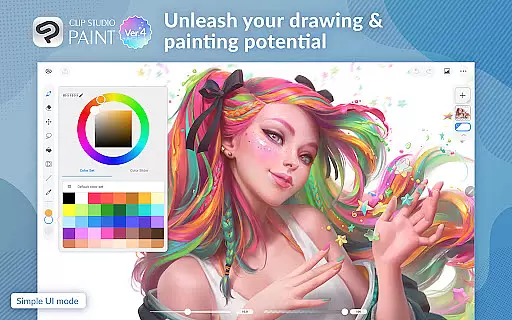
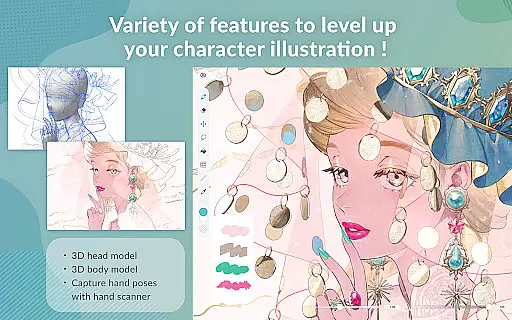
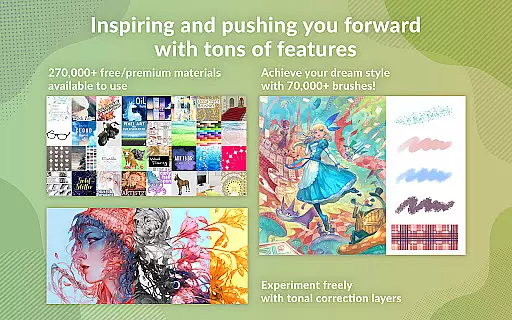
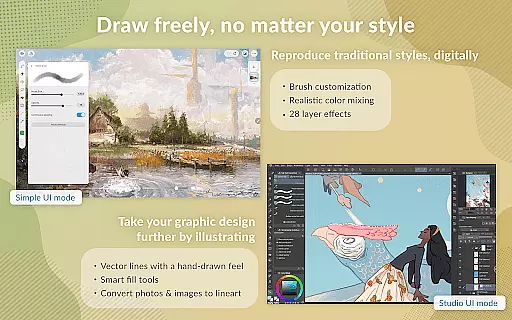
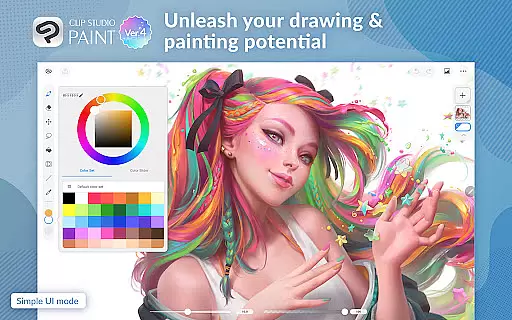
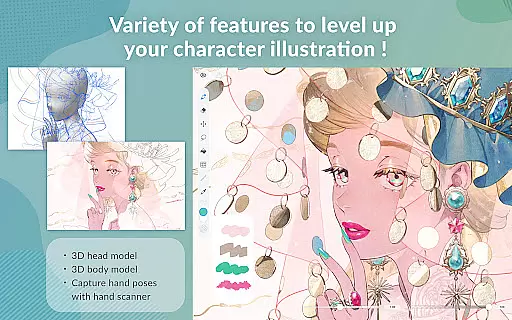
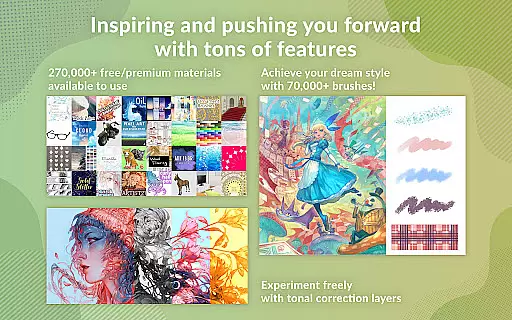
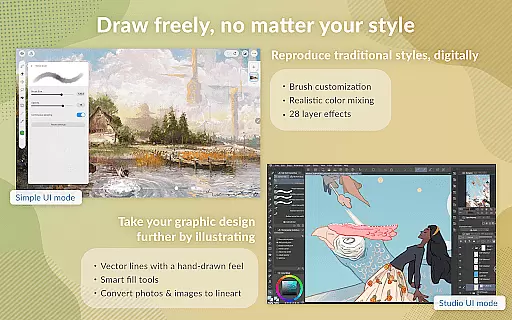
Clip Studio Paint is a premier digital art application designed for both professional artists and beginners. It offers a comprehensive suite of drawing and painting tools, including support for up to 10,000 layers, 3D model posing, and advanced color control with Gradient maps. The app provides a realistic traditional drawing feel with vector-based line art that can be adjusted using Puppet warp and snap features.
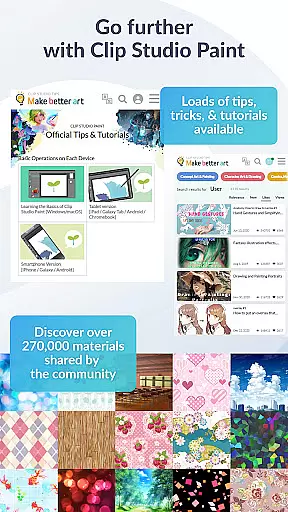
Available on both tablets and smartphones, Clip Studio Paint allows users to subscribe flexibly based on their usage needs. With a free trial offering full features for 30 hours monthly, it ensures accessibility for all users. The app also includes cloud storage (10 GB), access to over 270,000 materials, and the ability to record and share timelapses of your artwork.
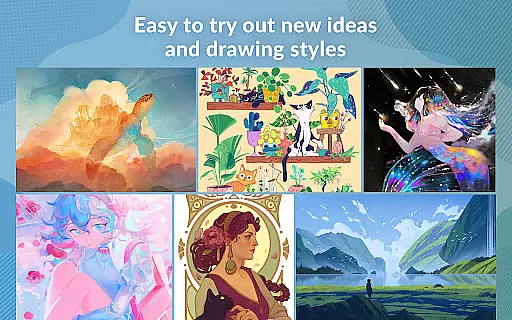
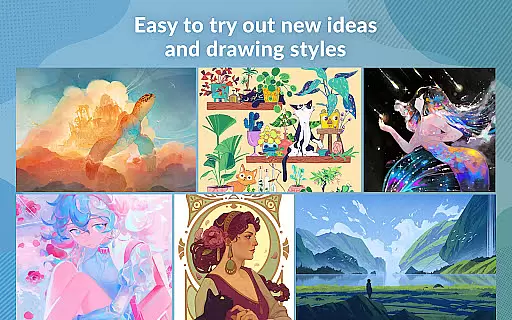
Whether creating detailed character art or experimenting with new styles, Clip Studio Paint empowers artists with innovative tools like live video hand pose capture, customizable brushes, and perceptual color mixing. Its versatility extends to comic and manga creation, animation, and multi-page project management, making it an indispensable tool for digital creators.
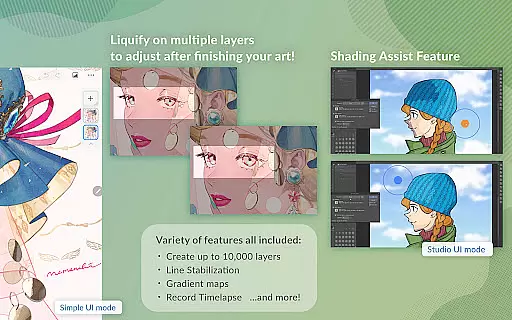
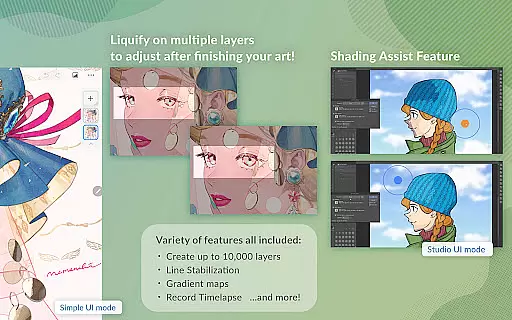
Clip Studio Paint stands out with its extensive feature set tailored for digital artists. One of its key highlights is the robust layer system supporting up to 10,000 layers, allowing for intricate artwork detailing. Artists can leverage 3D primitives for quick layout ideas and use Liquify on multiple layers to instantly adjust line art and colors.
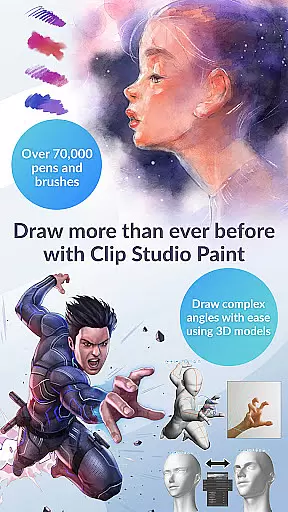
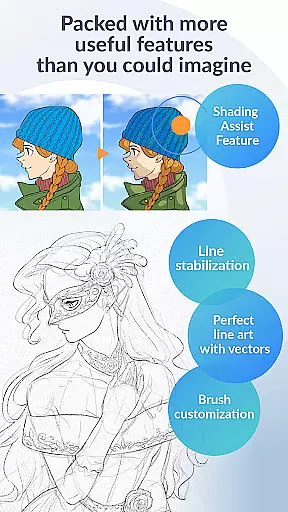
The app's brush engine is powered by contributions from artists worldwide, providing access to over 70,000 brushes through its dedicated Assets store. Users can customize brush textures, shapes, and effects extensively. Advanced drawing aids such as Line Stabilization, vector layers, and smart fill tools ensure precision and ease in creating smooth line art and vibrant colors.
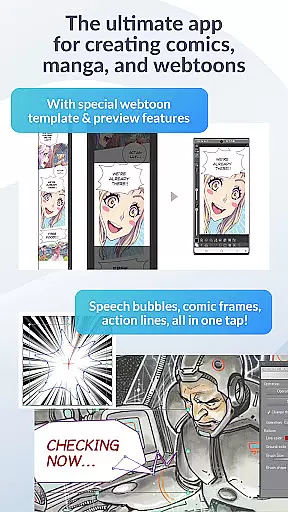
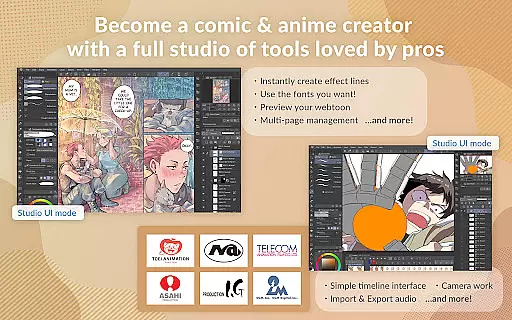
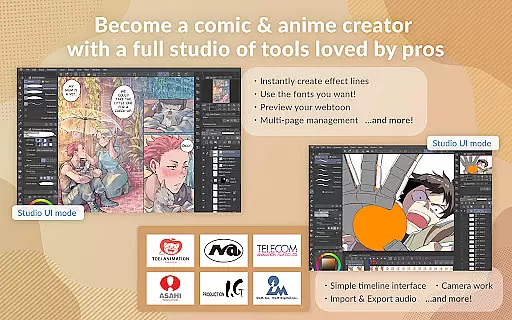
Additional features include speech bubble and frame creation for comics, instant shadow addition with Shading Assist, and animation capabilities ranging from GIFs to full-length projects with sound and camera movements. These functionalities are complemented by free tutorials and thousands of user tips, ensuring continuous learning and skill enhancement.
In the realm of digital art, having access to a comprehensive suite of creative tools is essential for artists looking to bring their visions to life. Clip Studio Paint stands out by offering an extensive array of features tailored for both amateur and professional artists. With over 70,000 brushes available, including custom textures, shapes, and dual brush settings, users can craft their perfect brush with precision.
Moreover, the app provides advanced capabilities such as vector painting, which allows artists to scale their work without any loss in quality. The inclusion of 28 layer effects further enhances artwork refinement, while perceptual color mixing mimics real paint blending, giving digital creations a traditional feel.
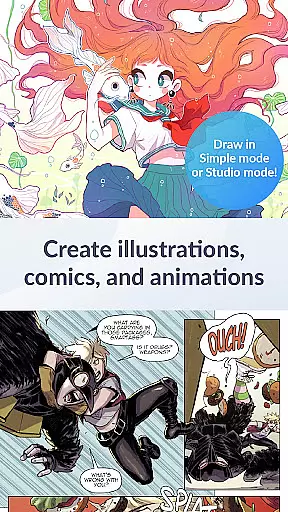
Clip Studio Paint also supports complex tasks like animating and comic creation, making it a versatile choice for various artistic endeavors. Whether you're drawing speech bubbles or adding shadows with Shading Assist, CSP equips creators with everything needed to produce high-quality illustrations, comics, and animations efficiently.
Flexibility in canvas size and format options is crucial for artists who need to adapt their work across different mediums and platforms. Clip Studio Paint excels in this area by providing users with the ability to create detailed artwork on up to 10,000 layers, allowing for intricate designs and easy management of complex projects.
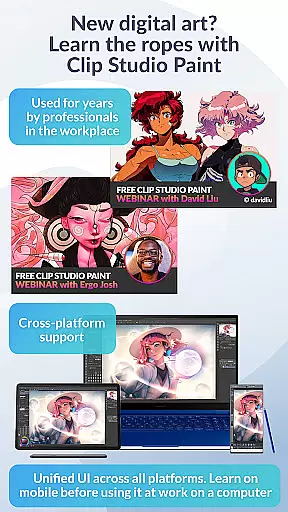
The application supports a wide range of file formats, ensuring that artists can export their work in the most suitable format for their needs. This versatility extends to its compatibility with various devices, from smartphones to tablets, enabling seamless transitions between working environments without sacrificing functionality or quality.
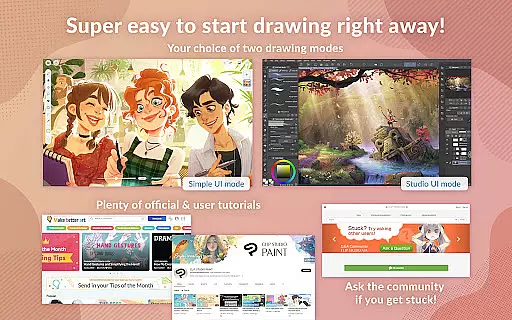
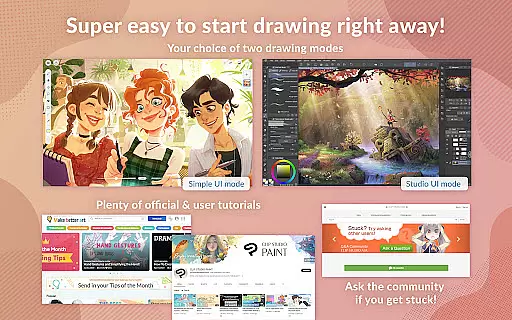
Additionally, Clip Studio Paint offers specialized modes like Simple Mode for quick drawings and Studio Mode for full-feature access, catering to different workflows. By supporting large files and advanced features such as 3D tools, CSP ensures that artists have the freedom to explore their creativity without technical limitations holding them back.
Extensive Layer Support
Versatile Brush Engine
Advanced Drawing Tools
Comprehensive Learning Resources
Flexible Subscription Plans
Subscription Required
Complex Interface
High System Requirements
Limited Free Trial
Occasional Bugs

Art of Combination Wear OS Watch faces (for Wear OS 5+ devices)
 3.00
3.00
Create stylish invitation cards using templates for weddings, birthdays & RSVP.
4.20
Convert image to JPG PNG HEIC PDF, support almost all kinds of image formats
4.70
Digital, Abstract, Classic - all types of color wheels in one app!
4.60
Draw anime easily with AR guidance, sketch templates & trace tools!
3.10
Create stunning video, photo & magic from text with FlixAI GPT video generator.
3.10
Design unique, funny and adorable cat stickers that reflect your own style!
3.80
Photo editor for art, avatars, filters & fun transformations.
4.60
Turn your drawings into flipbook-style animations with simple creative tools
4.60
Create stunning art with AI.
4.80
Create neon drawing with magic doodle and fun doodle art effects!
4.50
Create color palette from Image, RGB & RYB Color wheel harmonies, Color Scheme
4.50
Video AI: Revolutionize Your Content Creation with Advanced Video Generation
4.50
Photo blender app to create overlay photos & double exposure.
4.40
AI generated images & photos, turn your words into drawing, painting & pictures.
4.30
Beauty Camera - Selfie Camera is the ultimate beauty camera and selfie app
4.30
AI Assistant, powered by ChatGPT GPT-4 & GPT-4o. Your intelligent companion.
3.50
Create sweet, cool and unique couple avatars easily, in just a few steps!
3.40
A luxurious gold watch face for an elegant and refined look.
4.2


User Reviews