
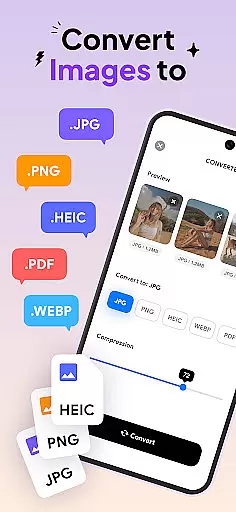

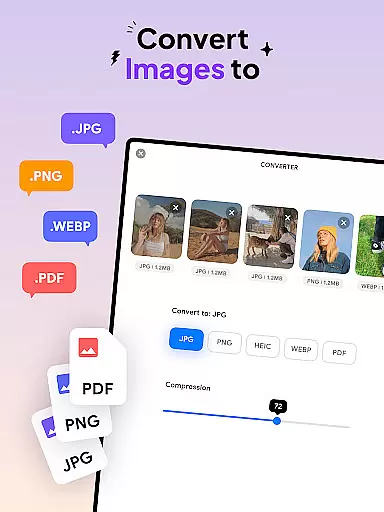
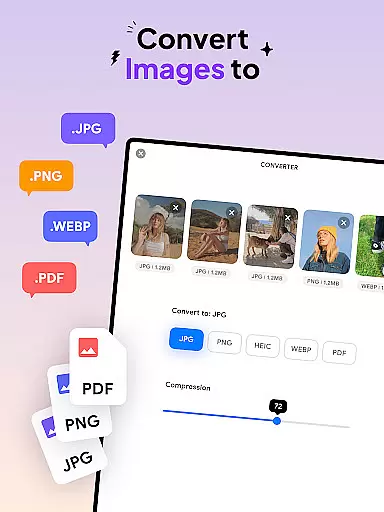
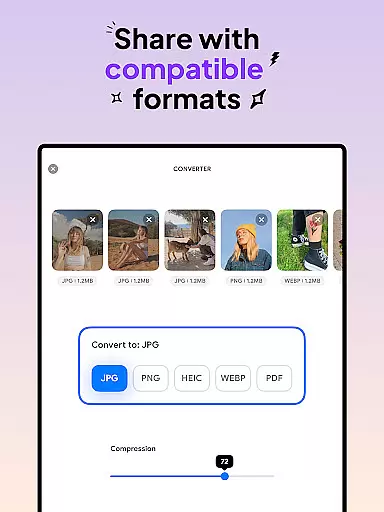
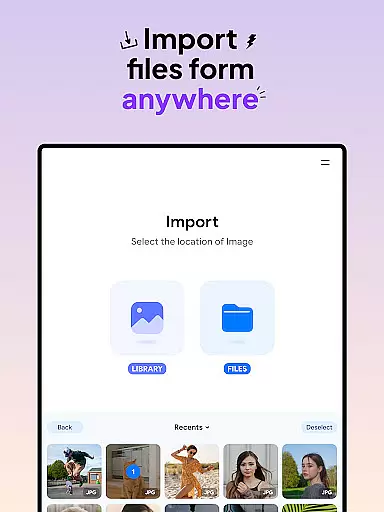
Image Converter - HEIC to JPG is a versatile tool designed for users who need to convert images across various formats efficiently. This app supports conversion between popular formats like JPG, PNG, HEIC, and PDF while preserving image quality and resolution.
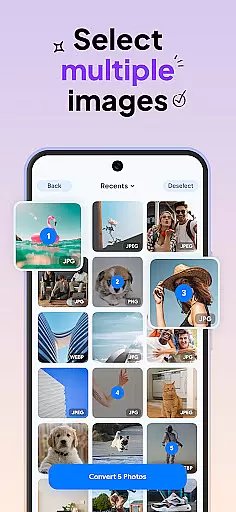
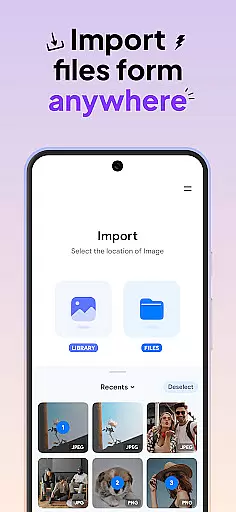
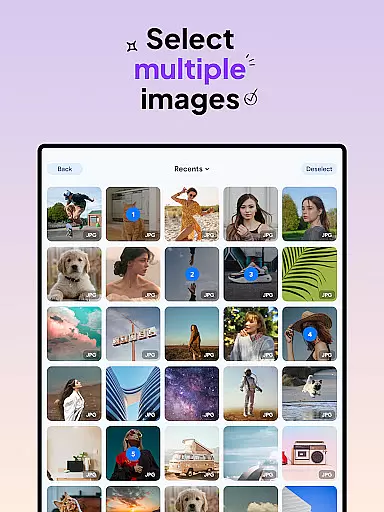
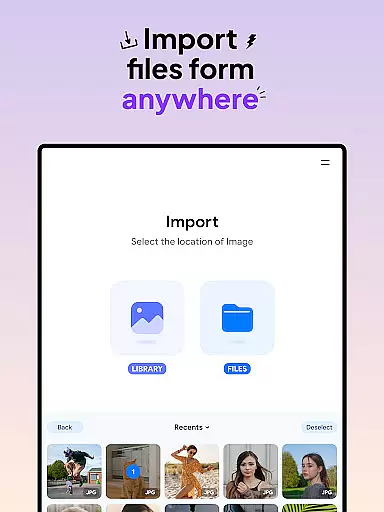
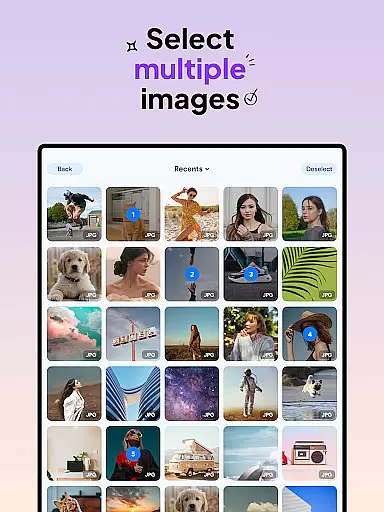
One of the standout features of this app is its batch conversion capability, allowing users to process multiple images simultaneously. Whether you're converting JPEG to PDF or compressing photos, Image Converter ensures that tasks are completed quickly without compromising on quality. The app also offers seamless integration with different photo sources, making it easy to import and export files across devices.
For professionals in design and photography, as well as casual users, this app provides an essential service by simplifying complex image processing tasks. Its user-friendly interface and customizable compression options make it suitable for both beginners and experts looking to enhance their workflow.
Image Converter - HEIC to JPG stands out due to its comprehensive feature set tailored for efficient image processing. The app supports almost all image formats, enabling conversions to JPG, PNG, HEIC, and PDF effortlessly. This versatility ensures that users can switch between formats like JPG, PNG, and HEIC within seconds.
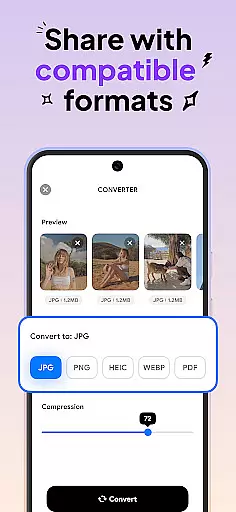
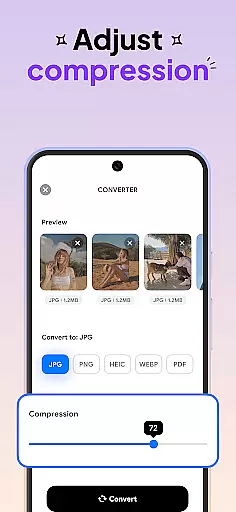
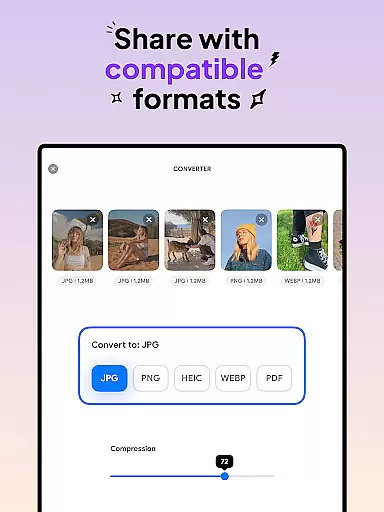
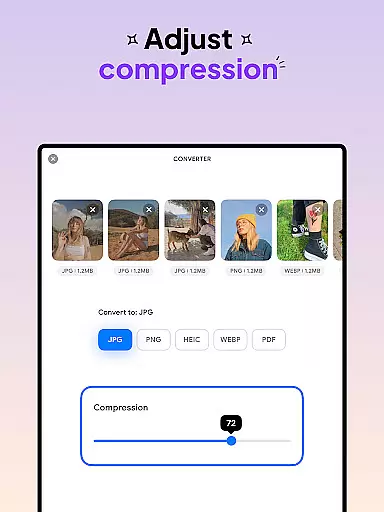
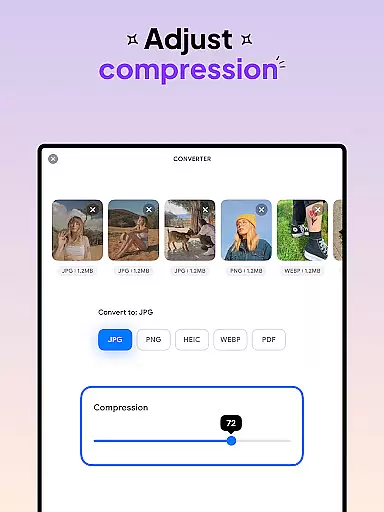
A key highlight is the batch conversion functionality, which allows users to convert multiple photos at once, saving significant time. Additionally, the app provides adjustable compression settings, letting users fine-tune the balance between file size and image quality. With seamless integration across devices, users can save and share converted files easily.
The app's intuitive design ensures that even those new to image processing can navigate and utilize its features effectively. By offering high-quality conversions and customizable options, Image Converter caters to a wide audience, from casual users to professionals seeking reliable tools for their creative projects.
In the realm of digital art and design, having access to comprehensive tools is essential for unleashing creativity. Image Converter - HEIC to JPG stands out by offering an extensive suite of features that cater to various image processing needs. This powerful application supports conversion between almost any image format, including JPG, PNG, HEIC, and PDF, ensuring that users can work with their preferred file types without limitations.
One of the standout functionalities of this app is its batch conversion capability, which significantly enhances productivity by allowing multiple images to be converted simultaneously. Whether you're looking to convert JPEG to PDF or PNG to PDF, the process is seamless and efficient. The app also provides options for compressing photos while preserving the original quality and resolution, a critical feature for designers who require high fidelity in their work.
Image Converter - HEIC to JPG further empowers users with its intuitive interface and flexible compression settings. These features enable artists and designers to fine-tune their projects with precision, adjusting compression levels as needed to achieve the perfect balance between file size and image quality. With such robust tools at their disposal, users can focus on their creative vision without being hindered by technical constraints.
Flexibility in canvas and format options is crucial for designers who need to adapt their work across different platforms and mediums. Image Converter - HEIC to JPG excels in this area by providing unparalleled versatility in handling various image formats. Users can effortlessly switch between popular formats such as JPG, PNG, HEIC, and even PDF, all within a few taps. This adaptability ensures that no matter the project requirements, the app can accommodate the necessary file type with ease.
The application's support for batch conversion adds another layer of convenience, especially when dealing with large volumes of images that need to be standardized or reformatted. By enabling the simultaneous conversion of multiple files, Image Converter streamlines workflows and saves valuable time. Additionally, the ability to compress photos while maintaining high-quality standards offers further flexibility, allowing designers to optimize their images for specific uses without compromising on visual integrity.
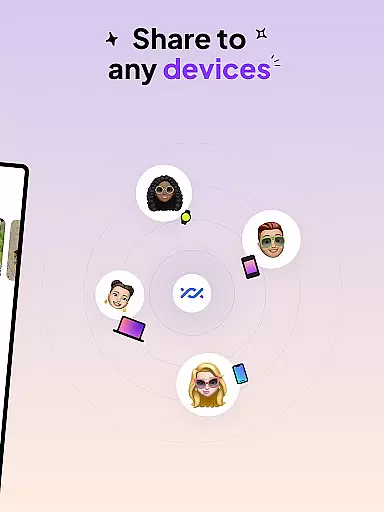
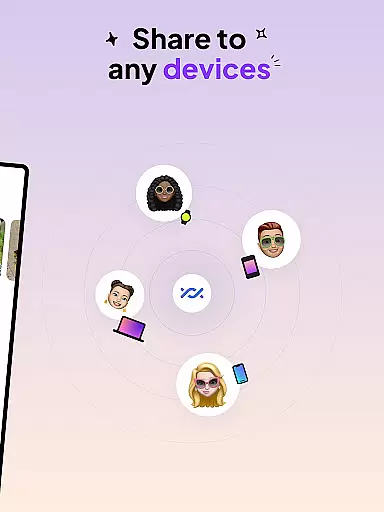
With its user-friendly interface and seamless integration with various photo sources, Image Converter - HEIC to JPG makes it simple for users to manage and manipulate their digital assets. Whether saving files to a local gallery or sharing them across devices in compatible formats, the app ensures that every step of the process is smooth and efficient. This level of canvas and format flexibility positions Image Converter as an indispensable tool for modern creatives.
User-friendly interface
Batch conversion support
High-quality results
Customizable compression
Cross-device compatibility
Limited advanced editing
No cloud storage
Basic design tools
Occasional bugs
Premium feature costs

Digital Drawing: Draw & Paint
 4.10
4.10
Trace, draw, and create art with AR - from memes to masterpieces!
4.30
Logo Generator powered by AI: Create stunning logos effortlessly!
4.70
Create color palette from Image, RGB & RYB Color wheel harmonies, Color Scheme
4.50
Create stunning art with AI.
4.80
Your AI soulmate — meaningful chats, and unique emotional moments
4.70
Art of Combination Wear OS Watch faces (for Wear OS 5+ devices)
3.90
Create cute cat emojis & PFPs! Fun, custom avatars for cat lovers.
3.70
Multiplayer Drawing game, Coloring, Painting・Sketch, Handwriting・Paint, draw
4.30
Make your phone cooler and have a fantastic experience
4.80
Unleash your drawing and painting potential
4.50
Share the joy of painting with ibis Paint! Drawing anime and manga art.
4.50
Draw, make movies & animate cartoons easily with our 2D animation maker app
4.40
Nano Banana AI Image Generator, Anime Filter, AI Portrait, AI Photo Generator
4.30
AR Anime Drawing: How to draw anime with AR drawing & sketching apps!
4.00
Design your dream room with AI. Get decor ideas & plan home interiors
3.90
Create sweet, cool and unique couple avatars easily, in just a few steps!
3.40
Art of Combination Wear OS Watch faces (for Wear OS 5+ devices)
3.00
Download now for a stylish and functional timepiece
4.0


User Reviews