
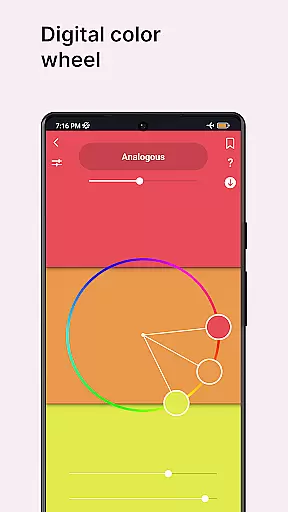
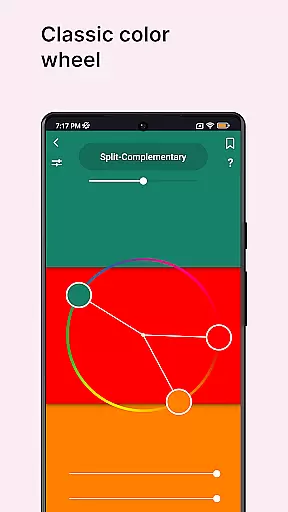
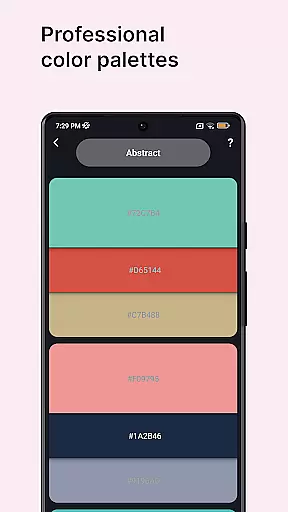
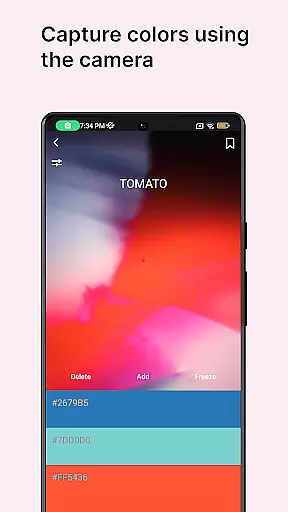
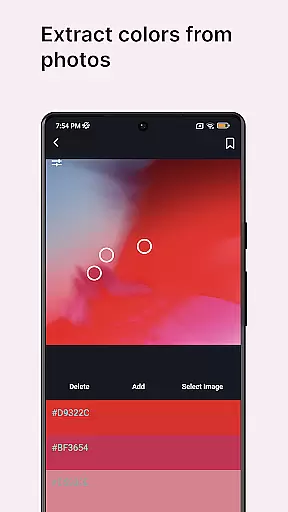
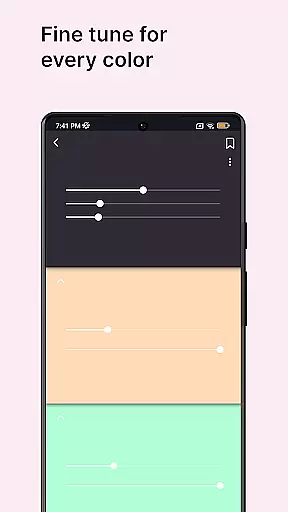
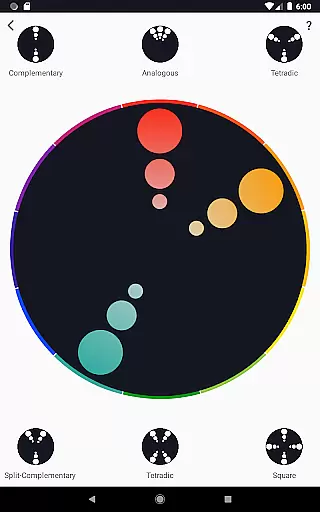
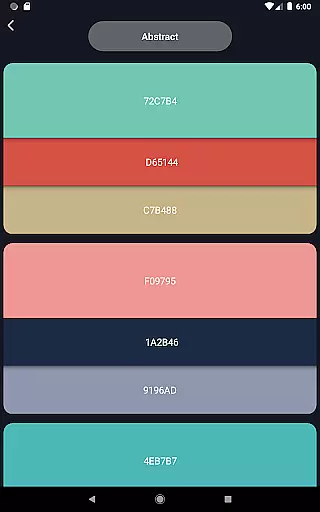
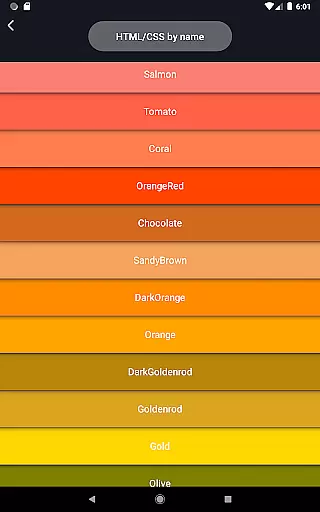
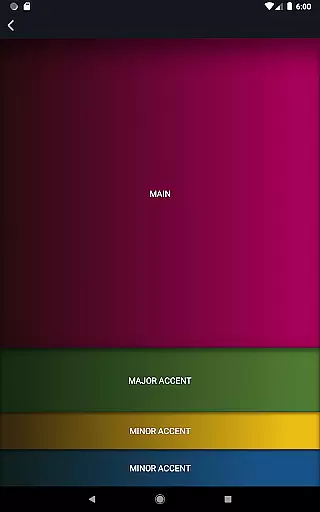
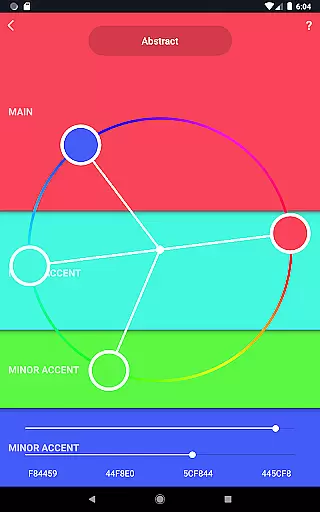
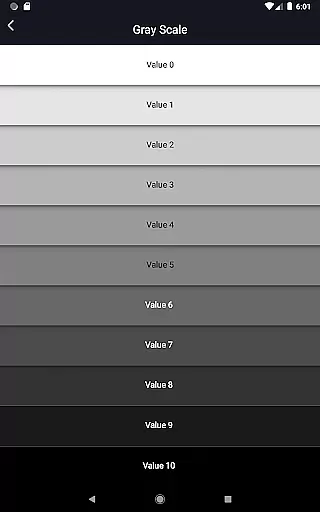
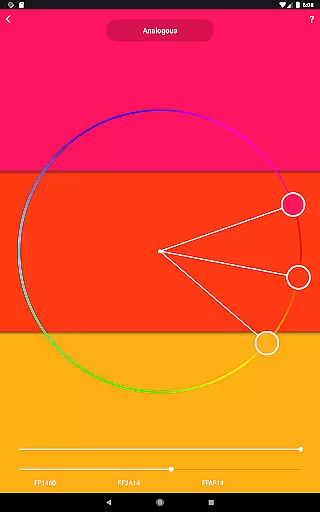
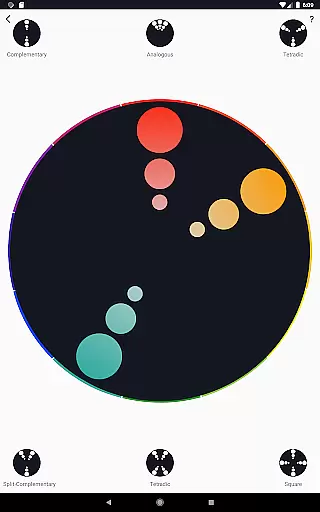
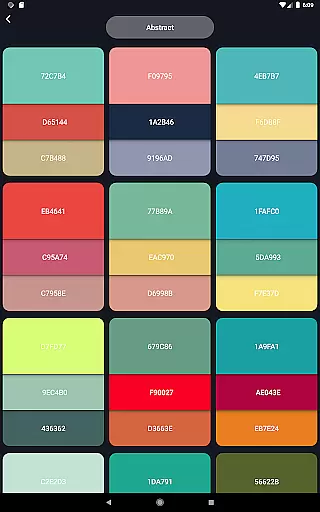
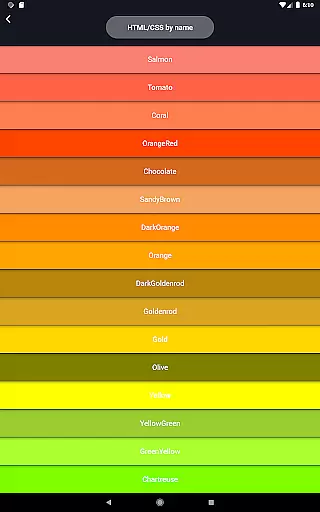
Color Wheel is an all-in-one application that brings together various types of color wheels, catering to graphic designers, painters, and artists. The app features digital, abstract, and classic color wheels, each serving different artistic needs. Users can explore professional color palettes, extract colors from images or the camera, and utilize tools like grayscale and value checker for perfecting their artwork.
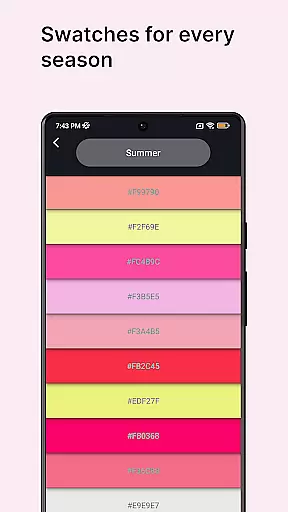
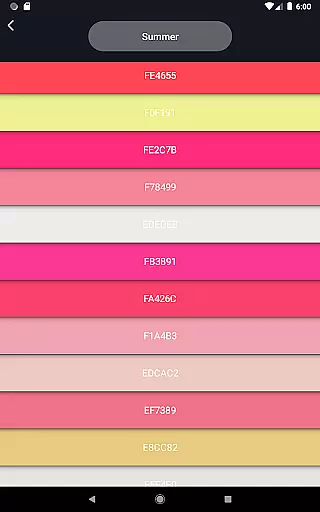
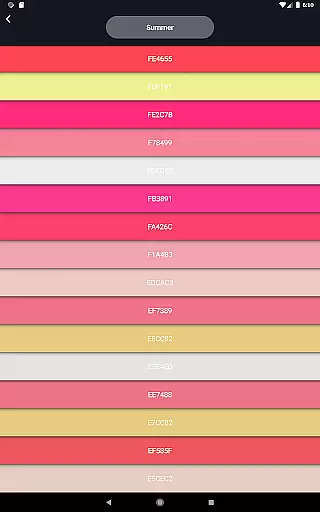
The app also includes specialized features such as color swatches based on seasons and moods, making it versatile for a range of creative projects. Whether you're a professional designer or an art enthusiast, Color Wheel provides essential tools to enhance your creative process and deliver visually stunning results.
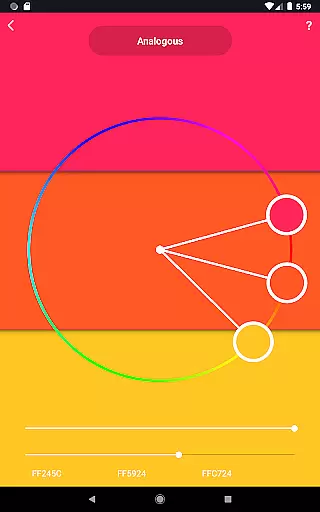
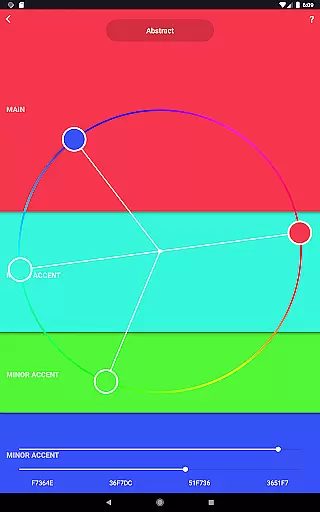
Color Wheel offers an extensive set of features tailored for artists and designers. The Digital Color Wheel serves as a critical tool for graphic designers, enabling them to create harmonious color schemes. The Abstract Color Wheel caters to those engaged in abstract painting, offering specialized color choices that inspire creativity.
In addition to the color wheels, the app provides practical tools like the Color Picker, which extracts colors from the camera, and Image Colors, allowing users to derive palettes from existing images. Advanced features such as Value Checker and Value Breaker assist in maintaining correct balance and simplifying complex images into distinct values, thus aiding both beginners and professionals in their artistic endeavors.
In the realm of digital art and design, having a comprehensive set of creative tools is paramount. Color Wheel offers an extensive suite that caters to various artistic needs, ensuring that both professional designers and hobbyist painters have everything they require at their fingertips.
The app includes a digital color wheel for graphic designers, an abstract color wheel for those interested in abstract painting, and a classic color wheel for traditionalists. Each variant provides unique functionalities tailored to different styles and preferences, making it an all-in-one solution for color selection.
Additionally, users can access numerous professional color palettes, a color picker for extracting colors from images or the camera, and color swatches organized by seasons and moods. These features empower artists to experiment with new ideas while maintaining harmony and balance in their work.
Flexibility in canvas size and format options is crucial for accommodating diverse project requirements and personal expression. Color Wheel excels in this area by providing versatile tools that adapt to various artistic endeavors without compromising on quality or precision.
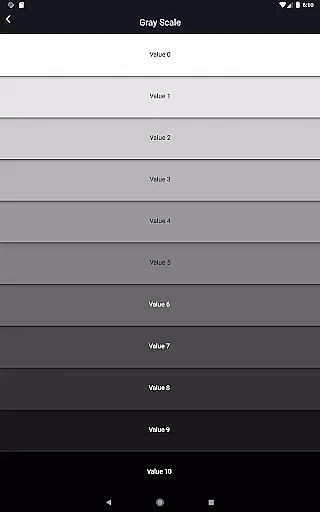
One notable feature is the grayscale tool, which simplifies the process of creating monochromatic artwork. This function helps artists focus on composition and contrast without being distracted by color variations, thus enhancing overall visual impact.
Moreover, the value checker and value breaker tools assist in evaluating and simplifying paintings respectively. By breaking down complex images into distinct values, these utilities make it easier for beginners to understand fundamental principles of light and shadow, thereby improving their skills over time.
User-friendly interface
Comprehensive color tools
Versatile design options
Professional color palettes
Innovative value checker
Limited free features
Occasional bugs
Heavy on memory
No dark mode
Ads in free version

Pose and morph realistic male and female models! 3D poser app
 3.00
3.00
Design your dream room with AI. Get decor ideas & plan home interiors
3.90
Draw anime & manga drawing, art with templates to create stunning picture!
4.50
Create neon drawing with magic doodle and fun doodle art effects!
4.50
Logo Generator powered by AI: Create stunning logos effortlessly!
4.70
Photo editor for art, avatars, filters & fun transformations.
4.60
Powerful home decoration & house design that allows you to design dream home.
3.80
Kling AI is an image and video generation and editing studio powered by AI.
4.50
AI-powered photo & video creation—fast, fun, and effortless with Quick Actions
4.60
See Color, Paint Color
4.90
Novices can also easily complete diamond painting masters
4.70
2D animation studio for Android tablets - unlimited layers, infinite timeline
4.70
Turn your drawings into flipbook-style animations with simple creative tools
4.60
Get an overview over all your embroidery threads, projects and more.
4.60
Everything you need to create hand drawn animation, anywhere you go!
4.40
Create and Design Custom Logos in Seconds with AI-Powered Tools!
4.40
Beauty Camera - Selfie Camera is the ultimate beauty camera and selfie app
4.30
OneUI 8.5 icons ✨ Smooth, modern & based on the latest Play Store design ??
4.10
Art of Combination Wear OS Watch faces
4.2


User Reviews