
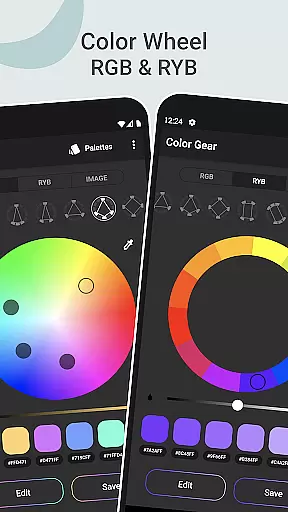
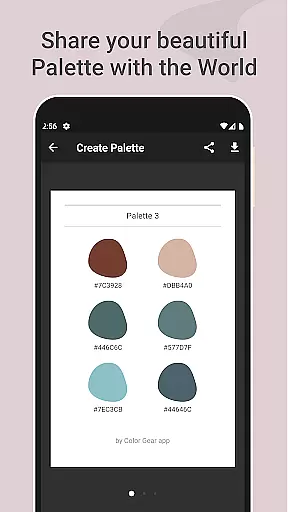
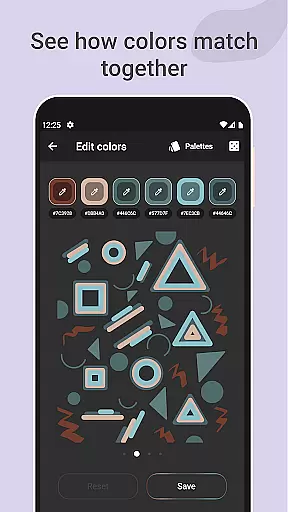
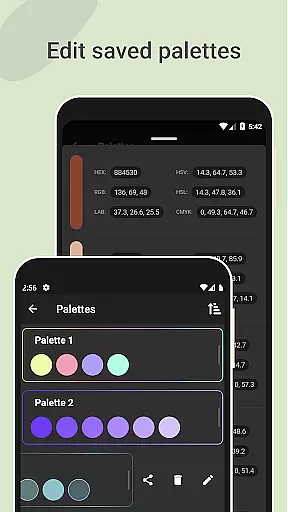
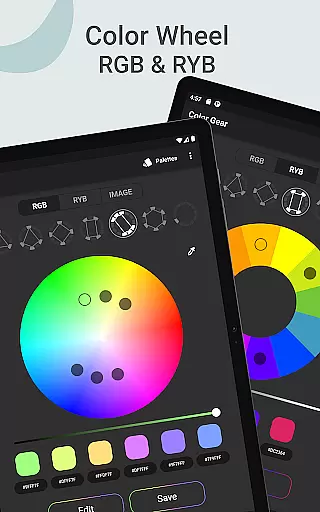
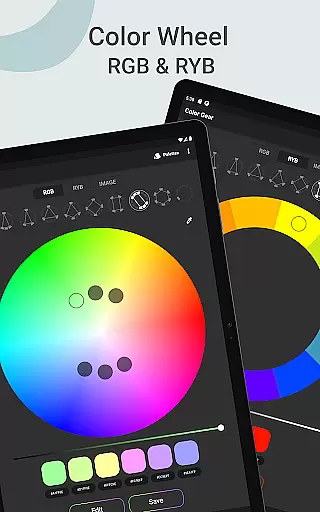
Color Gear is an essential tool for designers and artists, providing a comprehensive suite of features to create harmonious color palettes based on color theory. The app supports two color models - RGB and Itten Color Wheels, catering to both digital media and traditional art forms.
With advanced capabilities like extracting palettes from images, precise color editing, and easy management of color palettes, Color Gear stands out as a versatile solution for all color-related needs. Its offline functionality and intuitive interface make it invaluable for creative professionals.
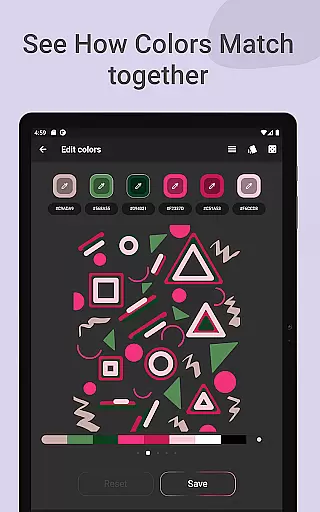
The app's ability to generate color harmonies from HEX codes and its sophisticated color picker tool enable users to quickly develop and refine their design projects. Whether you're building brand identities or working on artistic compositions, Color Gear provides the tools needed to achieve professional-grade color work.
Color Gear offers an impressive array of features that cater to both professional designers and hobbyists. The dual color wheel system (RGB and Itten) supports various creative workflows, while the 10+ color harmony schemes provide extensive options for palette creation.
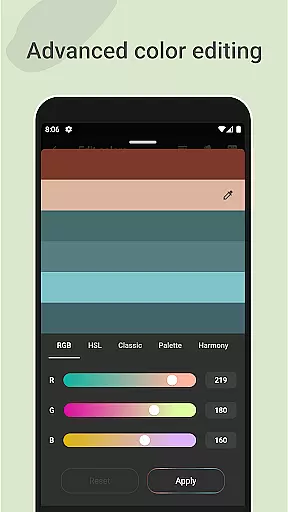
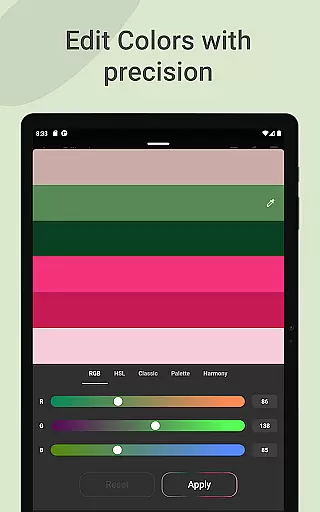
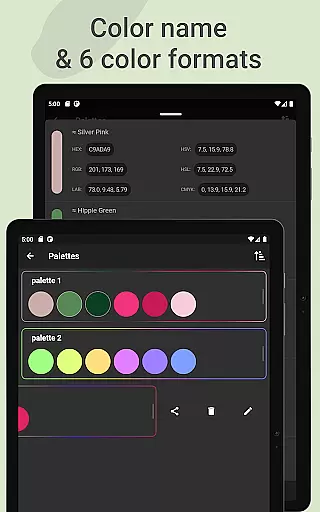
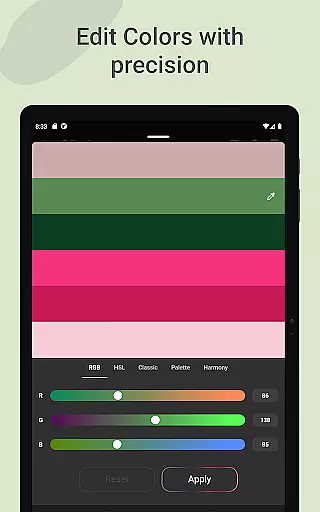
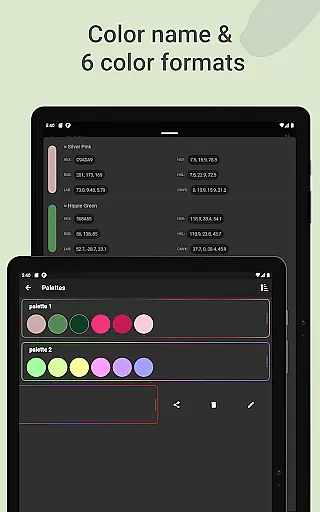
The app's image-based palette generation and advanced color editing tools demonstrate its technical sophistication. Users can precisely adjust Hue, Saturation, and Lightness values, and work with multiple color formats including HEX, RGB, LAB, HSV, HSL, and CMYK. This flexibility makes it suitable for diverse design applications.
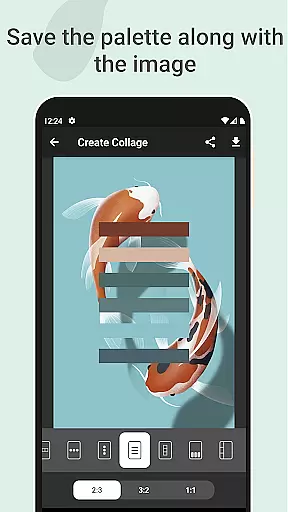
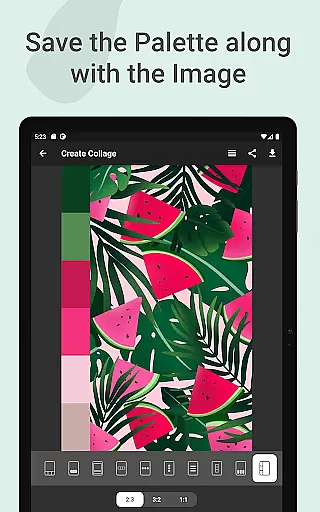
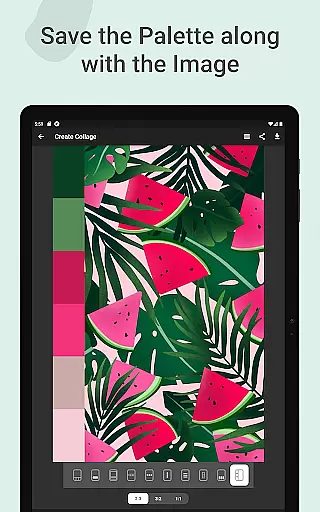
Additional features like palette saving with images, collage creation, and seamless sharing options enhance the user experience. The offline functionality ensures uninterrupted creativity, making it particularly valuable for professionals who need reliable tools regardless of internet connectivity.
In the realm of digital art and design, having a comprehensive set of creative tools is essential for bringing ideas to life. Color Gear stands out by offering an extensive suite of features that cater to both designers and artists. The app includes two distinct color models - RGB and Itten Color Wheels - allowing users to work within the digital media space or explore traditional paint and pigment techniques.
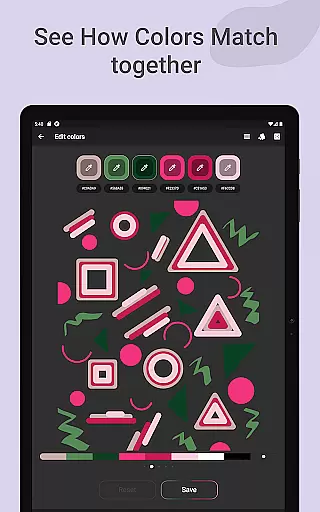
With over 10 color schemes available for each model, this application ensures that users can experiment with a wide array of palettes. Whether you're looking to create vibrant digital artwork or seeking inspiration from classical art theory, Color Gear provides the means to achieve your vision. Its support for various color harmonies enables creators to build palettes that are not only visually appealing but also grounded in established artistic principles.
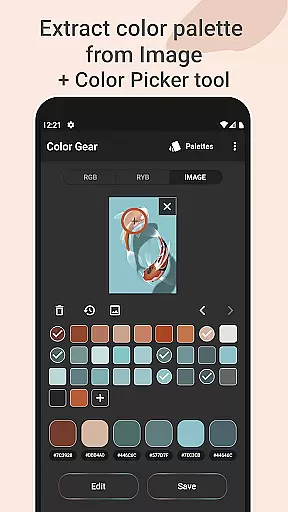
Beyond its core offerings, Color Gear enhances workflow efficiency through advanced functionalities such as extracting palettes from images and precise editing options for hue, saturation, and lightness values. These capabilities empower users to refine their creations with meticulous control while maintaining harmony across their chosen colors.
Flexibility in canvas and format options is crucial for designers who need to adapt their work across different mediums and platforms. Color Gear addresses this requirement by providing versatile solutions that accommodate diverse project needs. Users can input specific HEX or RGB color codes directly into the app, instantly generating matching color harmonies tailored to their unique specifications.
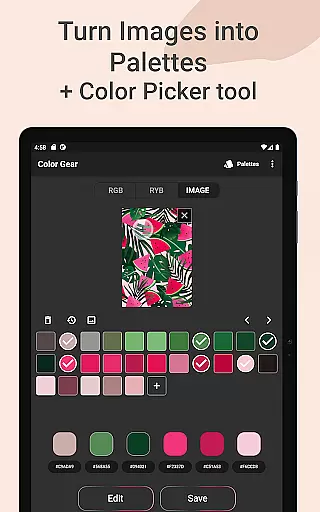
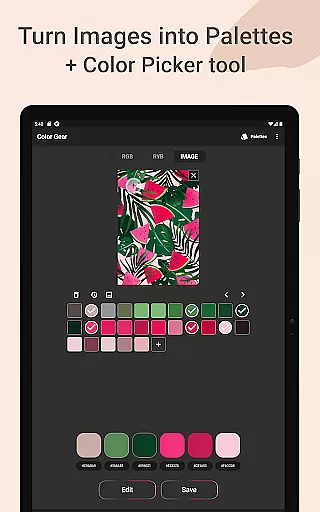
The ability to extract palettes from images further expands creative possibilities. By selecting pictures from their gallery, users can transform photographs into customizable color schemes using the built-in Hex Color Picker (eyedropper). This feature allows for manual selection of colors, ensuring accuracy when capturing exact shades from any source material.
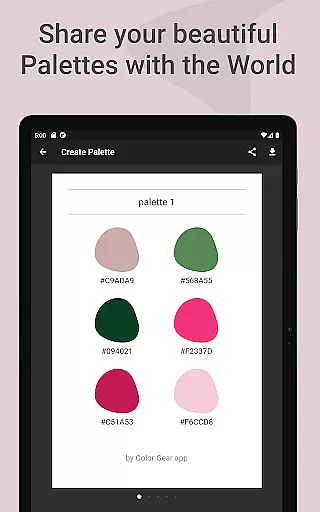
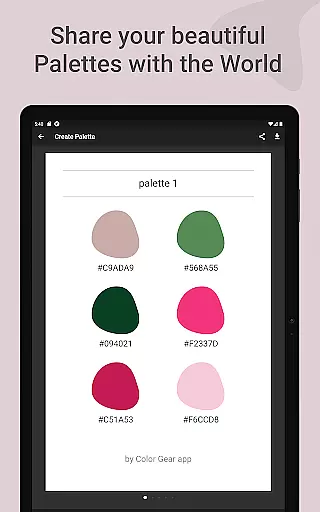
Moreover, Color Gear facilitates seamless management and sharing of created palettes. With six available color formats (RGB, HEX, LAB, HSV, HSL, CMYK), professionals can easily share their work in industry-standard specifications. The option to save palettes alongside images as collages adds another layer of presentation flexibility, making it simple to communicate design concepts effectively.
User-friendly interface
Comprehensive color tools
Offline functionality
Advanced editing options
Versatile color formats
Limited advanced features
Occasional bugs
No cloud sync
Basic UI design
Learning curve

Download now for a stylish and functional timepiece
 4.0
4.0
Art of Combination Wear OS Watch faces
4.4
Image/ Text to Video Generator
4.40
Sketch, trace and master AR drawing with awesome anime art!
3.30
Digital illustration drawing & painting pad app to paint Anime and Manga art
4.50
Trace, draw, and create art with AR - from memes to masterpieces!
4.30
Beauty Camera - Selfie Camera is the ultimate beauty camera and selfie app
4.30
Create Logos, Tattoos, AI Art & more with our AI Photo Generator & Design Editor
4.20
All-in-One art, logo & collage maker. Design photos and edit video backgrounds
4.80
Draw beautiful mandala's very easily
4.60
Get an overview over all your embroidery threads, projects and more.
4.60
Draw, fidget, and spin glow art! Relax and express your creativity with a finger
4.60
AI generated images & photos, turn your words into drawing, painting & pictures.
4.30
Nano Banana AI Image Generator, Anime Filter, AI Portrait, AI Photo Generator
4.30
Bring One UI 8.5 Icons to life -elegant dark icons with a modern, premium touch.
4.30
Unleash Your Creativity with Draw Cartoon - AR Drawing App
4.10
Floor Plan Creator lets you create, edit and share floor plans.
4.00
Turning simple sketches into captivating tales filled with life and motion
3.90
Android 14 style widgets and wallpapers app.
4.3


User Reviews