
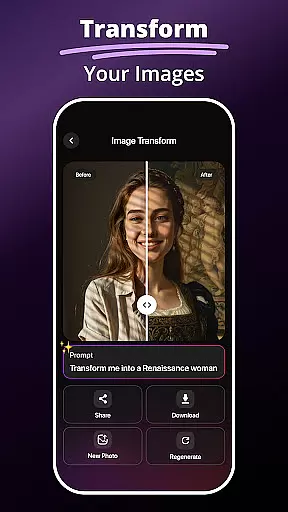
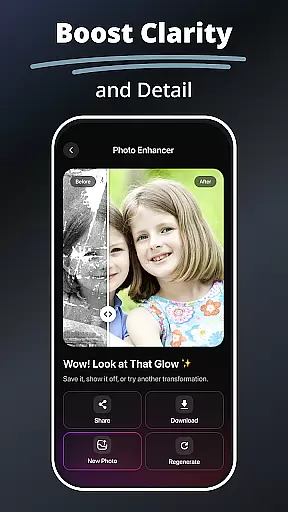
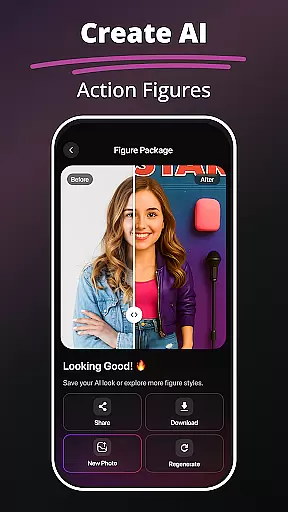
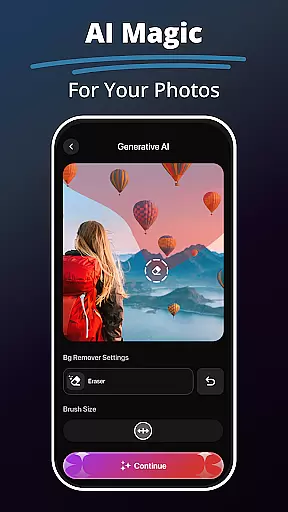
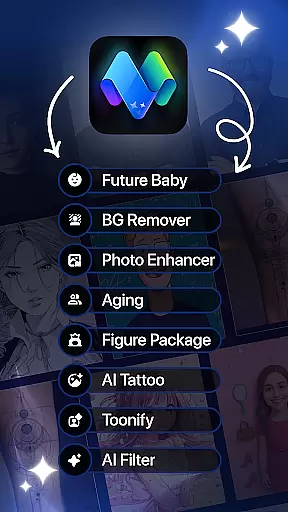
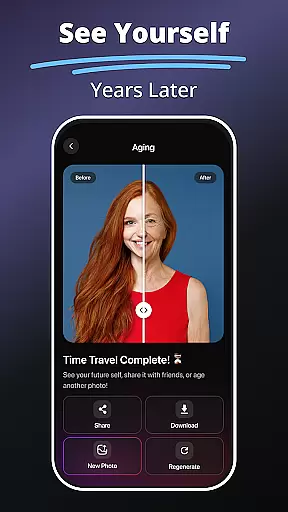
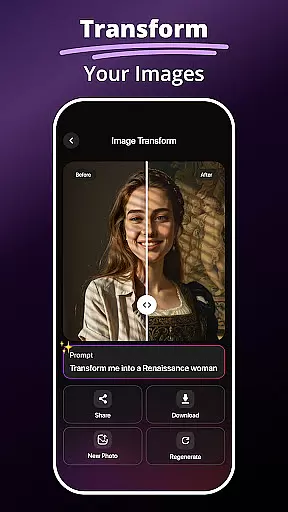
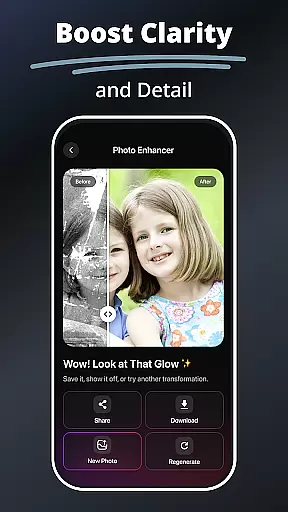
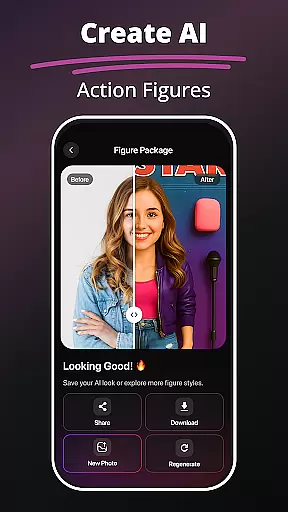
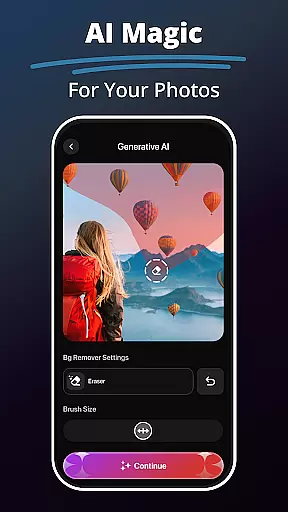
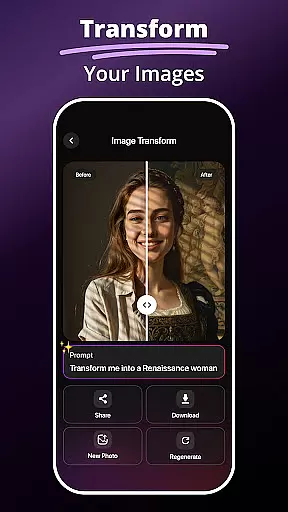
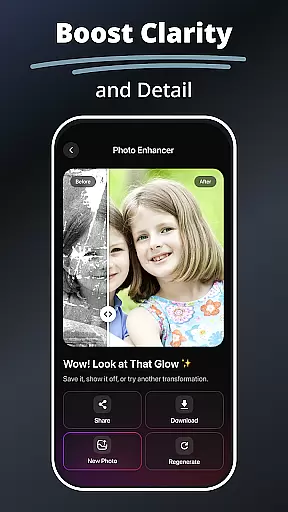
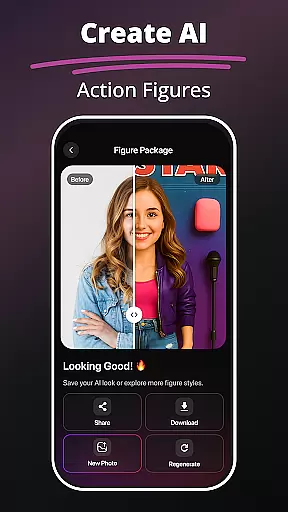
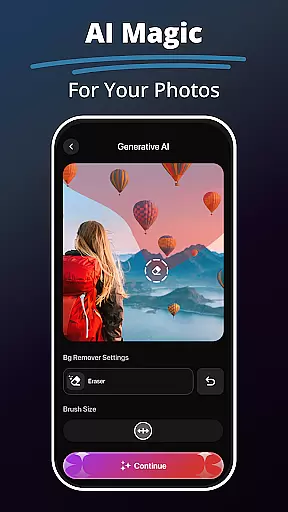
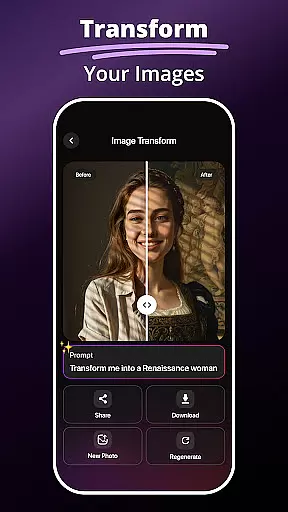
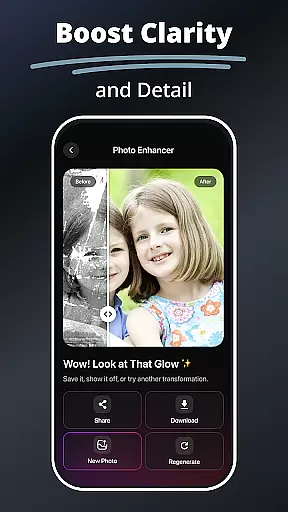
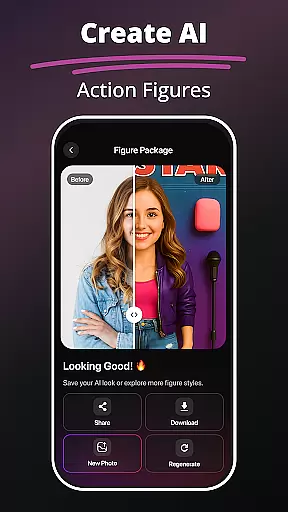
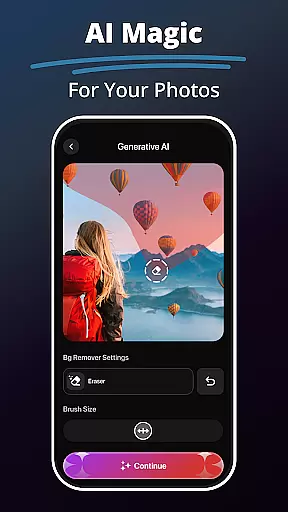
MePic is an innovative AI-powered photo editor designed to transform your selfies and portraits into stunning digital art. This all-in-one editing tool offers a comprehensive suite of features including advanced filters, creative text-to-image generation, and precise object editing capabilities. Whether you're looking to enhance your photos, design personalized avatars, or experiment with imaginative visuals, MePic provides the perfect platform for unleashing your creativity.
The app's standout feature is its ability to generate unique artistic styles through AI algorithms, allowing users to create professional-grade edits without any prior experience. From smoothing skin textures to animating static images, MePic caters to both casual users and serious designers. Its intuitive interface and powerful tools make it an essential companion for anyone interested in digital art and photo manipulation.
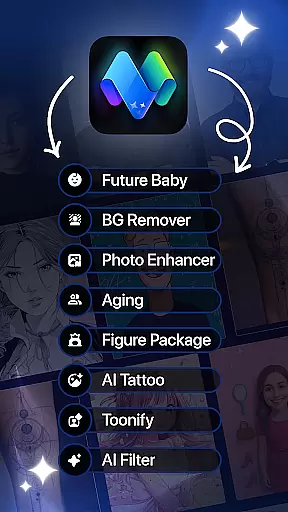
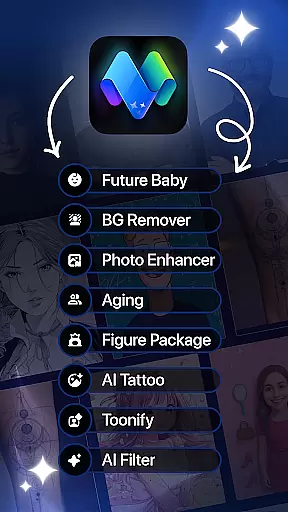
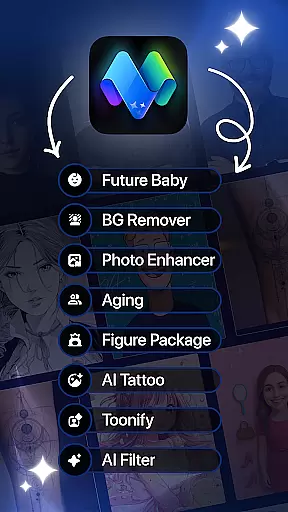
MePic distinguishes itself through an impressive array of AI-driven features that cater to diverse editing needs. The Text to Image function allows users to describe their vision in words, which the app then converts into high-quality visual representations - ideal for conceptual artwork and creative exploration. Another highlight is the Future Baby Generator, which uses sophisticated prediction algorithms to simulate what your future child might look like.
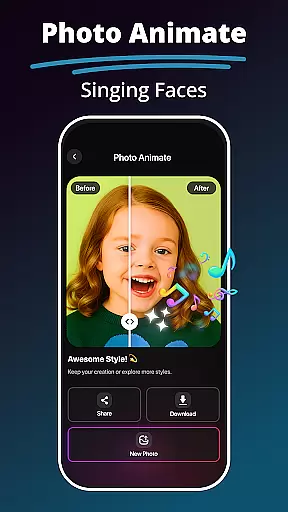
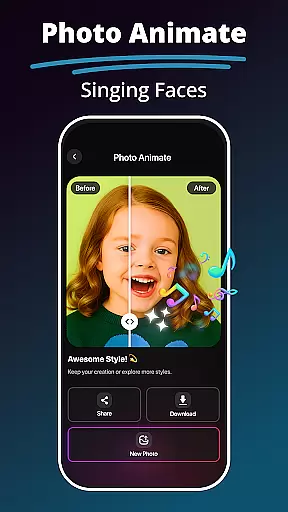
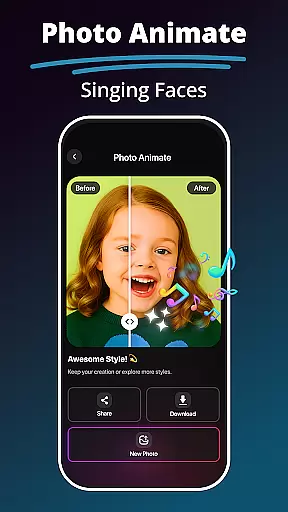
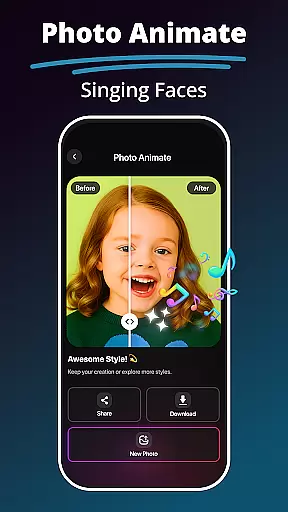
The app's core editing capabilities include professional-grade photo enhancement tools that automatically adjust lighting, sharpen details, and improve facial clarity. Users can experiment with various styles through the Avatar Creator, test different looks with the Hair & Beard Changer, and achieve flawless compositions with the Background Remover. Additionally, the Photo Animate feature brings static images to life through dynamic motion effects, while the comprehensive filter library offers everything from subtle adjustments to dramatic artistic transformations.
In the realm of digital artistry, having a comprehensive suite of creative tools is essential for unleashing one's full potential. MePic stands out as an all-encompassing AI-powered photo editor that transforms selfies into digital masterpieces.
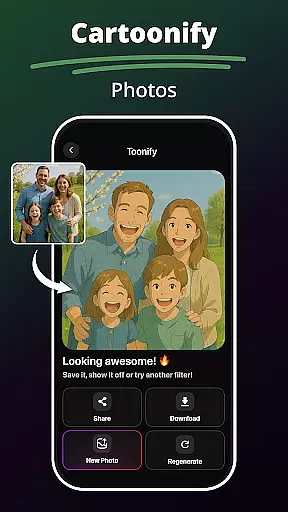
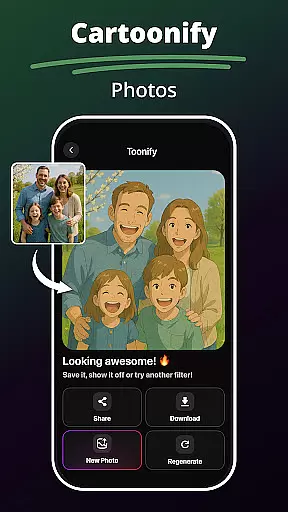
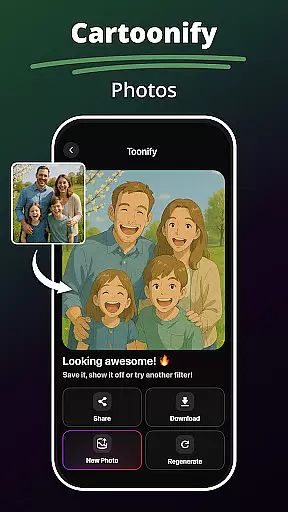
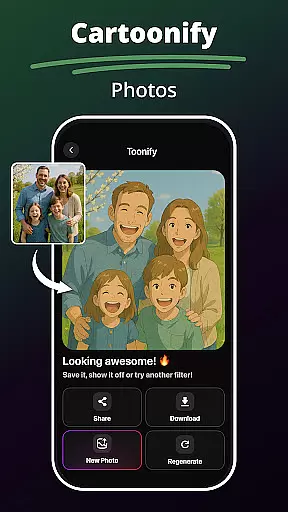
With features ranging from Text to Image generation, which brings imagination to life through descriptive input, to an advanced Future Baby Generator, users can explore uncharted territories of creativity. The inclusion of AI filters and effects, such as cartoonization and digital painting styles, ensures that every artistic vision can be realized with finesse.
Moreover, the Avatar Creator allows for personalization in diverse styles, while the Hair & Beard Changer offers non-committal experimentation with appearances. These robust functionalities empower users to design personalized avatars and test new looks without any real-world consequences.
The true measure of an art and design application lies in its canvas and format flexibility, enabling artists to bring their visions to life without constraints. MePic excels in this domain by providing versatile editing options that cater to various creative needs.
From the ability to remove or replace backgrounds with ease, to the power of erasing unwanted objects, MePic equips creators with the necessary tools for crafting pristine visuals. Its Photo Enhancer Tools further refine images by sharpening details, adjusting lighting, and boosting facial clarity.
Additionally, the innovative Photo Animate feature breathes life into stills through motion effects, animating faces and creating dynamic loops. This level of adaptability not only enhances image quality but also expands the horizons for professional and artistic photo projects alike.
User-friendly interface
Advanced AI capabilities
Comprehensive editing tools
Creative avatar options
Unique future baby feature
Premium features locked
Occasional processing delays
Limited free usage
High system requirements
Subscription costs

Floor Plan Creator lets you create, edit and share floor plans.
 4.00
4.00
Custom Character Creator & PFP Maker!
4.20
Apply cartoon, caricature, and portrait effects to make your photos stand out!
3.60
Digital illustration drawing & painting pad app to paint Anime and Manga art
4.50
Remove Background, Magic Eraser, Photo Enhancer, Story Templates, Collage Maker
4.30
Draw on screen: FP sDraw is a simple and lightweight drawing app
4.70
Convert image to JPG PNG HEIC PDF, support almost all kinds of image formats
4.70
A luxurious gold watch face for an elegant and refined look.
4.0
2D animation studio for Android tablets - unlimited layers, infinite timeline
4.70
Novices can also easily complete diamond painting masters
4.70
Image resizer to resize, crop, rotate, flip, change dpi photo or picture in bulk
4.60
Draw Trace image sketch by, AR art projector app, Easy to trace any image.
4.50
Nano Banana AI Image Generator, Anime Filter, AI Portrait, AI Photo Generator
4.30
Customizable Outlined Fonts. Watch Face Format. Battery friendly Digital Clock.
4.20
Art of Combination Wear OS Watch faces (for Wear OS 5+ devices)
3.90
Powerful home decoration & house design that allows you to design dream home.
3.80
Sketch, trace and master AR drawing with awesome anime art!
3.30
Your Essential Color Theory Guide: Red, Yellow, Blue (RYB)
4.3
Art of Combination Wear OS Watch faces
4.2


User Reviews