![[KNA015] CRESCENT logo](https://cdn.linksharehub.com/ocp/?u=https%3A%2F%2Fl1.fancapitalize.com%2Fimages%2F2025%2F12%2F679a09946cef61bbb056bb0b13adfcd7.jpg&t=webp)
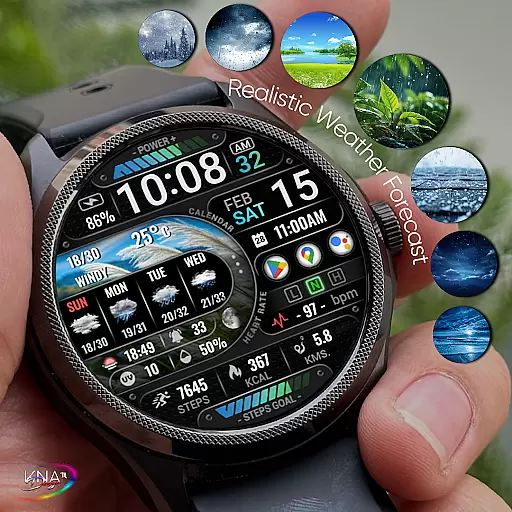
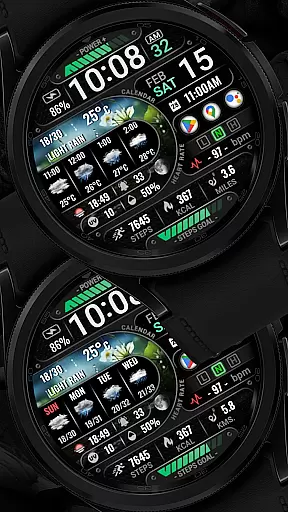
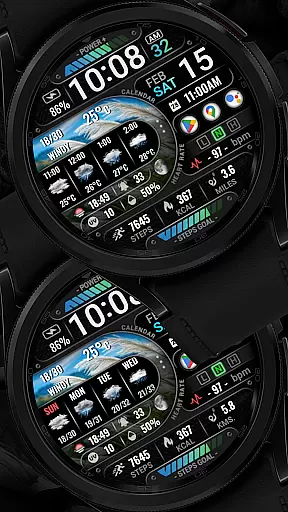
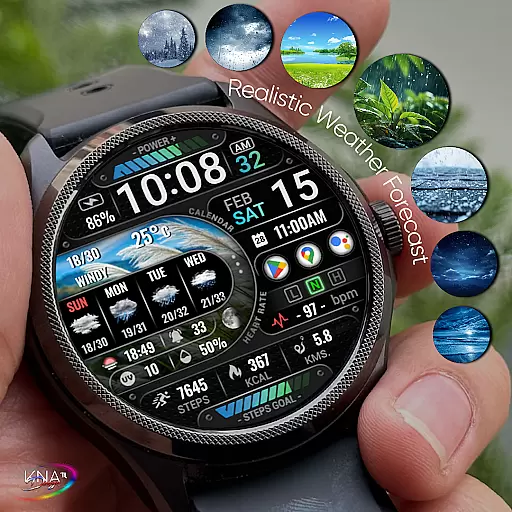
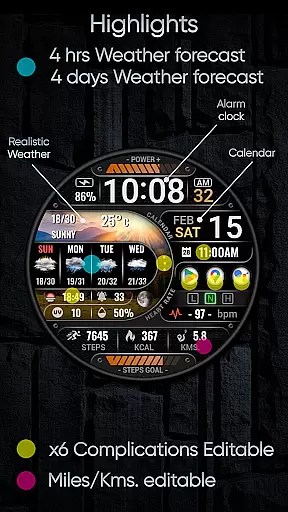
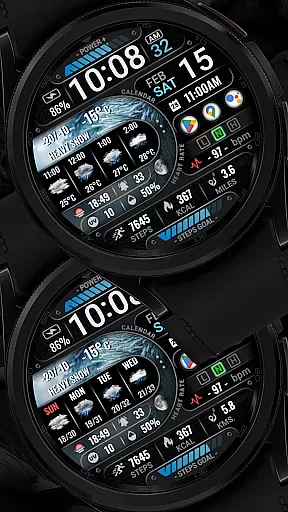
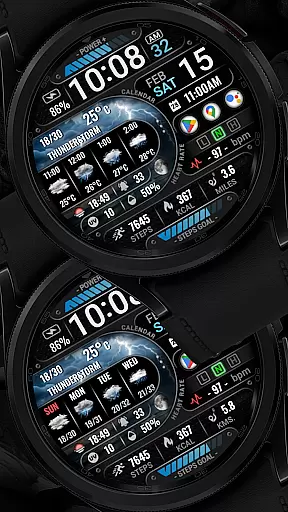
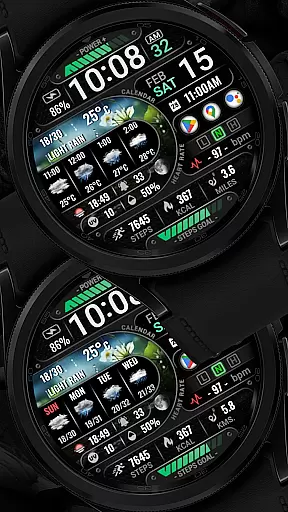
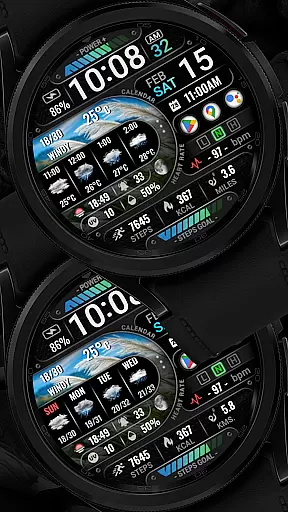

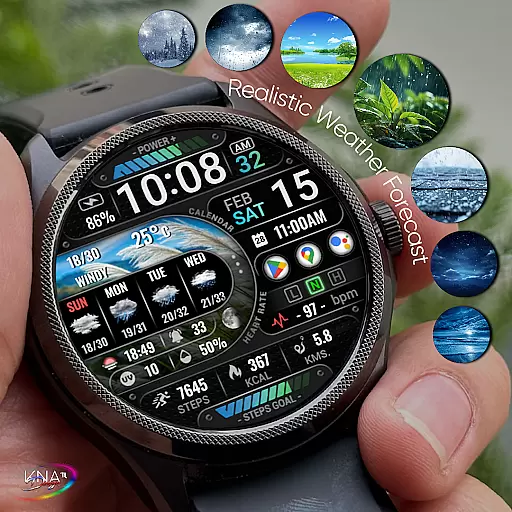
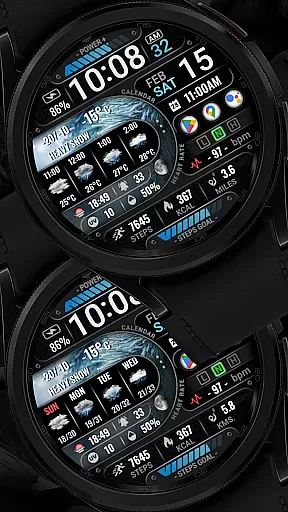
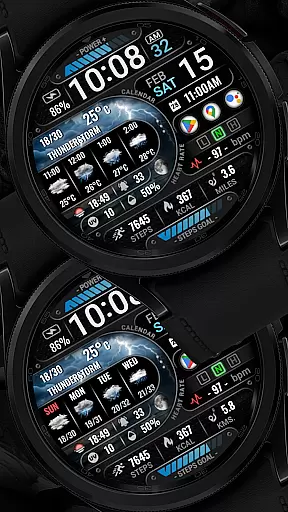
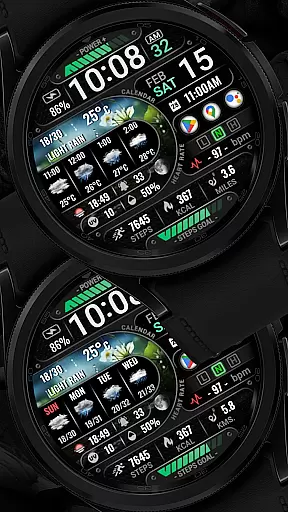
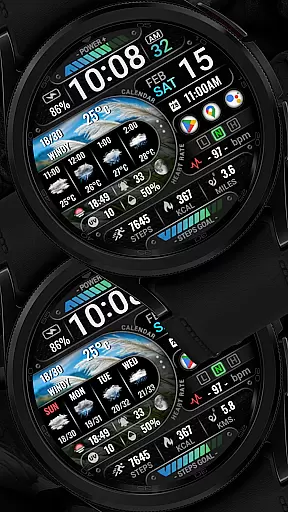
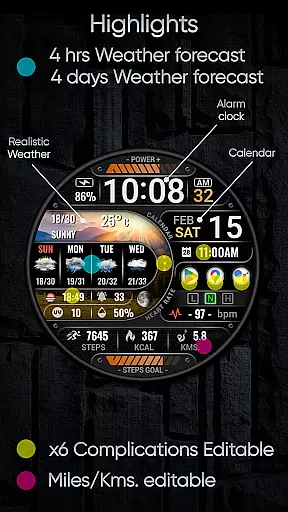
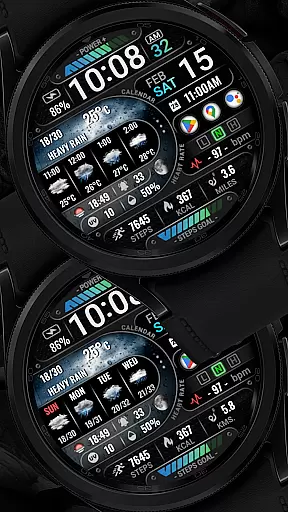
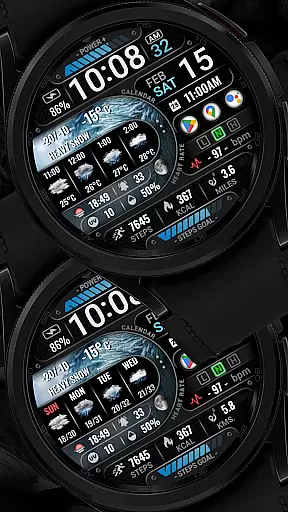
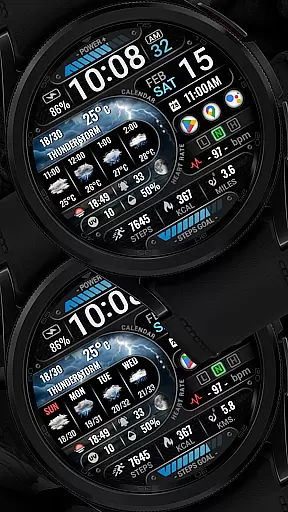
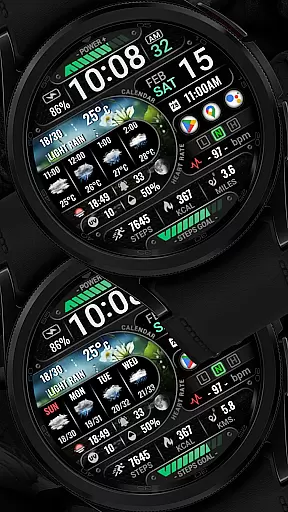
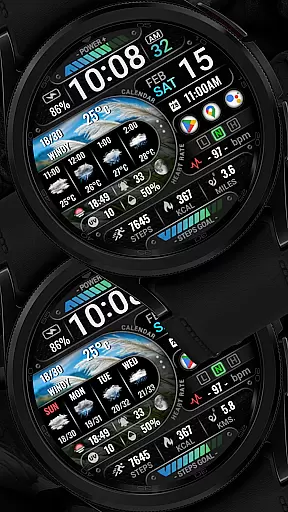
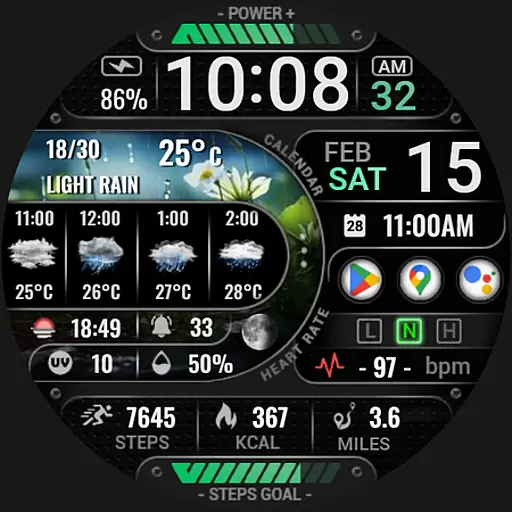
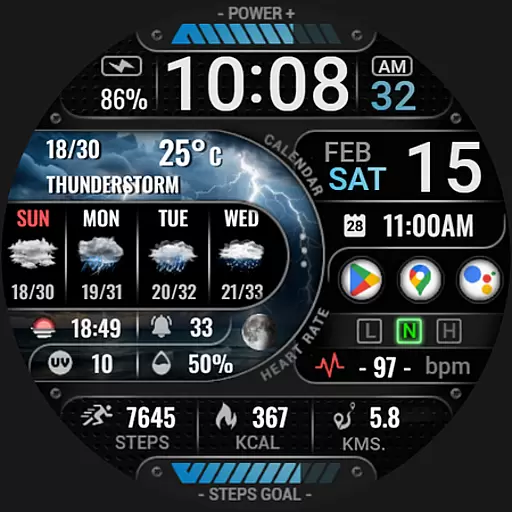
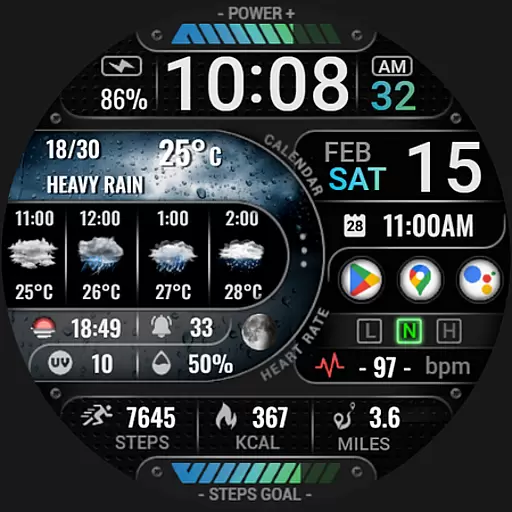
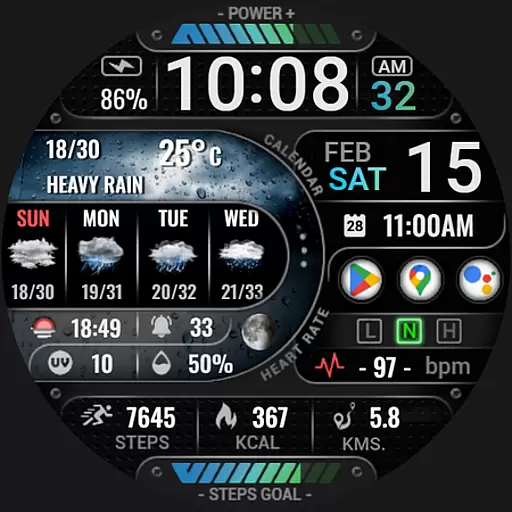
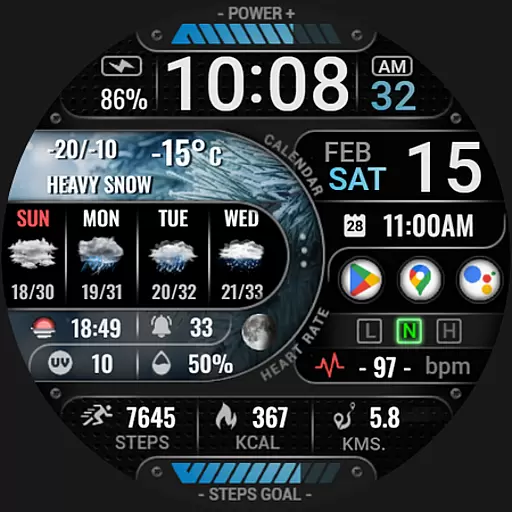
[KNA015] CRESCENT is a feature-rich watch face designed specifically for Wear OS 5+ devices, offering users an array of customizable complications. This Art & Design app transforms your smartwatch into a personalized timepiece with advanced functionalities.
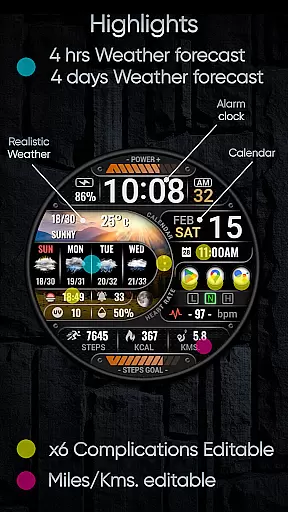
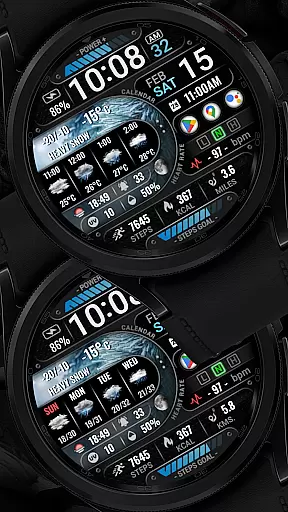
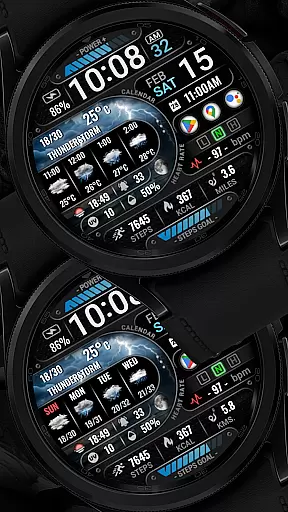
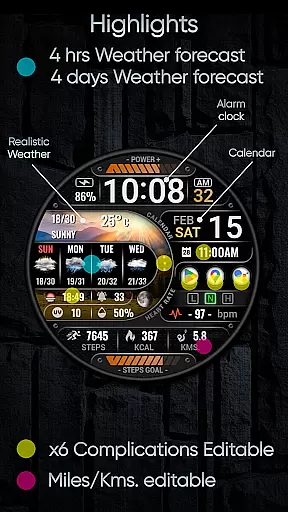
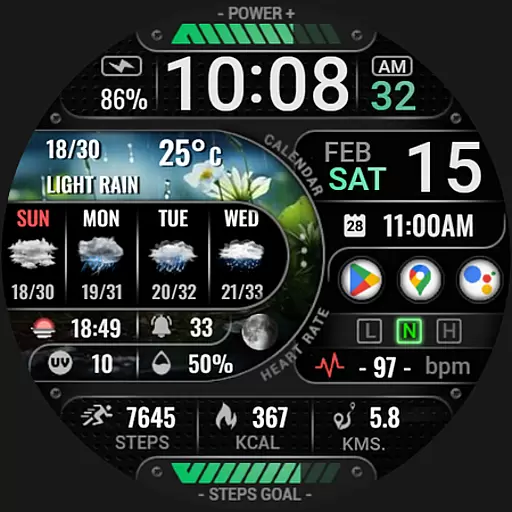
The watch face supports digital styles in both 12 and 24-hour formats, displaying date, day of the week, and month. It also features realistic weather updates, 4-hour and 4-day weather forecasts, chance of precipitation, UV index, moon phase, and multiple editable widgets including AOD styles, distance calculation, step count, heart rate monitoring, battery level display, message notifications, calorie tracking, and more.
Perfect for users who want to maximize their Wear OS experience, [KNA015] CRESCENT provides both aesthetic appeal and practical utility through its comprehensive customization options.
This Art & Design watch face stands out with its extensive customization capabilities. Users can personalize their watch faces with up to six editable complications, choosing from various data sources such as weather information, world clock, sunset/sunrise times, and barometer readings.
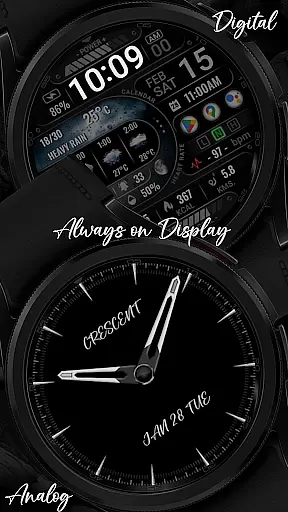
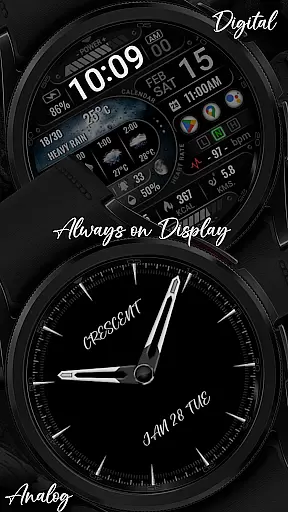
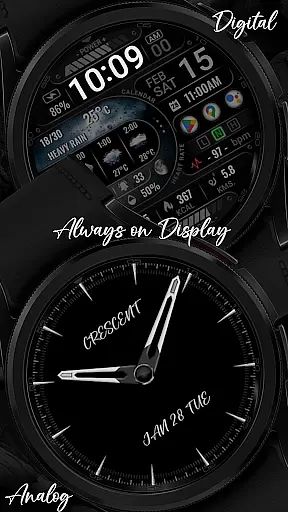
The application offers two AOD styles (Analog/Digital), distance calculation in either kilometers or miles, and essential health tracking features like step count, heart rate monitoring, and calorie calculation. The inclusion of message notifications and battery level indicators ensures users stay connected and informed.
While some features may not be available on all watches, the app maintains broad compatibility with Wear OS 5+ devices running API level 34+. Users must verify their device's compatibility before installation and manually set the watch face after installation.
In the realm of digital art and design, having a comprehensive set of tools is essential for creators to fully express their visions. The [KNA015] CRESCENT Wear OS Watch Face stands out by offering an extensive suite of customizable complications, making it a versatile canvas for personal expression on your wrist.
This application provides users with six editable widgets that can display a variety of data, including weather, world clock, sunset/sunrise times, and even barometric pressure. With options like UV Index, Moon Phase, and chance of precipitation, designers have the freedom to tailor their watch face to serve both aesthetic and functional purposes.
Moreover, features such as Realistic Weather, 4 Hours/4 Days forecast, distance calculation in KM/MI, step count, heart rate monitoring, battery level display, message unread indicators, and calorie calculators ensure that users are not only able to customize but also enhance their daily productivity right from their wrist.
The ability to adapt and modify the format of one's creative space is vital for optimal design workflow. The [KNA015] CRESCENT Wear OS Watch Face embraces this concept by providing two distinct Always-On Display (AOD) styles: Analog and Digital. This dual-style AOD allows users to choose a visual format that best suits their personal or professional needs at any given time.
Furthermore, the customization process is straightforward yet powerful; users simply touch and hold the display, then tap on the 'Customize' option to access a plethora of settings. Here they can adjust complications to show various types of information, ensuring that each useru2019s watch face remains unique and relevant to their lifestyle.
It's important to note that while some features may not be available on all watches due to hardware limitations, the flexibility offered by [KNA015] CRESCENT ensures compatibility with API level 34+ for Wear OS 5+ devices, giving many users the opportunity to experience its adaptable design firsthand.
Highly customizable
Realistic weather updates
Comprehensive health tracking
Multiple widget options
User-friendly interface
Limited device compatibility
Some features unavailable on certain watches
Requires manual setup
No automatic application
Complex installation process

Art of Combination Wear OS Watch faces
 4.3
4.3
Unleash your drawing and painting potential
4.50
Digital, Abstract, Classic - all types of color wheels in one app!
4.60
Unleash Your Creativity with Draw Cartoon - AR Drawing App
4.10
Mobile pixel art editor. Simple. Fast. Portable.
4.80
Just trace a projected picture on paper and color! Draw & Paint with AR drawing
4.40
Draw, fidget, and spin glow art! Relax and express your creativity with a finger
4.60
Explore future self face age filter & remove background image for a unique look.
3.50
An intuitive, high-performance painting app that lets you focus on creating
4.40
Make your phone cooler and have a fantastic experience
4.80
Learn how to draw with step-by-step tutorials, fun lessons & multiplayer drawing
4.70
Photo editor for art, avatars, filters & fun transformations.
4.60
Get an overview over all your embroidery threads, projects and more.
4.60
Draw anime & manga drawing, art with templates to create stunning picture!
4.50
Digital illustration drawing & painting pad app to paint Anime and Manga art
4.50
Bring One UI 8.5 Icons to life -elegant dark icons with a modern, premium touch.
4.30
Create stylish invitation cards using templates for weddings, birthdays & RSVP.
4.20
Floor Plan Creator lets you create, edit and share floor plans.
4.00
Transform photos into amazing monochrome dither art with professional algorithms
4.0


User Reviews