
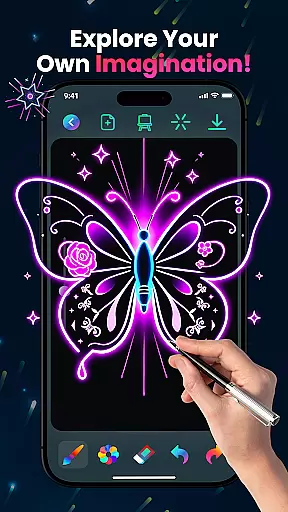
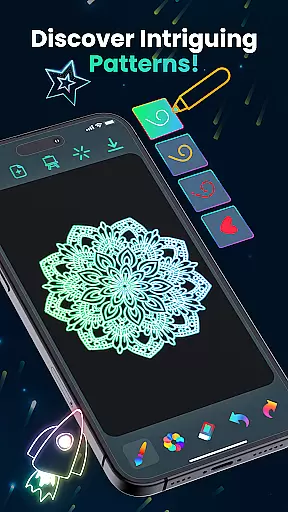
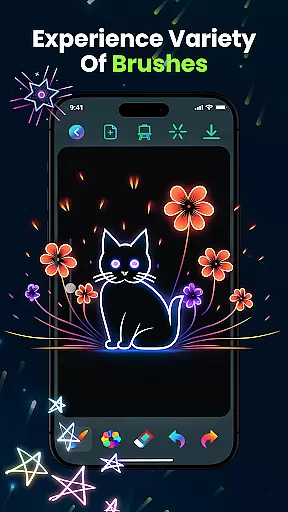
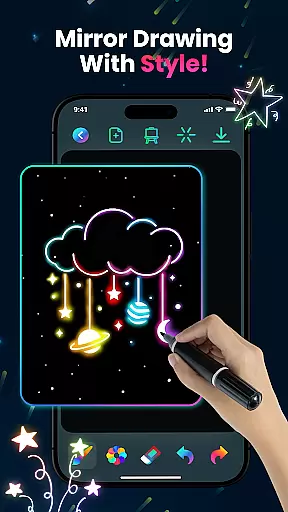
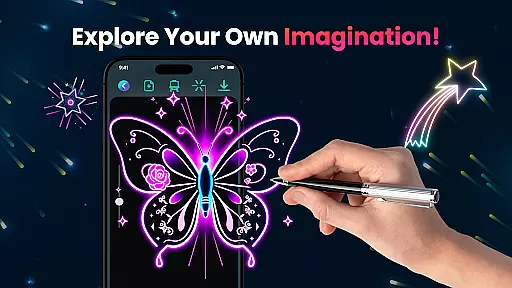
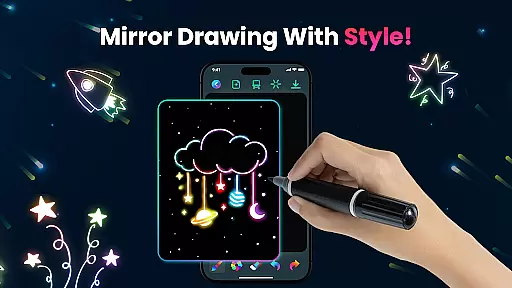
Magic Doodle is an innovative art application designed for both kids and adults who love to express their creativity through digital drawing. The app offers a vibrant canvas where users can explore glowing neon colors and create stunning artworks with ease.
With its intuitive interface, Magic Doodle provides a seamless experience for artists of all skill levels. From glowing brushes to easy sharing options, the app ensures that every user can transform their ideas into beautiful neon doodles while enjoying a stress-free creative process.
The app boasts a rich set of features tailored for artistic expression. Users can experiment with mesmerizing neon hues and utilize magical sketch tools that make every stroke come alive on the canvas.
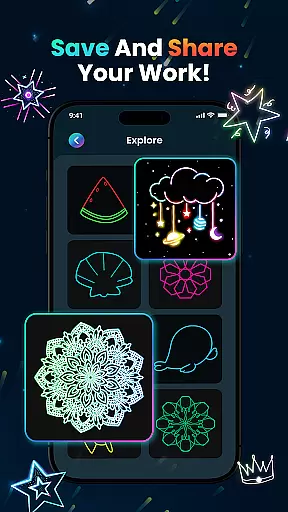
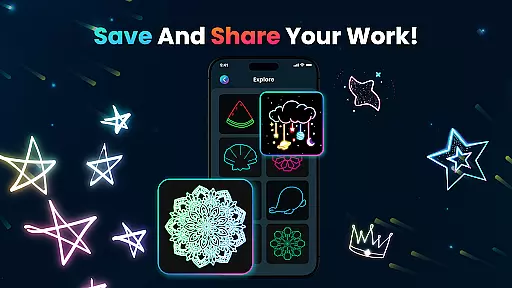
Magic Doodle also includes practical functions such as undo and redo buttons, allowing creators to refine their work effortlessly. Additionally, the app supports saving projects and sharing them directly on social media, making it simple to showcase one's masterpieces with friends and family.
In the realm of digital art, having a comprehensive set of creative tools is essential for unleashing one's artistic potential. Magic Doodle offers an impressive array of features that cater to both budding artists and seasoned professionals.
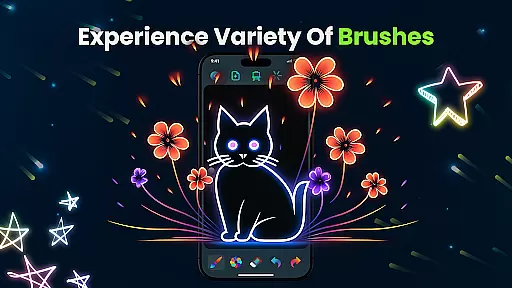
With its vibrant neon glow colors and glowing brushes, users can explore a wide spectrum of mesmerizing hues and sketching options. The app provides intuitive tools that mimic the experience of painting with neon lights, allowing for magical and expressive doodles.
Magic Doodle stands out by offering not just basic drawing capabilities but also advanced features such as undo and redo buttons, which make the creative process seamless and forgiving. This ensures that artists can experiment freely without the fear of making irreversible mistakes.
The true value of these complete creative tools lies in their ability to transform simple ideas into glowing artworks, making it possible for users of all skill levels to achieve professional-looking results.
A flexible canvas and format options are crucial for artists who wish to express their creativity without limitations. Magic Doodle excels in providing a versatile platform where artistry knows no bounds.
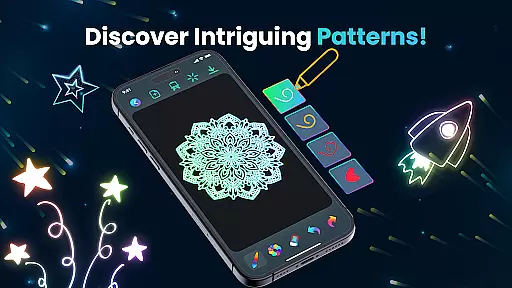
The app boasts a wide drawing canvas that invites users to dive into a world of vibrant colors and endless creativity. Whether you're sketching intricate mandalas or bold neon sketches, the expansive workspace adapts to your vision.
Magic Doodle supports various formats, ensuring that whether you're a child learning to paint or an adult perfecting your craft, the app accommodates all styles and complexities. Its compatibility with fingers or predefined images makes it accessible for everyone.
This flexibility empowers users to create everything from glowing mandalas to kaleidoscopic wonders, enhancing both relaxation and artistic expression through unlimited color options and adaptable design parameters.
User-friendly interface
Vibrant color palette
Undo & redo functionality
Social sharing options
Kid-friendly design
Limited advanced tools
No cloud backup
In-app purchases required
Occasional ads
Basic tutorials only

Premium version of Shimeji-ee app with no ads & no limit active shimeji
 4.4
4.4
The ultimate tool for creating animations
4.60
Create trending AI photos & videos with powerful effects and 3D styles.
3.20
Art of Combination Wear OS Watch faces
4.2
Easy 3D drawing design maker & creator. Model designing, Sculpting. Create&paint
4.00
AI Face Swap, Video Effects Editor, Realtime Morph, Funny Video FX,AI Filters
3.70
Create stunning art with AI.
4.80
Create cute cat emojis & PFPs! Fun, custom avatars for cat lovers.
3.70
Sketch and paint on your device with the feel and freedom of drawing on paper
4.00
Convert image to JPG PNG HEIC PDF, support almost all kinds of image formats
4.70
Digital, Abstract, Classic - all types of color wheels in one app!
4.60
Everything you need to create hand drawn animation, anywhere you go!
4.40
Remove Background, Magic Eraser, Photo Enhancer, Story Templates, Collage Maker
4.30
Unleash Your Creativity with Draw Cartoon - AR Drawing App
4.10
Unleash the artist in you with our AR drawing and tracing tool for photo drawing
4.10
Get creative and make art with your Sesame Friends!
4.00
AI Art Generator transforms your words into AI generated art & paintings.
3.70
Create sweet, cool and unique couple avatars easily, in just a few steps!
3.40
Inky runs Inkscape on Android devices and Chromebooks
2.90


User Reviews