
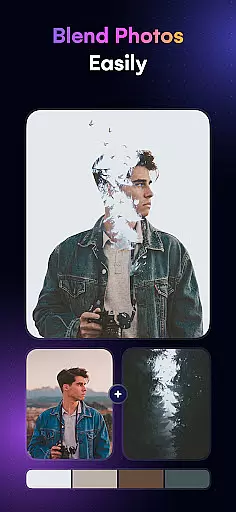
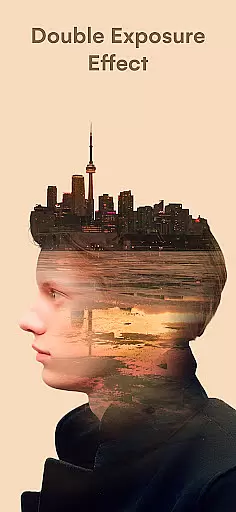
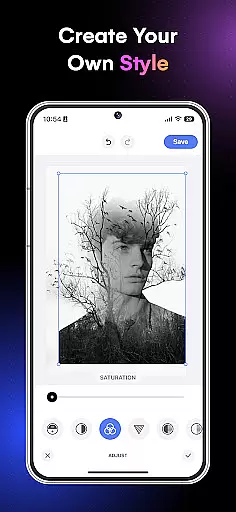
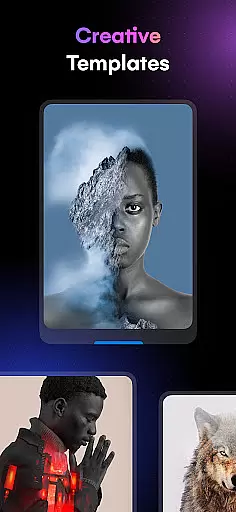
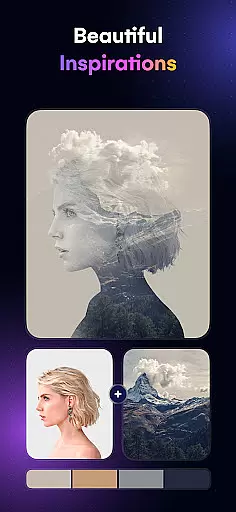
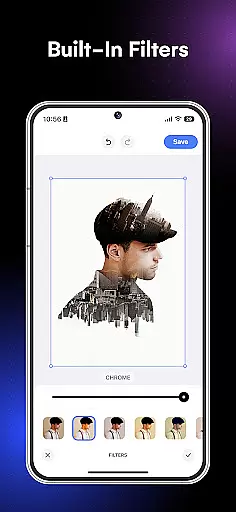
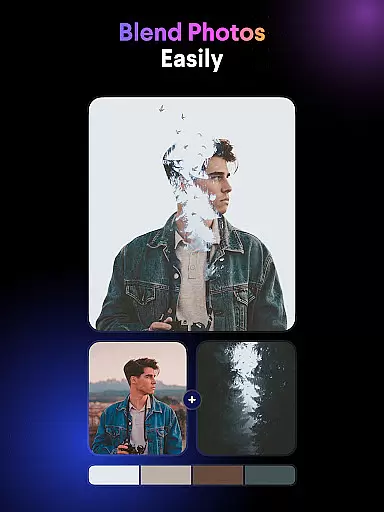
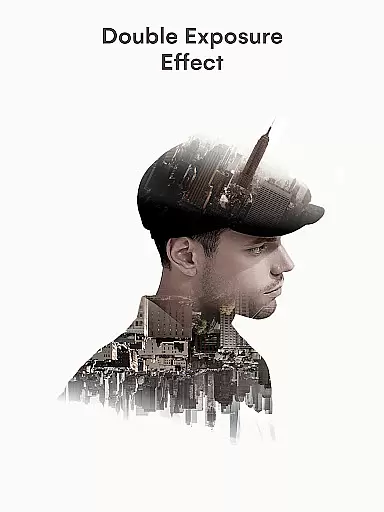
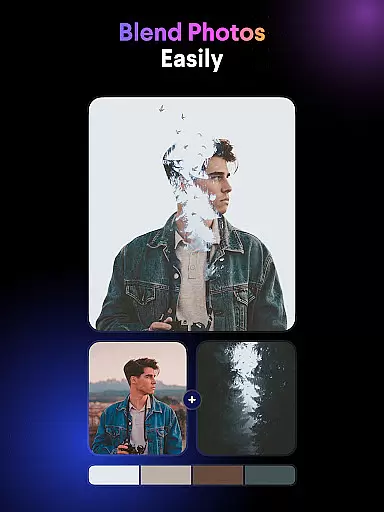
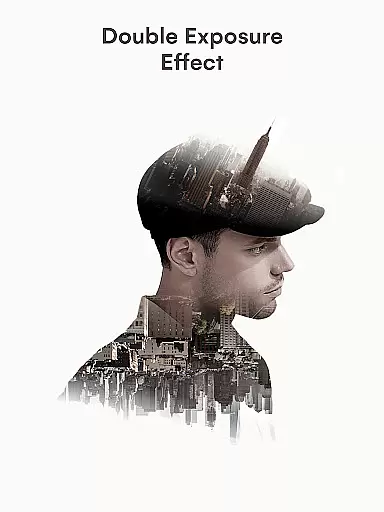
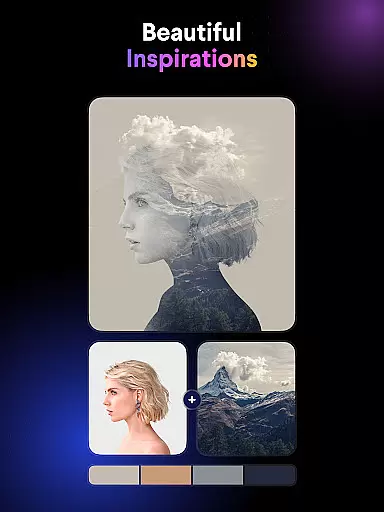
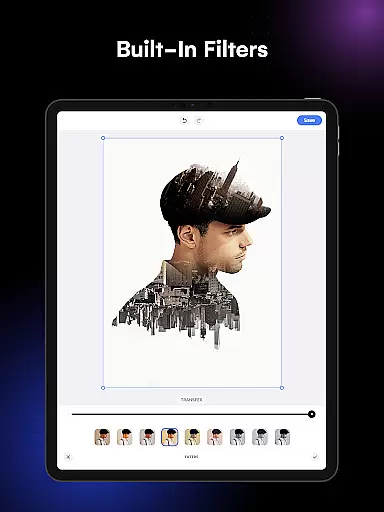
Blend Photos is a powerful photo editing application designed for both amateur and professional artists. This app allows users to create stunning double exposure images and photo blends with ease, offering a full range of features including picture overlays, gradient blends, and advanced adjustments. With its intuitive interface and smart AI technology, Blend Photos makes it simple to produce professional-quality edits in just a few taps.
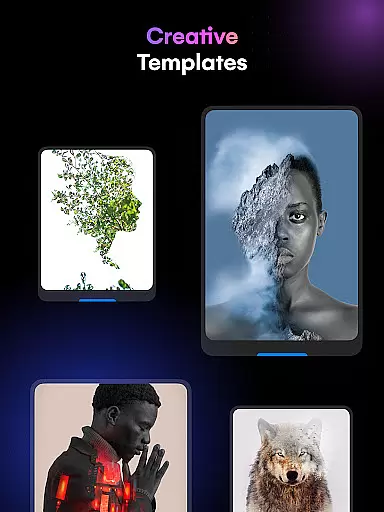
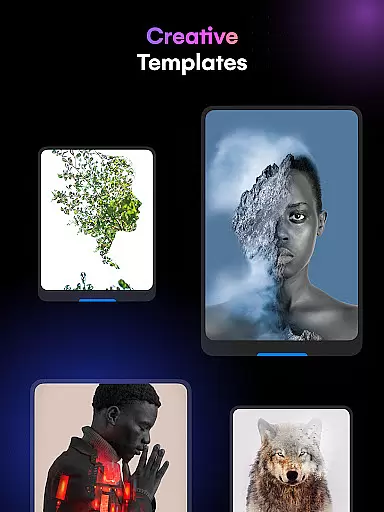
The app provides various customizable templates and tools such as automatic background removal, shape masking, and HD resolution saving. Whether you're looking to enhance your photos with artistic effects or share your creations directly on social media, Blend Photos delivers all the necessary tools right at your fingertips. Its seamless combination of powerful editing capabilities and user-friendly design ensures an enjoyable experience for anyone interested in digital art.
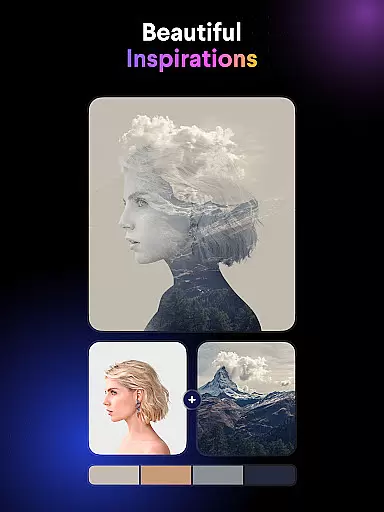
Blend Photos stands out with its comprehensive suite of photo editing tools tailored to unleash users' creativity. The app offers multiple blending templates that allow for quick and easy creation of double exposure images. Advanced features like automatic background removal and gradient blending enable users to craft polished, professional-looking photos without requiring extensive editing knowledge.
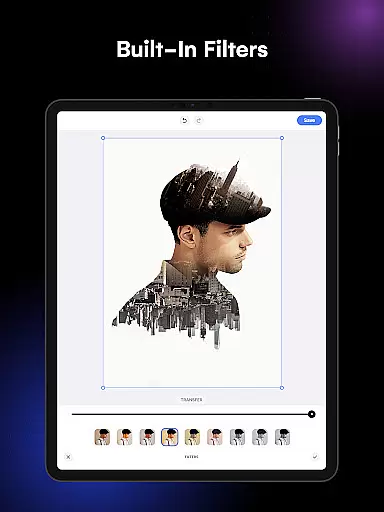
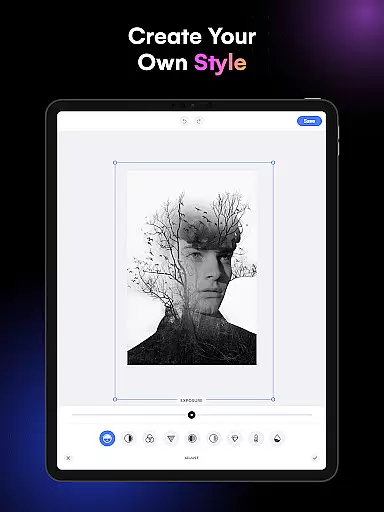
In addition to basic functions such as cropping and rotating, Blend Photos includes sophisticated options like shape masking and customizable adjustments. These features ensure that users can fine-tune every aspect of their image overlays. Furthermore, the app's smart AI technology simplifies complex processes, making high-quality photo mixing accessible even to beginners. With support for HD resolution saving and direct sharing to social media, Blend Photos is a complete solution for modern digital artists seeking efficiency and quality.
Blend Photos offers a comprehensive suite of creative tools that cater to both amateur and professional users. The app includes essential features such as cropping and rotating, alongside more advanced options like double exposure creation and gradient blending.
With its smart AI technology, Blend Photos simplifies complex tasks such as automatic background removal and advanced photo adjustments. This ensures that users can achieve professional-quality results without needing extensive editing experience.
The inclusion of various photo blender templates and shape masks provides users with the flexibility to experiment with different artistic styles. These features allow for a high degree of customization, enabling users to craft unique and polished images.
Furthermore, the ability to save and share creations in HD resolution ensures that final outputs maintain exceptional quality across all platforms, making it an ideal tool for both personal and professional projects.
One of the standout features of Blend Photos is its canvas and format flexibility, which allows users to create images that perfectly fit their vision. Whether you're looking to make subtle adjustments or dramatic changes, the app's powerful editing capabilities have got you covered.
The app supports a wide range of photo editing tasks, from basic modifications like cropping and rotation to more intricate processes such as adding shape masks and creating double exposure effects. This versatility ensures that users can manipulate their images in countless ways.
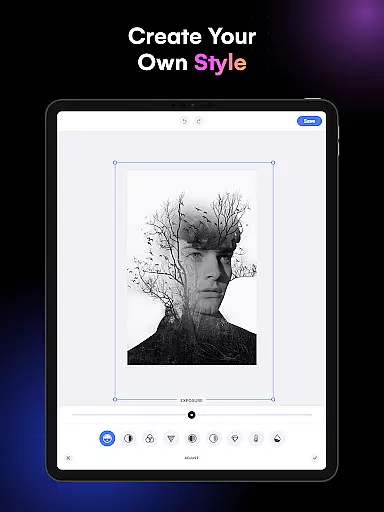
Blend Photos also offers advanced adjustment tools that give users precise control over their edits. These include options for tweaking exposure, contrast, and color balance, allowing for meticulous refinement of each image.
Additionally, the app's intuitive interface makes it easy to navigate through these numerous features, ensuring a seamless user experience. With its clutter-free design, Blend Photos empowers users to focus on unleashing their creativity without any distractions.
User-friendly interface
Advanced AI technology
HD resolution support
Quick sharing options
Customizable templates
Limited free features
Occasional ads
Premium subscription required
Steep learning curve
High system requirements

Learn how to draw with step-by-step tutorials, fun lessons & multiplayer drawing
 4.70
4.70
Sketch, trace and master AR drawing with awesome anime art!
3.30
Create stylish invitation cards using templates for weddings, birthdays & RSVP.
4.20
Create neon drawing with magic doodle and fun doodle art effects!
4.50
AR Anime Drawing: How to draw anime with AR drawing & sketching apps!
4.00
Draw glowing spinners, relax, and spin your creative art
4.60
Unleash the artist in you with our AR drawing and tracing tool for photo drawing
4.10
Kling AI is an image and video generation and editing studio powered by AI.
4.50
AI-powered photo & video creation—fast, fun, and effortless with Quick Actions
4.60
Mobile pixel art editor. Simple. Fast. Portable.
4.80
Castle is social media for creating and playing games!
4.60
Image resizer to resize, crop, rotate, flip, change dpi photo or picture in bulk
4.60
The perfect place to start sketching! Use Sketchbook to draw and paint sketches.
4.50
Create and Design Custom Logos in Seconds with AI-Powered Tools!
4.40
Nano Banana AI Image Generator, Anime Filter, AI Portrait, AI Photo Generator
4.30
Floor Plan Creator lets you create, edit and share floor plans.
4.00
Experience next-gen icons with a modern liquid glass look.
3.60
Vidu is an AI video generator made for creators and aspiring makers.
3.30
Retouch photos. Create or edit images. Endless capabilities.
2.70


User Reviews