
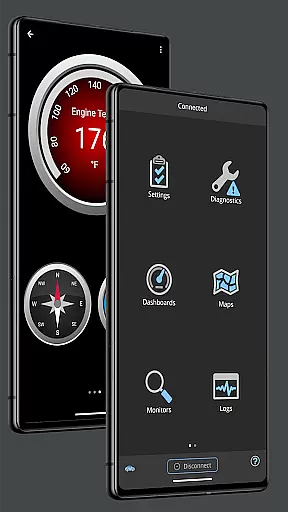
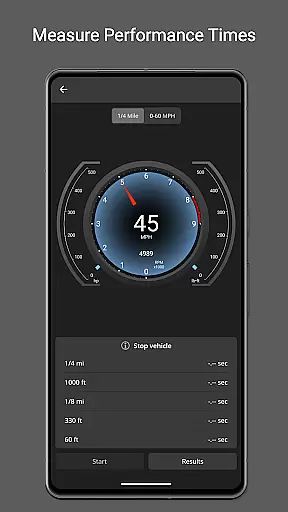
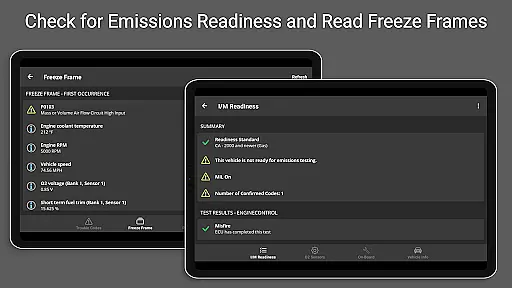
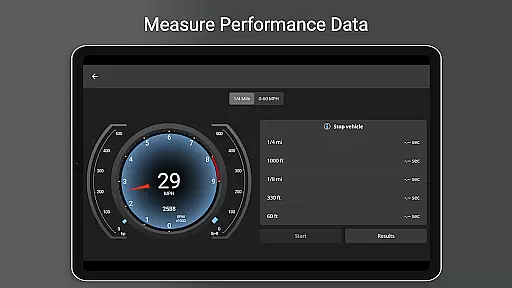
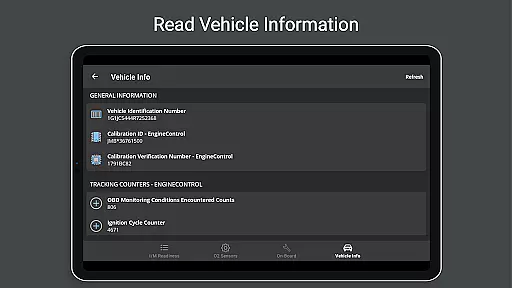
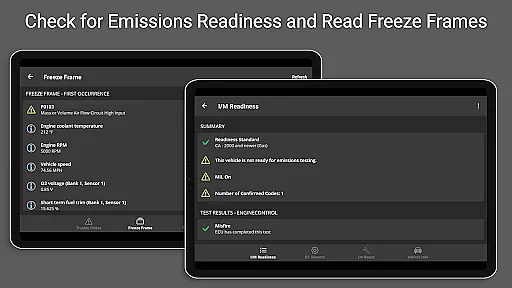
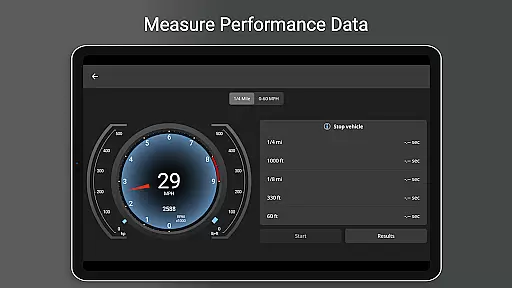
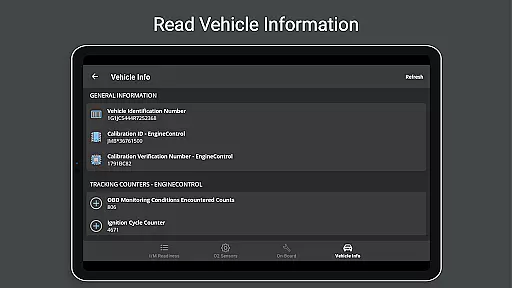
OBD Fusion is a comprehensive vehicle diagnostics tool designed for Android users, enabling direct access to OBD2 vehicle data. This app allows you to perform essential functions such as clearing the check engine light, reading diagnostic trouble codes, and estimating fuel economy. With its extensive feature set, it caters to professional mechanics, DIY enthusiasts, and everyday drivers who wish to monitor their car's performance in real-time.
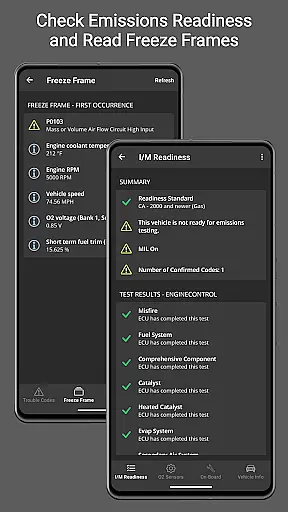
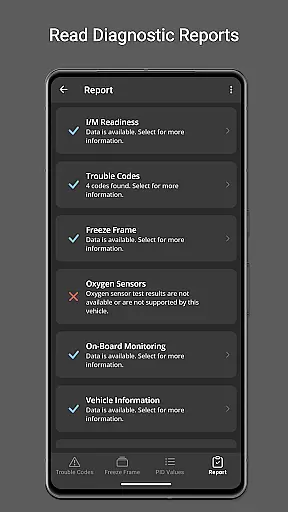
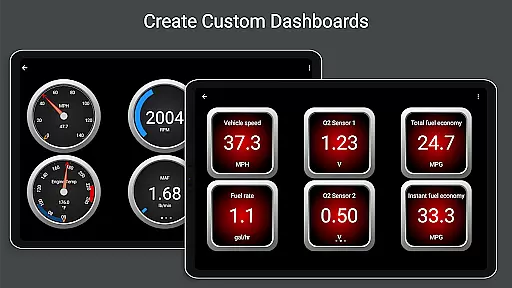
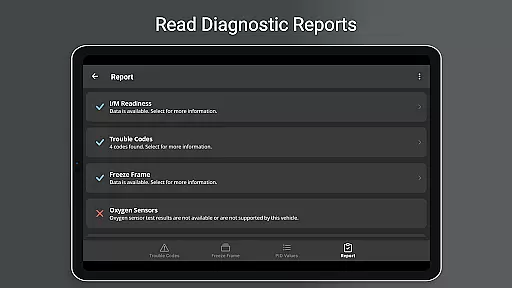
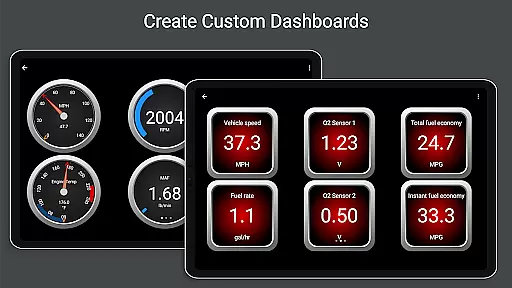
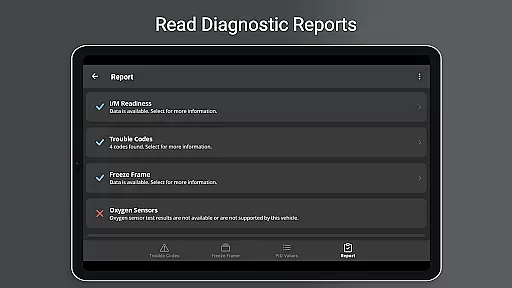
The application stands out with customizable dashboards, real-time graphing of vehicle sensors, emission readiness checks, and detailed diagnostic reports. Whether you're looking to understand why your check engine light is on or aiming to track fuel usage efficiently, OBD Fusion provides the necessary tools. Its compatibility with various scan tools and support for multiple connection types like Bluetooth, USB, and Wi-Fi makes it versatile for different vehicle models and user preferences.
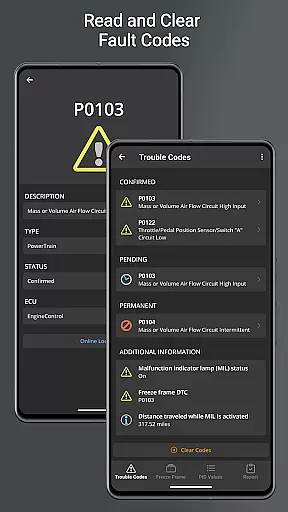
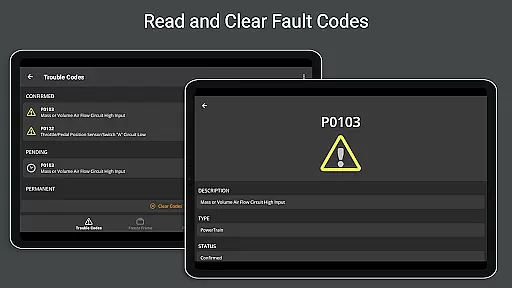
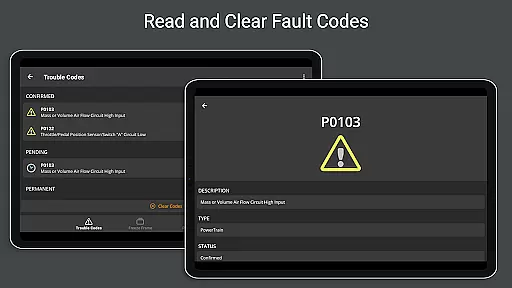
OBD Fusion boasts an impressive array of features tailored for vehicle diagnostics and monitoring. One of its key capabilities is the Android Auto support, which enhances the driving experience by integrating crucial vehicle data into your car's display system. The app can read and clear diagnostic trouble codes, offering a detailed explanation of issues indicated by the check engine light.
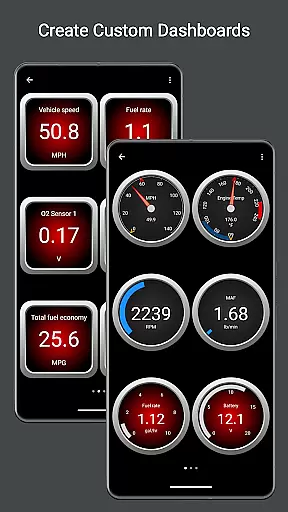
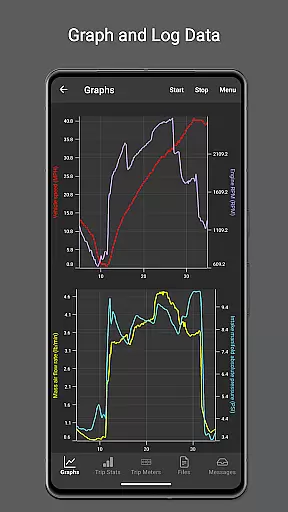
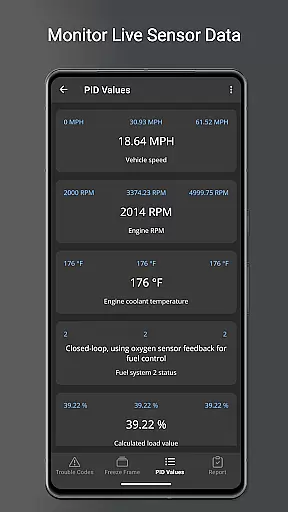
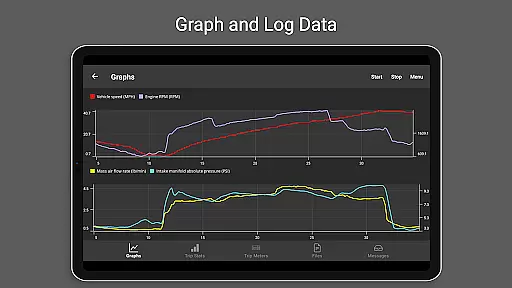
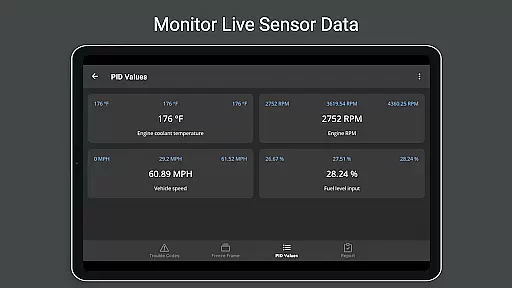
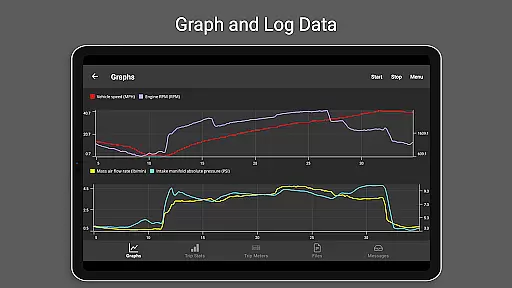
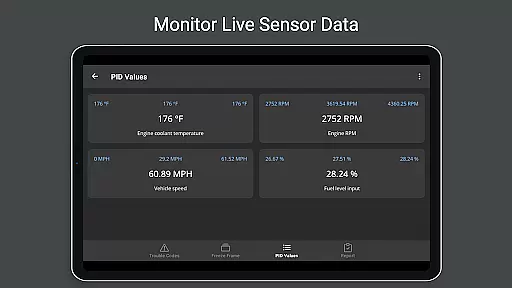
Real-time dashboard displays and graphing functionalities allow users to visualize critical parameters such as engine torque, turbo boost pressure, and air-to-fuel ratios. Additionally, OBD Fusion supports over 150 PIDs, providing deep insights into vehicle performance. Users can log data in CSV format for further analysis, customize dashboards for quick access to preferred metrics, and even create custom enhanced PIDs for specific vehicle models. These features collectively empower users to maintain optimal vehicle health and performance.
Real-time messaging speed and reliability are crucial for effective vehicle diagnostics. OBD Fusion excels in this area by providing instant feedback on your vehicle's status.
The application connects seamlessly with OBD-II and EOBD compliant vehicles, ensuring that diagnostic trouble codes and check engine lights are read and cleared without delay. This immediacy allows users to address vehicle issues promptly.
Furthermore, the app supports multiple connection methods including Bluetooth, Bluetooth LE, USB, and Wi-Fi adapters. This versatility ensures that real-time data streaming remains consistent and reliable regardless of the chosen connection type.
With its Android Auto support, OBD Fusion enhances communication by integrating with your car's system, although it doesn't support dashboard gauges. The result is a streamlined and dependable messaging experience that keeps you informed about your vehicle's performance at all times.
Media sharing support in OBD Fusion facilitates the exchange of critical vehicle data among users and professionals. This feature significantly enhances collaborative diagnostics and troubleshooting.
OBD Fusion allows data logging and exporting to CSV format, which can then be shared via email or other media sharing platforms. This enables users to send detailed diagnostic reports to mechanics or car enthusiasts for further analysis.
In addition to diagnostic reports, the app provides customizable dashboards and real-time graphing capabilities. Users can capture and share screenshots of these dashboards, offering visual insights into sensor readings and vehicle performance metrics.
Moreover, the app's compatibility with various units and over 150 supported PIDs ensures comprehensive data collection. Sharing this extensive data set helps improve diagnostic accuracy and fosters an informed community of users who rely on precise vehicle information.
User-friendly interface
Comprehensive diagnostic tools
Customizable dashboard options
Supports multiple connection types
Real-time data visualization
Requires compatible scan tool
Limited Android Auto gauge support
Potential connectivity issues with cheap adapters
Advanced features may overwhelm casual users
Some enhanced PIDs are vehicle-specific

We’re taking the yada yada out of wireless—now we’ve taken it out of your app.
 4.70
4.70
Adblock & VPN Browser: Blocks banners, pop-ups and video ads, fast downloader!
4.60
Enjoy secure messaging & calling. Safe Messenger: group chats, calls, messages.
4.20
Connect and browse the internet with a fast VPN proxy server and IP blocker.
4.50
This app enables the phone to receive and send FT8 traffic!
3.80
Auto Reply SMS, Text Messaging, Away SMS Response, Busy SMS messages, Block Text
3.10
A customizable phone number in the cloud
4.20
Get through your inbox faster with the mail app designed to simplify your life.
4.40
Enhance browsing with AI-powered features and Copilot.
4.70
Useful. Social. Expressive.
4.70
FolderSync enables easy sync of files between cloud storage and Android devices.
4.60
Smart and simple anti-wiring application - IMSI-catchers catcher
4.40
Simple tool for businesses to talk to their customers.
4.40
Chill zone on your phone: relax with fun reels & hype shorts!
4.20
Telegram is a messaging app with a focus on speed and security.
4.00
Message and video call your family and friends in HD!
3.80
Caller ID, Spam Call & SMS Blocker
3.80
Manage and Fund Calling Accounts and Schedule and Join Video Sessions
3.60
An app dedicated solely to marriage, not dating, and supported by a rigorous verification mechanism to ensure seriousness.
4.3


User Reviews