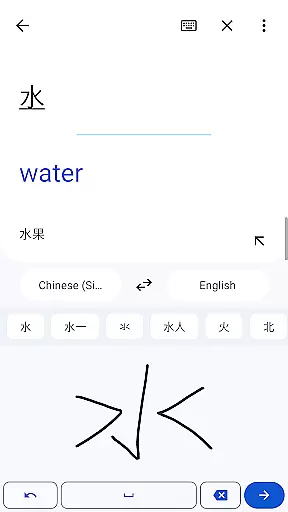
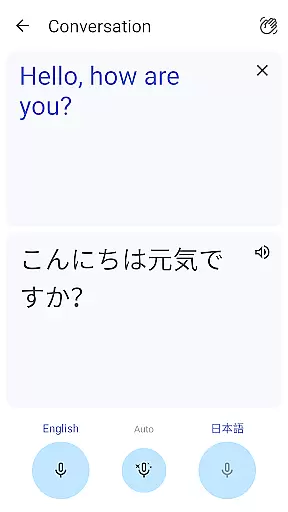
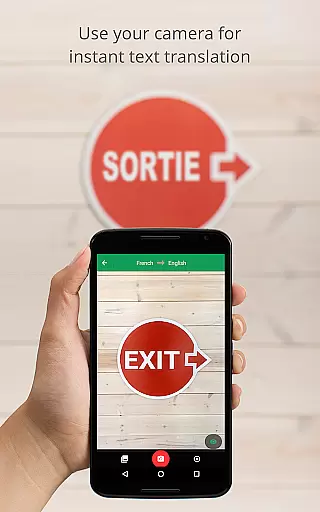
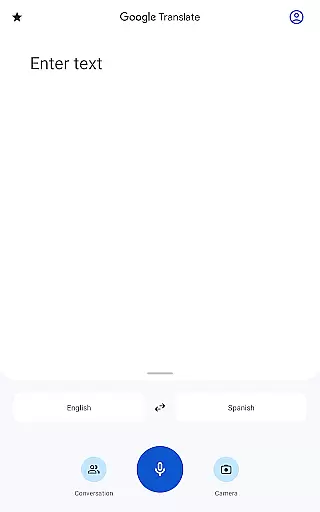
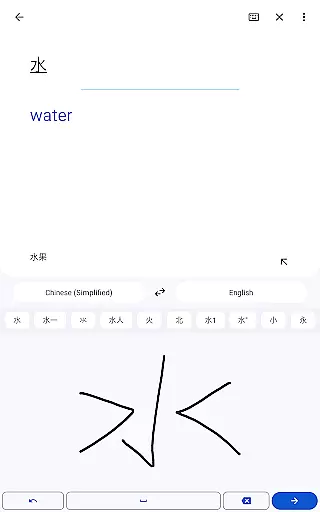
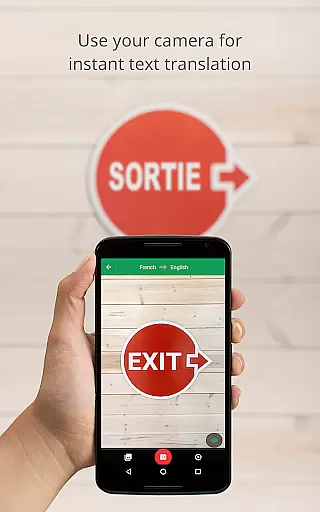
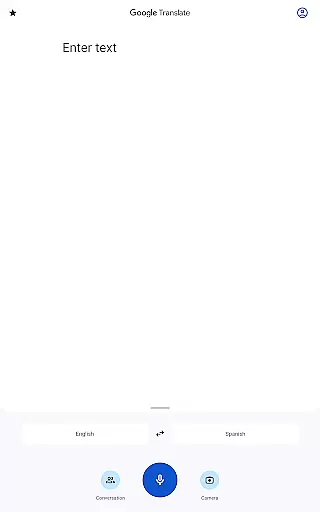
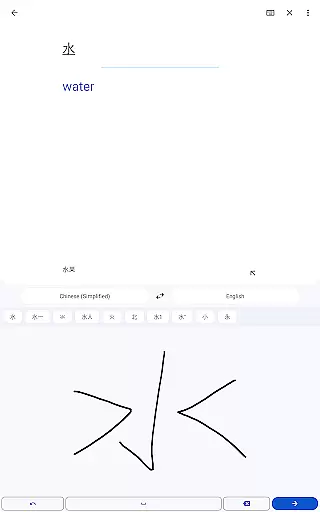
Google Translate is a versatile translation tool that supports text translation between 108 languages. The app offers multiple ways to translate, including typing, camera-based translation, and even handwriting recognition. With features like offline translation for 59 languages and instant camera translation for 94 languages, it ensures usability in various scenarios.
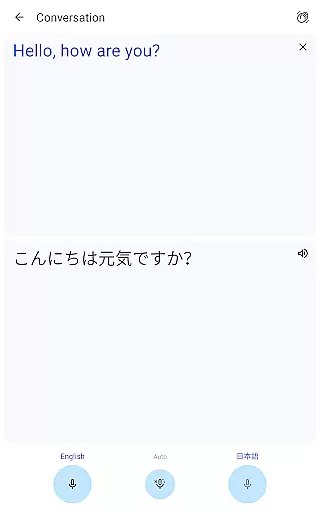
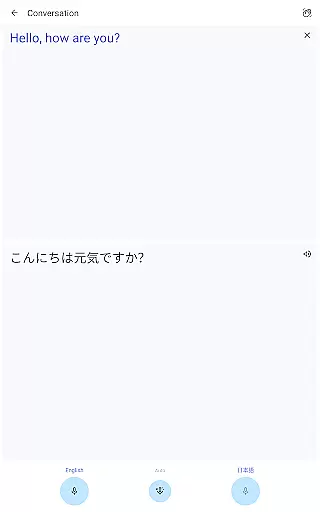
The application stands out with its ability to handle bilingual conversations in real-time, making it invaluable for travelers and professionals working in multilingual environments. Its phrasebook feature allows users to save frequently-used translations, while cross-device syncing ensures seamless access across multiple platforms. Whether you need quick translations or more complex language solutions, Google Translate provides an essential service for overcoming language barriers.
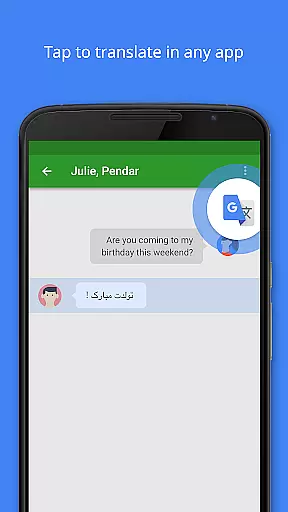
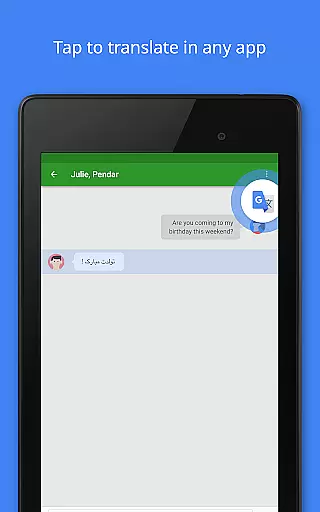
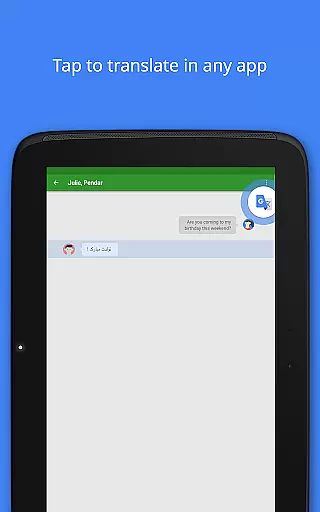
One of the standout features of Google Translate is its Tap to Translate functionality, allowing users to copy text in any app and instantly get a translation. This feature works across all supported languages, making it incredibly convenient for translating content from other applications without leaving the current screen.
In addition to text translation, the app includes advanced capabilities such as photo-based translation, which improves accuracy by analyzing images of text. The conversation mode facilitates real-time bilingual communication, while the transcription feature can continuously translate spoken language in near real-time. These robust features make Google Translate an indispensable tool for both casual users and professionals who require reliable language support.
Google Translate's core functionality lies in its ability to deliver accurate translations across multiple languages and mediums. The app supports text translation between 108 languages, ensuring users can communicate effectively regardless of linguistic barriers.
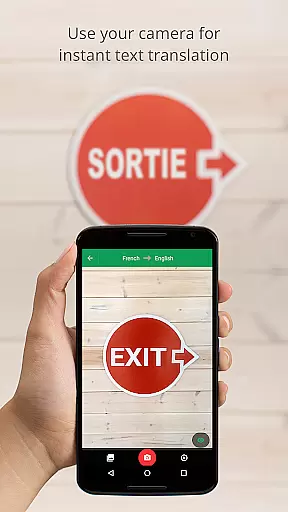
The application employs advanced machine learning algorithms to provide instant camera translations for 94 languages, allowing users to translate text in images simply by pointing their device's camera. This feature is particularly useful when navigating foreign environments or deciphering complex documents.
For travelers and business professionals, the conversation mode offers real-time bilingual communication in 70 languages. The app's offline capabilities are equally impressive, enabling translations in 59 languages without an internet connection, which proves invaluable in areas with limited connectivity.
Google Translate excels in providing an intuitive user interface that makes language translation accessible to all users. The Tap to Translate feature allows seamless translation within any app, while the simple copy-paste functionality streamlines the translation process across different applications.
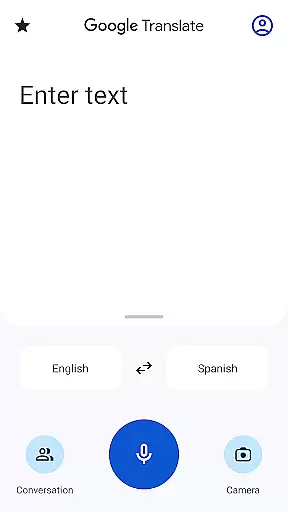
The app's design incorporates clear visual indicators for each translation mode, including text, voice, and camera options. Users can easily switch between these modes using well-placed icons and buttons that maintain consistency throughout the application.
Additional features like handwriting recognition for 96 languages and a phrasebook function demonstrate how Google has carefully considered various user needs while maintaining an uncluttered interface. The recent addition of transcription capabilities in 8 languages further enhances the app's versatility without compromising its straightforward navigation structure.
User-friendly interface
Wide language support
Offline functionality
Real-time conversation mode
Cross-device syncing
Limited offline languages
Occasional inaccurate translations
Requires internet for full features
Ads in free version
Advanced features need learning

Easily install aab(Android App Bundle) files on your Android device with our app
 4.80
4.80
Just one-tap to easy translate in any language after calls within seconds.
4.20
Canon PRINT is a companion app for your Canon printer.
4.60
View detailed information about your Nissan Leaf the dealer never shows you.
4.10
With videos, electrical calculators, and built-in ebook, Ugly’s has your answer.
4.50
Game Booster, GFX Tool is now compatible with newer game update
4.50
Pro Emulator is an easy to use game console emulator for a range of consoles.
4.40
Button mapper, mouse toggle, sleep timer and a lot of another features
4.50
Your personal health butler
3.60
Bedrock Together: Join any bedrock server on Xbox/PS
4.80
Extremely fast, secure, and protects your privacy
4.80
WiFi Signal Strength Meter help you detect WiFi Signal Strength in real time.
4.80
Play your X-Box games remotely in 1080p with any controller and zero latency
4.60
Universal TV remote control all TVs, Roku, LG, Samsung, Fire, Vizio, Sony, TCL.
4.40
Effortlessly run ADB commands directly on your device without a PC.
4.20
Screen Mirroring with sound for Samsung TV, LG TV, Sony TV, Smart TV and Browser
4.20
Amateur Radio app for APRS: Track friends, exchange messages, get tactical info.
3.90
Unleash gamepad precision for ultimate mobile gaming dominance.
3.90
Save any video in HD - paste the link, download fast and watch offline.
4.5


User Reviews