
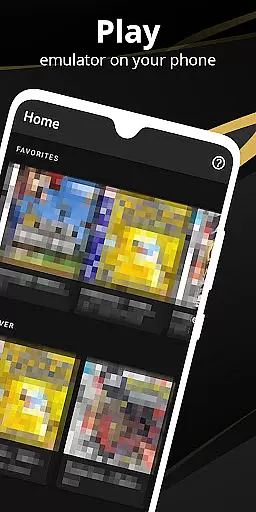

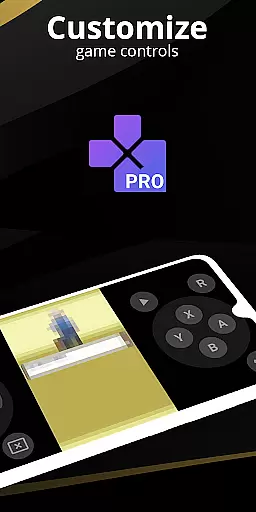
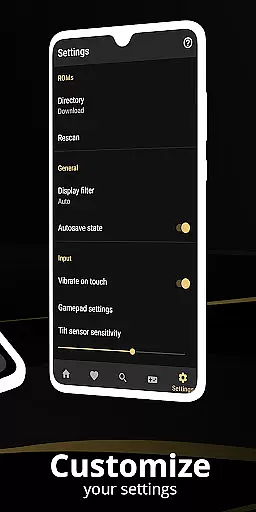
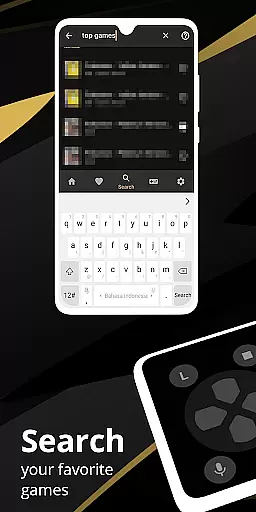
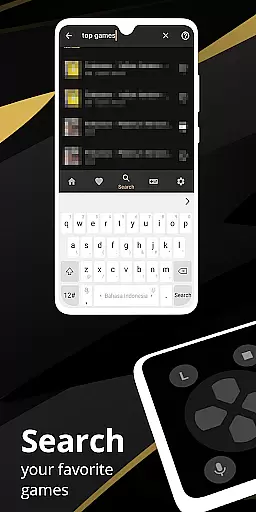
Pro Emulator for Game Consoles is a versatile emulator designed to bring classic gaming experiences to modern Android devices. This powerful tool supports emulation of various consoles, ensuring high compatibility with nearly all games. The app automatically saves and restores game states, offers quick save/load slots, and includes advanced features like link cable emulation across devices using Bluetooth or Wi-Fi.
The emulator provides an optimized user experience through customizable touch controls, OpenGL rendering, and video filters via GLSL shaders. It supports external controllers, tilt-to-stick functionality, and includes a robust screen layout editor. With cloud save sync, display simulation, and fast-forward capabilities, this app caters to both casual retro gamers and serious enthusiasts looking to relive the nostalgia of classic consoles on their mobile devices.
Pro Emulator for Game Consoles stands out with its comprehensive feature set tailored for gaming enthusiasts. The app's automatic save state system allows users to seamlessly pause and resume gameplay, while the quick save/load function with multiple slots provides flexible gaming sessions. Advanced emulation capabilities include gyroscope, tilt, solar sensor, and rumble emulation, creating an authentic console-like experience.
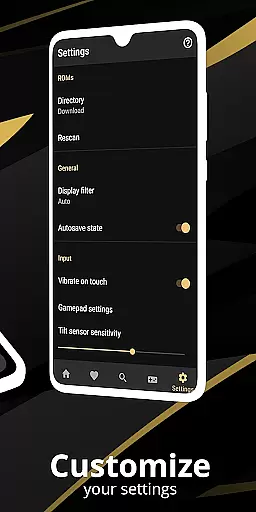
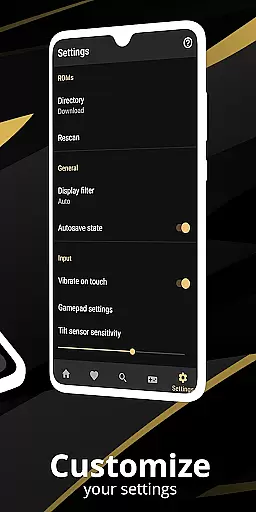
One of the key strengths is its high-level BIOS emulation that eliminates the need for BIOS files. The emulator supports ROM scanning, IPS/UPS patching, and offers optimized touch control customization. Through GLSL shaders, users can apply various video filters for enhanced visual experiences. The app also enables local multiplayer through multiple gamepad connections and provides display simulation options for LCD/CRT effects, making it a complete solution for retro gaming enthusiasts.
At the heart of any emulator lies its ability to accurately replicate the original console's functionality. Pro Emulator for Game Consoles achieves this by offering very high game compatibility, ensuring nearly all games run without issues. The software meticulously emulates essential components such as the CPU, GPU, and memory systems, which are critical for faithful recreation of classic games.
The emulator goes beyond basic functionality by incorporating advanced features like gyroscope, tilt, solar sensor, and rumble emulation. These elements contribute to a more immersive experience, especially for games that originally relied on specific hardware sensors. Additionally, the high-level BIOS emulation removes the need for additional BIOS files, streamlining the user experience while maintaining legal integrity.
Users benefit from the emulator's optimization for both high-end and low-end devices. On powerful devices, it can emulate more recent and demanding systems, while still providing a smooth experience on older or less capable hardware. This versatility ensures that a wide range of Android users can enjoy their favorite retro games without worrying about device limitations.
A well-designed interface is crucial for ensuring users can easily navigate and utilize an emulator's features. Pro Emulator for Game Consoles boasts a clean and simple yet well-designed user interface that seamlessly integrates with the latest Android versions. This thoughtful design allows users to effortlessly access the emulator's extensive features without feeling overwhelmed.
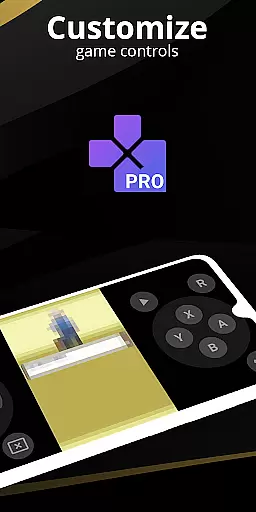
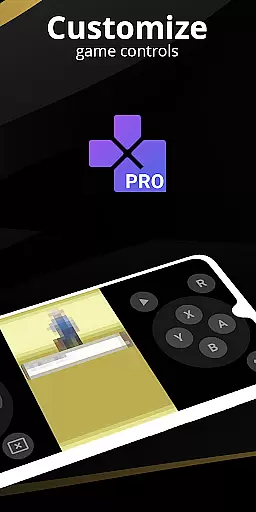
The emulator includes a powerful screen layout editor, enabling users to customize the position and size of on-screen controls as well as the game video display. This level of customization ensures that each user can create a personalized and comfortable gaming setup. Additionally, support for external controllers, including MOGA controllers, caters to users who prefer physical gamepads over touch controls.
Further enhancing usability, the emulator offers intuitive touch controls with customizable size and position options. OpenGL rendering provides visually appealing graphics, while GLSL shader support adds cool video filters that enhance the retro gaming aesthetic. These features combine to create an emulator that not only functions effectively but also provides an enjoyable and user-friendly experience across various devices.
High game compatibility
Advanced save features
Customizable controls
Cloud save synchronization
Multiplayer support
Powerful device required
No BIOS file support
Limited newer console support
Complex setup process
Battery consumption concerns

Transfer Files, APK from Phone to Watch & Install.
 4.1
4.1
HD Camera captures every special moment.
4.60
Safely recover deleted photos, videos, and files with a single easy tap.
3.70
card-reader app
2.20
The one-and-only remote control for PC, Mac, and Linux
4.70
Quickly check the frequency of the Earth
4.30
Remote Play with FSR upscaling, low latency & full controller support
4.80
Clean up your phone, find files, play media, and share files offline
4.50
The ideal app to be the digital eye of your family
3.40
Enjoy smooth gameplay with Game Booster
4.90
Navigate with Ease and Style
4.90
Mirror your screen to Chromecast and Android TV - Super fast and simple
4.60
Planner and Tracker for Stardew Valley
4.60 4.50
4.50
Just one-tap to easy translate in any language after calls within seconds.
4.20
Carry a FTP server in your pocket and avoid USB cables for file transfer
4.20
Screen Mirroring with sound for Samsung TV, LG TV, Sony TV, Smart TV and Browser
4.20
Family Locator, Share location, StayConnect with your family in real time
3.90
Undelete and recover your lost or deleted files with DiskDigger!
3.40


User Reviews