
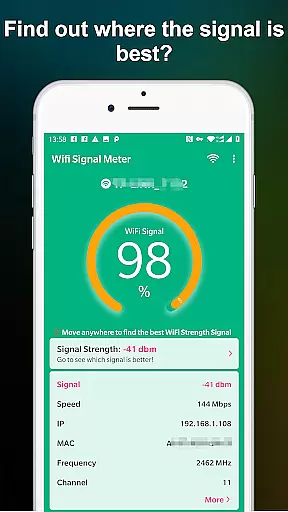
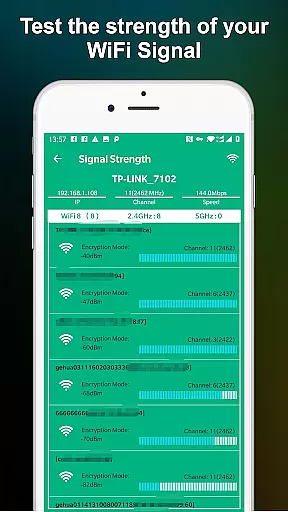
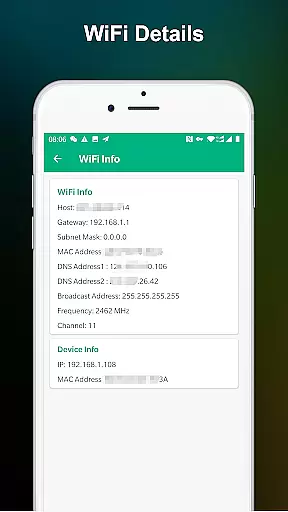
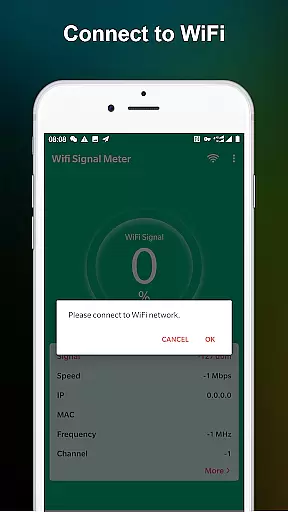
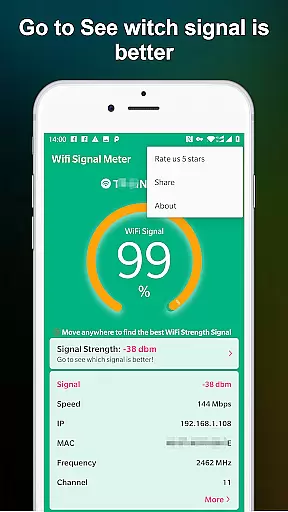
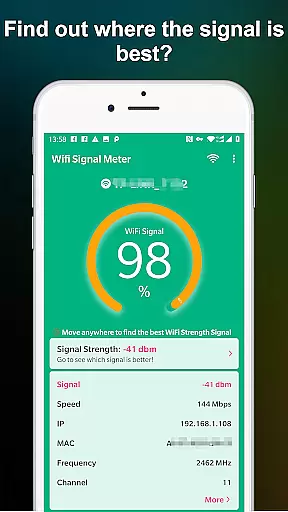
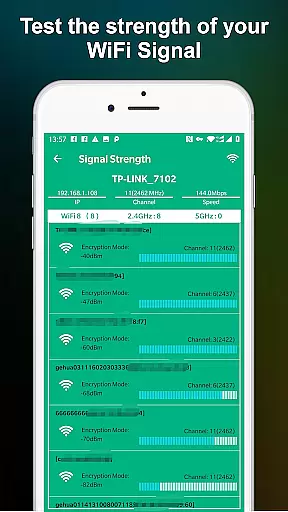
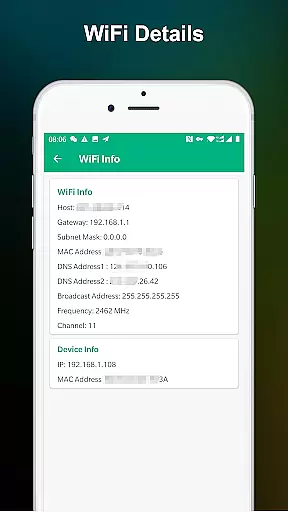
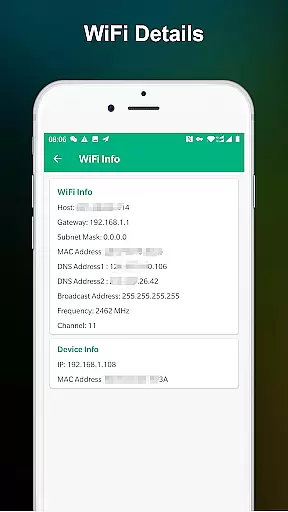
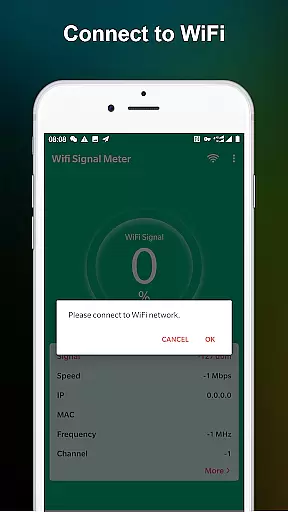
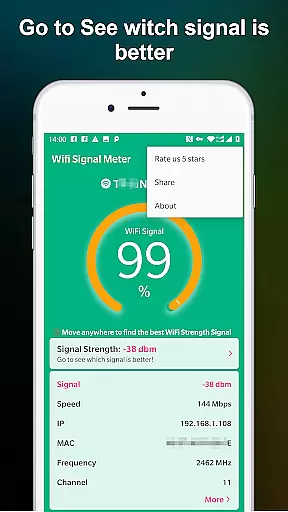
WiFi Signal Strength Meter Pro is a professional tool designed to help users optimize their WiFi network performance. The app's core functionality lies in its ability to identify optimal signal locations, commonly known as 'sweet spots', within your network coverage area.
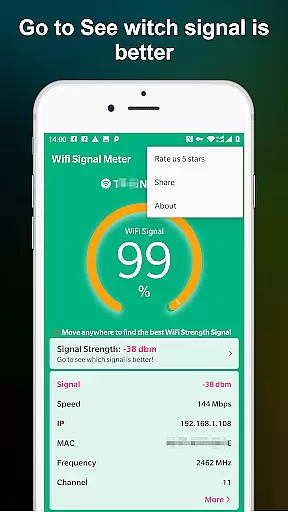
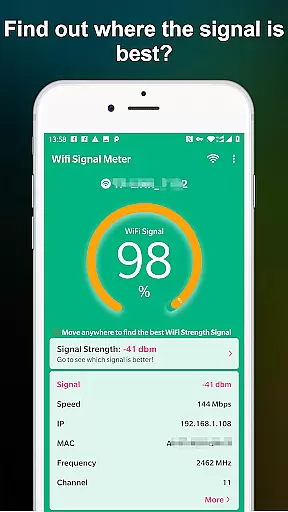
This application provides real-time monitoring capabilities through its Network Monitor and WiFi Monitor features. Users can view current signal strength percentages and track fluctuations as they move around their space. The continuous signal updating feature enables users to systematically map out areas with the strongest connection, typically recommending signal strength above 60% for optimal performance.
The app proves particularly useful in home or office environments where consistent WiFi strength is crucial for maintaining stable connections. By helping users identify areas with poor coverage, it enables them to strategically position their devices for maximum network efficiency.
WiFi Signal Strength Meter Pro stands out with several distinctive features that enhance user experience. The application's primary advantage is its real-time signal strength tracking system, which constantly monitors and updates WiFi signal metrics every few seconds.
A key implementation detail is its visual representation of signal strength through percentage values, making it easy for users to understand their current network quality at a glance. The app also includes a diagnostic feature that alerts users when their signal drops below the recommended 50% threshold, helping prevent potential disconnection issues.
What sets this tool apart is its simplicity combined with effectiveness. Unlike other networking tools that overwhelm users with technical details, WiFi Signal Strength Meter Pro focuses on delivering practical information that can be immediately applied to improve network performance. This approach makes it accessible to both technical and non-technical users seeking better WiFi connectivity.
WiFi Signal Strength Meter Pro is designed to provide accurate and real-time monitoring of WiFi signal strength, ensuring users can identify the best locations for their network connectivity. The app's core functionality lies in its ability to constantly update signal strength, allowing users to walk around and pinpoint areas with optimal WiFi coverage.
The effectiveness of this tool is evident in its simplicity and efficiency. By offering a clear visualization of signal strength percentages, it enables users to troubleshoot connectivity issues. For instance, any reading below 50% indicates potential disconnection problems, while a signal above 60% ensures stable performance.
This application empowers users by providing actionable insights. Whether at home, work, or on the move, individuals can leverage the app to find 'sweet spots' where the WiFi signal is strongest. This feature is particularly valuable in environments with multiple networks, helping users avoid dead zones and maintain seamless internet access.
The interface of WiFi Signal Strength Meter Pro is crafted to ensure ease of use without compromising on essential features. Its straightforward design allows users of all technical backgrounds to quickly understand and utilize the app's functionalities. With just a glance, users can view their current WiFi signal strength and make necessary adjustments to their positioning.
Intuitiveness is at the heart of the user experience. The app eliminates unnecessary complexities by focusing on key metrics such as real-time signal strength updates and percentage indicators. This streamlined approach ensures that users are not overwhelmed by excessive data but instead receive precise information needed to optimize their WiFi connection.
By prioritizing clarity and simplicity, WiFi Signal Strength Meter Pro enhances user engagement. Its minimalistic yet effective interface makes it an indispensable tool for anyone looking to improve their wireless network setup effortlessly. Users can rely on this app to deliver consistent performance without requiring extensive learning or adaptation.
Real-time signal tracking
User-friendly interface
Continuous updates
Signal alerts
Easy navigation
Limited advanced features
No historical data
Premium version cost
Device compatibility
Basic analytics

 4.10
4.10 4.50
4.50 4.50
4.50
Unlock your Essential Key. Create custom shortcuts to your favorite apps!
4.1
A non-root local ADB shell client. READ BELOW!
3.40
Bedrock Together: Join any bedrock server on Xbox/PS
4.80
The ultimate tool for network analysis, wifi scanning and problem detection.
4.90
Button mapper, mouse toggle, sleep timer and a lot of another features
4.50
The ideal app to be the digital eye of your family
3.40
Powerful collection of electronics tools and reference.A must for any enthusiast
4.90
Excellent scientific calculator with symbolic algebra, integrals, derivatives
4.80
Small and simple app to Verify Root Access and BusyBox Install!
4.70
Game Booster, GFX Tool is now compatible with newer game update
4.50
Pro Emulator is an easy to use game console emulator for a range of consoles.
4.40
Fluid navigation gestures for all of us!
4.30
PC precision for mobile gaming: dominate with keyboard and mouse!
4.30
A simple app to back up and restore SMS & MMS messages and call logs.
4.10
Automate everything from settings to photos, SMS to speech. ADC2 prize winner.
4.10
Transfer Files, APK from Phone to Watch & Install.
4.1


User Reviews