
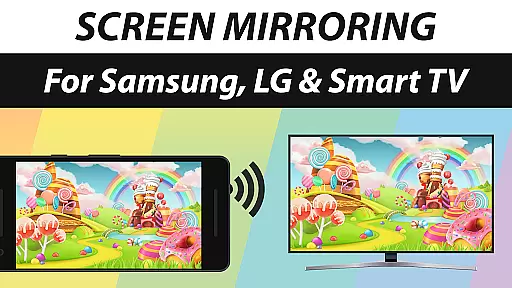
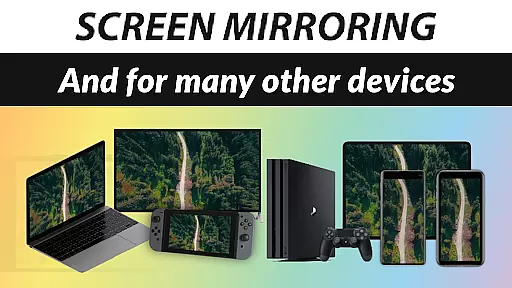
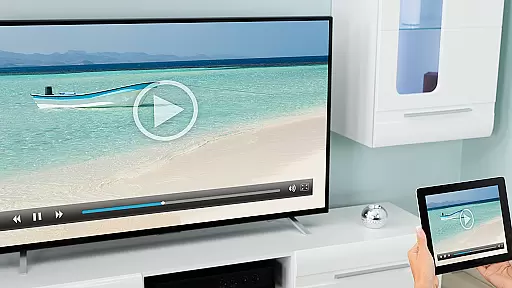
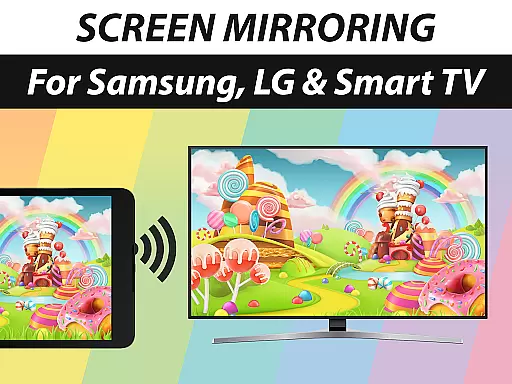
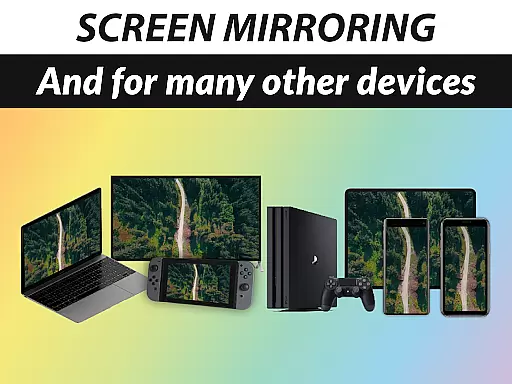
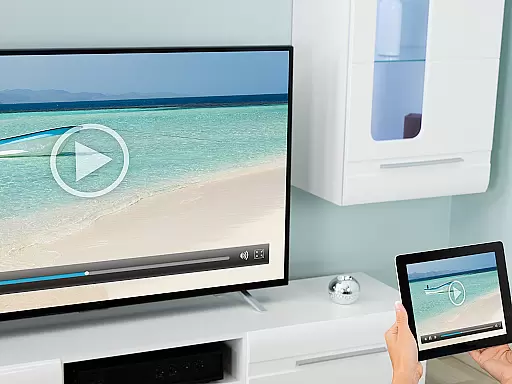
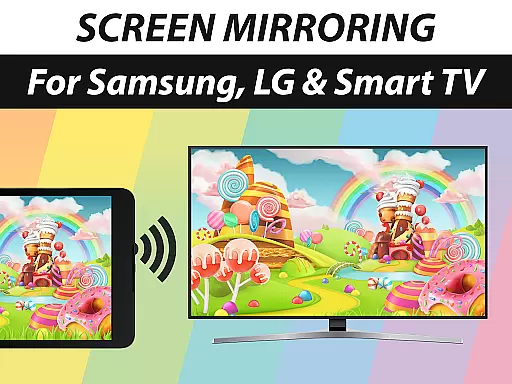
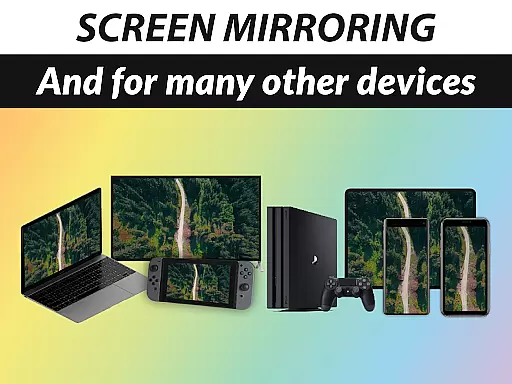
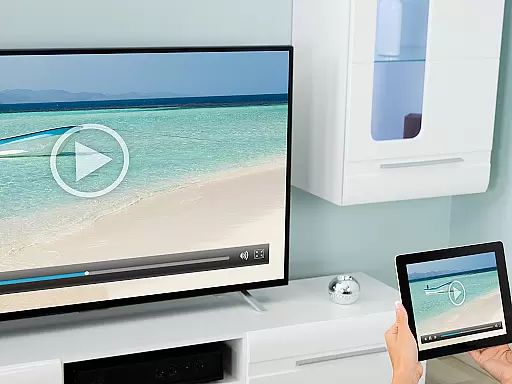
Screen Mirroring Pro App is a powerful tool designed to seamlessly mirror your screen with sound to a wide range of devices including Samsung TV, LG TV, Sony TV, Smart TVs, Smart Fridges, Gaming Consoles, PCs, Laptops, Mobile Phones, and Tablets. The app operates wirelessly over Wi-Fi and internet connections such as DSL, Cable, or Fiber, ensuring an easy setup process while maintaining HD quality streaming. As the leading screen mirroring solution, it allows users to share photos, videos, games, websites, apps, presentations, and documents effortlessly with friends, family, and co-workers.
The app stands out due to its broad device compatibility, working with any device that has an integrated web browser, including various TV brands like Panasonic, Hisense, Philips, Hitachi, Grundig, and TCL. For optimal performance, a 5GHz Wi-Fi network is recommended. Notably, there's no need for a companion app on the receiving device, and sound support is available on Android 10+ depending on the receiver device's capabilities. Developed by the team behind VIDEO & TV CAST, Screen Mirroring Pro App brings world-class casting technology to your fingertips.
Screen Mirroring Pro App offers a rich set of features tailored to provide an exceptional mirroring experience. One of its key strengths is the unparalleled device support, enabling users to connect to virtually any modern device equipped with a web browser. This includes popular TV brands like Samsung, LG, Sony, and more, making it versatile for both personal and professional use.
The app ensures high-quality performance through advanced connectivity options. It leverages robust Wi-Fi networks, particularly recommending 5GHz bands for the best results. Additionally, the app simplifies the user experience by eliminating the need for additional software on the receiving end, streamlining the connection process. With sound support available on Android 10+, users can enjoy a complete audio-visual experience, provided their devices are compatible. These features collectively enhance productivity and entertainment possibilities across multiple platforms.
Screen Mirroring Pro App specializes in delivering a seamless screen mirroring experience across various devices, ensuring both visual and audio transmission. The app supports a broad range of devices including Samsung TV, LG TV, Sony TV, Smart Fridges, Gaming Consoles, PCs, Laptops, Mobile Phones, and Tablets.
The performance is optimized for users with robust Wi-Fi network conditions, particularly recommending 5GHz Wi-Fi for the best experience. This ensures that your mirrored content is streamed in high-definition quality without lag or interruptions, making it ideal for sharing photos, videos, games, websites, apps, presentations, and documents.
One of the standout features is its compatibility with any device that has an integrated web browser, eliminating the need for additional companion apps on the receiving device. This ease of use extends to supporting sound on Android 10+ devices, provided the receiver device has the necessary capabilities.
By focusing on these core functionalities, Screen Mirroring Pro App provides users with a reliable and efficient tool for both personal and professional use, enhancing connectivity and collaboration.
The user interface of Screen Mirroring Pro App is designed to be fast, easy, and user-friendly, catering to a wide audience with varying levels of technical expertise. Its intuitive design allows users to quickly set up and start mirroring their screens with minimal effort.
Upon launching the app, users are greeted with a straightforward layout that guides them through the screen mirroring process. The app eliminates the need for wires and complex configurations, offering a hassle-free setup that works over Wi-Fi and internet connections such as DSL, Cable, and Fibre.
Additionally, the app's support for a broad range of devices, including Samsung TV, LG TV, Panasonic TV, Hisense TV, Philips TV, Hitachi TV, Grundig TV, and TCL TV, ensures that users can connect to almost any display with ease. This versatility is complemented by the appu2019s ability to function without requiring a companion app on the receiving device.
Overall, the simplicity and intuitiveness of the interface make Screen Mirroring Pro App an accessible solution for anyone looking to share content effortlessly with friends, family, and co-workers.
User-friendly interface
Wide device compatibility
Wireless convenience
HD quality streaming
Integrated support system
Dependent on Wi-Fi quality
Limited sound support
No offline functionality
Premium version costs
Device-specific issues

 4.10
4.10
Quickly switch to an encrypted DNS server on Android TV
4.50
VESC Tool can monitor and configure VESC-compatible devices over BLE and Wifi
4.20
Create your own live wallpaper or check out thousands already made presets
3.90
With videos, electrical calculators, and built-in ebook, Ugly’s has your answer.
4.50
The Ultimate Flex Drivers Utility App - Convenient Tapping & Block Filters
4.70
Introducing Smart Printer, your ultimate destination for printing solutions!
4.00
Clean up large files and similar photos, fast and easy to use
4.40
The ideal app to be the digital eye of your family
3.40
Change your GPS location instantly. Simulate routes anywhere in the world.
4.90
ADB support Android 4.X-Android 13(Support wireless pair mode).No root required!
4.70
Fast Video Downloader, Movie Downloader, Torrent Downloader & Adblock Browser
4.70 4.50
4.50
eXtended Permission Manager - a small app to manage permissions and AppOps
4.50
Remote for Roku, Fire TV, Samsung TV, LG TV, Android TV, Chromecast and VIZIO TV
4.20
Family Locator, Share location, StayConnect with your family in real time
3.90
A powerful, easy-to-use flight computer on your phone or tablet!
3.80
Undelete and recover your lost or deleted files with DiskDigger!
3.40
Download any file easily and quickly with Downloader
4.3


User Reviews