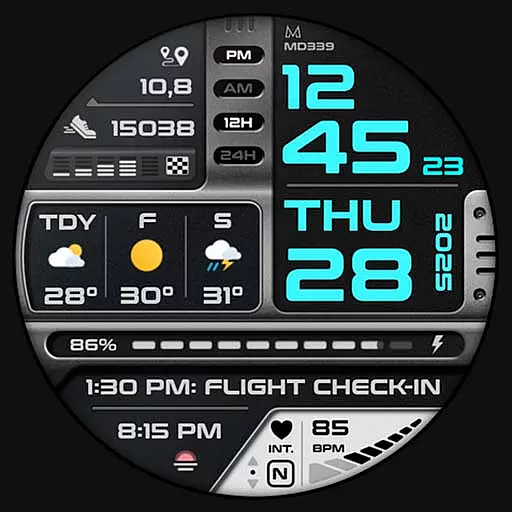
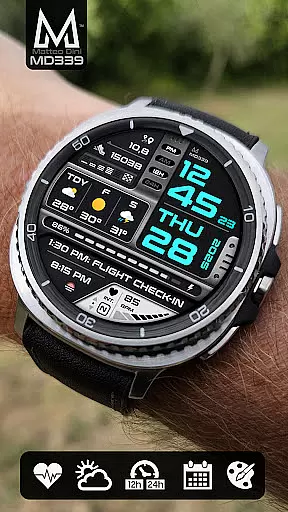
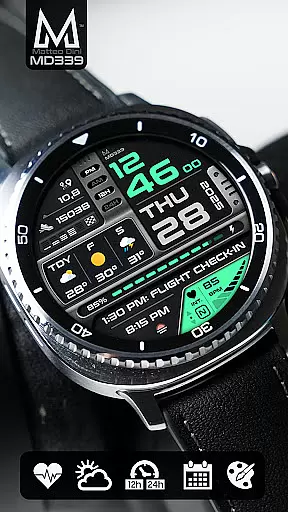
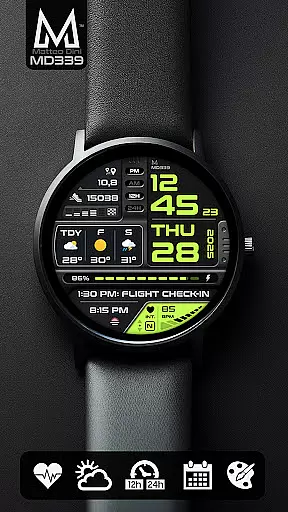
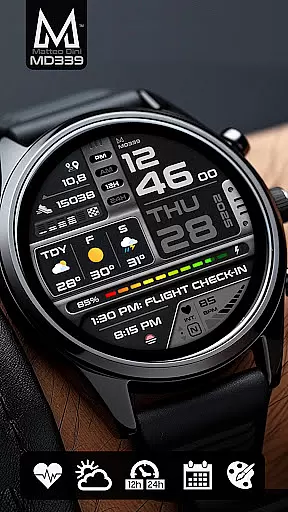
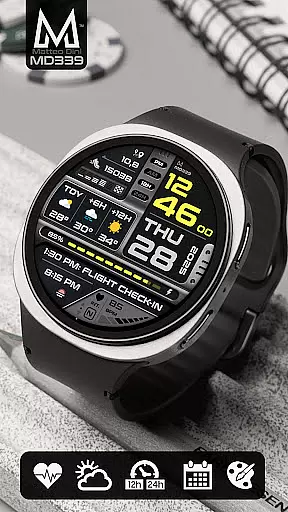
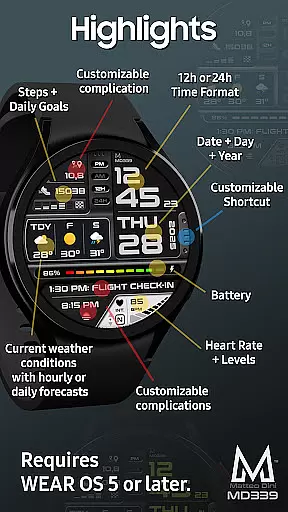
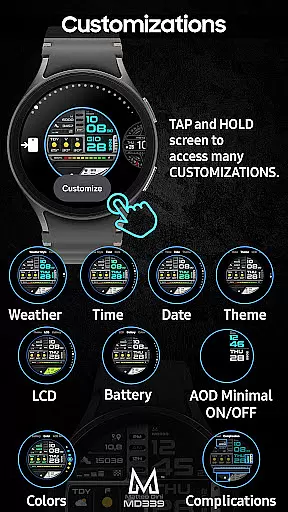
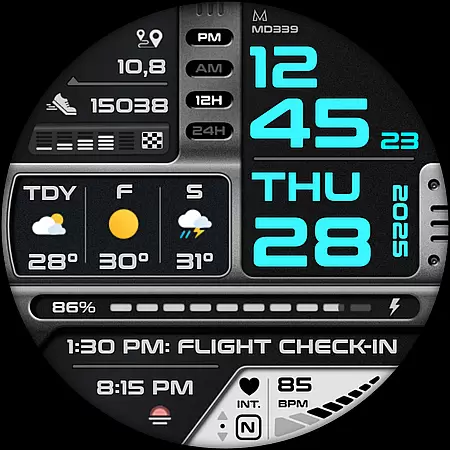
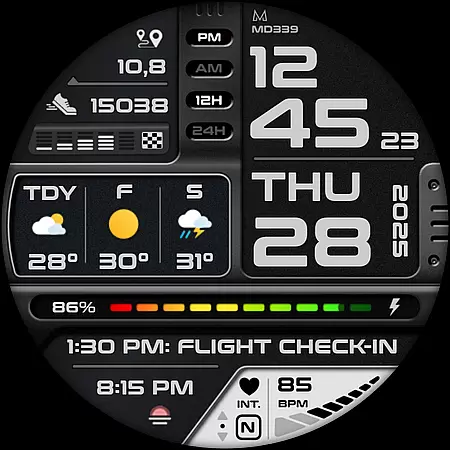
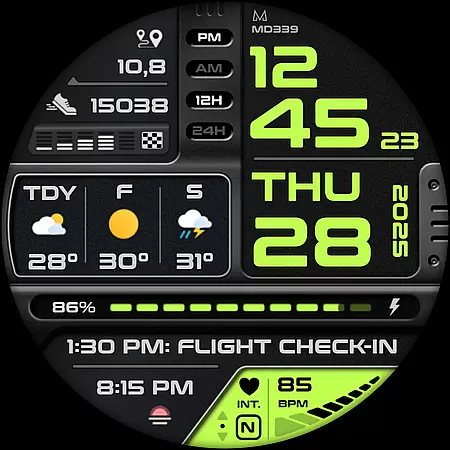
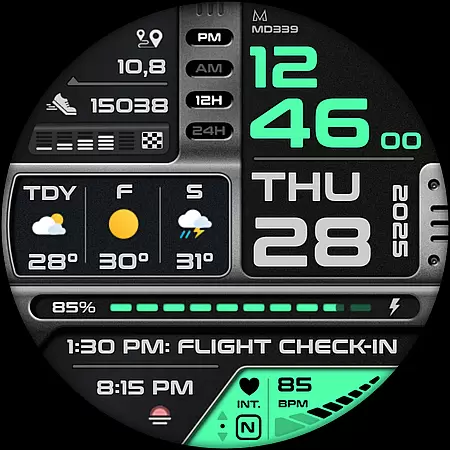
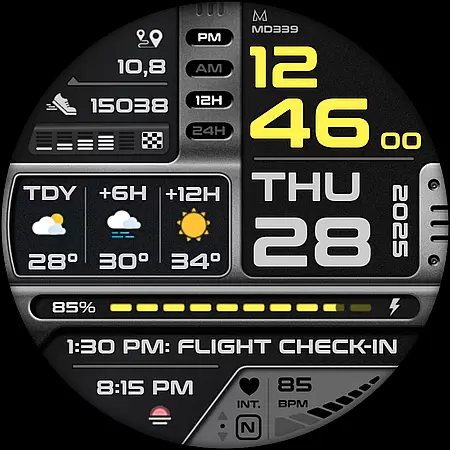
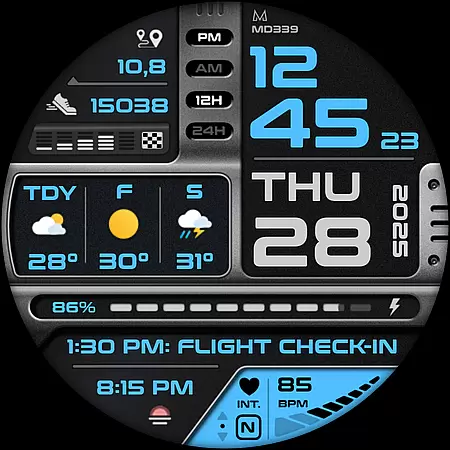
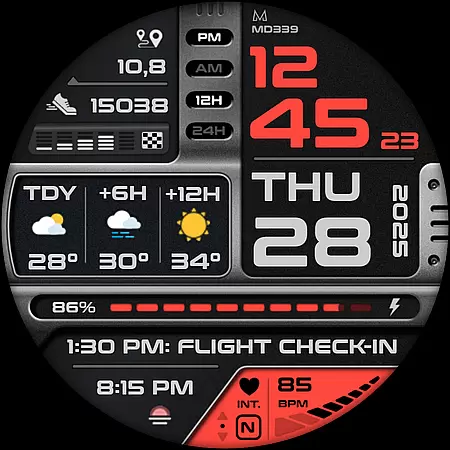
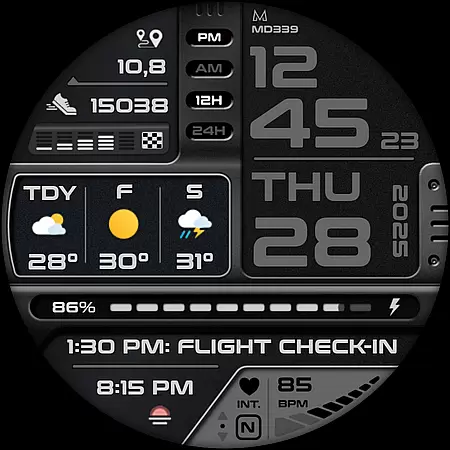
MD339 Digital watch face offers a modern solution for Wear OS users seeking advanced customization. This digital watch face supports the latest format standards, ensuring compatibility with devices like Samsung Galaxy Watch 4-8 and Pixel Watch.
Users can personalize their experience through 6 preset app shortcuts, 1 customizable shortcut, and 3 complications that display preferred data such as weather forecasts, heart rate, and more. The interface syncs seamlessly with phone settings, providing both 12/24hr time formats and light/dark themes.
Ideal for tech-savvy individuals who value both aesthetics and functionality, this watch face enhances daily productivity while offering a sleek, personalized design tailored to individual preferences.
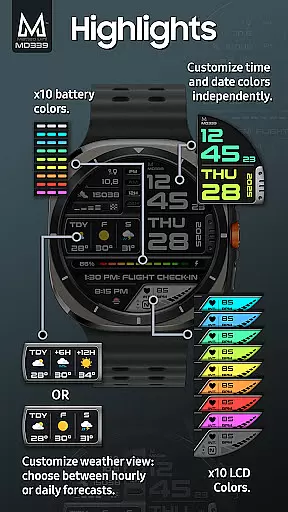
MD339 stands out with its extensive customization capabilities. Users can modify time/date colors, complication fonts, and even battery indicator hues. The inclusion of an Always On Display mode ensures essential information remains accessible at a glance.
The watch face integrates with the device's built-in weather provider, displaying current conditions and forecasts. Users can choose between daily or hourly updates, though occasional provider limitations may affect availability. Temperature units automatically adjust based on phone settings.
Additional notable features include heart rate monitoring, step tracking, and access to various complications like barometer readings and world clocks. These functionalities collectively create a versatile tool that adapts to diverse user needs.
Companion app integration is crucial for Android Wear applications as it ensures seamless synchronization between the wearable and its paired smartphone. The MD339 Digital watch face excels in this aspect by leveraging the phone's settings to provide a unified user experience.
This watch face automatically syncs the time format (12/24hr), weather data, and temperature units (Celsius/Fahrenheit) with the connected phone. This eliminates the need for manual configuration on the watch itself, streamlining the user experience.
Users benefit from real-time updates of essential information such as weather forecasts, ensuring that their watch face remains accurate and relevant throughout the day. The automatic syncing feature saves time and reduces potential confusion caused by mismatched settings.
The companion app relationship also enables advanced customization options. Users can personalize various elements of the watch face through their phone, making it easier to adjust settings compared to using the smaller watch interface alone.
Device compatibility is a fundamental consideration for any Android Wear application. The MD339 Digital watch face demonstrates excellent compatibility with modern Wear OS devices, supporting all smartwatches running API Level 34+ (Wear OS 5 and later versions).
This wide compatibility range includes popular models such as Samsung Galaxy Watch series (4-8 and Ultra) and Pixel Watch devices. By targeting recent API levels, the watch face can utilize advanced features while maintaining optimal performance across different hardware configurations.
However, the developers have responsibly noted potential limitations with older Galaxy Watch models (4 and 5). They've implemented a warning system to manage user expectations regarding customization capabilities on these devices, showcasing their commitment to transparency.
The watch face's compatibility extends beyond just device support; it also integrates smoothly with various external complications and weather providers. While some features may vary depending on the specific device and installed third-party apps, the core functionality remains consistent across supported platforms.
Highly customizable
Modern design
Wide device support
Syncs with phone settings
Always On Display
Older model issues
Weather dependency
Complex setup
Limited shortcuts
No internal weather app

WTW M17 is a premium and luxurious hybrid watch face
 4.70
4.70
Highly customizable hybrid watch face for Wear OS, perfect for everyday use.
4.60
Christmas - Festive - Christmas Village - Winter - Christmas lights
5.00
Wear Os Watch Face - Animated Snow - Sesonal for Christmas & Winter
4.1
Embrace the festive spirit with our Christmas Countdown watchface for Wear OS
4.10
Analog watch face with 8 complications and expedition styling
4.1
Beautiful, colorful and practical watch face. For Wear OS devices.
5.00
Stylish, Energizing and Modern Watch Face crafted by Dominus Mathias.
4.50
Fast and smart typing with Emojis, GIFs, and more
4.50
The most customizable hybrid watch face. For Wear OS 5.0, API 34+ and later
4.70
Nutrition, Macro tracker: Food, fitness & healthy diet tracking for weight loss
4.60
Walking app for weight loss: walk & step tracker, pedometer, indoor treadmill
4.60
Reliable phone calls with spam protection, caller ID and more helpful features
4.40
Let's celebrate Thanksgiving - Wear Os watch face
4.20
Wear Os Watch Face - Animated Snow Effect & Magic Spark - 6 Scenes
4.10
A full-featured Amazon Alexa voice assistant that can show you things.
3.70
Christmas is near, let's count together the days left until Santa comes
4.3
3 Complications. All shadow on/off. 30 Themes color palette...
4.3
Minimalistic design modern digital watch face.
4.0


User Reviews