
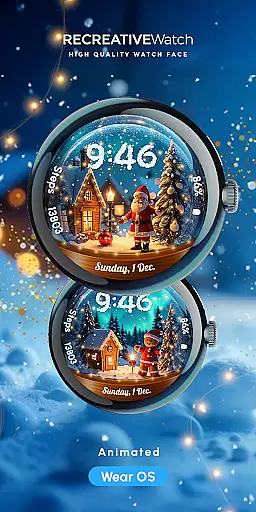
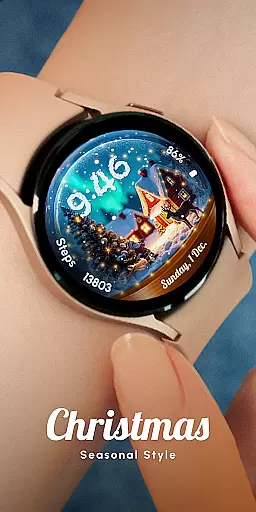
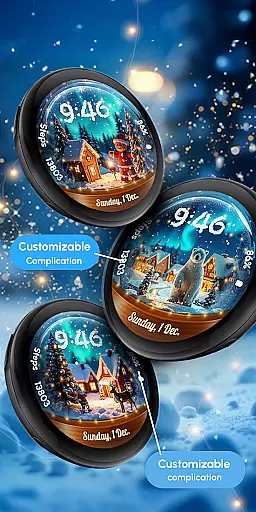
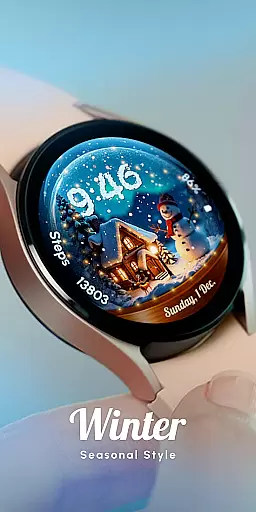
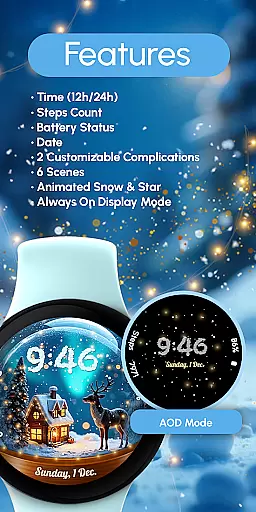
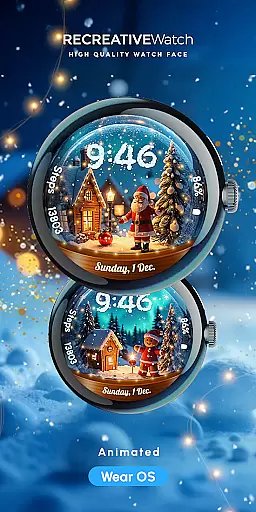
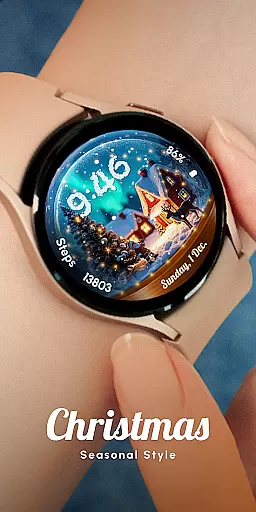
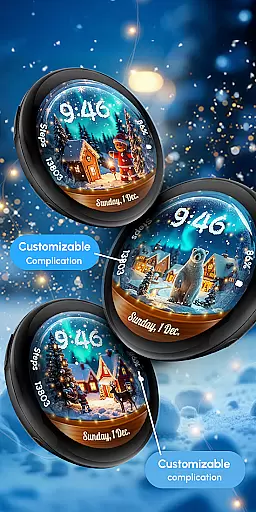
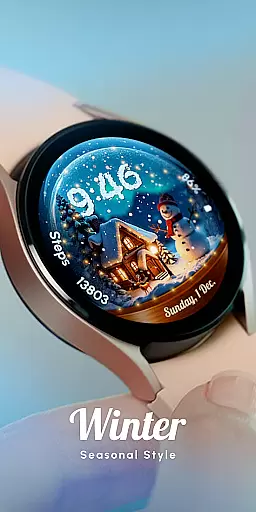
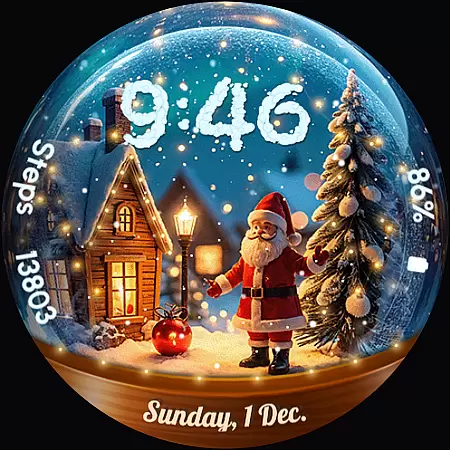
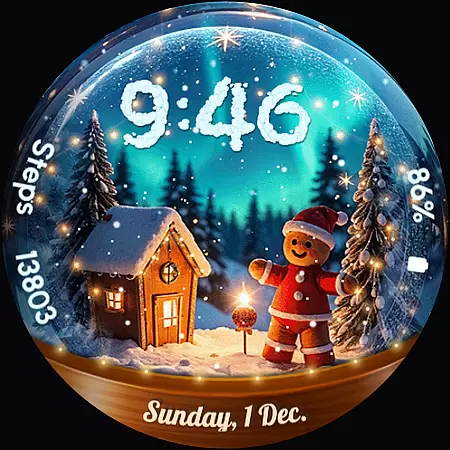
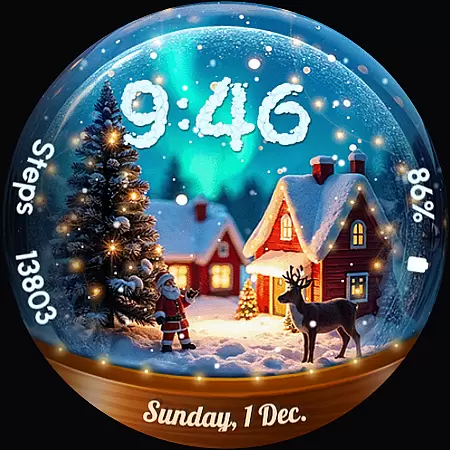
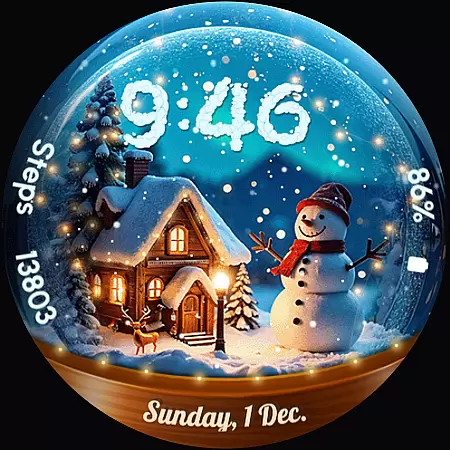
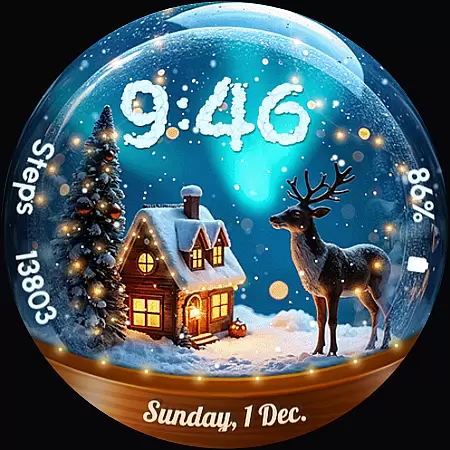
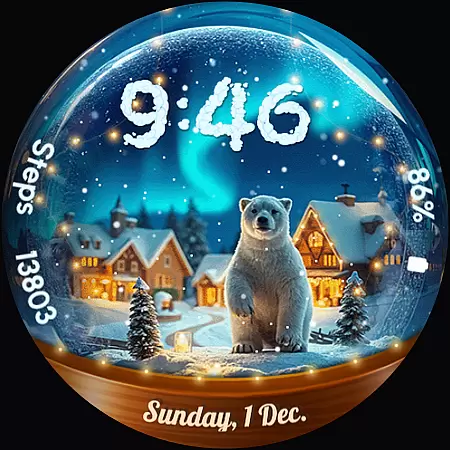
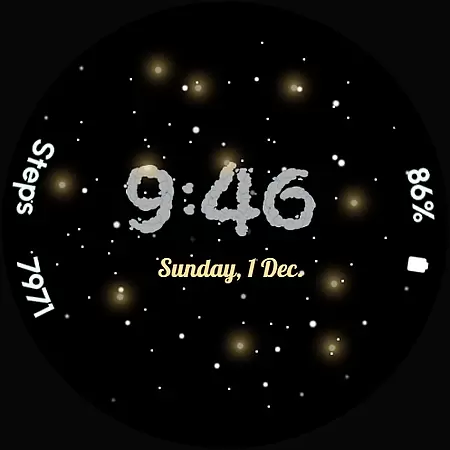
ReS56 is a festive watch face app designed to bring holiday cheer directly to your smartwatch. Featuring an animated snow globe scene with falling snow and magic spark effects, it creates a magical seasonal atmosphere on your wrist. The app includes various charming festive characters such as Santa Claus, reindeer, polar bear, gingerbread man, and snowman, making it perfect for the holiday season.
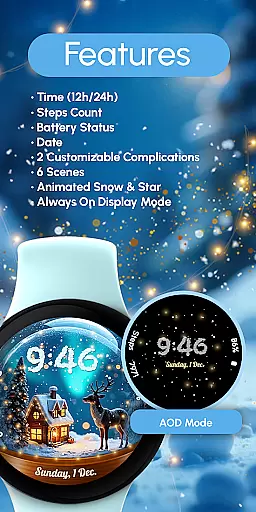
Beyond its delightful aesthetics, ReS56 offers practical functionalities including digital time display in 12/24hr format, date, battery status, step count, and two customizable complications. With compatibility across API level 33+ devices like Google Pixel and Galaxy Watch series, this app ensures both style and utility are at your fingertips.
ReS56 stands out with its unique combination of festive charm and functional features. The app provides users with six different scenes to choose from, each featuring animated snowfall and sparkling effects that mimic a real snow globe. These animations are complemented by useful watch face elements such as digital time display, date, battery indicator, and step counter.
Customization is key with ReS56, allowing users to personalize their experience through two customizable complications. By simply touching and holding the display, users can access the customization mode and tailor the watch face to their preferences. Additionally, the Always ON Display feature ensures that these enchanting visuals are available at a glance, although users may disable this for improved battery performance.
Companion app integration is essential for a seamless wearable experience. ReS56 excels in this area by offering users a cohesive ecosystem between their smartphone and Wear OS devices. The application ensures that all features are synchronized, providing real-time updates across devices.
The app supports key functionalities such as animated scenes, customizable complications, and health tracking metrics like steps count. Users can easily adjust settings through simple touch interactions, ensuring that preferences like 12/24hr digital time formats and date displays are always up-to-date on their smartwatch.
By maintaining compatibility with API level 33+ devices including Google Pixel and Galaxy Watches, ReS56 guarantees reliable performance. This synchronization allows users to enjoy festive themes and practical features without interruptions, enhancing both aesthetics and usability.
Ensuring broad device compatibility is crucial for any Wear OS application. ReS56 stands out by supporting a wide range of devices, including Google Pixel, Galaxy Watch series (4, 5, 6, 7), and other Wear OS models. This extensive compatibility ensures that more users can enjoy the magical snow globe scene and holiday-themed characters.
The application leverages the latest Wear OS features, such as Always ON Display and customizable complications. These features allow users to personalize their watch faces while maintaining optimal battery performance. For best results, it's recommended to disable Always ON Display when not needed.
Installation is straightforward, but support is available for troubleshooting. By following the provided link or contacting support@recreative-watch.com, users can quickly resolve any issues. This commitment to compatibility and support makes ReS56 a reliable choice for bringing holiday cheer to your wrist.
User-friendly interface
Visually appealing design
Highly customizable
Compatible with multiple devices
Practical features included
Limited to festive themes
May drain battery faster
Requires newer device models
No automatic application post-install
Some features need manual setup

Watch the sharpness of the sky on your wrist..
 3.70
3.70
Christmas Theme Watch Face for Wear Os
5.00
Snowflake Rose Gold Watch Face - Digital, modern, & sleek with GYRO effect.
4.10
Christmas is near, let's count together the days left until Santa comes
4.2
sleep, alarm, snoring, stress, healing, focus, sound therapy, circadian rhythm
4.10
Nutrition, Macro tracker: Food, fitness & healthy diet tracking for weight loss
4.60
Get helpful reminders, take progress photos and find answers to your questions.
3.90
A modern hybrid informative watch face for Wear OS designed by BALLOZI
4.80
Back up your contacts & access them anywhere
4.30
The most customizable hybrid watch face. For Wear OS 5.0, API 34+ and later
4.70
Be an elegant and classy secret agent, with this carefully detailed watch face
4.70
Hybrid watch face for Wear OS with customizable complications by Matteo Dini MD
4.70
Ideal for surviving in the wasteland left after nuclear fallout
4.50
Beautiful artistic animated digital watch face, with a customizable layout!
4.40
Locate your family members by GPS phone location tracker everywhere and anytime
4.30
Animated video-game inspired “secret agent” simulation, right on your wrist!
4.20
Connect, create, and collaborate with Gmail, part of Google Workspace.
4.10
Wear Os Watch Face - Animated Snow - Sesonal for Christmas & Winter
4.3
Funny animated watch face for Thanksgiving
4.0


User Reviews