
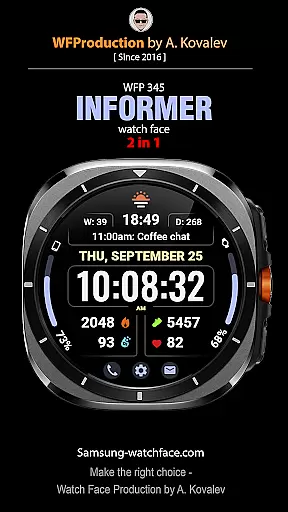
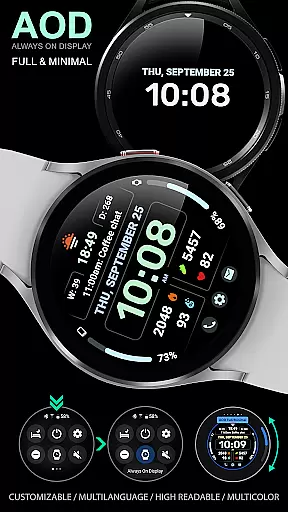
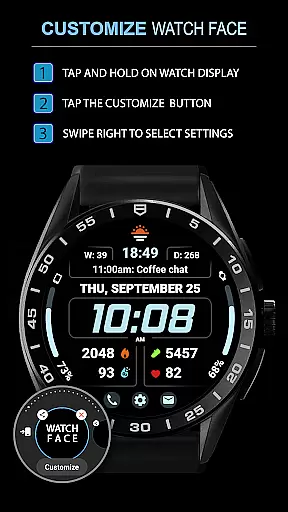
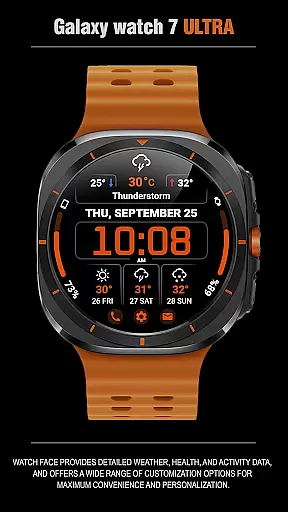
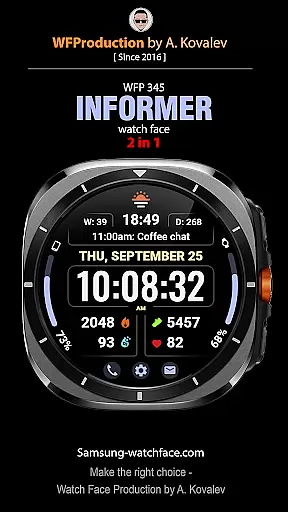
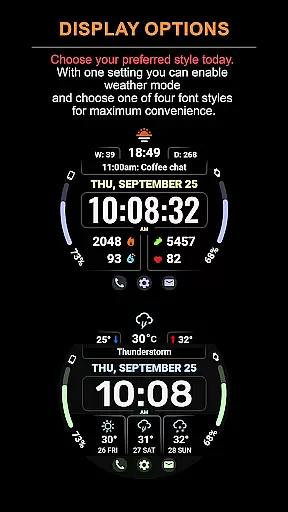
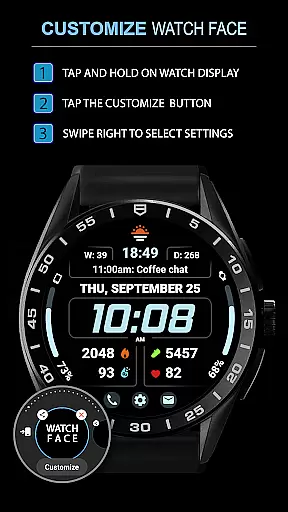
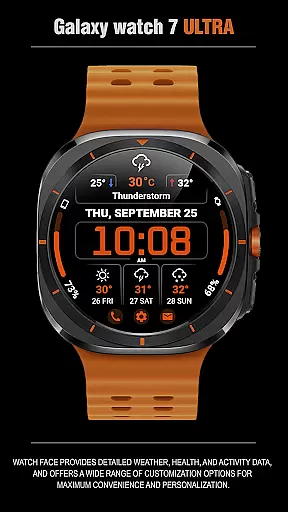
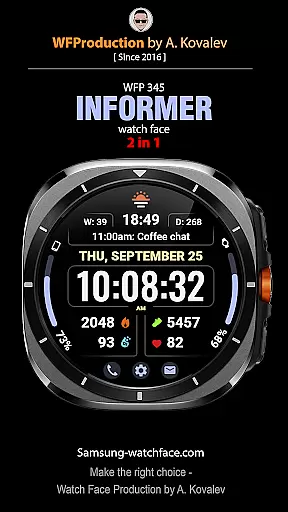
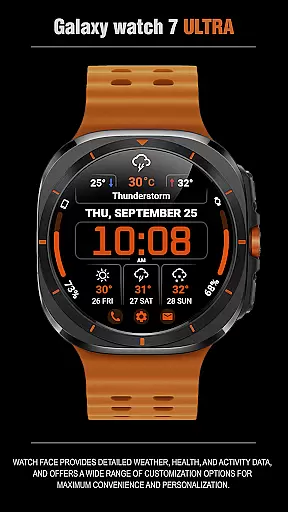
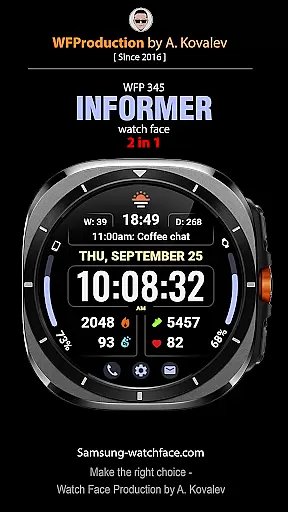
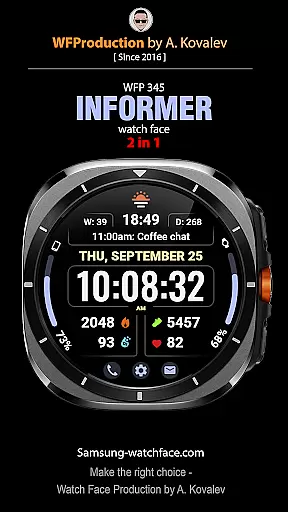
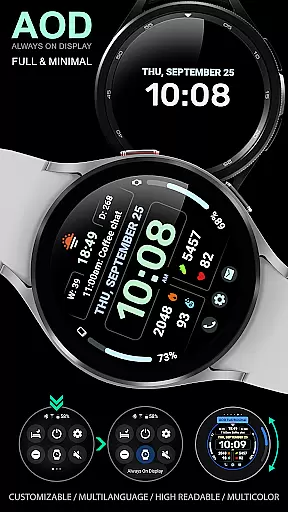
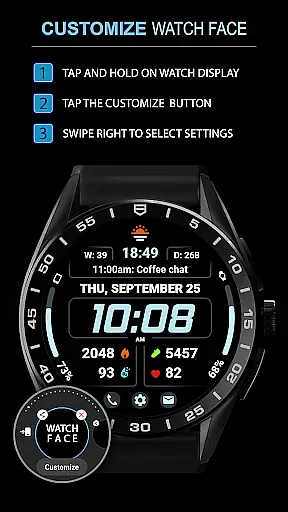
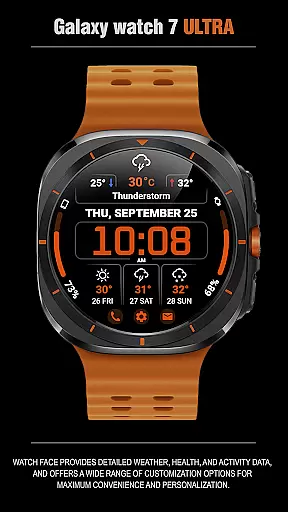
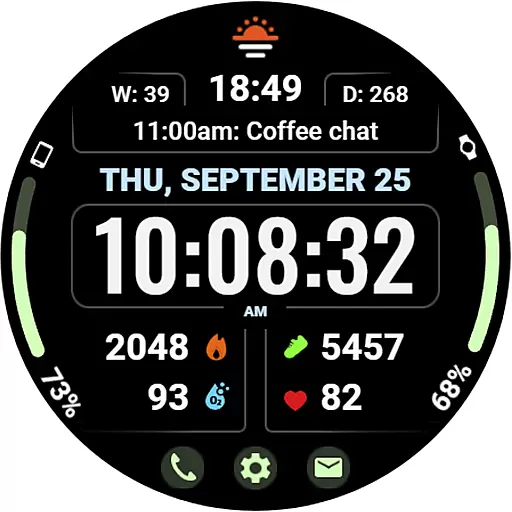
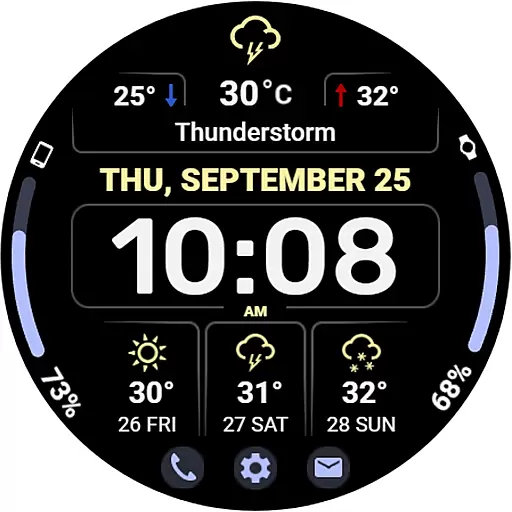
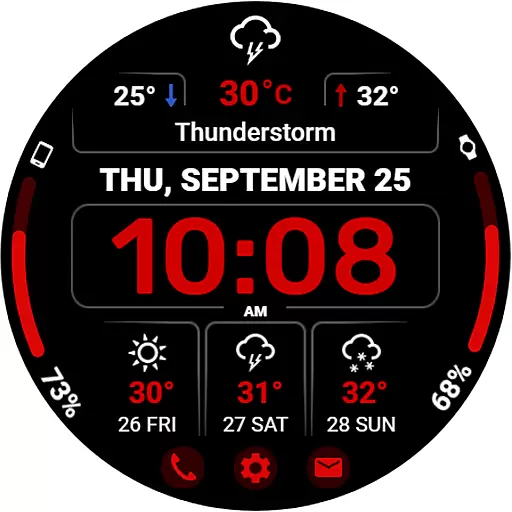
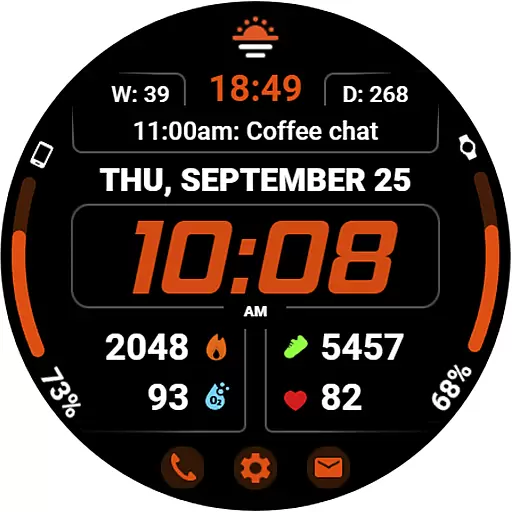
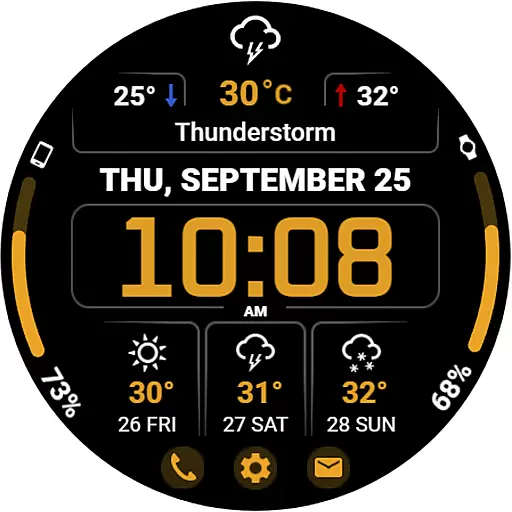
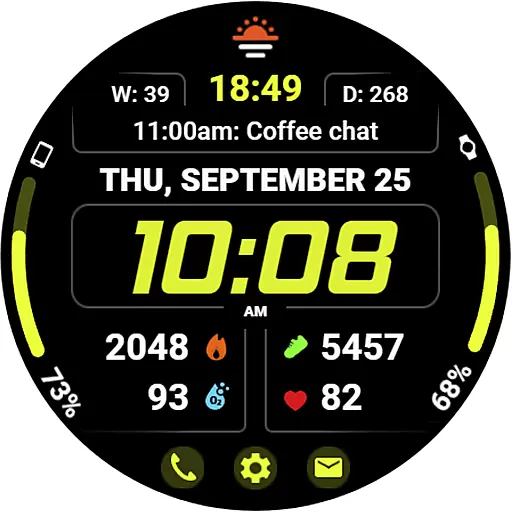
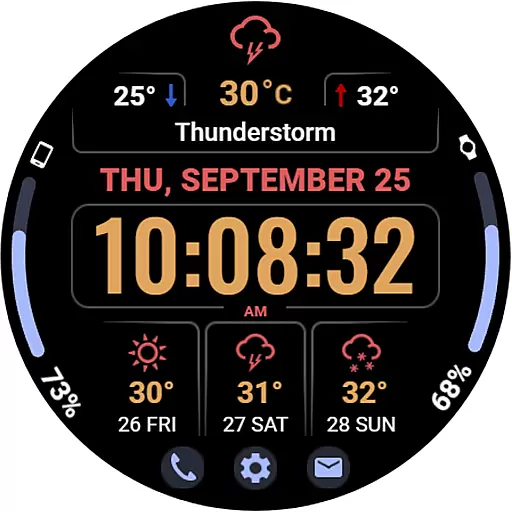
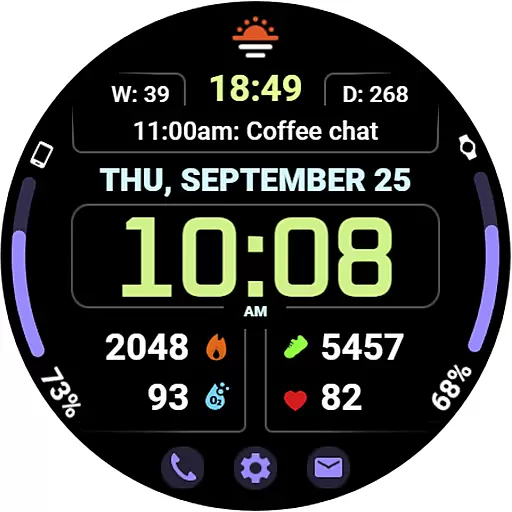
WFP 345 Informer watch face is a feature-rich Android Wear application that combines style with functionality. This digital watch face not only enhances the aesthetics of your smartwatch but also provides comprehensive details on weather, health metrics, and daily activities. With extensive customization options, users can tailor their experience to suit personal preferences while enjoying the convenience of quick-access buttons and multilingual support.
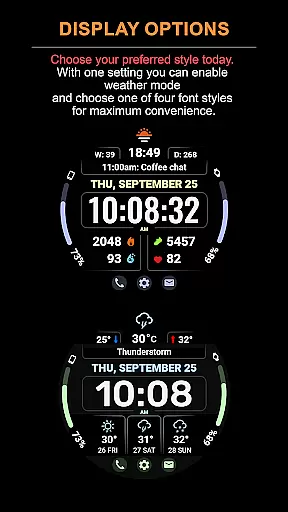
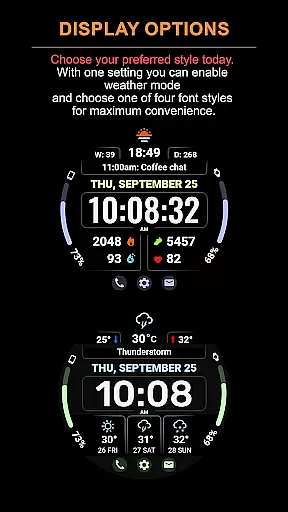
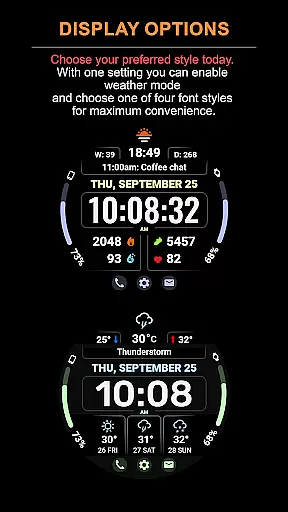
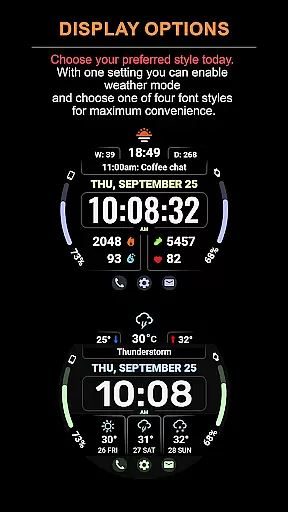
The app stands out with its dual-mode feature, offering either complications or a detailed weather forecast. Whether you need real-time weather updates, activity tracking, or simply an elegant time display, WFP 345 caters to various needs. Its high-resolution design and optimization ensure minimal battery consumption, making it an ideal choice for users seeking both form and function in a smartwatch interface.
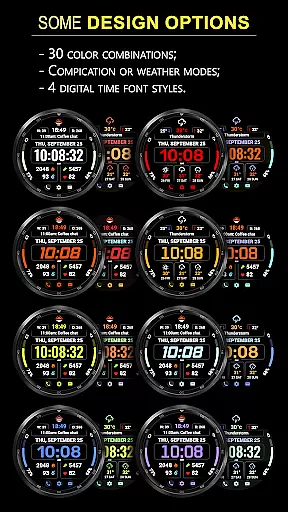
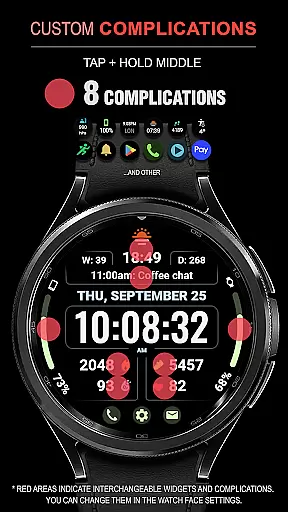
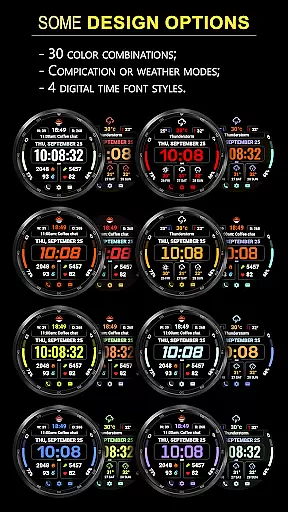
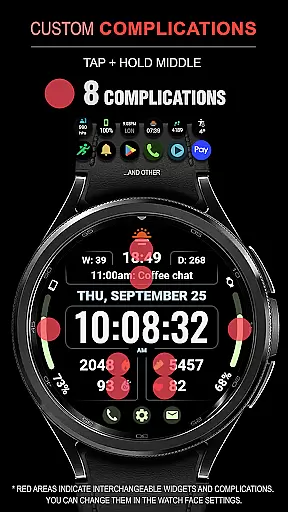
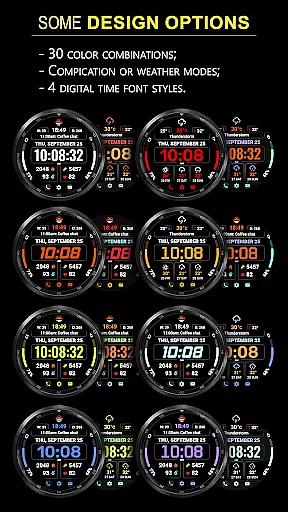
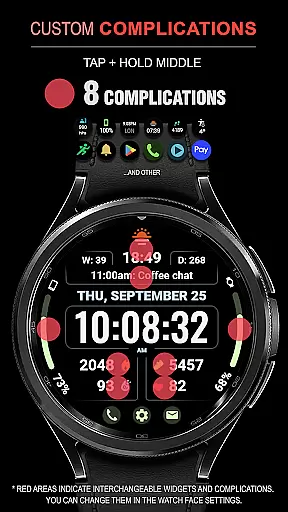
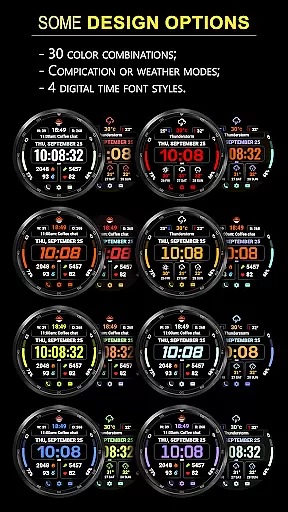
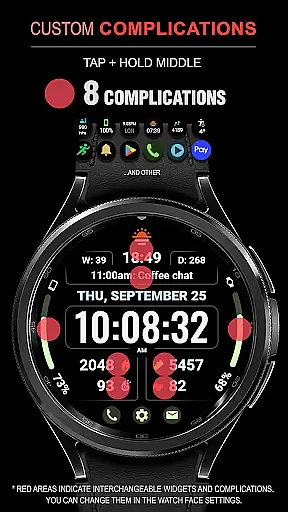
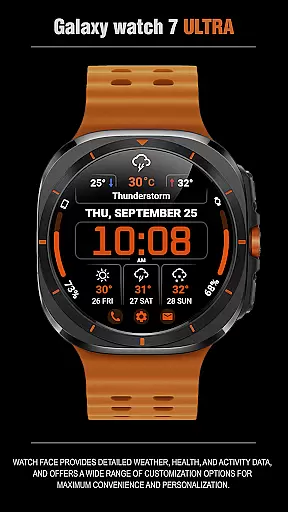
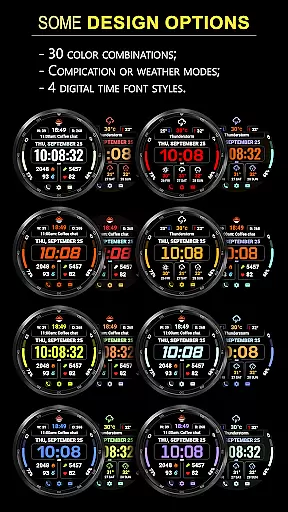
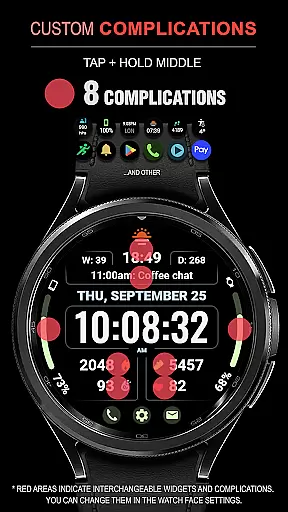
WFP 345 Informer offers an impressive array of features designed to maximize user convenience and personalization. The watch face includes eight customizable complications, 30 color options, and two distinct modes - one focused on complications and the other on weather forecasting. Users can access a three-day weather outlook, view minimum and maximum temperatures, and choose from four different time font styles.
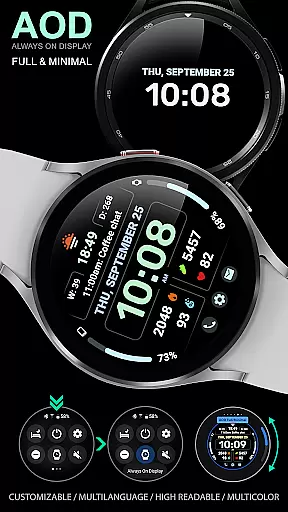
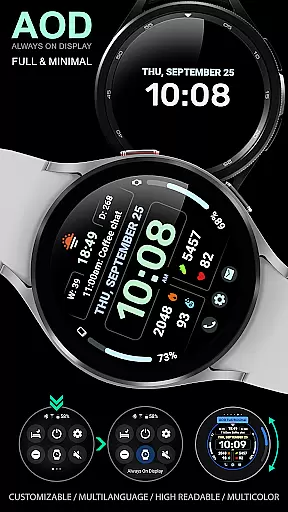
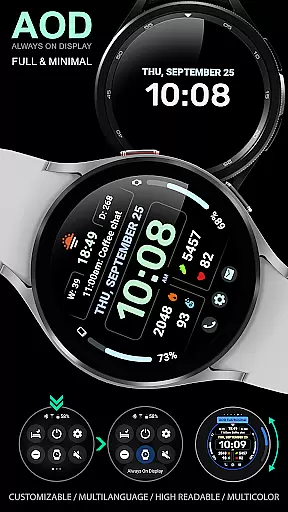
Additional functionalities include three quick-access buttons, temperature displays in Fahrenheit or Celsius, and a highly optimized, low-battery-consumption design. The app supports Always-On Display (AOD) with customizable options and maintains tap zones even when complications are hidden under Weather Mode. These robust features make WFP 345 Informer a versatile tool for smartwatch users who value both information accessibility and visual appeal.
Companion app integration is essential for a seamless wearable experience. The WFP 345 Informer watch face excels in this area by offering users synchronized data between their smartwatch and smartphone.
This application ensures that all weather, health, and activity metrics are accurately reflected on both devices. Users can access detailed analytics and receive timely updates without any discrepancies.
By following the provided instructions, users can effortlessly set up phone charge widgets and other crucial information such as calorie tracking and floor counts. This cohesive ecosystem enhances user convenience significantly.
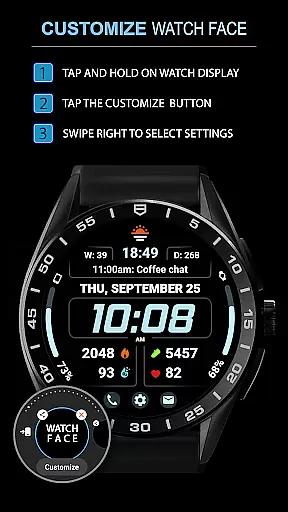
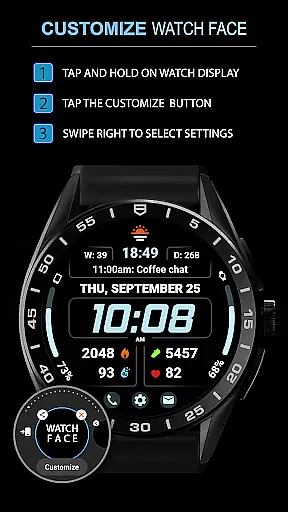
The ability to customize settings via the companion app adds another layer of personalization, allowing users to tailor their experience precisely to their preferences while maintaining optimal functionality across all platforms.
Ensuring broad Wear OS and device compatibility is vital for maximizing user accessibility. The WFP 345 Informer watch face supports an extensive range of devices, providing a consistent experience regardless of the hardware used.
This versatile application offers high-resolution graphics and optimized performance, ensuring it runs smoothly on various Samsung smartwatches. Its design accommodates different screen sizes and resolutions without compromising quality or speed.
With multilingual support and customizable Always-On Display (AOD) modes, users worldwide can enjoy a personalized interface that fits their unique needs. These features collectively contribute to an inclusive user base.
Furthermore, low battery consumption guarantees extended usage periods, making the WFP 345 Informer not only compatible but also efficientu2014a critical factor for maintaining user satisfaction across diverse devices.
Highly customizable
Comprehensive weather data
Low battery usage
Multilingual support
Quick-access buttons
Complications hidden in Weather Mode
Limited visibility of some settings
Requires careful setup
Premium features may cost extra
Complex for beginners

Calming & relaxing sounds for sleeping and stress relief. Stay focused all day!
 4.20
4.20
Walking app for weight loss: walk & step tracker, pedometer, indoor treadmill
4.60
an Analog Watch Face for winter season with freeze winter background for Wear OS
4.4
Snowflake Rose Gold Watch Face - Digital, modern, & sleek with GYRO effect.
4.10
Embrace the festive spirit with our Christmas Countdown watchface for Wear OS
4.10
Deck out your Wear OS Watch face with a beautifully decorated pine wreath!
4.50
Reliable phone calls with spam protection, caller ID and more helpful features
4.40
Bold weather Digital watchface with forecast & optional animated background
4.40
Spam call blocker and caller ID for automatic call protection!
4.40
Christmas Theme Watch Face for Wear Os
5.00
A modern hybrid informative watch face for Wear OS designed by BALLOZI
4.80
Kia Access makes getting your vehicle information easier than ever
4.60
To-Do List: daily schedule planner, task organizer, to do reminder app, calendar
4.60
Fast and smart typing with Emojis, GIFs, and more
4.50
Digital watch face with big numbers and many customization for Wear OS devices
4.40
Premium hybrid watch face with many customizations for Wear OS devices.
4.40
The ultimate destination for kids ages 3-8 to explore the Marvel Universe!
4.30
Animated Watch Face and Customizable with 24 Backgrounds. Perfect for Christmas!
3.90
Stay in touch with your friends and family using LINE!
3.40


User Reviews