
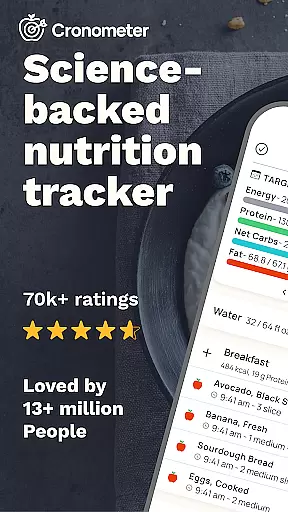
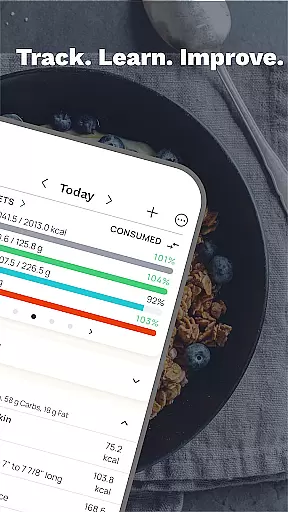
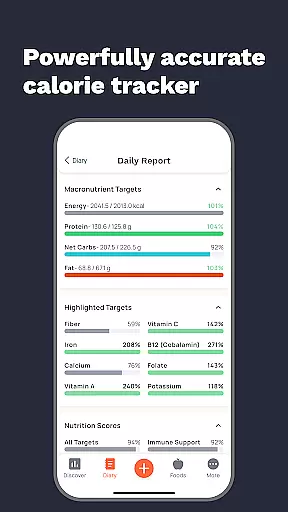
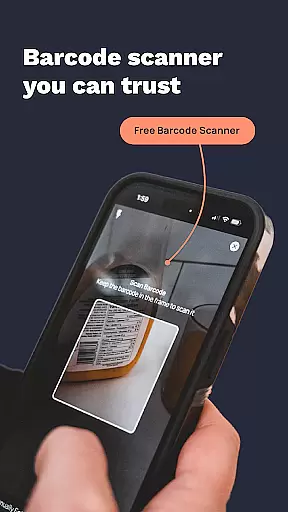
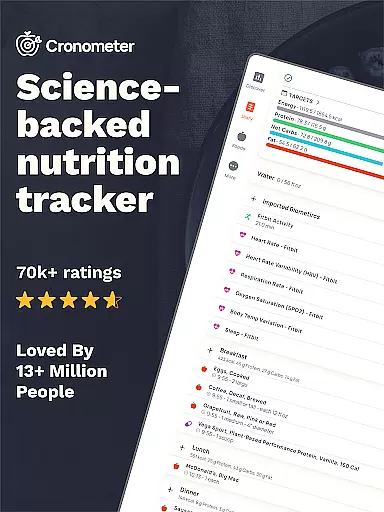
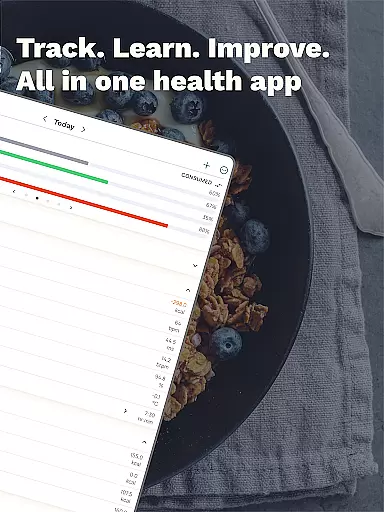
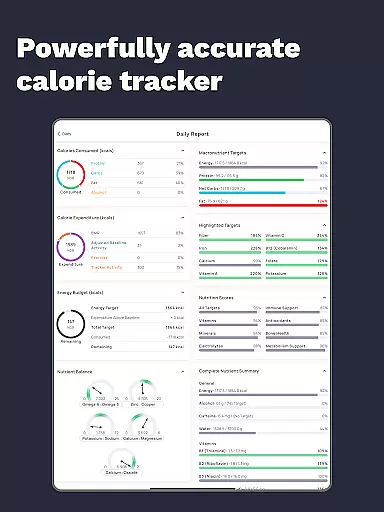
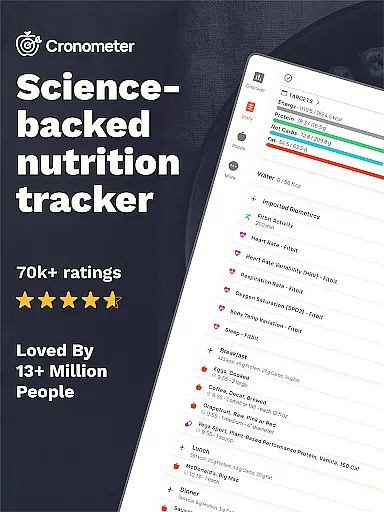
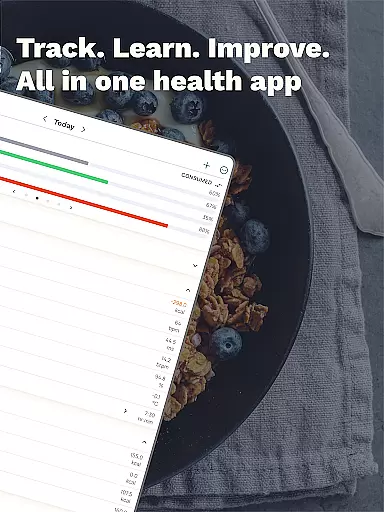
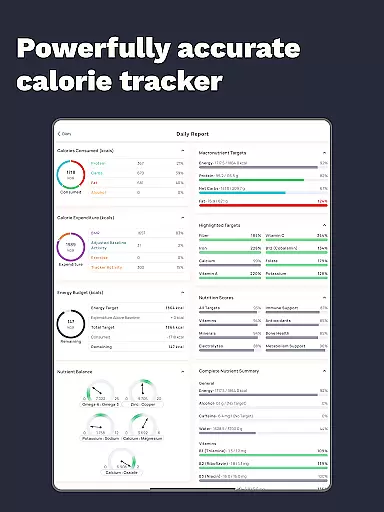
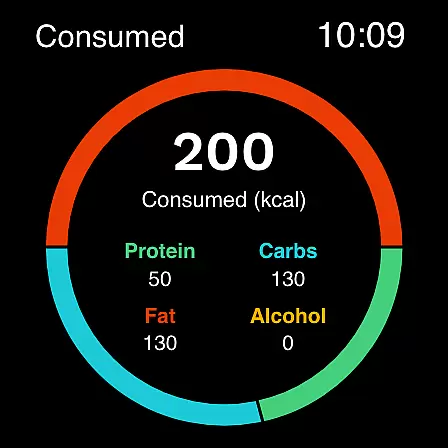
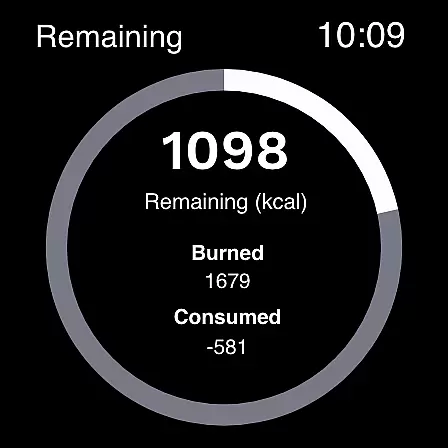
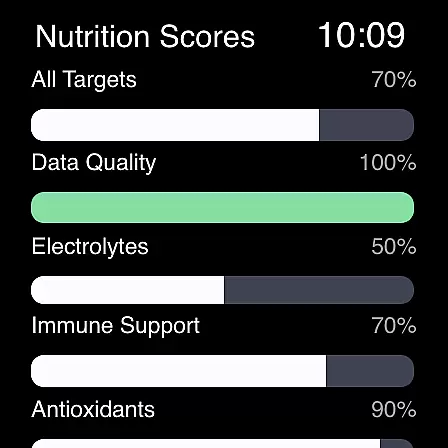
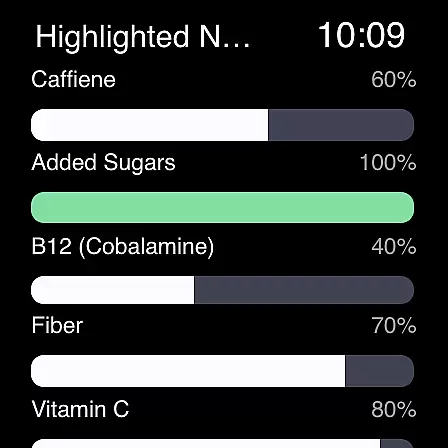
Cronometer is a comprehensive health and nutrition tracking app designed specifically for Android Wear devices. This calorie counter and macro tracker goes beyond basic food logging by providing users with verified nutrient data, AI-powered photo logging capabilities, and science-backed tools to support various health goals. Whether you're aiming for weight loss, muscle gain, or simply maintaining balanced eating habits, Cronometer offers precise tracking features that work seamlessly across your mobile and wearable devices.
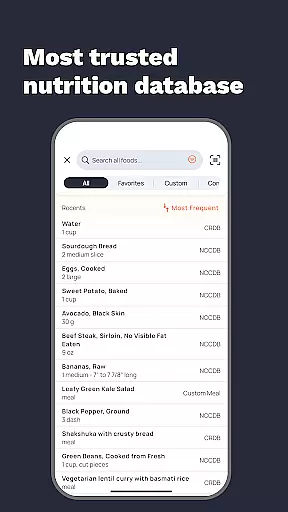
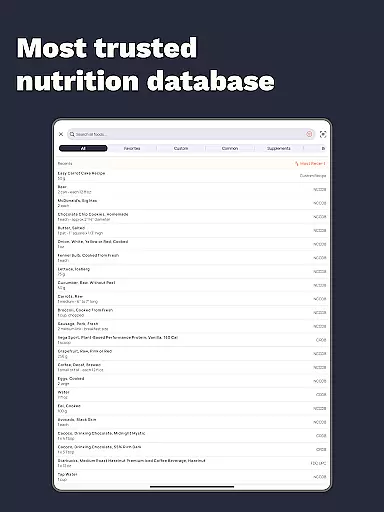
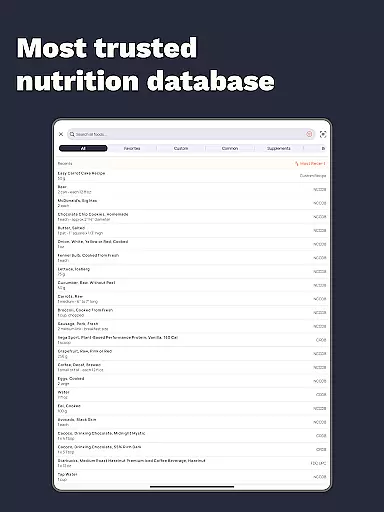
The app stands out with its extensive database of over 1.1 million lab-analyzed foods and its ability to track not just calories and macronutrients, but also 84 different micronutrients. Its integration with wearable technology allows users to monitor their nutrition while on the go, making it particularly valuable for those who want to maintain their health tracking routines even when away from their phones. The combination of advanced tracking features and wearable convenience makes Cronometer an essential tool for anyone serious about managing their nutritional intake through their smartwatch.
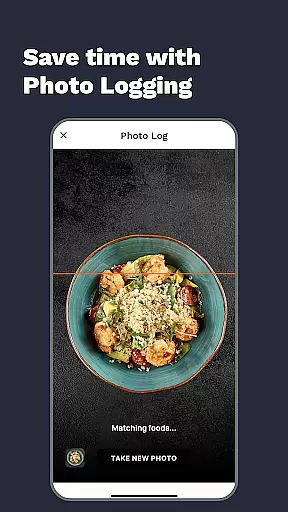
Cronometer's Android Wear application brings powerful nutrition tracking capabilities directly to your wrist. The app's standout feature is its AI-powered photo logging system, which allows users to quickly capture meal images that are automatically analyzed for ingredients and portion sizes using the NCC database. This innovative approach to food tracking eliminates the need for manual entry while maintaining high accuracy standards.
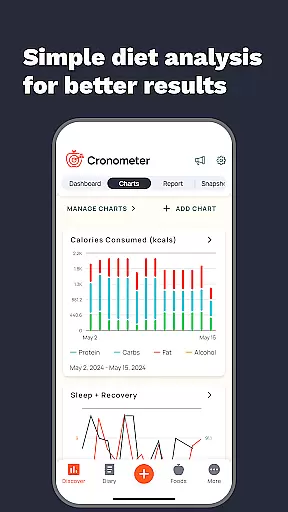
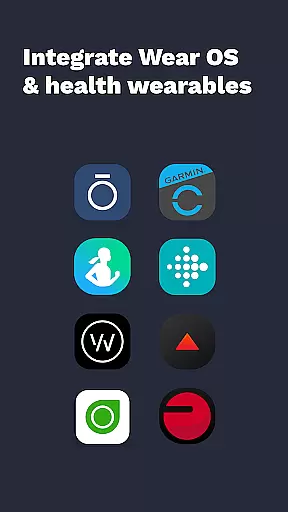
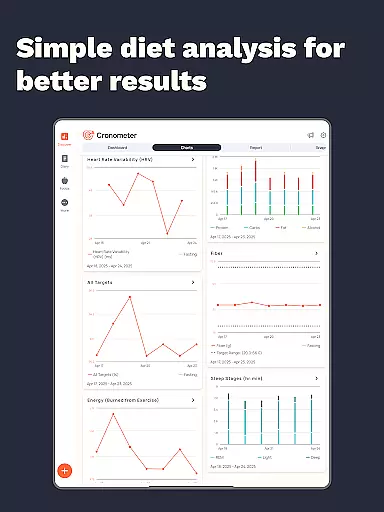
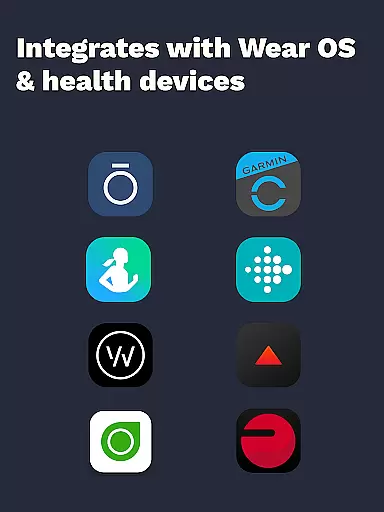
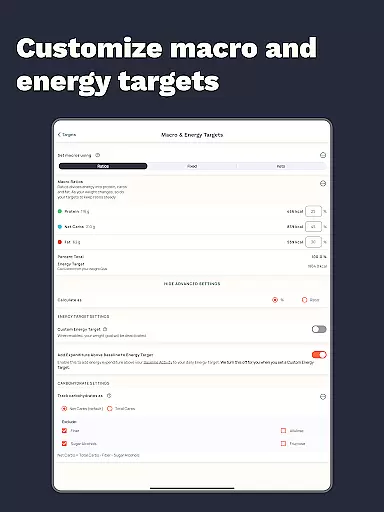
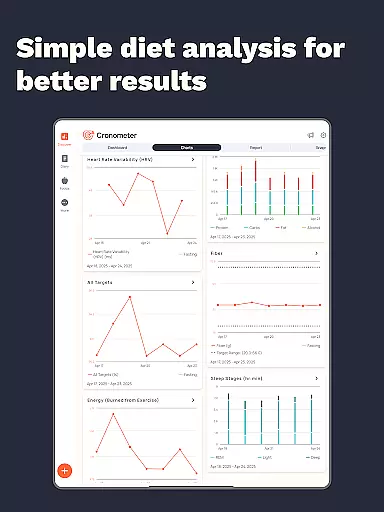
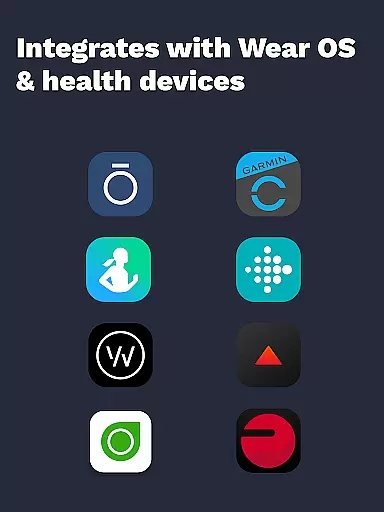
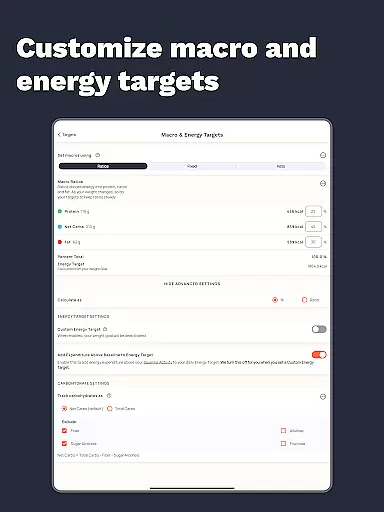
Beyond its core calorie and macro tracking functions, Cronometer offers advanced features including wearable integrations with popular fitness trackers like Fitbit and Garmin, custom biometric tracking, and detailed nutrition scoring across eight key nutrient areas. Users can set precise goals, view comprehensive charts and reports, and even share custom foods and recipes with others. The premium version, Cronometer Gold, unlocks additional capabilities such as automated repeat item logging, enhanced insights through trend analysis, and professional-grade PDF reporting. These features create a holistic health tracking experience that extends far beyond simple calorie counting.
Companion app integration is crucial for wearable devices as it ensures seamless data synchronization and functionality between the main application and its wearable counterpart. Cronometer excels in this area by offering a robust Wear OS app that works in harmony with the main mobile application.
The Cronometer Wear OS app allows users to track calories and macros directly from their smartwatch, providing real-time updates without needing to reach for their phone. This integration supports a fluid user experience, ensuring that all logged data is instantly reflected across devices.
Users benefit from having constant access to their nutrition data, whether they are exercising, commuting, or in situations where using a phone is inconvenient. This feature enhances the overall usability of the app, making health tracking more accessible and convenient.
By maintaining consistent functionality and data accuracy between devices, Cronometer's companion app integration empowers users to stay on top of their health goals anytime, anywhere, demonstrating the true value of cross-device applications.
Device compatibility is a key factor when evaluating apps designed for wearable technology. Cronometer addresses this by ensuring broad compatibility with Wear OS devices, allowing users to utilize their smartwatches effectively for health tracking.
The app is optimized to work smoothly across various Wear OS devices, regardless of manufacturer or model specifications. This universal approach guarantees that users can enjoy the full range of Cronometer's features without worrying about technical limitations or device restrictions.
With Cronometer's Wear OS compatibility, users gain access to essential features like calorie and macro tracking directly from their wrists. This not only streamlines the tracking process but also encourages more frequent and consistent usage by removing barriers to entry.
Ultimately, Cronometer's commitment to Wear OS compatibility showcases its dedication to providing a versatile and reliable health tracking solution that adapts to users' diverse device preferences while maintaining high performance standards.
Accurate nutrient tracking
Extensive food database
AI-powered photo logging
Wearable device integration
Comprehensive health metrics
Premium subscription required
Complex interface
Limited free features
High learning curve
Occasional sync issues

Walking app for weight loss: walk & step tracker, pedometer, indoor treadmill
 4.60
4.60
Christmas Theme Watch Face for Wear Os
5.00
MyNISSAN® lets you remotely control your car from your phone.*
4.50
Beautiful artistic animated digital watch face, with a customizable layout!
4.40
Wear Os Watch Face - Animated Snow Effect & Magic Spark - 6 Scenes
4.10
Digital, flexibly customizable watch face. For Wear OS 5.0, API 34+ and later.
5.00
Real-time results, stats, schedules and player profiles for all leagues
4.60
Stay in touch with your friends and family using LINE!
3.40
Download full tracks, listen to music offline, make unlimited playlists.
4.80
Real-time weather radar with temperatures, warnings, hurricanes, and widgets
4.80
The Chevron App allows you to pay for fuel from the comfort of your car!
4.80
Gym & home workout plans with strength training, exercise tracking, HIIT & more.
4.60
Highly customizable hybrid watch face for Wear OS, perfect for everyday use.
4.60
Ideal for surviving in the wasteland left after nuclear fallout
4.50
Fast and smart typing with Emojis, GIFs, and more
4.50
A customizable Christmas watch face for Wear OS with a countdown.
4.20
"PER27 Galaxy Digital" is a digital Wear OS watch face designed by PERSONA
4.10
Stunning modern digital watch face with 7 complications and strong contrast
4.0
Sleek, highly customizable watch face inspired by Galaxy Watch Circle Dashboard.
4.3


User Reviews