
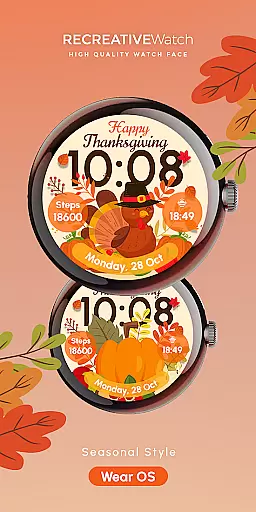
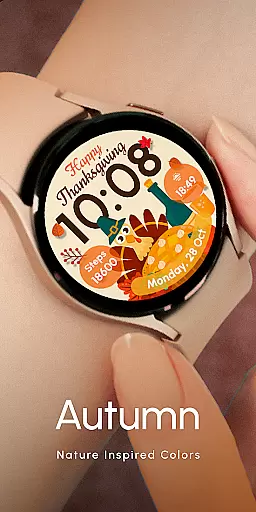

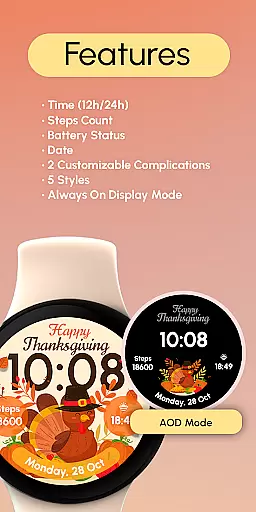
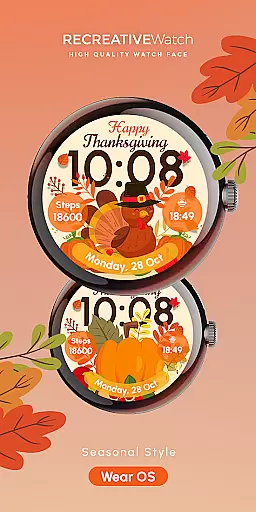
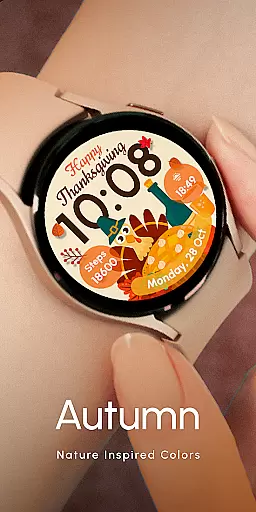

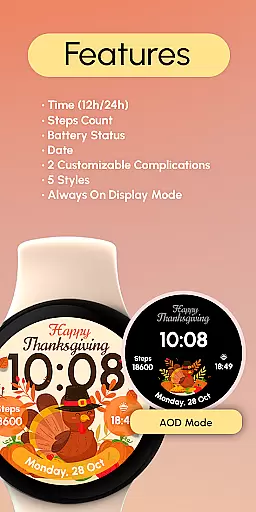
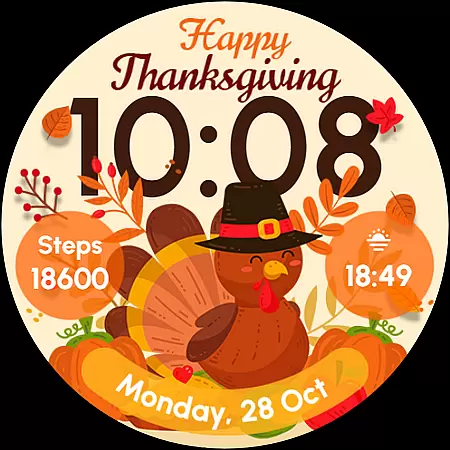
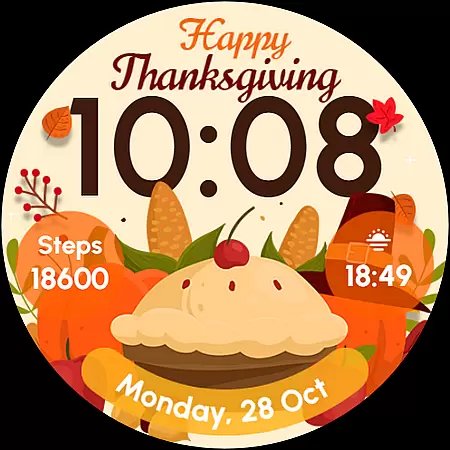
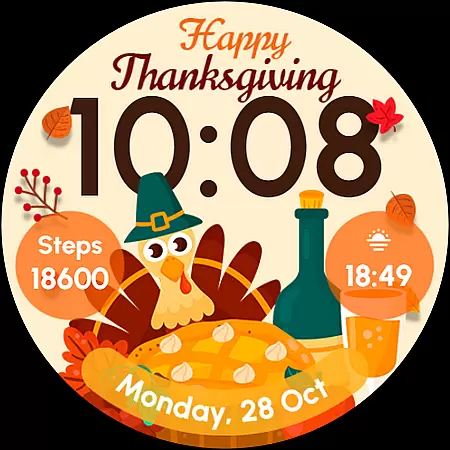
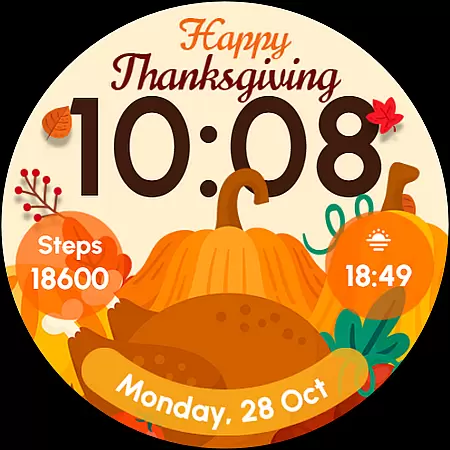
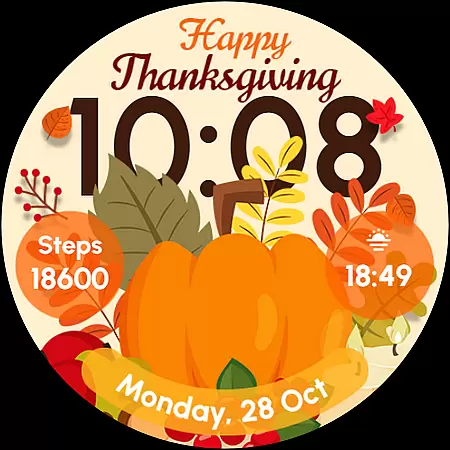
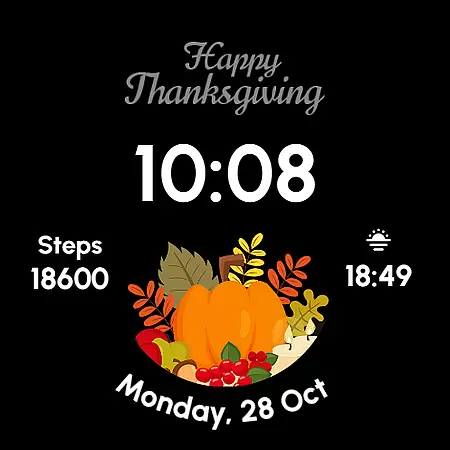
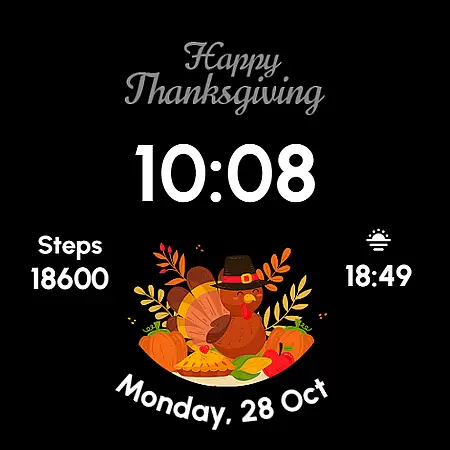
ReS54 is a festive Wear OS watch face designed to bring Thanksgiving vibes to your smartwatch. Featuring a cute turkey, vibrant pumpkins, and a festive feast design, it offers users a cozy autumn aesthetic. The watch face displays 12/24hr digital time, date, battery status, and step count while supporting two customizable complications and five style options. With Always ON Display functionality, it ensures both style and practicality for compatible devices.
This app is perfect for those who want to celebrate the season in style while enjoying useful features like activity tracking and customizable data fields. Compatible with API level 33+ devices such as Google Pixel and Galaxy Watch series, ReS54 enhances your wristwear experience during the fall season.
ReS54 stands out with its unique Thanksgiving-themed design elements, including a turkey, pumpkins, and a feast layout. Users can enjoy essential functionalities like 12/24hr digital time display, date tracking, battery monitoring, and step counting. The inclusion of two customizable complications allows personalization based on individual preferences.
With five distinct styles and an Always ON Display feature, this watch face balances aesthetics with usability. For optimal battery performance, users are advised to disable the Always ON mode when not needed. Additionally, the customization process is intuitive—simply touch and hold the display to access settings and personalize the watch face easily.
Companion app integration is essential for Wear OS applications as it ensures seamless synchronization between the watch face and a user's mobile device. ReS54 offers an efficient companion app that allows users to unlock the full potential of their smartwatch experience.
This application provides easy access to customization options directly from your smartphone, ensuring that all features such as digital time display, date, battery status, step count, and complications are effortlessly managed. The intuitive interface of the companion app makes personalization straightforward and user-friendly.
By utilizing the companion app, users can enjoy the convenience of adjusting settings on-the-go without the need to interact directly with the watch interface. This results in a smoother overall experience and enables users to keep their wearable technology personalized to their lifestyle needs.
Device compatibility is a critical aspect of any Wear OS application, determining how well the software performs across various devices. ReS54 boasts extensive compatibility with API level 33+ Google Pixel watches, Galaxy Watch series 4 through 6, and other Wear OS models, ensuring broad accessibility for users.
The watch face supports key functionalities like Always-On Display, customizable complications, and multiple styles which adapt seamlessly regardless of the device type. Such versatility guarantees that users receive consistent performance and visual appeal on their chosen wearable.
Moreover, by recommending disabling Always-On Display mode for improved battery life, ReS54 demonstrates attentiveness towards optimizing device performance. This thoughtful design approach enhances user satisfaction by balancing aesthetic preferences with practical considerations for power management.
Unique Thanksgiving theme
Customizable complications
Always ON Display
Vibrant design elements
Easy customization
Limited to seasonal use
Battery usage concerns
Fewer features than competitors
Compatibility restrictions
No automatic application

Snowflake Rose Gold Watch Face - Digital, modern, & sleek with GYRO effect.
 4.10
4.10
Christmas is near, let's count together the days left until Santa comes
4.4
Kia Access makes getting your vehicle information easier than ever
4.60
Period, ovulation & pregnancy tracker. Fertility insights & menstrual calendar.
4.90
The Chevron App allows you to pay for fuel from the comfort of your car!
4.80
Daily Weather forecast with 15 weather images for Day & Night plus Big Bold time
4.10
A white realistic classic analog watch face with many customization options.
4.40
Your music, your playlists, and more—offline and unlimited.
4.20
Your local weather forecast, storm tracker, radar maps & live weather news
3.40
Hyperlocal rain alerts by MyRadar using patent-pending technology, radar & more
4.80
MyNISSAN® lets you remotely control your car from your phone.*
4.50
Digital watch face. For Wear OS devices.
4.40
Bold, Modern Hybrid Watch Face for Wear OS. 10 Colors, Rich Info Display.
4.30
A customizable Christmas watch face for Wear OS with a countdown.
4.20
Connect, create, and collaborate with Gmail, part of Google Workspace.
4.10
A digital watch face that celebrates Christmas.
4.00
A full-featured Amazon Alexa voice assistant that can show you things.
3.70
an Analog Watch Face for winter season with freeze winter background for Wear OS
4.5
Contemporary digital watch face with five complications
4.5


User Reviews