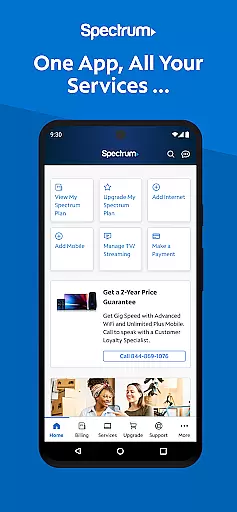

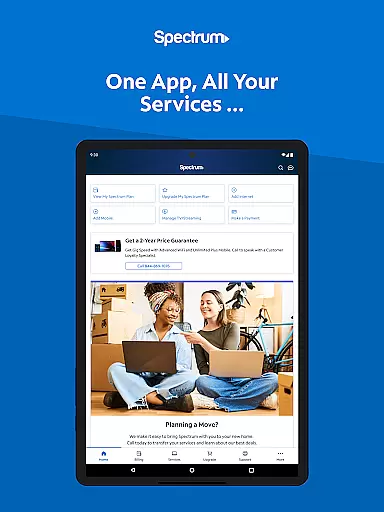
My Spectrum is a comprehensive service management app designed for residential customers of Spectrum. This all-in-one solution allows users to manage their Spectrum services including Mobile, Internet, TV, and Home Phone directly from their mobile devices. With its intuitive interface, the app simplifies bill payments, service management, and support access.
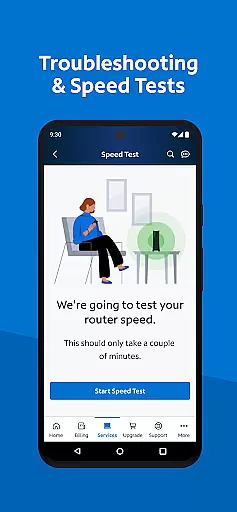
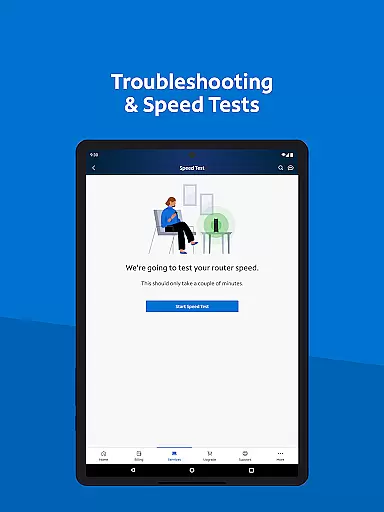
The app offers advanced features such as real-time data usage tracking, self-installation guides, and enhanced dual speed testing for troubleshooting internet connections. Whether you're at home or on the go, My Spectrum ensures you stay connected and informed about your services, making it an essential tool for all Spectrum subscribers.
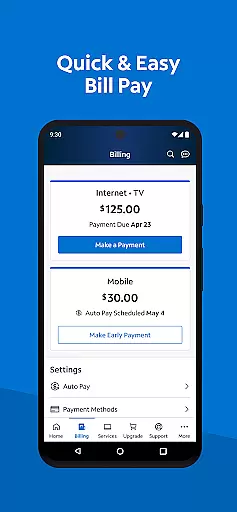
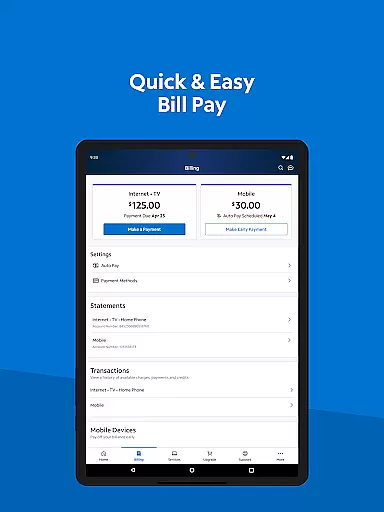
One of the standout features of My Spectrum is its robust billing management system. Users can pay their bills for various Spectrum services, enroll in Auto Pay to avoid missing due dates, and schedule one-time payments. The app also supports paperless billing and provides easy access to past statements, ensuring a seamless financial management experience.
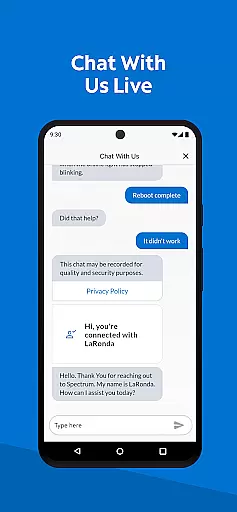
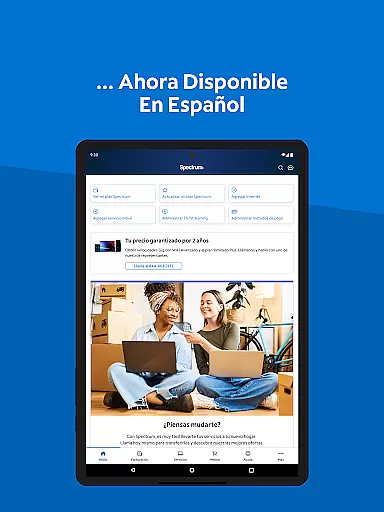
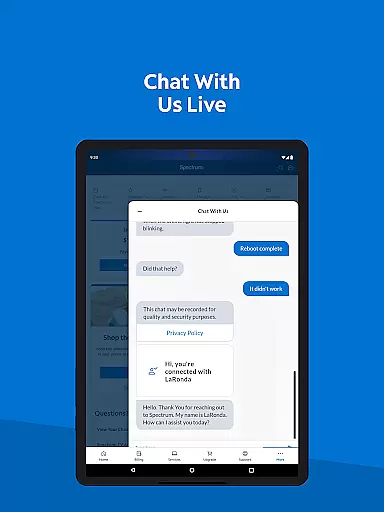
Beyond billing, My Spectrum excels in service customization and support. It allows users to toggle language preferences between English and Spanish, manage mobile data usage, and receive important notifications on the home screen. Additionally, the app offers simplified support options like live chat with customer service, technician tracking, and a newly designed support section for quick answers, enhancing overall user satisfaction.
When it comes to managing your Spectrum services, the My Spectrum app excels in providing accurate and effective core functionalities. The app consolidates all essential features for handling your Spectrum Mobile, Internet, TV, and Home Phone accounts into one convenient location.
With real-time bill management, users can pay their bills, enroll in Auto Pay to avoid missing due dates, schedule one-time payments, sign up for paperless billing, and review past statements with ease. This ensures that every financial transaction is precise and hassle-free, giving users full control over their account finances.
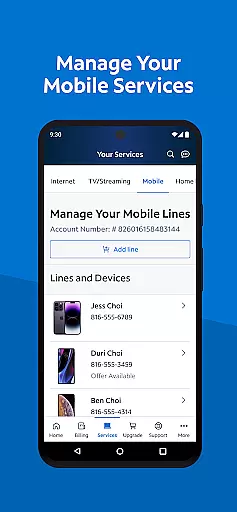
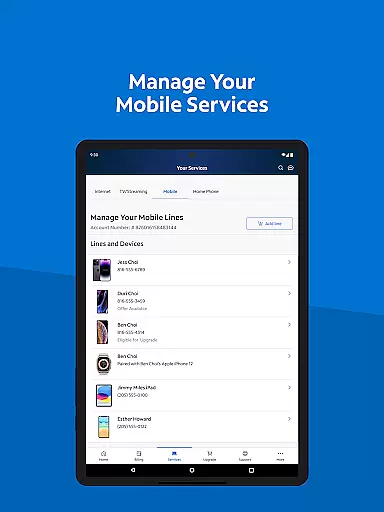
For those who need to manage mobile services, the app offers tools to monitor data usage, adjust plans, and activate new lines. It also provides advanced WiFi management options, including upgrading to Advanced WiFi, troubleshooting connectivity issues, and performing speed tests. These functions are designed to be both powerful and reliable, ensuring optimal performance.
The app's ability to deliver timely notifications about billing, equipment, activations, and outages directly on the home screen further enhances its effectiveness. By integrating these comprehensive tools, My Spectrum ensures users have a seamless experience managing their services.
The My Spectrum app stands out for its simple and intuitive interface, making it accessible for users of all technical backgrounds. Upon opening the app, you're greeted with a clean layout that organizes key functionalities like bill payment, service management, and support in an easy-to-navigate manner.
One of the standout features is the language toggle option, allowing users to switch between English and Spanish effortlessly. This inclusivity ensures that non-English speakers can also utilize the app comfortably. Additionally, the app provides straightforward paths to manage mobile services, check data usage, and adjust plans without any unnecessary complexity.
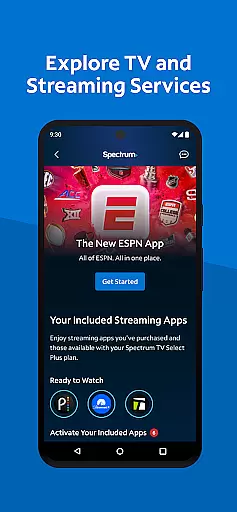
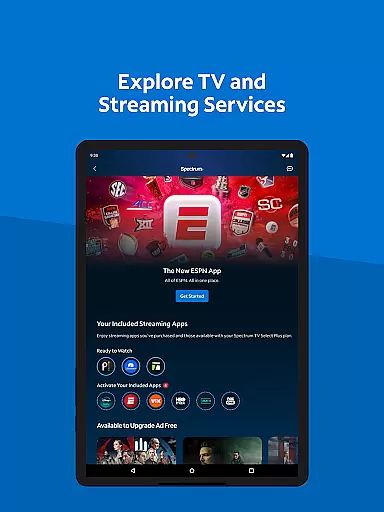
For entertainment enthusiasts, the app simplifies the exploration of TV and streaming services by presenting channel lineups and streaming apps clearly. Users can customize their viewing experience by adding premium channels or managing subscriptions from a single dashboard, enhancing user engagement without overwhelming them.
Support functions are equally streamlined, offering self-installation guides, live chat with customer service, and a newly designed support section for quick answers. This focus on clarity and ease of use ensures that even novice users can navigate and utilize the appu2019s full range of features efficiently.
User-friendly interface
Comprehensive billing tools
Real-time data tracking
Multi-language support
Enhanced customer support
Limited to Spectrum customers
Occasional bugs reported
Requires constant updates
Some features need subscription
High system requirements

pdf merge, word to pdf, jpg to pdf, edit pdf, convert to pdf and much more!
 4.20
4.20
A powerful, easy-to-use flight computer on your phone or tablet!
3.80
Transfer Files, APK from Phone to Watch & Install.
4.2
FV File Manager Pro, Fast and powerful file manager for Android
4.60
HD Video player and downloader for all formats, fast & smooth 4K video playback.
4.60
PC precision for mobile gaming: dominate with keyboard and mouse!
4.30
Quickly check the frequency of the Earth
4.30
Game Booster, GFX Tool is now compatible with newer game update
4.50
NFC Tools can read and write NFC tags.
4.70
Change your GPS location instantly. Simulate routes anywhere in the world.
4.90
Enjoy smooth gameplay with Game Booster
4.90
Excellent scientific calculator with symbolic algebra, integrals, derivatives
4.80
Learn the vast amount of system information about device and monitor it's state
4.70
Small and simple app to Verify Root Access and BusyBox Install!
4.70
Making emulation easy for everyone!
4.30
Effortlessly run ADB commands directly on your device without a PC.
4.20
View detailed information about your Nissan Leaf the dealer never shows you.
4.10
Fun lie-detection pranks for friends and parties.
3.80
Unlock your Essential Key. Create custom shortcuts to your favorite apps!
4.4


User Reviews