
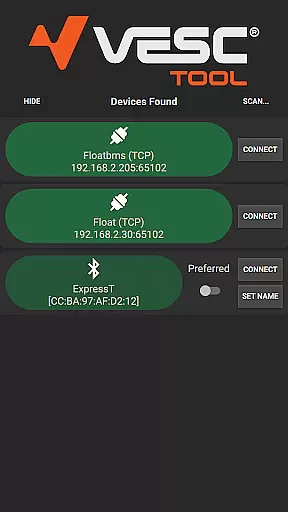
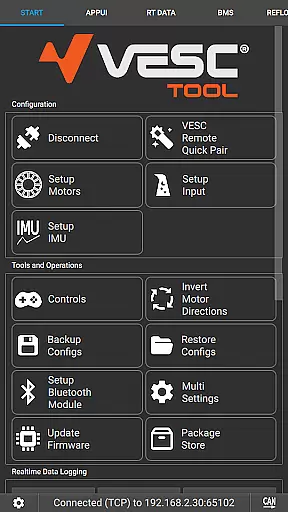
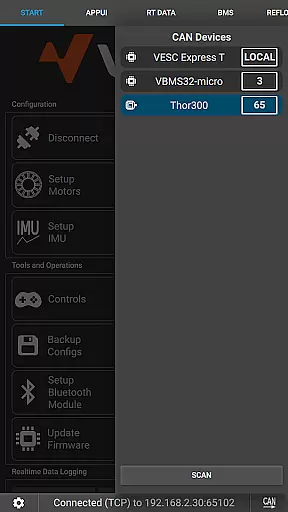
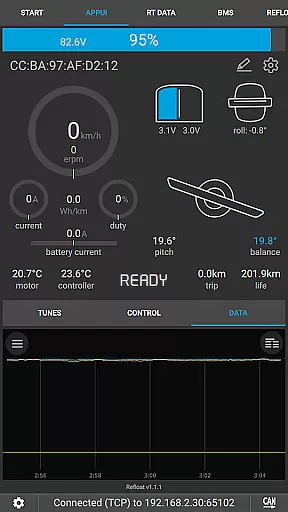
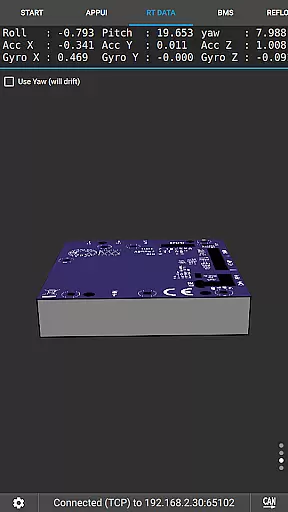
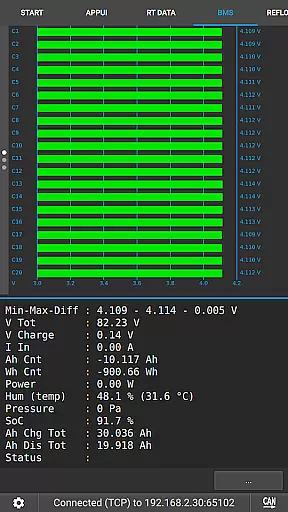
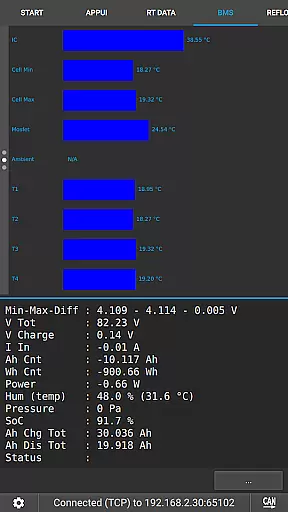
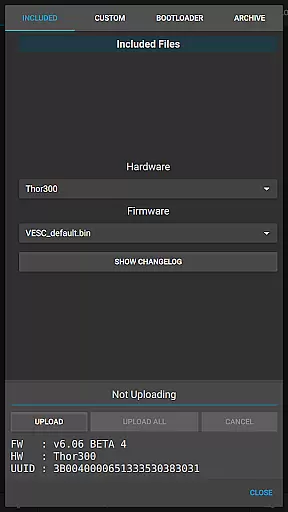
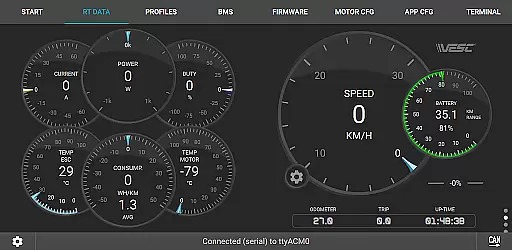
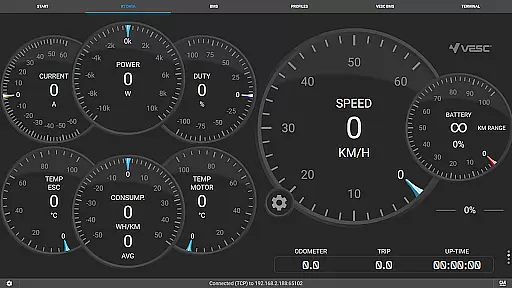
VESC Tool is a powerful mobile application designed for users who work with VESC-based hardware. This tool allows you to configure your hardware over BLE or WiFi, providing seamless connectivity and control. With the ability to stream live data, update firmware, and log important information, it serves as an all-in-one solution for managing your VESC devices.
Whether you are a hobbyist or a professional, VESC Tool offers a comprehensive suite of features that cater to various needs. The app supports Original VESC hardware, ensuring compatibility and reliability. By visiting the official website, users can access detailed documentation and purchase compatible modules from VESC Labs, enhancing their experience with this versatile tool.
One of the standout features of VESC Tool is its ability to connect over BLE or WiFi, which requires a compatible module based on ESP32C3 or NRF52 chipsets. This connectivity allows users to configure their VESC hardware effortlessly, making adjustments on-the-fly without the need for physical access to the device.
In addition to configuration, VESC Tool provides advanced functionalities such as live data streaming, firmware updates, and data logging. These features ensure that users can monitor performance, maintain their devices with the latest software, and keep records of usage patterns. Such capabilities make it an indispensable tool for anyone working with electric vehicles or robotics projects.
VESC Tool is designed to provide precise control and configuration of VESC-based hardware, ensuring that users can effectively manage their devices. The app supports both BLE and WiFi connections, enabling seamless interaction with the hardware to configure settings, stream live data, and update firmware. This level of connectivity ensures that all operations are executed accurately, providing reliable performance for advanced users and hobbyists alike.
The application's ability to log data and perform firmware updates enhances its functionality by allowing users to maintain their hardware efficiently. With options to connect over BLE or WiFi, users have the flexibility to choose the most convenient method for their setup. This dual connectivity approach not only broadens the scope of use but also increases the reliability of data transmission and configuration tasks.
For enthusiasts and professionals, the precision offered by VESC Tool in configuring hardware parameters is invaluable. It empowers users to fine-tune their devices according to specific requirements, thus optimizing performance. Whether it's adjusting motor parameters or monitoring real-time data streams, the app provides the tools necessary for effective hardware management.
The interface of VESC Tool is crafted to ensure ease of use without compromising on advanced features. Despite the technical nature of the tasks it performs, the app maintains a user-friendly design that simplifies navigation and operation. Key functionalities such as configuration, firmware updates, and live data streaming are easily accessible, making the app suitable for both beginners and experienced users.
By organizing features into intuitive menus and providing clear instructions, VESC Tool reduces the learning curve associated with configuring complex hardware. Users can quickly locate the functions they need, whether it's setting up a new connection or accessing detailed logs. This straightforward layout enhances productivity by minimizing the time spent on figuring out how to execute specific tasks.
Moreover, the app's design emphasizes clarity and accessibility, ensuring that users can make the most of its capabilities regardless of their technical background. With an emphasis on intuitive controls and streamlined workflows, VESC Tool delivers a hassle-free experience that encourages exploration and efficient hardware management.
User-friendly interface
Comprehensive feature set
Reliable connectivity options
Active developer support
Wide hardware compatibility
Requires compatible module
Limited to VESC hardware
No offline functionality
Advanced features may overwhelm beginners
Dependent on third-party modules

Easily install aab(Android App Bundle) files on your Android device with our app
 4.80
4.80
Quickly switch to an encrypted DNS server on Android TV
4.50
Just one-tap to easy translate in any language after calls within seconds.
4.20
Extremely fast, secure, and protects your privacy
4.80
PDF Reader - Document Viewer: Read, Manage & Organize Your Documents
3.10
Head tracking for PC sim games such as MSFS 2024 or Elite:Dangerous. No headset!
4.50
Signal Strength, Mobile, Wifi, Speed Test, Bad Signals, Cellular, 5G, LTE, 4G
4.20
PC precision for mobile gaming: dominate with keyboard and mouse!
4.30
Your personal health butler
3.60
Support Fossify apps with a warm thank you!
5.00
Remote Play with FSR upscaling, low latency & full controller support
4.80
The one-and-only remote control for PC, Mac, and Linux
4.70
Protect your device with antivirus, storage cleanup, and system monitoring
4.70
Game Booster, GFX Tool is now compatible with newer game update
4.50
Pro Emulator is an easy to use game console emulator for a range of consoles.
4.40
Fluid navigation gestures for all of us!
4.30
pdf merge, word to pdf, jpg to pdf, edit pdf, convert to pdf and much more!
4.20
Remote for Roku, Fire TV, Samsung TV, LG TV, Android TV, Chromecast and VIZIO TV
4.20
Safely recover deleted photos, videos, and files with a single easy tap.
3.70


User Reviews