
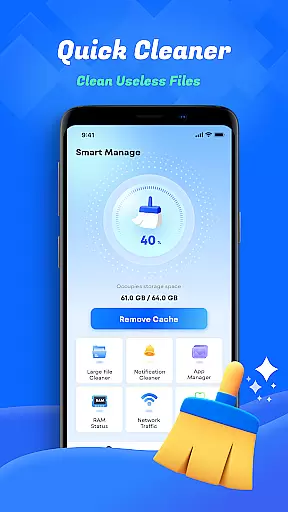
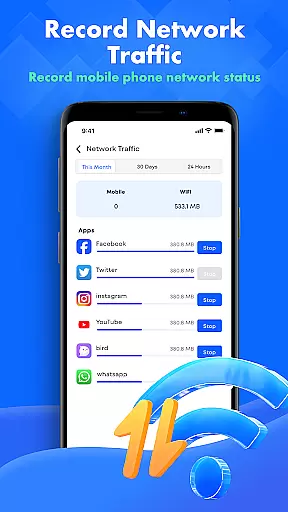
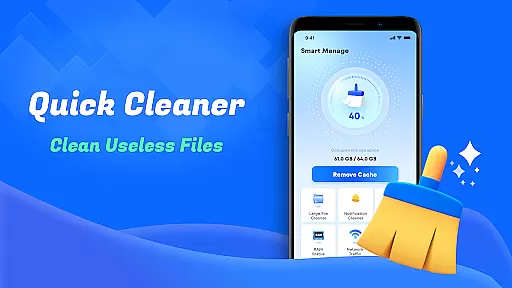
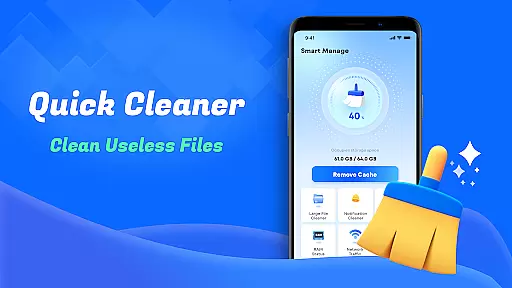
Smart Cleaner is a comprehensive phone cleaning tool designed to optimize device performance through efficient file management. The app specializes in removing unnecessary files, managing large files, and organizing media content with minimal user effort.
Key features include junk file cleanup, large file management, duplicate photo detection, and screenshot organization. These tools work together to free up valuable storage space and maintain optimal device performance. Whether you need to declutter your gallery or monitor network usage, Smart Cleaner provides an intuitive solution for all your device maintenance needs.
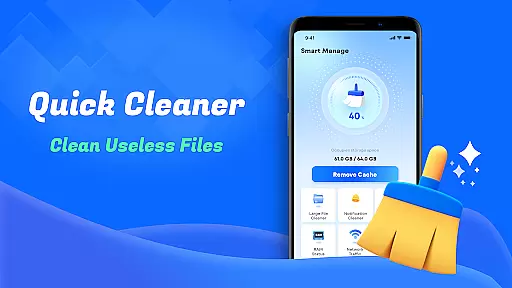
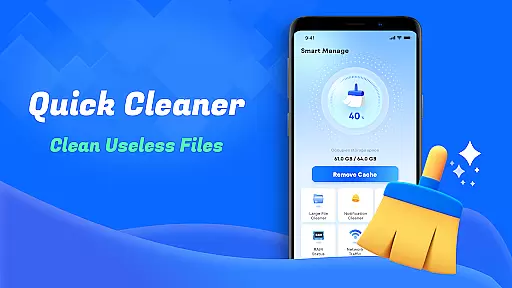
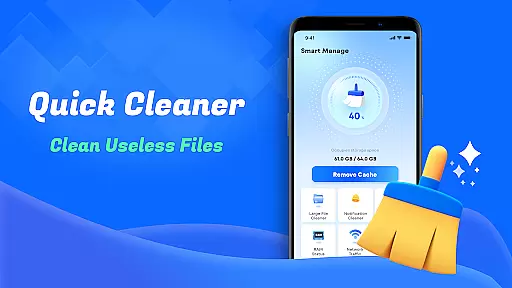
Smart Cleaner stands out with its diverse range of practical features tailored for device optimization. The app's unnecessary file cleanup function thoroughly scans and removes temporary and residual files that accumulate over time.
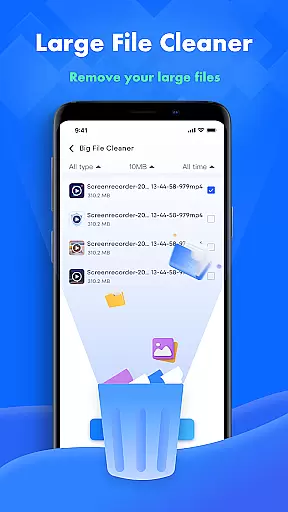
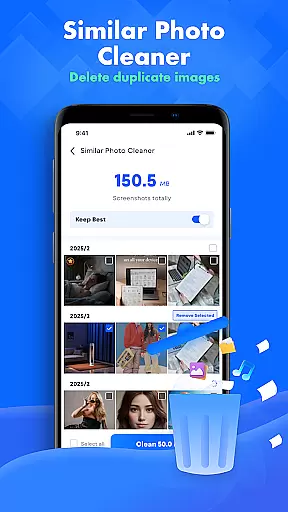
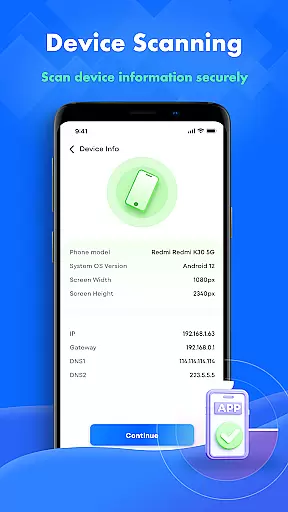
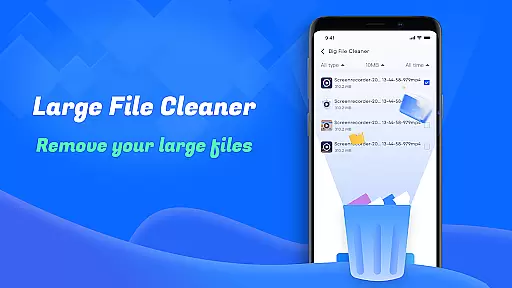
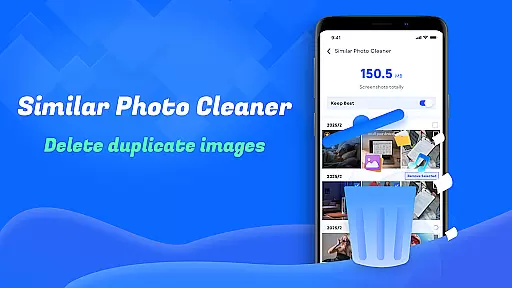
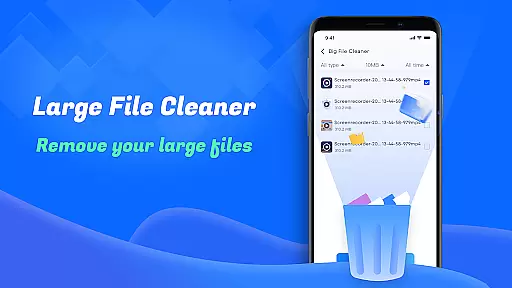
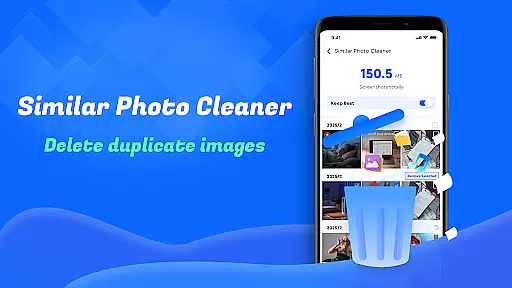
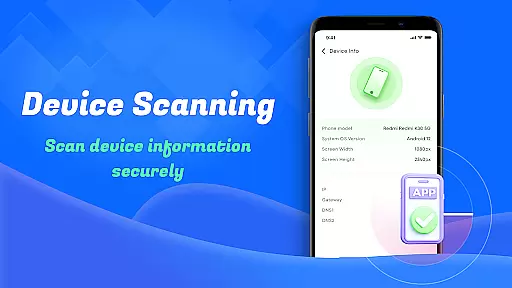
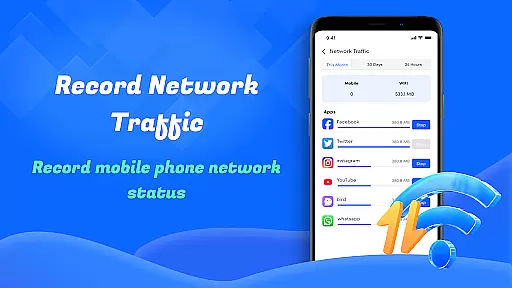
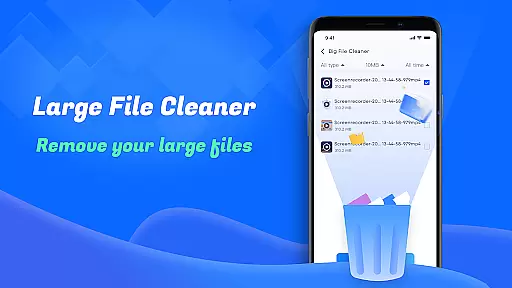
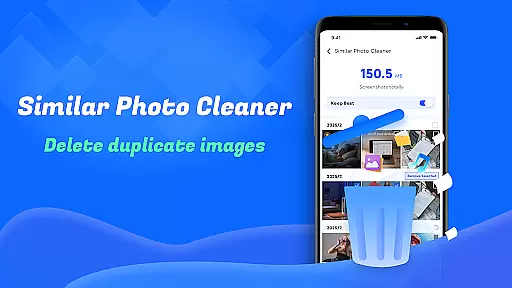
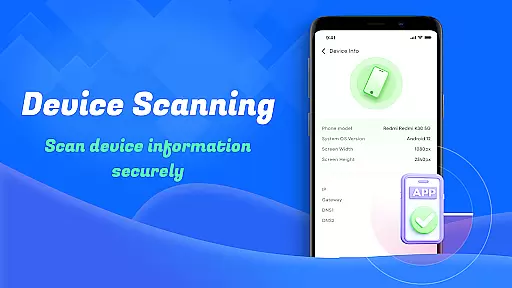
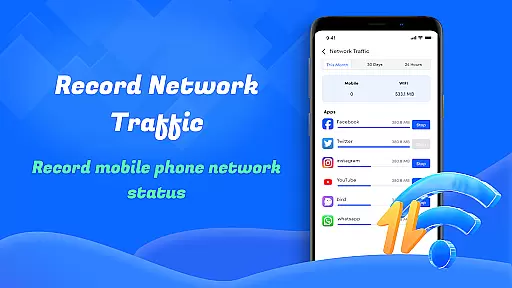
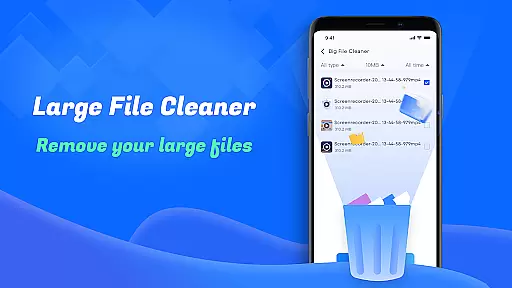
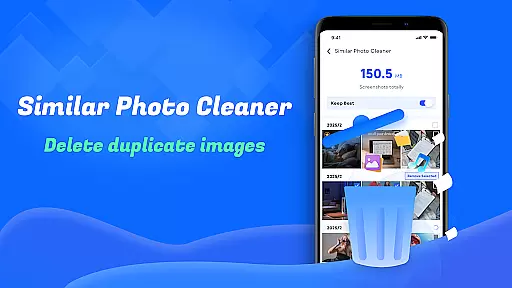
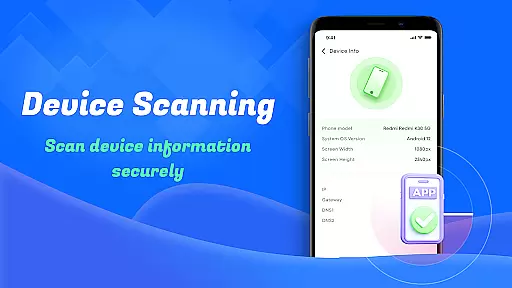
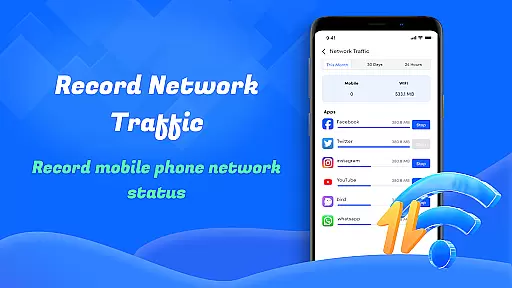
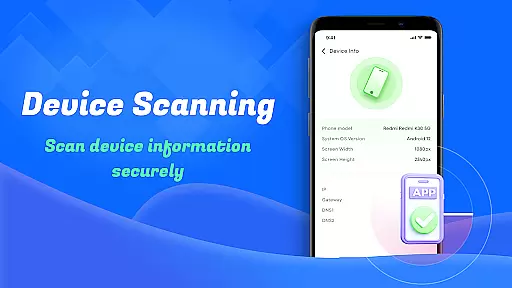
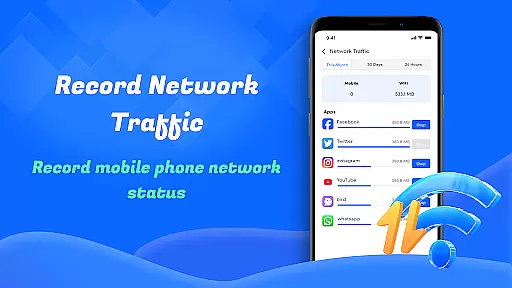
For users dealing with limited storage, the large file cleanup tool helps identify and remove sizable files. The similar photos feature uses advanced algorithms to detect duplicate images, while the screenshot cleanup tool organizes and removes redundant screenshots. Additionally, the app provides detailed device information and network usage statistics, giving users complete control over their device's health and data consumption.
Smart Cleaner stands out for its precision in identifying and removing unnecessary files from your device. The app employs advanced algorithms to scan your storage thoroughly, ensuring that only the redundant files are targeted while safeguarding important data.
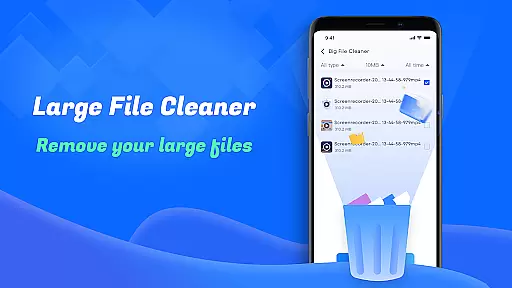
The Large File Cleanup feature is particularly effective, allowing users to pinpoint sizable files that may be occupying valuable space. By presenting these files clearly, Smart Cleaner empowers you to make informed decisions about which items to delete, thus optimizing your device's performance.
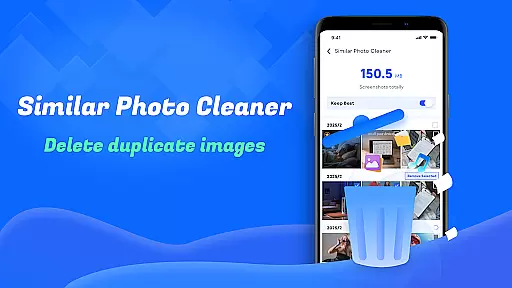
Additionally, the Similar Photos functionality uses intelligent recognition to detect duplicate images, helping maintain an organized gallery without manual effort. This level of automation not only saves time but also enhances user experience by simplifying file management tasks.
One of the key strengths of Smart Cleaner is its user-friendly interface, designed with simplicity at its core. Navigating through the app's features is straightforward, thanks to well-organized menus and clear options that cater to both tech-savvy individuals and those less familiar with digital tools.
The app provides a seamless experience with its intuitive controls, enabling users to initiate cleaning tasks with just one click. This ease of use ensures that anyone can efficiently manage their deviceu2019s storage without needing extensive technical knowledge or undergoing a steep learning curve.
Moreover, visual indicators and progress bars keep users informed about ongoing processes such as scanning and clearing tasks. These thoughtful design elements contribute significantly to making Smart Cleaner an accessible yet powerful tool for maintaining an optimized mobile environment.
User-friendly interface
Effective storage optimization
Comprehensive file management
Advanced duplicate detection
Detailed system analytics
Limited advanced features
Occasional scanning delays
Basic design aesthetics
In-app advertisements
Premium feature costs

Transfer Files, APK from Phone to Watch & Install.
 4.4
4.4
Unit and currency converter with easy and simple UI.
4.80
Fluid navigation gestures for all of us!
4.30
Enjoy smooth gameplay with Game Booster
4.90
View detailed information about your Nissan Leaf the dealer never shows you.
4.10
Quickly check the frequency of the Earth
4.30
Screen recorder with audio to record high-quality videos and take screenshots.
4.40
Enjoy a smooth mobile reading experience!
3.60
fast and easy mp3 music downloader
4.80
Easily install aab(Android App Bundle) files on your Android device with our app
4.80
Creation, Learning, Entertainment & More — The All-in-One AI Search Engine
4.70
Play your X-Box games remotely in 1080p with any controller and zero latency
4.60 4.50
4.50
eXtended Permission Manager - a small app to manage permissions and AppOps
4.50
Screen Mirroring for Roku Sticks, Roku TCL TV and Roku Hisense TV
4.50
Forza Tuning Calculator App for Forza Horizon 5, Motorsport and Earlier Titles
4.40
1-Click close all background apps on Android TV
3.90
Unleash gamepad precision for ultimate mobile gaming dominance.
3.90
A powerful, easy-to-use flight computer on your phone or tablet!
3.80


User Reviews