
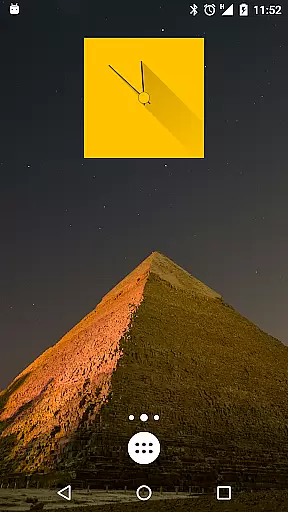
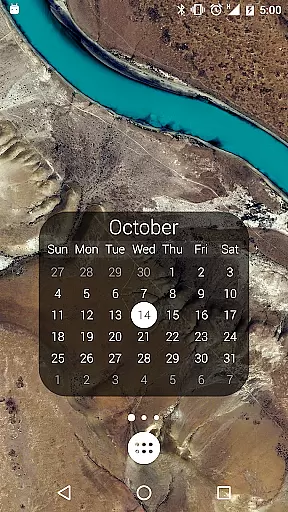
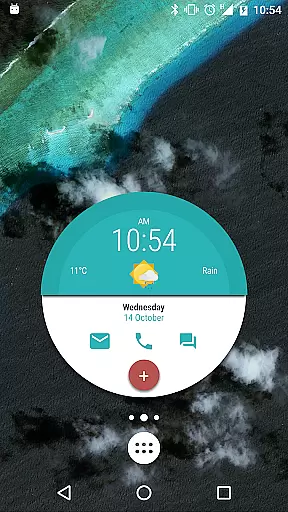
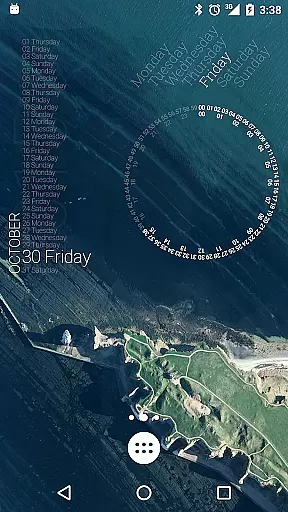
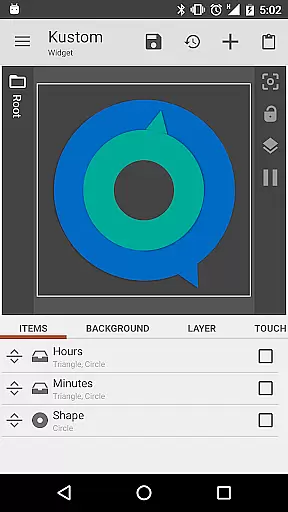
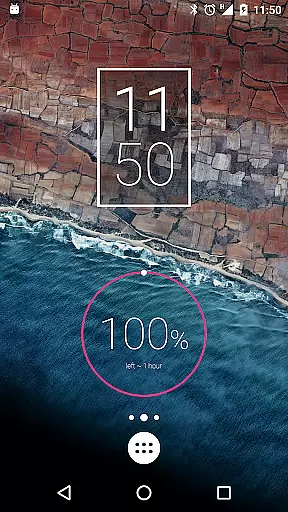
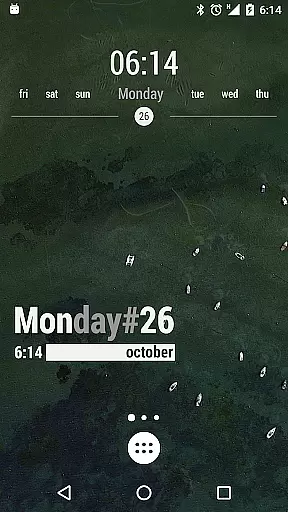
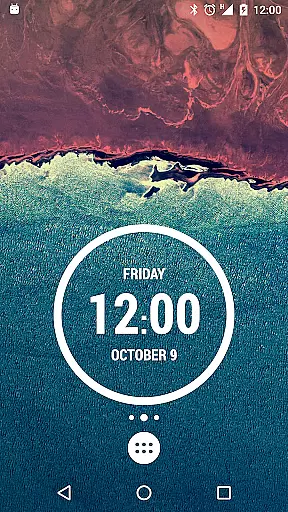
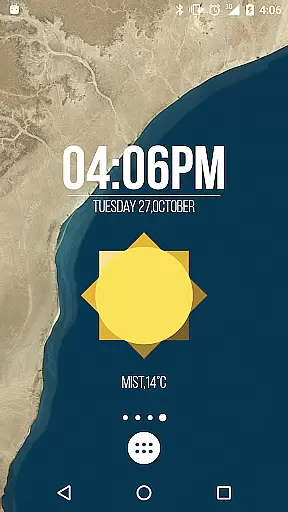
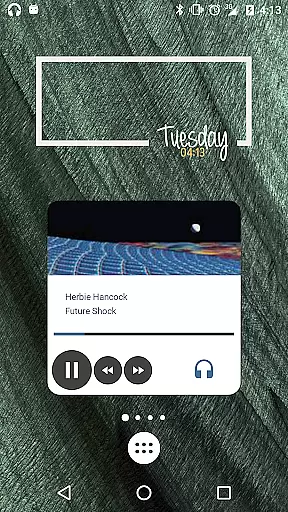
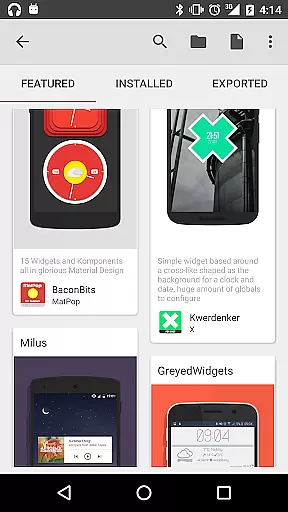
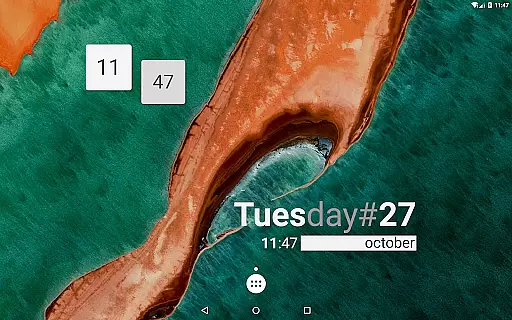
KWGT Kustom Widget Pro Key is a powerful tool designed to enhance the customization capabilities of the Kustom Widget app. This pro key unlocks advanced features that allow users to create unique and sophisticated widgets for their Android devices. With this key, you can remove ads, import skins from external sources, and access additional functionalities like Buzz Launcher support.
The application enables users to design custom digital and analog clocks, weather widgets, battery meters, and more. It offers a WYSIWYG editor, various shapes, text effects, and touch actions. KWGT supports complex programming options, dynamic content downloads, and integration with Google Fitness and Tasker. These features make it an essential tool for users seeking to personalize their device's appearance and functionality.
Whether you're looking to display live maps, music controls, or detailed system information, KWGT provides the tools necessary to bring your ideas to life. The ability to customize every aspect of your widgets ensures that your home screen remains both functional and visually appealing.
One of the standout features of KWGT Kustom Widget Pro Key is its extensive customization options. Users can choose from a variety of fonts, colors, sizes, and effects to create truly unique text displays. The app also supports different shapes such as ovals, rectangles, arcs, triangles, and hexagons, allowing for creative freedom in widget design.
In addition to basic customization, KWGT offers advanced features like 3D flip transformations, curved and skewed text, gradients, shadows, and color filters. Layers with overlay effects provide professional-grade image editing capabilities within the widget creation process. Touch actions and hotspots enable interactive elements on any object created.
Furthermore, KWGT integrates seamlessly with other services such as Google Fitness, Tasker, and dynamic HTTP content downloads. This integration allows users to display real-time data like weather updates, RSS feeds, and network information directly on their widgets. Overall, these features empower users to build highly personalized and functional interfaces tailored to their specific needs.
KWGT Kustom Widget Pro Key is designed to enhance the functionality of the Kustom Widget app, providing users with powerful tools for creating unique Android Launcher or Lockscreen widgets. The core functions are both accurate and effective, ensuring that users can create designs that display necessary data without compromising device performance.
This Pro Key unlocks advanced features such as ADS removal, import capabilities from SD cards and external skins, Buzz Launcher import support, and more. These features allow users to fully utilize KWGT's sophisticated design options, including custom fonts, shapes, 3D transformations, gradients, and touch actions on created objects.
With this Pro Key, users benefit from an enriched widget-building experience by accessing Zooper-like progress bars, layers with overlay effects similar to professional image editors, and dynamic content downloading via HTTP. This ensures a high level of customization and precision in displaying various types of data like weather, music player information, Google Fitness stats, and much more.
The true value lies in empowering users to transform their home screens into personalized interfaces that reflect their style while maintaining optimal device efficiency. By unlocking these premium features, KWGT positions itself as an indispensable tool for those seeking to customize their mobile experience with confidence and ease.
A streamlined interface is crucial for user satisfaction, especially when dealing with complex customization options. KWGT Kustom Widget Pro Key simplifies this process by integrating seamlessly with the Kustom Widget app, offering an intuitive WYSIWYG editor that makes designing widgets straightforward and enjoyable.
Upon purchasing the Pro Key, users gain access to pre-made skins and components which serve as excellent starting points for beginners. The editor supports drag-and-drop functionality, live previews, and easy-to-navigate menus, making it simple even for novices to craft stunning digital or analog clocks, weather widgets, battery meters, and other personalized elements.
Advanced users will appreciate the depth of control over every aspect of widget creationu2014from text effects using custom fonts and colors to layering with professional-grade overlay effects. Despite its complexity, KWGT maintains an accessible learning curve thanks to well-organized settings panels and contextual help tips throughout the design process.
Ultimately, KWGT's commitment to interface simplicity ensures that whether you're looking to make minor aesthetic tweaks or develop intricate interactive widgets, your journey through customization remains smooth and frustration-free. This thoughtful design approach not only enhances usability but also encourages creativity among its diverse user base.
Extensive customization
Advanced layer effects
Interactive touch actions
Wide range of supported data
Professional-grade tools
Requires separate app
Complex for beginners
Costs money
Limited free resources
High learning curve

HD Camera captures every special moment.
 4.60
4.60
Fluid navigation gestures for all of us!
4.30
Keep track of your Palia friendships, tasks, and inventory with Palia Notebook
4.60
card-reader app
2.20
The Ultimate Bluetooth Keyboard & Mouse. Securely control your PC, Mac, and more
4.50
Fast Video Downloader, Movie Downloader, Torrent Downloader & Adblock Browser
4.70
Screen Mirroring for Roku Sticks, Roku TCL TV and Roku Hisense TV
4.50
Automate everything from settings to photos, SMS to speech. ADC2 prize winner.
4.10
Protect your device with antivirus, storage cleanup, and system monitoring
4.70
Connect wirelessly to your computer to watch movies, browse the web, play games
5.00
Best leveling tool for your Android device. Hang paintings like a pro.
4.90
ADB support Android 4.X-Android 13(Support wireless pair mode).No root required!
4.70
Small and simple app to Verify Root Access and BusyBox Install!
4.70 4.50
4.50
Just swipe the edge to do something!
4.40
Screen Mirroring with sound for Samsung TV, LG TV, Sony TV, Smart TV and Browser
4.20
A convenient photo, video, and file recovery tool.
4.00
Smart and comfortable browsing experience.
3.80
A non-root local ADB shell client. READ BELOW!
3.40


User Reviews